> ## Documentation Index
> Fetch the complete documentation index at: https://notes.kodekloud.com/llms.txt
> Use this file to discover all available pages before exploring further.
# CFN init Overview
> Explains how to use CloudFormation init to bootstrap and manage EC2 instances, including cfn-init, cfn-signal, cfn-hup, metadata sections, and practical examples
Welcome — this lesson explains CloudFormation init (commonly called cfn-init) and how to use it to bootstrap and manage EC2 instances from CloudFormation templates.
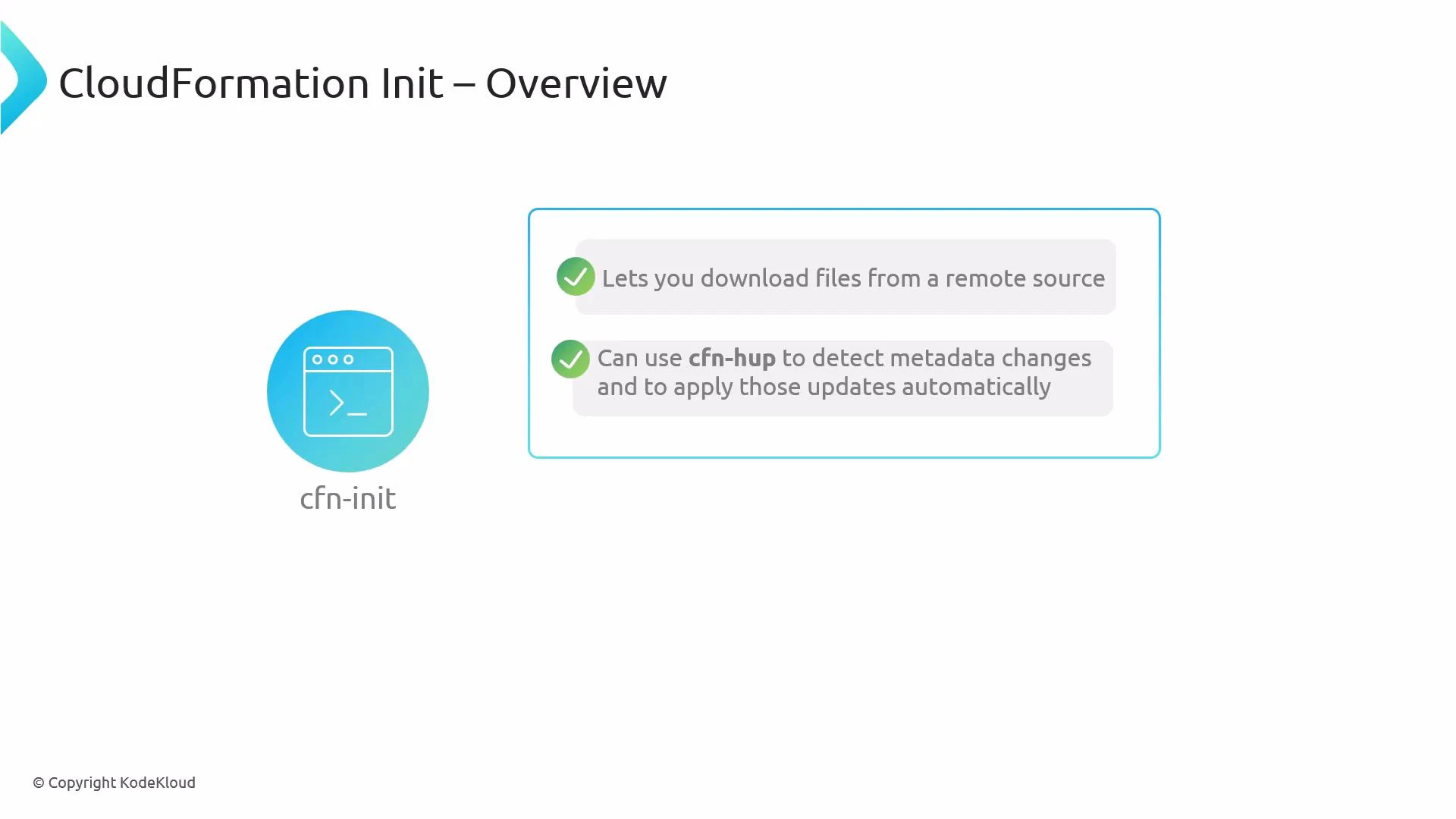
cfn-init is a helper script that runs on an EC2 instance during stack creation or updates. It reads the AWS::CloudFormation::Init metadata embedded in your CloudFormation template and performs instance-level configuration tasks such as installing packages, creating files, extracting application sources (from S3 or Git), executing commands, and starting or enabling services. You can optionally pair it with cfn-signal to notify CloudFormation about initialization status and with cfn-hup to detect and apply metadata changes automatically.
 Typical flow when using cfn-init in a stack:
| Step | Action | Notes |
| ---- | ---------------------------------------------------------- | ------------------------------------------------------------------------------------------------------------------------- |
| 1 | Launch an EC2 instance with an instance profile | Ensure the instance profile grants permissions for any remote resources (for example S3 access if you download artifacts) |
| 2 | Add AWS::CloudFormation::Init metadata to the EC2 resource | Define packages, files, sources, commands, and services in the template metadata |
| 3 | Invoke cfn-init from the instance (commonly via UserData) | cfn-init reads the metadata and executes the configured actions |
| 4 | Optionally run cfn-signal to notify CloudFormation | Signal success or failure so CloudFormation can proceed or rollback |
| 5 | Optionally install cfn-hup to detect metadata changes | cfn-hup polls CloudFormation and can re-run cfn-init or hooks to apply updates |
Ensure the EC2 instance has the CloudFormation helper scripts installed (aws-cfn-bootstrap), and that its instance profile allows access to any remote resources you reference (for example, S3) as well as CloudFormation APIs if you use cfn-hup.
Key AWS::CloudFormation::Init sections
| Section | Purpose | Example usage |
| -------- | ------------------------------------------------------------ | ----------------------------------------------- |
| packages | Install OS packages via package managers (yum, apt, etc.) | Install httpd, nginx, jq |
| files | Create files with content, modes, and ownership | Write /etc/myapp/config.json |
| sources | Download and extract archives from S3 or remote URLs | Extract myapp.zip to /opt/myapp |
| commands | Run commands during initialization, ordered by key | Run database migrations or one-time setup |
| services | Manage services (systemd, sysvinit) and ensure running state | Enable and start httpd with ensureRunning: true |
Example AWS::CloudFormation::Init metadata (YAML)
```yaml theme={null}
Metadata:
AWS::CloudFormation::Init:
config:
packages:
yum:
httpd: []
files:
/var/www/html/index.html:
content: "
Typical flow when using cfn-init in a stack:
| Step | Action | Notes |
| ---- | ---------------------------------------------------------- | ------------------------------------------------------------------------------------------------------------------------- |
| 1 | Launch an EC2 instance with an instance profile | Ensure the instance profile grants permissions for any remote resources (for example S3 access if you download artifacts) |
| 2 | Add AWS::CloudFormation::Init metadata to the EC2 resource | Define packages, files, sources, commands, and services in the template metadata |
| 3 | Invoke cfn-init from the instance (commonly via UserData) | cfn-init reads the metadata and executes the configured actions |
| 4 | Optionally run cfn-signal to notify CloudFormation | Signal success or failure so CloudFormation can proceed or rollback |
| 5 | Optionally install cfn-hup to detect metadata changes | cfn-hup polls CloudFormation and can re-run cfn-init or hooks to apply updates |
Ensure the EC2 instance has the CloudFormation helper scripts installed (aws-cfn-bootstrap), and that its instance profile allows access to any remote resources you reference (for example, S3) as well as CloudFormation APIs if you use cfn-hup.
Key AWS::CloudFormation::Init sections
| Section | Purpose | Example usage |
| -------- | ------------------------------------------------------------ | ----------------------------------------------- |
| packages | Install OS packages via package managers (yum, apt, etc.) | Install httpd, nginx, jq |
| files | Create files with content, modes, and ownership | Write /etc/myapp/config.json |
| sources | Download and extract archives from S3 or remote URLs | Extract myapp.zip to /opt/myapp |
| commands | Run commands during initialization, ordered by key | Run database migrations or one-time setup |
| services | Manage services (systemd, sysvinit) and ensure running state | Enable and start httpd with ensureRunning: true |
Example AWS::CloudFormation::Init metadata (YAML)
```yaml theme={null}
Metadata:
AWS::CloudFormation::Init:
config:
packages:
yum:
httpd: []
files:
/var/www/html/index.html:
content: "Hello from cfn-init
"
mode: "000644"
owner: "root"
group: "root"
sources:
/opt/myapp: https://my-bucket.s3.amazonaws.com/myapp.zip
commands:
01_migrate:
command: "/opt/myapp/bin/migrate.sh"
services:
systemd:
httpd:
enabled: true
ensureRunning: true
```
Example UserData snippet that invokes cfn-init and then signals CloudFormation
```bash theme={null}
#!/bin/bash
# Ensure the helper scripts are present; then run cfn-init
/opt/aws/bin/cfn-init -v --stack --resource MyInstance --region
# Signal the stack that initialization finished (use return code from cfn-init)
/opt/aws/bin/cfn-signal -e $? --stack --resource MyInstance --region
```
Notes on cfn-hup
* cfn-hup is a daemon that polls CloudFormation for metadata changes. When it detects changes, it can invoke configured hooks to re-run cfn-init or other commands to apply updates.
* To use cfn-hup you must:
* Configure its .conf and .hooks files (these are often created by cfn-init).
* Ensure the instance role has permission to call CloudFormation APIs.
* cfn-hup is optional but useful when you want instances to pick up metadata changes without replacing or manually updating instances.
Summary
* cfn-init automates instance bootstrapping using AWS::CloudFormation::Init metadata in your CloudFormation template.
* Pair cfn-init with cfn-signal for lifecycle signaling and with cfn-hup for dynamic metadata updates.
* Verify helper scripts (aws-cfn-bootstrap) are installed on your AMI and that IAM permissions for S3 and CloudFormation are in place.
Links and References
* [AWS CloudFormation init (cfn-init)](https://docs.aws.amazon.com/AWSCloudFormation/latest/UserGuide/cfn-init.html)
* [cfn-hup daemon](https://docs.aws.amazon.com/AWSCloudFormation/latest/UserGuide/cfn-hup.html)
* [cfn-signal reference](https://docs.aws.amazon.com/AWSCloudFormation/latest/UserGuide/cfn-signal.html)
* [CloudFormation helper scripts (aws-cfn-bootstrap)](https://docs.aws.amazon.com/AWSCloudFormation/latest/UserGuide/cfn-helper-scripts-reference.html)
* [Amazon S3 Documentation](https://docs.aws.amazon.com/AmazonS3/latest/userguide/)
* [Amazon EC2 Documentation](https://docs.aws.amazon.com/AWSEC2/latest/UserGuide/)