> ## Documentation Index
> Fetch the complete documentation index at: https://notes.kodekloud.com/llms.txt
> Use this file to discover all available pages before exploring further.
# Cloud Service Models Overview
> Overview of IaaS, PaaS, SaaS and Infrastructure as Code that explains responsibility boundaries, typical workflows, and guidance for selecting and automating cloud deployments.
Welcome to the next lesson. This article gives a concise, search-friendly overview of common cloud service models and a related provisioning approach so you can quickly understand who manages which parts of the stack and how to plan deployment and automation.
Cloud service models describe the division of responsibility between you (the consumer) and the cloud provider. The most common models are:
* Infrastructure as a Service (IaaS)
* Platform as a Service (PaaS)
* Software as a Service (SaaS)
A complementary concept is Infrastructure as Code (IaC), a provisioning approach used to automate the creation and maintenance of cloud resources across these models. Below we define each model, show typical workflows, and provide guidance on when to choose each option.
## Infrastructure as a Service (IaaS)
IaaS offers foundational building blocks: virtual machines, block and object storage, and virtual networking. With IaaS you manage the operating system, middleware, runtime, application, and configuration. The provider manages the physical hardware, hypervisors/virtualization, and basic networking.
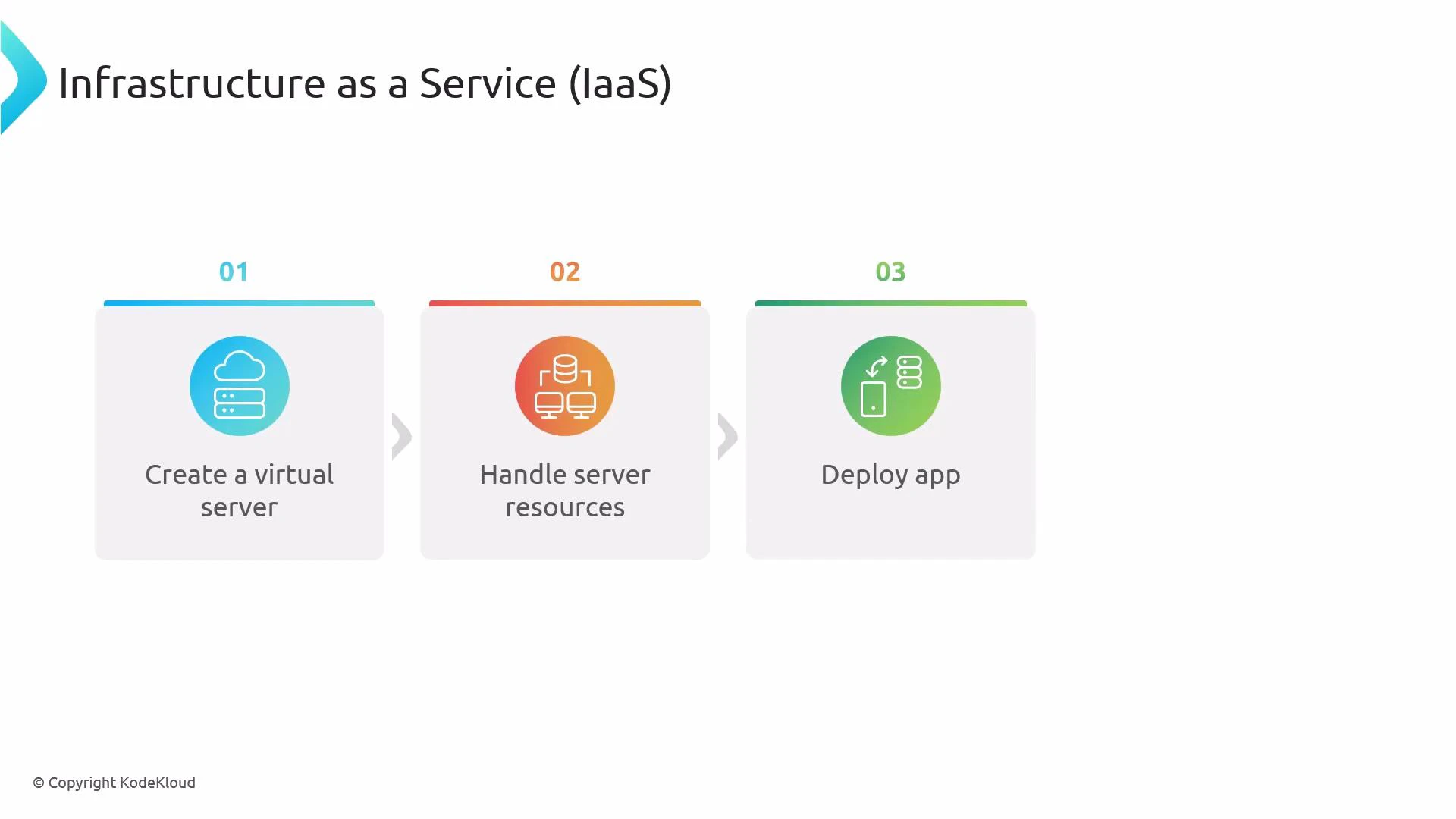
Typical workflow:
1. Create a virtual server (VM).
2. Configure and manage server resources (OS updates, middleware, runtime).
3. Deploy your application and expose it to users.
 In short, IaaS gives you maximum control and flexibility at the cost of greater operational responsibility for managing and securing the software stack.
When to choose IaaS:
* You need custom OS configurations or specialized runtimes.
* You require maximum control over networking, security, or performance tuning.
* You are migrating lift-and-shift workloads to the cloud.
## Platform as a Service (PaaS)
PaaS provides a preconfigured platform that abstracts servers and much of the OS/runtime management so you can focus on writing and deploying applications. The provider typically handles servers, OS patches, runtime updates, and many operational concerns like autoscaling and basic security configuration.
Typical workflow:
1. Package and deploy your application artifact (source, binary, or container).
2. The platform provisions runtime, scaling, and networking automatically.
3. The application becomes accessible to users with minimal infrastructure management.
PaaS is ideal when you want faster developer productivity and reduced operational overhead while still deploying custom applications.
When to choose PaaS:
* You want to focus on code and features instead of infrastructure.
* You need built-in scaling and managed runtimes.
* You prefer less day-to-day ops work but still require app-level control.
## Software as a Service (SaaS)
SaaS delivers fully managed applications over the internet. The provider operates the entire stack — hardware, platform, and the application itself — and users consume the software through a web UI or API. Examples include email platforms, CRMs, and office productivity suites.
Typical characteristics:
1. No infrastructure or platform management is required by the user.
2. Rapid onboarding with minimal operational overhead.
3. Limited control over internal application customization compared to PaaS or IaaS.
SaaS is best when you need a ready-to-use solution and don’t require deep customization of the underlying platform or infrastructure.
When to choose SaaS:
* You want minimal operational effort and quick time-to-value.
* Your needs are met by off-the-shelf features (e.g., email, CRM).
* You do not require control over the application internals.
## Infrastructure as Code (IaC)
IaC is a provisioning practice (not a service model) that lets you define cloud infrastructure using code — declarative or imperative — instead of manual clicks in a console. IaC brings repeatability, version control, and automation to environment provisioning and configuration.
Common IaC use cases:
* Provisioning VMs, networks, and storage in IaaS.
* Automating platform setup, configuration, and deployment in PaaS.
* Orchestrating SaaS tenant setup or configuration when APIs are available.
Examples of IaC tools include [AWS CloudFormation](https://learn.kodekloud.com/user/courses/aws-cloud-formation) and [Terraform](https://learn.kodekloud.com/user/courses/terraform-basics-training-course). These tools let you describe resources in configuration files and apply those configurations to create and manage infrastructure consistently.
IaC complements IaaS, PaaS, and SaaS: use IaC to provision and manage IaaS resources (VMs, networks), to configure and deploy PaaS services and runtime environments, or to automate SaaS setup and tenant provisioning when the provider exposes APIs.
## Comparative summary
| Model | Who manages infrastructure | Who manages OS/runtime | Who manages application | Best for |
| ----- | ----------------------------------------------------------------------- | ----------------------------------- | -------------------------------------- | --------------------------------------------------- |
| IaaS | Provider manages hardware & virtualization; you manage everything above | You | You | Full control, custom environments, lift-and-shift |
| PaaS | Provider manages hardware, OS, and runtime | Provider | You (app-level) | Rapid development and scaling with less ops |
| SaaS | Provider manages entire stack | Provider | Provider | Off-the-shelf solutions, minimal ops |
| IaC | Tooling approach across models | N/A — used to manage configurations | N/A — used to provision apps/platforms | Automation, repeatability, versioned infrastructure |
Practical guidance:
* Use IaaS when you need full control over infrastructure and software.
* Use PaaS when you want to deploy custom applications without managing servers.
* Use SaaS when you only need application functionality and minimal ops.
* Use IaC to automate, version, and reproduce environments across any model.
## Links and references
* [Kubernetes Basics](https://kubernetes.io/docs/concepts/overview/what-is-kubernetes/) — concepts relevant when choosing between IaaS and PaaS for container workloads.
* [AWS CloudFormation](https://learn.kodekloud.com/user/courses/aws-cloud-formation) — example IaC service for AWS.
* [Terraform](https://learn.kodekloud.com/user/courses/terraform-basics-training-course) — popular multi-cloud IaC tool.
* [Kubernetes Documentation](https://kubernetes.io/docs/) — orchestration and platform-level patterns.
This lesson clarifies the roles of IaaS, PaaS, SaaS, and IaC and shows how they fit into typical cloud deployment and provisioning workflows.
In short, IaaS gives you maximum control and flexibility at the cost of greater operational responsibility for managing and securing the software stack.
When to choose IaaS:
* You need custom OS configurations or specialized runtimes.
* You require maximum control over networking, security, or performance tuning.
* You are migrating lift-and-shift workloads to the cloud.
## Platform as a Service (PaaS)
PaaS provides a preconfigured platform that abstracts servers and much of the OS/runtime management so you can focus on writing and deploying applications. The provider typically handles servers, OS patches, runtime updates, and many operational concerns like autoscaling and basic security configuration.
Typical workflow:
1. Package and deploy your application artifact (source, binary, or container).
2. The platform provisions runtime, scaling, and networking automatically.
3. The application becomes accessible to users with minimal infrastructure management.
PaaS is ideal when you want faster developer productivity and reduced operational overhead while still deploying custom applications.
When to choose PaaS:
* You want to focus on code and features instead of infrastructure.
* You need built-in scaling and managed runtimes.
* You prefer less day-to-day ops work but still require app-level control.
## Software as a Service (SaaS)
SaaS delivers fully managed applications over the internet. The provider operates the entire stack — hardware, platform, and the application itself — and users consume the software through a web UI or API. Examples include email platforms, CRMs, and office productivity suites.
Typical characteristics:
1. No infrastructure or platform management is required by the user.
2. Rapid onboarding with minimal operational overhead.
3. Limited control over internal application customization compared to PaaS or IaaS.
SaaS is best when you need a ready-to-use solution and don’t require deep customization of the underlying platform or infrastructure.
When to choose SaaS:
* You want minimal operational effort and quick time-to-value.
* Your needs are met by off-the-shelf features (e.g., email, CRM).
* You do not require control over the application internals.
## Infrastructure as Code (IaC)
IaC is a provisioning practice (not a service model) that lets you define cloud infrastructure using code — declarative or imperative — instead of manual clicks in a console. IaC brings repeatability, version control, and automation to environment provisioning and configuration.
Common IaC use cases:
* Provisioning VMs, networks, and storage in IaaS.
* Automating platform setup, configuration, and deployment in PaaS.
* Orchestrating SaaS tenant setup or configuration when APIs are available.
Examples of IaC tools include [AWS CloudFormation](https://learn.kodekloud.com/user/courses/aws-cloud-formation) and [Terraform](https://learn.kodekloud.com/user/courses/terraform-basics-training-course). These tools let you describe resources in configuration files and apply those configurations to create and manage infrastructure consistently.
IaC complements IaaS, PaaS, and SaaS: use IaC to provision and manage IaaS resources (VMs, networks), to configure and deploy PaaS services and runtime environments, or to automate SaaS setup and tenant provisioning when the provider exposes APIs.
## Comparative summary
| Model | Who manages infrastructure | Who manages OS/runtime | Who manages application | Best for |
| ----- | ----------------------------------------------------------------------- | ----------------------------------- | -------------------------------------- | --------------------------------------------------- |
| IaaS | Provider manages hardware & virtualization; you manage everything above | You | You | Full control, custom environments, lift-and-shift |
| PaaS | Provider manages hardware, OS, and runtime | Provider | You (app-level) | Rapid development and scaling with less ops |
| SaaS | Provider manages entire stack | Provider | Provider | Off-the-shelf solutions, minimal ops |
| IaC | Tooling approach across models | N/A — used to manage configurations | N/A — used to provision apps/platforms | Automation, repeatability, versioned infrastructure |
Practical guidance:
* Use IaaS when you need full control over infrastructure and software.
* Use PaaS when you want to deploy custom applications without managing servers.
* Use SaaS when you only need application functionality and minimal ops.
* Use IaC to automate, version, and reproduce environments across any model.
## Links and references
* [Kubernetes Basics](https://kubernetes.io/docs/concepts/overview/what-is-kubernetes/) — concepts relevant when choosing between IaaS and PaaS for container workloads.
* [AWS CloudFormation](https://learn.kodekloud.com/user/courses/aws-cloud-formation) — example IaC service for AWS.
* [Terraform](https://learn.kodekloud.com/user/courses/terraform-basics-training-course) — popular multi-cloud IaC tool.
* [Kubernetes Documentation](https://kubernetes.io/docs/) — orchestration and platform-level patterns.
This lesson clarifies the roles of IaaS, PaaS, SaaS, and IaC and shows how they fit into typical cloud deployment and provisioning workflows.