> ## Documentation Index
> Fetch the complete documentation index at: https://notes.kodekloud.com/llms.txt
> Use this file to discover all available pages before exploring further.
# Preventing Accidental Deletion of a stack
> Explains using AWS CloudFormation termination protection to prevent accidental stack deletion and best practices for IAM, automation, and auditing.
Protecting critical AWS CloudFormation stacks from accidental deletion is essential for production-grade infrastructure. Termination protection is a simple, effective safeguard that requires an explicit step to disable protection before a stack can be deleted. This reduces risk during bulk cleanup, shared account operations, or when multiple operators manage infrastructure.
Key benefits:
* Prevents accidental stack deletion until protection is explicitly turned off.
* Adds an approval-like step for destructive operations.
* Works across the Console, AWS CLI, and SDKs when applied at the stack level.
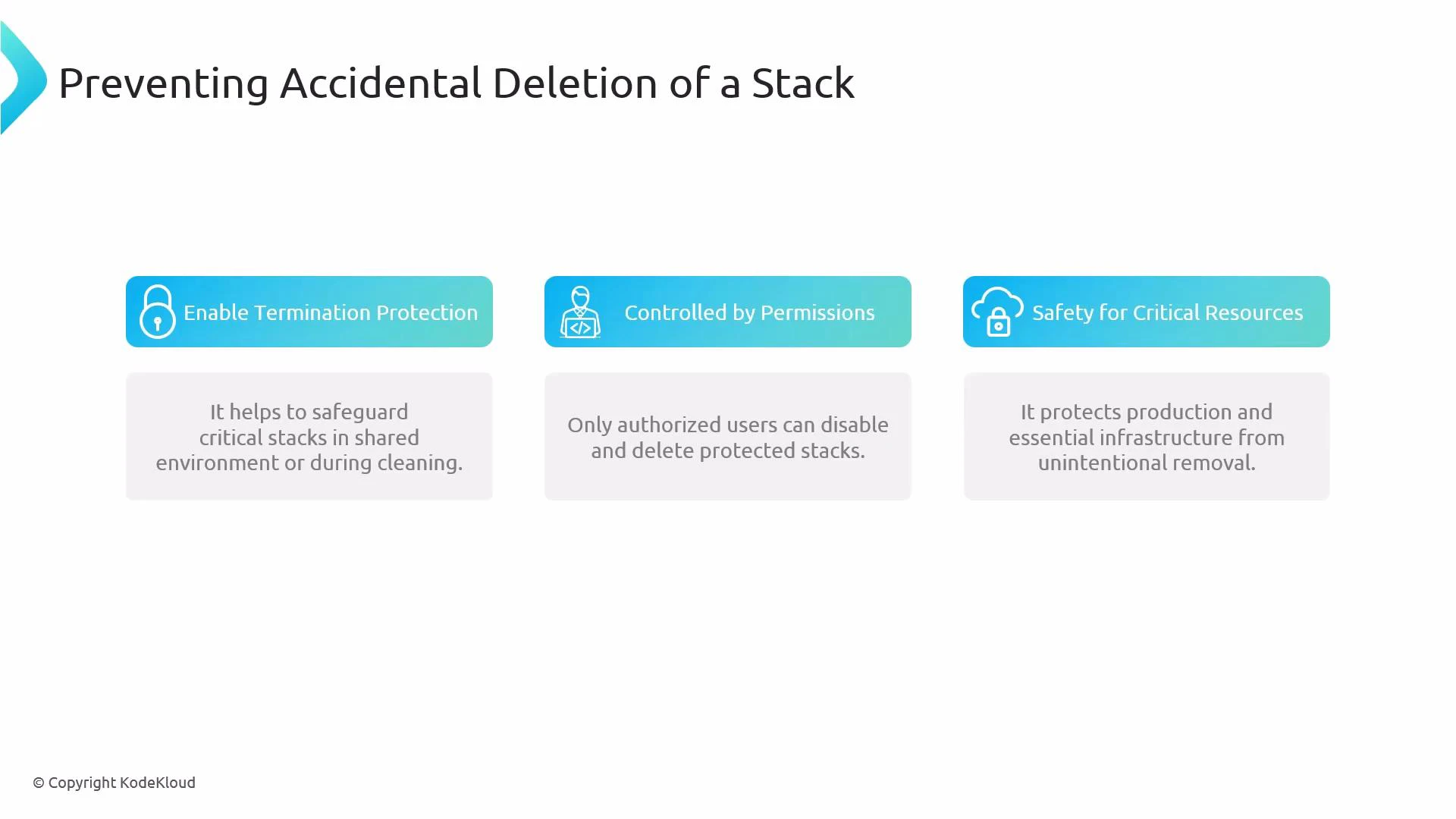 Why use termination protection?
* Adds a deliberate step before deletion, lowering the chance of accidental removal.
* Complements IAM policy controls: termination protection prevents deletion actions until it’s disabled, while IAM controls who can toggle that protection and who can call DeleteStack.
* Especially valuable for production stacks, shared accounts, and automated cleanup scripts.
Methods to enable/disable termination protection
| Method | Typical use case | Quick example |
| ------------------ | -------------------------------------- | ----------------------------------------------------------------- |
| Console | Manual, one-off protection changes | Use Stack actions → Protect stack / Change termination protection |
| AWS CLI | Scripting, automation, CI/CD pipelines | `aws cloudformation update-termination-protection ...` |
| SDK (boto3/Python) | Programmatic workflows, custom tooling | `cf.update_termination_protection(...)` |
How to enable termination protection
* Console (AWS Management Console)
1. Open the CloudFormation stack in the AWS Management Console.
2. Choose "Stack actions" → "Protect stack" or "Change termination protection".
3. Enable termination protection and confirm in the dialog shown.
* AWS CLI
To enable termination protection:
```bash theme={null}
aws cloudformation update-termination-protection --stack-name MyStack --enable-termination-protection
```
To disable termination protection:
```bash theme={null}
aws cloudformation update-termination-protection --stack-name MyStack --no-enable-termination-protection
```
Tip: Include `--region` or `--profile` as needed for scripts and CI/CD.
* boto3 (Python SDK)
```python theme={null}
import boto3
cf = boto3.client('cloudformation')
# Enable termination protection
cf.update_termination_protection(
StackName='MyStack',
EnableTerminationProtection=True
)
# Disable termination protection
cf.update_termination_protection(
StackName='MyStack',
EnableTerminationProtection=False
)
```
Termination protection is a stack-level safety net, not a substitute for fine-grained IAM. Restrict who can call UpdateTerminationProtection and DeleteStack through IAM to prevent unauthorized disabling of protection and deletion.
Important considerations and best practices
* Scope of protection: Termination protection only blocks stack deletion. It does not prevent updates to stack resources—use change controls, drift detection, and IAM restrictions to manage updates.
* IAM controls: Ensure only trusted principals have permission to call UpdateTerminationProtection and DeleteStack. Consider requiring multi-person approval workflows for disabling protection.
* Automation and CI/CD: When automating cleanup tasks, explicitly check for termination protection and fail gracefully or notify operators instead of attempting forced deletions.
* Auditing: Monitor CloudTrail for UpdateTerminationProtection and DeleteStack API calls to detect changes to protection state and deletion attempts.
Quick links and references
* [AWS CloudFormation Documentation](https://docs.aws.amazon.com/cloudformation/)
* [AWS CLI reference: update-termination-protection](https://docs.aws.amazon.com/cli/latest/reference/cloudformation/update-termination-protection.html)
* [boto3 CloudFormation client](https://boto3.amazonaws.com/v1/documentation/api/latest/reference/services/cloudformation.html)
By combining termination protection with strict IAM rules, auditing, and automated checks, you can significantly reduce the risk of accidental or unauthorized stack deletions while keeping stacks manageable for authorized operations.
Why use termination protection?
* Adds a deliberate step before deletion, lowering the chance of accidental removal.
* Complements IAM policy controls: termination protection prevents deletion actions until it’s disabled, while IAM controls who can toggle that protection and who can call DeleteStack.
* Especially valuable for production stacks, shared accounts, and automated cleanup scripts.
Methods to enable/disable termination protection
| Method | Typical use case | Quick example |
| ------------------ | -------------------------------------- | ----------------------------------------------------------------- |
| Console | Manual, one-off protection changes | Use Stack actions → Protect stack / Change termination protection |
| AWS CLI | Scripting, automation, CI/CD pipelines | `aws cloudformation update-termination-protection ...` |
| SDK (boto3/Python) | Programmatic workflows, custom tooling | `cf.update_termination_protection(...)` |
How to enable termination protection
* Console (AWS Management Console)
1. Open the CloudFormation stack in the AWS Management Console.
2. Choose "Stack actions" → "Protect stack" or "Change termination protection".
3. Enable termination protection and confirm in the dialog shown.
* AWS CLI
To enable termination protection:
```bash theme={null}
aws cloudformation update-termination-protection --stack-name MyStack --enable-termination-protection
```
To disable termination protection:
```bash theme={null}
aws cloudformation update-termination-protection --stack-name MyStack --no-enable-termination-protection
```
Tip: Include `--region` or `--profile` as needed for scripts and CI/CD.
* boto3 (Python SDK)
```python theme={null}
import boto3
cf = boto3.client('cloudformation')
# Enable termination protection
cf.update_termination_protection(
StackName='MyStack',
EnableTerminationProtection=True
)
# Disable termination protection
cf.update_termination_protection(
StackName='MyStack',
EnableTerminationProtection=False
)
```
Termination protection is a stack-level safety net, not a substitute for fine-grained IAM. Restrict who can call UpdateTerminationProtection and DeleteStack through IAM to prevent unauthorized disabling of protection and deletion.
Important considerations and best practices
* Scope of protection: Termination protection only blocks stack deletion. It does not prevent updates to stack resources—use change controls, drift detection, and IAM restrictions to manage updates.
* IAM controls: Ensure only trusted principals have permission to call UpdateTerminationProtection and DeleteStack. Consider requiring multi-person approval workflows for disabling protection.
* Automation and CI/CD: When automating cleanup tasks, explicitly check for termination protection and fail gracefully or notify operators instead of attempting forced deletions.
* Auditing: Monitor CloudTrail for UpdateTerminationProtection and DeleteStack API calls to detect changes to protection state and deletion attempts.
Quick links and references
* [AWS CloudFormation Documentation](https://docs.aws.amazon.com/cloudformation/)
* [AWS CLI reference: update-termination-protection](https://docs.aws.amazon.com/cli/latest/reference/cloudformation/update-termination-protection.html)
* [boto3 CloudFormation client](https://boto3.amazonaws.com/v1/documentation/api/latest/reference/services/cloudformation.html)
By combining termination protection with strict IAM rules, auditing, and automated checks, you can significantly reduce the risk of accidental or unauthorized stack deletions while keeping stacks manageable for authorized operations.