> ## Documentation Index
> Fetch the complete documentation index at: https://notes.kodekloud.com/llms.txt
> Use this file to discover all available pages before exploring further.
# Linting and Validating our Templates With CFN Lint
> How to lint and validate AWS CloudFormation templates using cfn-lint, including installation, usage examples, editor and CI integration, and best practices to catch errors before deployment
Hi everyone — this lesson covers linting and validating AWS CloudFormation templates using cfn-lint. Follow the steps below to catch errors early, enforce best practices, and integrate checks into your editor and CI/CD pipelines.
## What is linting?
* Linting scans code or templates for errors, bad practices, and formatting issues — think of it as a spell-checker for CloudFormation.
* It improves readability, enforces consistency, and reduces the chance of deployment-time failures.
## What is validation?
* Validation checks that a template follows AWS rules: correct structure, required fields, and correct value types.
* CloudFormation performs server-side validation when you upload a template, but that only happens at deployment time.
* Use local validation and linting (cfn-lint) to find issues earlier — before uploading or deploying.
## About cfn-lint
* cfn-lint is an AWS-supported linter for CloudFormation templates (YAML and JSON).
* It runs spec-driven checks against current AWS resource specifications and provides more extensive validation and best-practice rules than CloudFormation’s server-side checks.
* Project and docs: [https://github.com/aws-cloudformation/cfn-lint](https://github.com/aws-cloudformation/cfn-lint)
### Key advantages
| Advantage | What it helps with |
| ---------------------------: | ---------------------------------------------------------------------- |
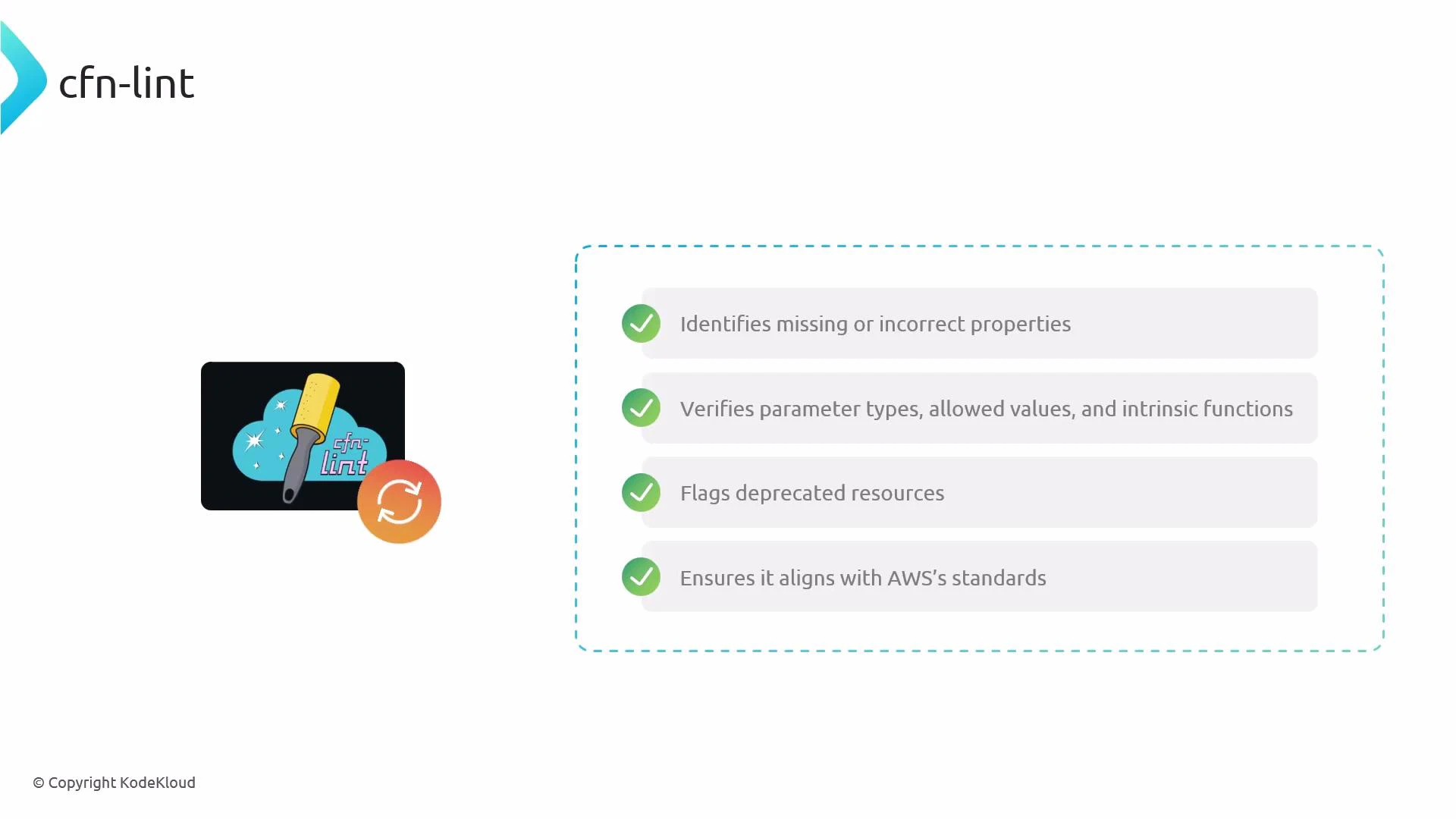
| Resource/property validation | Identifies missing or invalid properties for resource types |
| Parameter and value checks | Verifies parameter types, allowed values, and intrinsic function usage |
| Deprecation and spec checks | Flags deprecated resources and properties against current specs |
| Best-practice guidance | Enforces conventions and recommended patterns |
 ## Install cfn-lint
Recommended installation via pip:
```bash theme={null}
pip install cfn-lint
```
If your environment uses pip3:
```bash theme={null}
pip3 install cfn-lint
```
Confirm installation:
```bash theme={null}
cfn-lint --version
```
## Update AWS resource specifications
cfn-lint stores local copies of AWS resource specs. Update periodically to get the latest checks:
```bash theme={null}
cfn-lint --update-specs
```
## Basic usage examples
Lint individual files, directories, or multiple inputs:
| Action | Command |
| ------------------------------- | ------------------------------------------ |
| Lint a single template | `cfn-lint template.yml` |
| Lint a directory | `cfn-lint templates/` |
| Lint multiple files/directories | `cfn-lint file1.yml file2.json templates/` |
You can also customize rules via configuration files (.cfnlintrc) and ignore specific rule IDs when necessary.
## What to expect from cfn-lint output
* Output typically includes: filename, line/column (when available), severity (ERROR/WARN), and a descriptive message.
* Example scenarios: misspelled property names, invalid property values, wrong parameter types, deprecated resource usage.
Example: a simple template with a misspelled property
```yaml theme={null}
AWSTemplateFormatVersion: '2010-09-09'
Resources:
MyBucket:
Type: AWS::S3::Bucket
Properties:
BucketNamee: my-bucket # <-- misspelled property
```
Run:
```bash theme={null}
cfn-lint my-template.yml
```
Expected behavior:
* cfn-lint reports an error pointing to the misspelled property and explains that the property is not valid for AWS::S3::Bucket. The error includes file and line information to help you correct the template quickly.
## Integration tips (editors, pre-commit, CI)
* Visual Studio Code: install the "AWS CloudFormation Linter (cfn-lint)" extension for inline diagnostics while you edit templates.
* Pre-commit: add cfn-lint to pre-commit hooks so templates are validated before commits.
* CI/CD: run cfn-lint as an early pipeline stage to block invalid templates from progressing toward deployment.
* Local practice: run cfn-lint before attempting to deploy CloudFormation stacks to catch issues early.
Example .pre-commit-config.yaml snippet:
```yaml theme={null}
repos:
- repo: https://github.com/awslabs/cfn-python-lint
rev: v0.70.0 # use an appropriate, pinned version
hooks:
- id: cfn-lint
args: ['--ignore-checks', 'E3012'] # optional
```
Run cfn-lint regularly (locally, in editors, and in CI) to catch syntax, property, and best-practice issues before deploying templates to AWS.
## Validation vs. linting — a quick comparison
* CloudFormation server-side validation: ensures templates are syntactically valid and meet service constraints at deployment time.
* cfn-lint: augments that validation with local, spec-driven checks and best-practice rules so you can detect and fix issues before deployment.
## Next steps
* Install the VS Code extension and test cfn-lint on real templates.
* Add cfn-lint to your pre-commit configuration and CI pipelines.
* Explore customizing rules and creating project-specific ignore lists or rules configurations.
## Links and references
* cfn-lint (GitHub): [https://github.com/aws-cloudformation/cfn-lint](https://github.com/aws-cloudformation/cfn-lint)
* CloudFormation concepts: [https://docs.aws.amazon.com/AWSCloudFormation/latest/UserGuide/Welcome.html](https://docs.aws.amazon.com/AWSCloudFormation/latest/UserGuide/Welcome.html)
* VS Code extension: search for "AWS CloudFormation Linter" in the Visual Studio Marketplace
* Pre-commit framework: [https://pre-commit.com/](https://pre-commit.com/)
## Install cfn-lint
Recommended installation via pip:
```bash theme={null}
pip install cfn-lint
```
If your environment uses pip3:
```bash theme={null}
pip3 install cfn-lint
```
Confirm installation:
```bash theme={null}
cfn-lint --version
```
## Update AWS resource specifications
cfn-lint stores local copies of AWS resource specs. Update periodically to get the latest checks:
```bash theme={null}
cfn-lint --update-specs
```
## Basic usage examples
Lint individual files, directories, or multiple inputs:
| Action | Command |
| ------------------------------- | ------------------------------------------ |
| Lint a single template | `cfn-lint template.yml` |
| Lint a directory | `cfn-lint templates/` |
| Lint multiple files/directories | `cfn-lint file1.yml file2.json templates/` |
You can also customize rules via configuration files (.cfnlintrc) and ignore specific rule IDs when necessary.
## What to expect from cfn-lint output
* Output typically includes: filename, line/column (when available), severity (ERROR/WARN), and a descriptive message.
* Example scenarios: misspelled property names, invalid property values, wrong parameter types, deprecated resource usage.
Example: a simple template with a misspelled property
```yaml theme={null}
AWSTemplateFormatVersion: '2010-09-09'
Resources:
MyBucket:
Type: AWS::S3::Bucket
Properties:
BucketNamee: my-bucket # <-- misspelled property
```
Run:
```bash theme={null}
cfn-lint my-template.yml
```
Expected behavior:
* cfn-lint reports an error pointing to the misspelled property and explains that the property is not valid for AWS::S3::Bucket. The error includes file and line information to help you correct the template quickly.
## Integration tips (editors, pre-commit, CI)
* Visual Studio Code: install the "AWS CloudFormation Linter (cfn-lint)" extension for inline diagnostics while you edit templates.
* Pre-commit: add cfn-lint to pre-commit hooks so templates are validated before commits.
* CI/CD: run cfn-lint as an early pipeline stage to block invalid templates from progressing toward deployment.
* Local practice: run cfn-lint before attempting to deploy CloudFormation stacks to catch issues early.
Example .pre-commit-config.yaml snippet:
```yaml theme={null}
repos:
- repo: https://github.com/awslabs/cfn-python-lint
rev: v0.70.0 # use an appropriate, pinned version
hooks:
- id: cfn-lint
args: ['--ignore-checks', 'E3012'] # optional
```
Run cfn-lint regularly (locally, in editors, and in CI) to catch syntax, property, and best-practice issues before deploying templates to AWS.
## Validation vs. linting — a quick comparison
* CloudFormation server-side validation: ensures templates are syntactically valid and meet service constraints at deployment time.
* cfn-lint: augments that validation with local, spec-driven checks and best-practice rules so you can detect and fix issues before deployment.
## Next steps
* Install the VS Code extension and test cfn-lint on real templates.
* Add cfn-lint to your pre-commit configuration and CI pipelines.
* Explore customizing rules and creating project-specific ignore lists or rules configurations.
## Links and references
* cfn-lint (GitHub): [https://github.com/aws-cloudformation/cfn-lint](https://github.com/aws-cloudformation/cfn-lint)
* CloudFormation concepts: [https://docs.aws.amazon.com/AWSCloudFormation/latest/UserGuide/Welcome.html](https://docs.aws.amazon.com/AWSCloudFormation/latest/UserGuide/Welcome.html)
* VS Code extension: search for "AWS CloudFormation Linter" in the Visual Studio Marketplace
* Pre-commit framework: [https://pre-commit.com/](https://pre-commit.com/)