> ## Documentation Index
> Fetch the complete documentation index at: https://notes.kodekloud.com/llms.txt
> Use this file to discover all available pages before exploring further.
# AWS Infrastructure Composer Introduction
> Overview of AWS Infrastructure Composer, a visual drag-and-drop tool that generates deployable CloudFormation YAML or JSON templates for prototyping, learning, and collaboration.
Welcome to this focused lesson on AWS Infrastructure Composer. In this guide you'll learn how Composer simplifies building AWS CloudFormation templates with a visual, drag-and-drop editor that generates ready-to-deploy YAML or JSON templates.
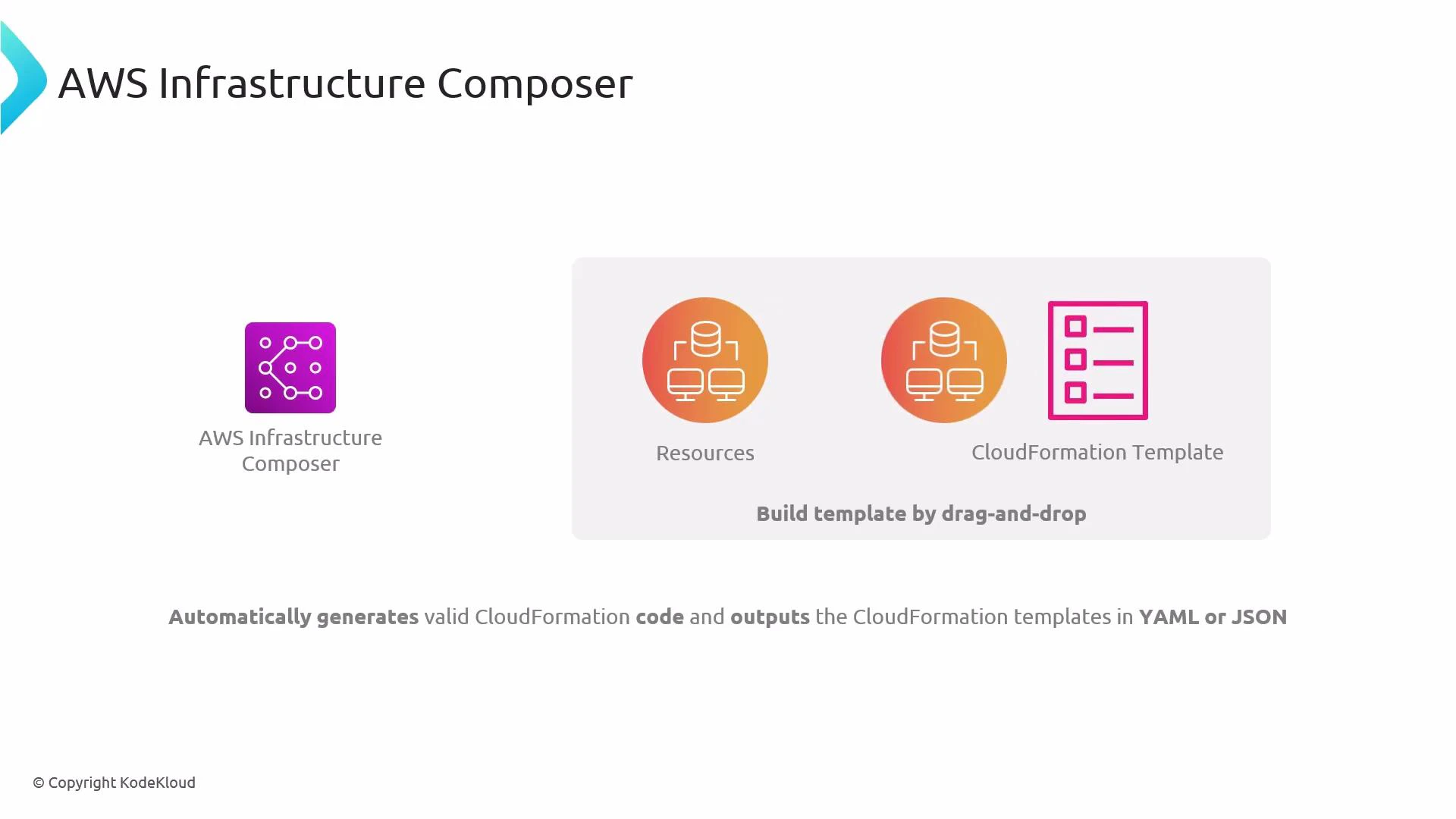 What Infrastructure Composer does:
* Lets you pick AWS resources from a palette and place them on a canvas.
* Automatically generates valid CloudFormation template code (YAML or JSON) as you design.
* Helps with rapid prototyping, architecture visualization, and teaching CloudFormation concepts.
Why use Infrastructure Composer
* Faster prototyping: visually assemble stacks without hand-writing every resource.
* Better collaboration: diagrams make architecture easier to explain to others.
* Learning aid: inspect the generated template to understand CloudFormation structure and properties.
AWS Infrastructure Composer is ideal for discovery, prototyping, and training. Treat it as a visual authoring layer on top of CloudFormation—useful for generating templates quickly, but still important to understand the underlying CloudFormation syntax before production use.
How this compares to the traditional CloudFormation workflow
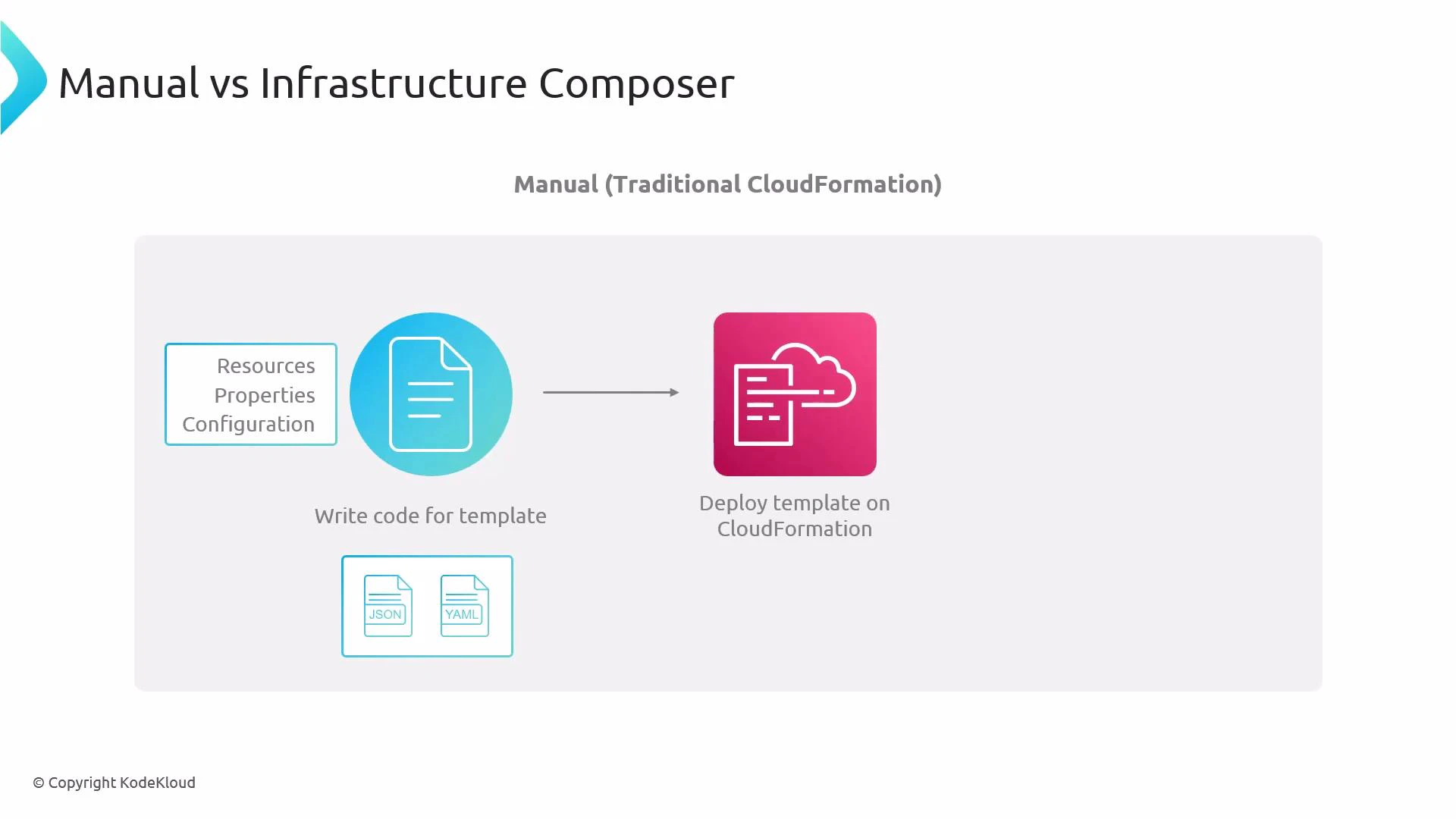
* Manual approach: author CloudFormation templates directly in YAML or JSON, specifying Resources, Properties, and configuration. Deploy the template to create or update a stack.
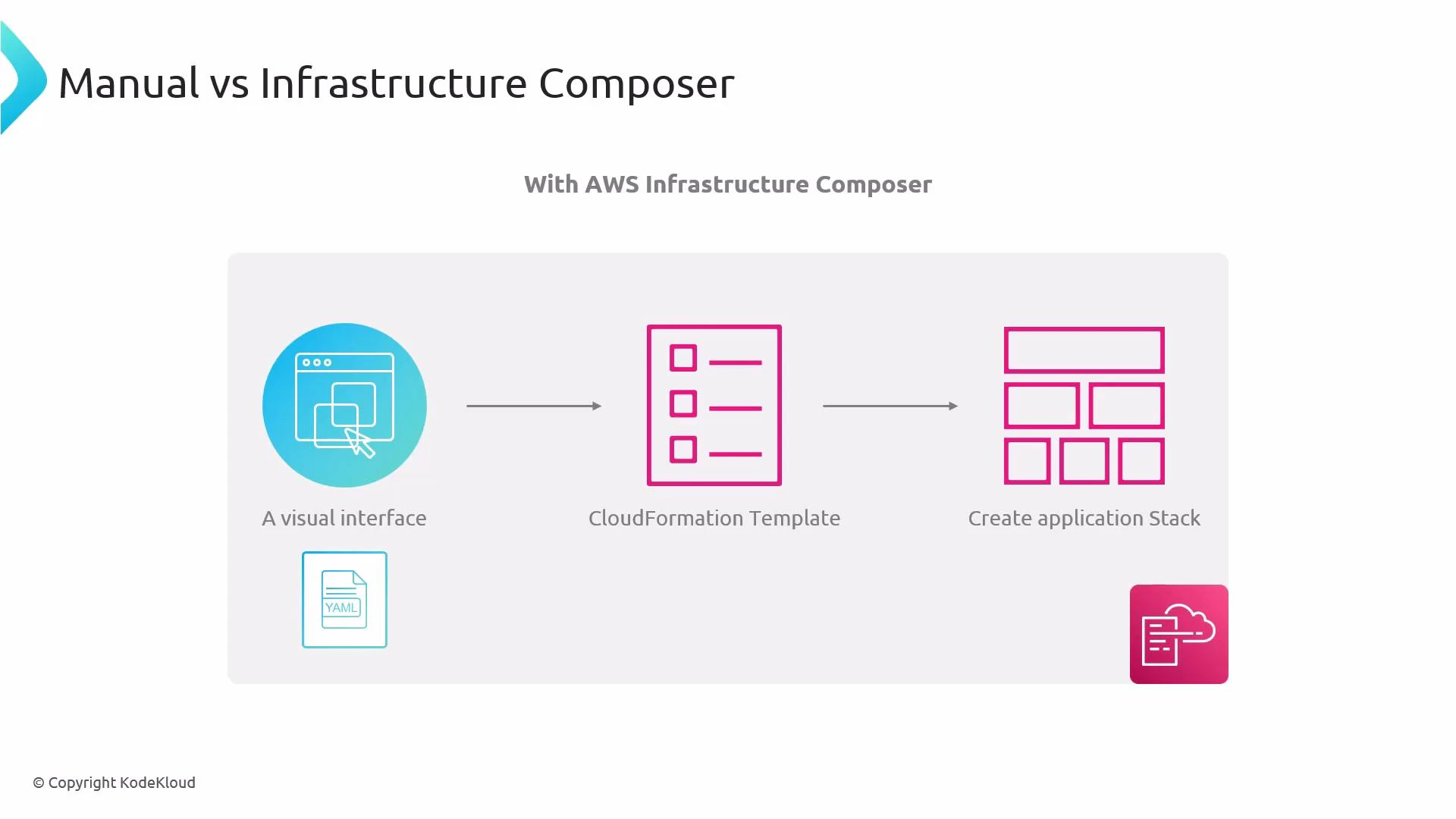
* Composer approach: visually assemble resources on a canvas; Composer translates the diagram to a standard CloudFormation template that CloudFormation can deploy.
What Infrastructure Composer does:
* Lets you pick AWS resources from a palette and place them on a canvas.
* Automatically generates valid CloudFormation template code (YAML or JSON) as you design.
* Helps with rapid prototyping, architecture visualization, and teaching CloudFormation concepts.
Why use Infrastructure Composer
* Faster prototyping: visually assemble stacks without hand-writing every resource.
* Better collaboration: diagrams make architecture easier to explain to others.
* Learning aid: inspect the generated template to understand CloudFormation structure and properties.
AWS Infrastructure Composer is ideal for discovery, prototyping, and training. Treat it as a visual authoring layer on top of CloudFormation—useful for generating templates quickly, but still important to understand the underlying CloudFormation syntax before production use.
How this compares to the traditional CloudFormation workflow
* Manual approach: author CloudFormation templates directly in YAML or JSON, specifying Resources, Properties, and configuration. Deploy the template to create or update a stack.
* Composer approach: visually assemble resources on a canvas; Composer translates the diagram to a standard CloudFormation template that CloudFormation can deploy.
 Quick feature comparison
| Aspect | Manual CloudFormation (YAML/JSON) | AWS Infrastructure Composer |
| --------------- | ------------------------------------------------: | ------------------------------------------------------ |
| Authoring style | Text-first (hand-written templates) | Visual drag-and-drop with optional YAML view |
| Best for | Production-grade templates, full control | Rapid prototyping, discovery, teaching |
| Output | YAML or JSON templates | Valid CloudFormation YAML/JSON generated automatically |
| Learning curve | Requires CloudFormation syntax knowledge | Easier introduction; inspect generated code to learn |
| Use cases | CI/CD, complex templates, advanced customizations | Architecture planning, proof-of-concept, demos |
Visual composer workflow overview:
* Use the visual interface to add resources (S3, EC2, RDS, etc.).
* Connect resources and set simple properties in the GUI.
* Composer generates the CloudFormation template behind the scenes (YAML/JSON).
* Export, inspect, or modify the generated template; then deploy via CloudFormation.
Quick feature comparison
| Aspect | Manual CloudFormation (YAML/JSON) | AWS Infrastructure Composer |
| --------------- | ------------------------------------------------: | ------------------------------------------------------ |
| Authoring style | Text-first (hand-written templates) | Visual drag-and-drop with optional YAML view |
| Best for | Production-grade templates, full control | Rapid prototyping, discovery, teaching |
| Output | YAML or JSON templates | Valid CloudFormation YAML/JSON generated automatically |
| Learning curve | Requires CloudFormation syntax knowledge | Easier introduction; inspect generated code to learn |
| Use cases | CI/CD, complex templates, advanced customizations | Architecture planning, proof-of-concept, demos |
Visual composer workflow overview:
* Use the visual interface to add resources (S3, EC2, RDS, etc.).
* Connect resources and set simple properties in the GUI.
* Composer generates the CloudFormation template behind the scenes (YAML/JSON).
* Export, inspect, or modify the generated template; then deploy via CloudFormation.
 Best practices and next steps
* Use Composer to prototype and learn, but validate and test templates before using in production.
* Inspect and, if needed, hand-edit the generated YAML/JSON to add advanced configuration not available in the visual editor.
* Integrate generated templates into your CI/CD pipeline once reviewed.
Links and references
* [AWS CloudFormation overview](https://aws.amazon.com/cloudformation/)
* [AWS Infrastructure Composer documentation](https://docs.aws.amazon.com/) (search for Infrastructure Composer in the AWS docs)
* [CloudFormation template anatomy](https://docs.aws.amazon.com/AWSCloudFormation/latest/UserGuide/template-anatomy.html)
Summary
AWS Infrastructure Composer accelerates prototyping and education by letting you assemble AWS resources visually while producing standard CloudFormation templates (YAML/JSON) you can inspect, customize, and deploy. Use it as a complementary tool to manual template authoring to speed up discovery and collaboration.
Best practices and next steps
* Use Composer to prototype and learn, but validate and test templates before using in production.
* Inspect and, if needed, hand-edit the generated YAML/JSON to add advanced configuration not available in the visual editor.
* Integrate generated templates into your CI/CD pipeline once reviewed.
Links and references
* [AWS CloudFormation overview](https://aws.amazon.com/cloudformation/)
* [AWS Infrastructure Composer documentation](https://docs.aws.amazon.com/) (search for Infrastructure Composer in the AWS docs)
* [CloudFormation template anatomy](https://docs.aws.amazon.com/AWSCloudFormation/latest/UserGuide/template-anatomy.html)
Summary
AWS Infrastructure Composer accelerates prototyping and education by letting you assemble AWS resources visually while producing standard CloudFormation templates (YAML/JSON) you can inspect, customize, and deploy. Use it as a complementary tool to manual template authoring to speed up discovery and collaboration.