> ## Documentation Index
> Fetch the complete documentation index at: https://notes.kodekloud.com/llms.txt
> Use this file to discover all available pages before exploring further.
# Intrinsic Functions Introduction
> Overview of AWS CloudFormation intrinsic functions, explaining short forms, purposes and examples for Ref, GetAtt, Join, Sub, If, Equals, and FindInMap
Welcome — this lesson explains intrinsic functions in [AWS CloudFormation](https://learn.kodekloud.com/user/courses/aws-cloud-formation) and shows common usage patterns and concise examples. Intrinsic functions let you compute or inject values into your template at deployment time, avoiding hard-coded properties and enabling reusable templates.
In YAML templates, most intrinsic functions use a short form that begins with an exclamation mark (for example, `!Ref`). In JSON templates the same functions are available with the `Fn::` or long form (for example, `"Ref": "MyParam"`).
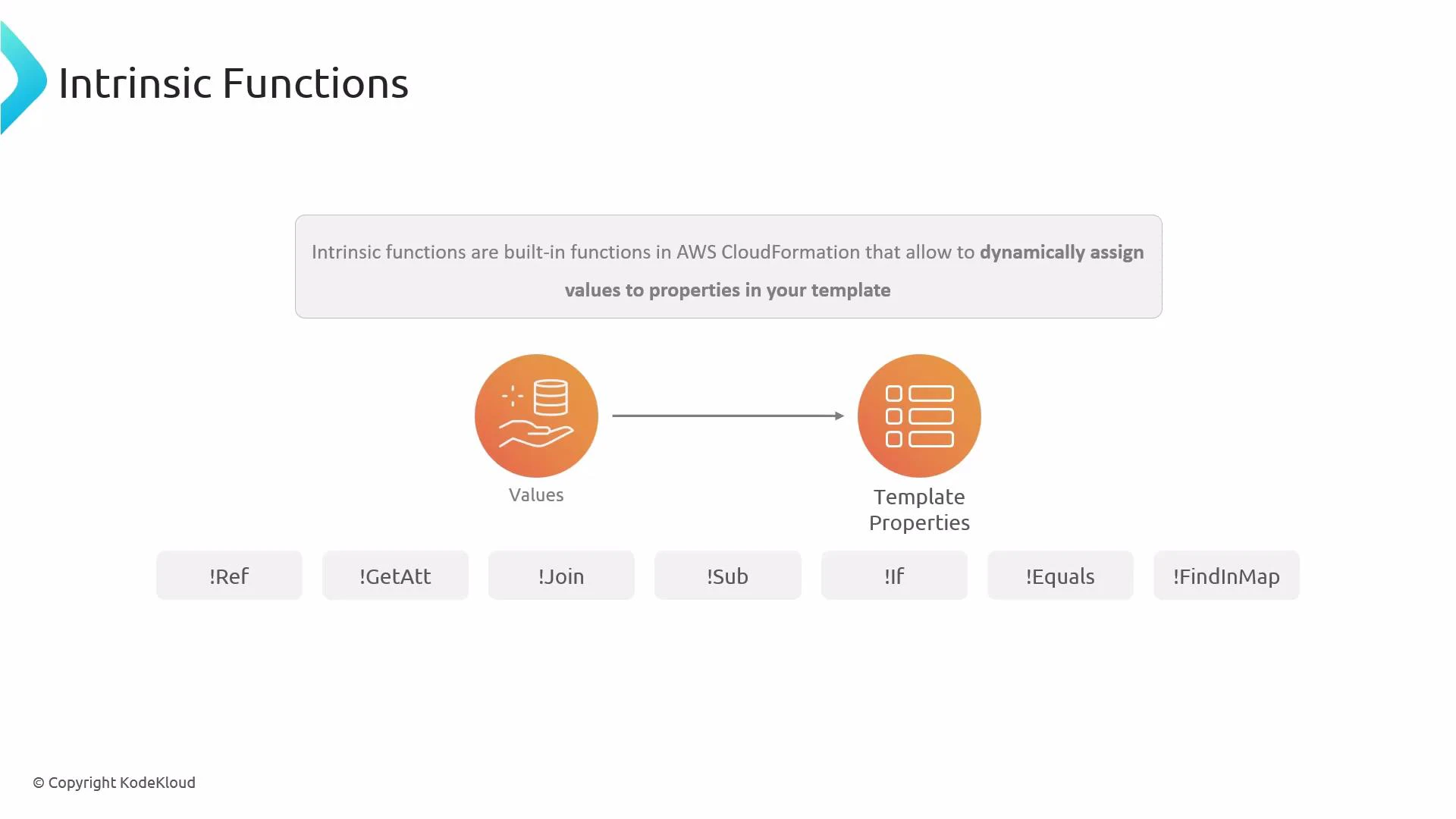 Intrinsic functions are evaluated by CloudFormation when you create or update a stack. Use the YAML short form (e.g., `!Ref`) in YAML templates and the JSON long form (e.g., `"Ref": "MyParam"`) in JSON templates.
## Quick reference table
| Function | Purpose | YAML short form (example) |
| --------- | ------------------------------------------------------------------------------- | --------------------------------------------------------- |
| Ref | Return a parameter value or a resource's default return (often the physical ID) | `BucketName: !Ref InputBucketName` |
| GetAtt | Retrieve a resource attribute such as an ARN or URL | `Value: !GetAtt MyBucket.Arn` |
| Join | Concatenate a list of strings with a separator | `!Join ["-", [ !Ref DevName, !Ref BucketName ]]` |
| Sub | Substitute variables into a string using `${Var}` syntax | `ObjectArn: !Sub "arn:aws:s3:::${InputBucketName}/*"` |
| If | Return one of two values depending on a Condition | `Settings: !If [ IsProd, "ProdSettings", "DevSettings" ]` |
| Equals | Compare two values (commonly used inside Conditions) | `!Equals [ X, "Production" ]` |
| FindInMap | Retrieve a value from the Mappings section | `!FindInMap [ DevMap, !Ref DevName, "Env" ]` |
***
## Ref
`!Ref` returns the value of a parameter or, for many resources, the resource's physical ID or another default return value (for example, the name of an S3 bucket).
Example — reference a parameter named `InputBucketName`:
```yaml theme={null}
BucketName: !Ref InputBucketName
```
Use `Ref` to inject parameter values or to get the primary identifier of a created resource.
## GetAtt
`!GetAtt` retrieves a resource attribute, commonly an ARN, endpoint, or other generated attribute. In YAML you can use dot notation (e.g., `MyBucket.Arn`) or the list form `["MyBucket", "Arn"]`. In JSON you must use the long form.
Example — get the ARN of a bucket with logical ID `MyBucket`:
```yaml theme={null}
Value: !GetAtt MyBucket.Arn
```
When using `Fn::GetAtt` in JSON, use the list form (`["MyBucket", "Arn"]`). The dot notation is YAML-specific convenience and may not translate directly to JSON.
## Join
`!Join` concatenates a list of values into a single string using a specified separator. Useful for building names, paths, or tag values.
Example — combine a developer name and a bucket name with a dash:
```yaml theme={null}
!Join ["-", [ !Ref InputDeveloperName, !Ref InputBucketName ]]
```
If `InputDeveloperName` is `Arno-Pretorius` and `InputBucketName` is `bucket22`, the result will be:
Arno-Pretorius-bucket22
## Sub
`!Sub` substitutes variables into a string using `${VariableName}` syntax. It’s ideal for constructing ARNs, resource strings, or any text that needs parameter/resource values embedded.
Example — build an S3 object ARN using a parameter:
```yaml theme={null}
ObjectArn: !Sub "arn:aws:s3:::${InputBucketName}/*"
```
This replaces `${InputBucketName}` with the parameter value at deployment time. `!Sub` also supports a second parameter (a map) to override or provide custom substitutions.
## If
`!If` evaluates a named Condition (defined in the `Conditions` section) and returns one of two values depending on whether the condition is true or false.
Example — return a settings string based on a condition named `IsProd`:
```yaml theme={null}
Settings: !If [ IsProd, "ProdSettings", "DevSettings" ]
```
Conditions often use logical functions such as `!Equals`, `!Not`, `!And`, and `!Or`.
## Equals
`!Equals` compares two values and returns `true` if they are equal, `false` otherwise. It’s commonly used inside `Conditions`.
Example — compare a mapped value to the string `"Production"`:
```yaml theme={null}
!Equals [ !FindInMap [ DevMap, !Ref InputDeveloperName, "Env" ], "Production" ]
```
## FindInMap
`!FindInMap` retrieves a value from the `Mappings` section using a three-part key: `MapName`, `TopLevelKey`, `SecondLevelKey`.
Example — retrieve an environment assignment for a developer using a mapping named `DevMap`:
```yaml theme={null}
!FindInMap [ DevMap, !Ref InputDeveloperName, "Env" ]
```
Nesting intrinsic functions is common (for example, using `!FindInMap` inside `!Equals`), and CloudFormation evaluates these at deployment time in the correct order.
Tip: Combine intrinsic functions to build dynamic names, ARNs, or conditional resource properties. For example, use `!Sub` with `${}` placeholders that themselves are populated by `!Ref` or `!GetAtt`.
## Related topics and references
* Official AWS docs — Intrinsic functions reference: [https://docs.aws.amazon.com/AWSCloudFormation/latest/UserGuide/intrinsic-function-reference.html](https://docs.aws.amazon.com/AWSCloudFormation/latest/UserGuide/intrinsic-function-reference.html)
* Working with Conditions: [https://docs.aws.amazon.com/AWSCloudFormation/latest/UserGuide/conditions-section-structure.html](https://docs.aws.amazon.com/AWSCloudFormation/latest/UserGuide/conditions-section-structure.html)
* Mappings in CloudFormation: [https://docs.aws.amazon.com/AWSCloudFormation/latest/UserGuide/mappings-section-structure.html](https://docs.aws.amazon.com/AWSCloudFormation/latest/UserGuide/mappings-section-structure.html)
That covers the core intrinsic functions you’ll use most often. Parameters, Conditions, and Mappings are closely related—review those sections to see how intrinsic functions integrate across full CloudFormation templates.
Intrinsic functions are evaluated by CloudFormation when you create or update a stack. Use the YAML short form (e.g., `!Ref`) in YAML templates and the JSON long form (e.g., `"Ref": "MyParam"`) in JSON templates.
## Quick reference table
| Function | Purpose | YAML short form (example) |
| --------- | ------------------------------------------------------------------------------- | --------------------------------------------------------- |
| Ref | Return a parameter value or a resource's default return (often the physical ID) | `BucketName: !Ref InputBucketName` |
| GetAtt | Retrieve a resource attribute such as an ARN or URL | `Value: !GetAtt MyBucket.Arn` |
| Join | Concatenate a list of strings with a separator | `!Join ["-", [ !Ref DevName, !Ref BucketName ]]` |
| Sub | Substitute variables into a string using `${Var}` syntax | `ObjectArn: !Sub "arn:aws:s3:::${InputBucketName}/*"` |
| If | Return one of two values depending on a Condition | `Settings: !If [ IsProd, "ProdSettings", "DevSettings" ]` |
| Equals | Compare two values (commonly used inside Conditions) | `!Equals [ X, "Production" ]` |
| FindInMap | Retrieve a value from the Mappings section | `!FindInMap [ DevMap, !Ref DevName, "Env" ]` |
***
## Ref
`!Ref` returns the value of a parameter or, for many resources, the resource's physical ID or another default return value (for example, the name of an S3 bucket).
Example — reference a parameter named `InputBucketName`:
```yaml theme={null}
BucketName: !Ref InputBucketName
```
Use `Ref` to inject parameter values or to get the primary identifier of a created resource.
## GetAtt
`!GetAtt` retrieves a resource attribute, commonly an ARN, endpoint, or other generated attribute. In YAML you can use dot notation (e.g., `MyBucket.Arn`) or the list form `["MyBucket", "Arn"]`. In JSON you must use the long form.
Example — get the ARN of a bucket with logical ID `MyBucket`:
```yaml theme={null}
Value: !GetAtt MyBucket.Arn
```
When using `Fn::GetAtt` in JSON, use the list form (`["MyBucket", "Arn"]`). The dot notation is YAML-specific convenience and may not translate directly to JSON.
## Join
`!Join` concatenates a list of values into a single string using a specified separator. Useful for building names, paths, or tag values.
Example — combine a developer name and a bucket name with a dash:
```yaml theme={null}
!Join ["-", [ !Ref InputDeveloperName, !Ref InputBucketName ]]
```
If `InputDeveloperName` is `Arno-Pretorius` and `InputBucketName` is `bucket22`, the result will be:
Arno-Pretorius-bucket22
## Sub
`!Sub` substitutes variables into a string using `${VariableName}` syntax. It’s ideal for constructing ARNs, resource strings, or any text that needs parameter/resource values embedded.
Example — build an S3 object ARN using a parameter:
```yaml theme={null}
ObjectArn: !Sub "arn:aws:s3:::${InputBucketName}/*"
```
This replaces `${InputBucketName}` with the parameter value at deployment time. `!Sub` also supports a second parameter (a map) to override or provide custom substitutions.
## If
`!If` evaluates a named Condition (defined in the `Conditions` section) and returns one of two values depending on whether the condition is true or false.
Example — return a settings string based on a condition named `IsProd`:
```yaml theme={null}
Settings: !If [ IsProd, "ProdSettings", "DevSettings" ]
```
Conditions often use logical functions such as `!Equals`, `!Not`, `!And`, and `!Or`.
## Equals
`!Equals` compares two values and returns `true` if they are equal, `false` otherwise. It’s commonly used inside `Conditions`.
Example — compare a mapped value to the string `"Production"`:
```yaml theme={null}
!Equals [ !FindInMap [ DevMap, !Ref InputDeveloperName, "Env" ], "Production" ]
```
## FindInMap
`!FindInMap` retrieves a value from the `Mappings` section using a three-part key: `MapName`, `TopLevelKey`, `SecondLevelKey`.
Example — retrieve an environment assignment for a developer using a mapping named `DevMap`:
```yaml theme={null}
!FindInMap [ DevMap, !Ref InputDeveloperName, "Env" ]
```
Nesting intrinsic functions is common (for example, using `!FindInMap` inside `!Equals`), and CloudFormation evaluates these at deployment time in the correct order.
Tip: Combine intrinsic functions to build dynamic names, ARNs, or conditional resource properties. For example, use `!Sub` with `${}` placeholders that themselves are populated by `!Ref` or `!GetAtt`.
## Related topics and references
* Official AWS docs — Intrinsic functions reference: [https://docs.aws.amazon.com/AWSCloudFormation/latest/UserGuide/intrinsic-function-reference.html](https://docs.aws.amazon.com/AWSCloudFormation/latest/UserGuide/intrinsic-function-reference.html)
* Working with Conditions: [https://docs.aws.amazon.com/AWSCloudFormation/latest/UserGuide/conditions-section-structure.html](https://docs.aws.amazon.com/AWSCloudFormation/latest/UserGuide/conditions-section-structure.html)
* Mappings in CloudFormation: [https://docs.aws.amazon.com/AWSCloudFormation/latest/UserGuide/mappings-section-structure.html](https://docs.aws.amazon.com/AWSCloudFormation/latest/UserGuide/mappings-section-structure.html)
That covers the core intrinsic functions you’ll use most often. Parameters, Conditions, and Mappings are closely related—review those sections to see how intrinsic functions integrate across full CloudFormation templates.