> ## Documentation Index
> Fetch the complete documentation index at: https://notes.kodekloud.com/llms.txt
> Use this file to discover all available pages before exploring further.
# Demo Adding Metadata in the template resource
> Shows how to add Metadata to CloudFormation resources, contrasts Metadata with Tags, provides examples, update instructions, best practices, and tooling usage such as cfn-init
In this lesson you'll learn how to add Metadata to a CloudFormation template resource and how it differs from Tags. Metadata provides contextual, human- or tool-readable information about resources in your template — useful for ownership, lifecycle tracking, and template versioning. Metadata does not directly change how CloudFormation creates or manages resources, but external tooling and CloudFormation helper scripts can read it to perform additional actions (for example, configuring instances with cfn-init).
Where to declare Metadata
Metadata is declared under a resource at the same indentation level as `Type` and `Properties`. The following example shows an `AWS::S3::Bucket` resource that includes a `Metadata` block:
```yaml theme={null}
Resources:
MyS3Bucket:
Type: AWS::S3::Bucket
Properties:
BucketName: eden-kodekloud-xcvt-bkt
Metadata:
Purpose: "Creating an S3 bucket"
Reviewed: "2025-02-07"
Owner: "John Doe"
Contact: "johndoe@mail.com"
```
Common metadata entries:
* Purpose: short description of why this resource exists.
* Reviewed: date the template or resource was last reviewed (use ISO format YYYY-MM-DD).
* Owner / Contact: person or team responsible for the resource.
Metadata entries are arbitrary key/value pairs defined by you. They are stored in the template and do not, by themselves, change how CloudFormation creates or manages resources; tools or helper scripts (for example, [cfn-init](https://docs.aws.amazon.com/AWSCloudFormation/latest/UserGuide/cfn-init.html)) can read metadata to affect instance configuration.
Updating the stack with the modified template
After saving your template (for example, `s3-bucket.yaml`), update the CloudFormation stack using the console or CLI. In the console the flow looks like this:
1. In the CloudFormation console, select the stack you want to update and choose **Update stack**.
2. Choose **Replace current template** (Direct update) and upload your edited template file (Choose file).
3. Continue through the update steps. If your stack has no parameters, you can skip parameter changes.
4. Optionally review or edit Tags on the stack (Tags are different from Metadata — see the comparison table below).
5. Submit the update and monitor the stack Events for progress.
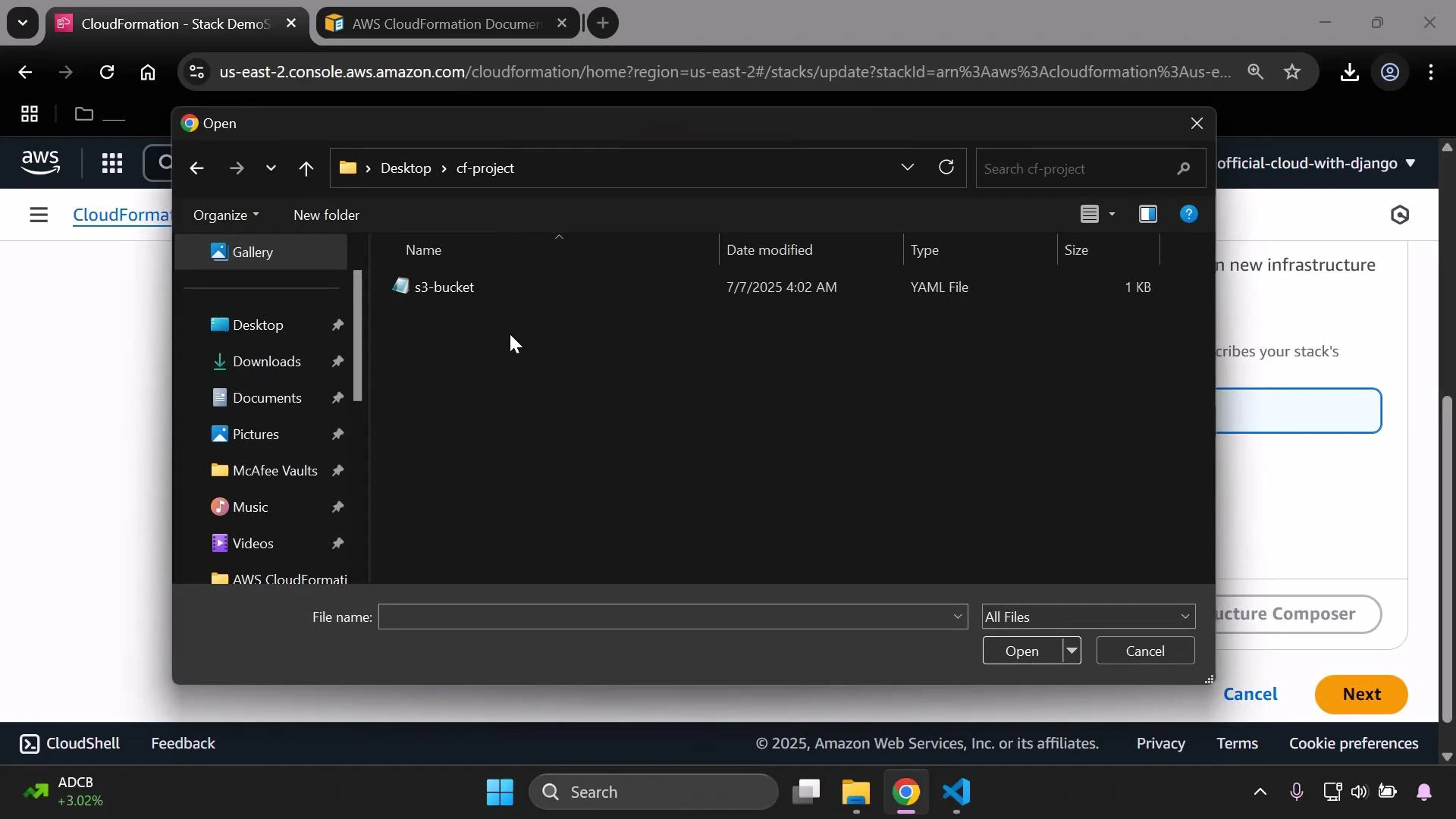 Review and verify the template in the console
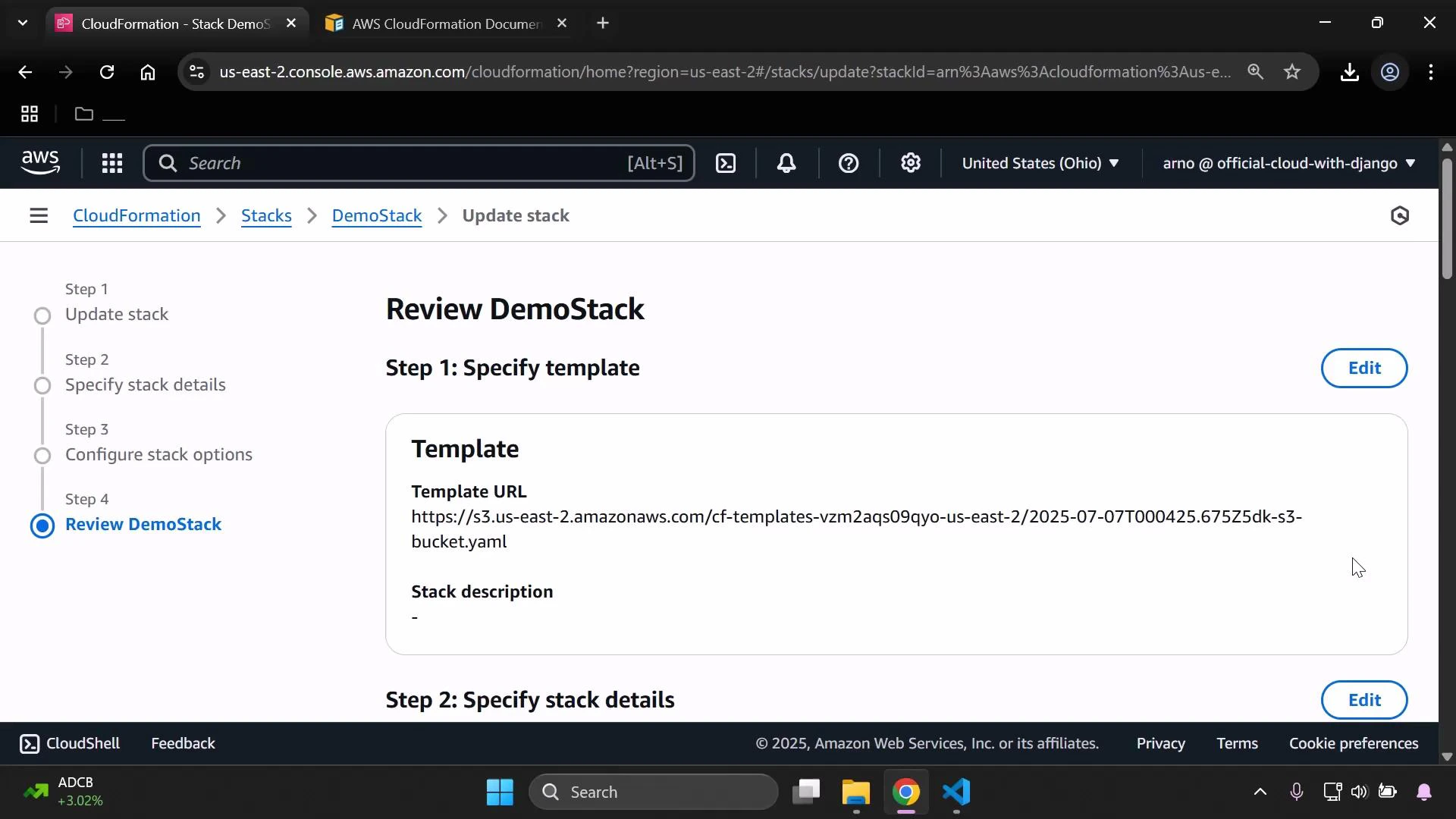
During the update process, the Review step displays the template source (either a Template URL or the uploaded file) and the usual review pane before you submit. Once the update completes, open the stack's **Template** tab to confirm the `Metadata` block is present — the metadata you included remains in the template and is visible to anyone who inspects the stack.
Review and verify the template in the console
During the update process, the Review step displays the template source (either a Template URL or the uploaded file) and the usual review pane before you submit. Once the update completes, open the stack's **Template** tab to confirm the `Metadata` block is present — the metadata you included remains in the template and is visible to anyone who inspects the stack.
 Metadata vs Tags — quick comparison
| Resource | Purpose | Visibility / Use |
| -------- | ------------------------------------------------------------------------------------------------------------------ | ------------------------------------------------------------------------------------------------------------------ |
| Metadata | Free-form, template-level key/value pairs for humans and tooling (e.g., owner, review date, purpose) | Stored in the template; readable by tooling and anyone viewing the template; does not affect AWS resource behavior |
| Tags | Structured key/value pairs recognized by AWS services (e.g., for cost allocation, IAM policies, resource grouping) | Applied to resources and used by AWS services (billing, access control, resource organization) |
Best practices
* Use Metadata for template bookkeeping: ownership, review dates, build/configuration hints for tools.
* Use Tags for operational grouping and billing — Tags are recognized by AWS services.
* Keep metadata keys consistent across templates to enable automated tooling and searches.
Links and references
* CloudFormation Metadata (concepts): [https://docs.aws.amazon.com/AWSCloudFormation/latest/UserGuide/aws-template-metadata.html](https://docs.aws.amazon.com/AWSCloudFormation/latest/UserGuide/aws-template-metadata.html)
* CloudFormation Tags: [https://docs.aws.amazon.com/AWSCloudFormation/latest/UserGuide/aws-properties-resource-tags.html](https://docs.aws.amazon.com/AWSCloudFormation/latest/UserGuide/aws-properties-resource-tags.html)
* cfn-init (example tool that reads Metadata): [https://docs.aws.amazon.com/AWSCloudFormation/latest/UserGuide/cfn-init.html](https://docs.aws.amazon.com/AWSCloudFormation/latest/UserGuide/cfn-init.html)
Metadata vs Tags — quick comparison
| Resource | Purpose | Visibility / Use |
| -------- | ------------------------------------------------------------------------------------------------------------------ | ------------------------------------------------------------------------------------------------------------------ |
| Metadata | Free-form, template-level key/value pairs for humans and tooling (e.g., owner, review date, purpose) | Stored in the template; readable by tooling and anyone viewing the template; does not affect AWS resource behavior |
| Tags | Structured key/value pairs recognized by AWS services (e.g., for cost allocation, IAM policies, resource grouping) | Applied to resources and used by AWS services (billing, access control, resource organization) |
Best practices
* Use Metadata for template bookkeeping: ownership, review dates, build/configuration hints for tools.
* Use Tags for operational grouping and billing — Tags are recognized by AWS services.
* Keep metadata keys consistent across templates to enable automated tooling and searches.
Links and references
* CloudFormation Metadata (concepts): [https://docs.aws.amazon.com/AWSCloudFormation/latest/UserGuide/aws-template-metadata.html](https://docs.aws.amazon.com/AWSCloudFormation/latest/UserGuide/aws-template-metadata.html)
* CloudFormation Tags: [https://docs.aws.amazon.com/AWSCloudFormation/latest/UserGuide/aws-properties-resource-tags.html](https://docs.aws.amazon.com/AWSCloudFormation/latest/UserGuide/aws-properties-resource-tags.html)
* cfn-init (example tool that reads Metadata): [https://docs.aws.amazon.com/AWSCloudFormation/latest/UserGuide/cfn-init.html](https://docs.aws.amazon.com/AWSCloudFormation/latest/UserGuide/cfn-init.html)