> ## Documentation Index
> Fetch the complete documentation index at: https://notes.kodekloud.com/llms.txt
> Use this file to discover all available pages before exploring further.
# Outputs Introduction
> Explains AWS CloudFormation Outputs, how to export and import values, retrieve them via CLI or SDK, and secure best practices
CloudFormation Outputs are the values a stack returns after it creates resources. Outputs let you expose important runtime information—such as resource IDs, ARNs, endpoints, or configuration values—so other people, tools, or stacks can consume them.
Outputs are visible in the [AWS Management Console](https://aws.amazon.com/console/) (the stack's Outputs tab) and can be retrieved programmatically using the [AWS CLI](https://docs.aws.amazon.com/cli/latest/reference/cloudformation/describe-stacks.html) or any AWS [SDKs](https://aws.amazon.com/tools/). They are especially useful for sharing resource metadata between stacks (cross-stack references) or for returning created resource details for automation workflows.
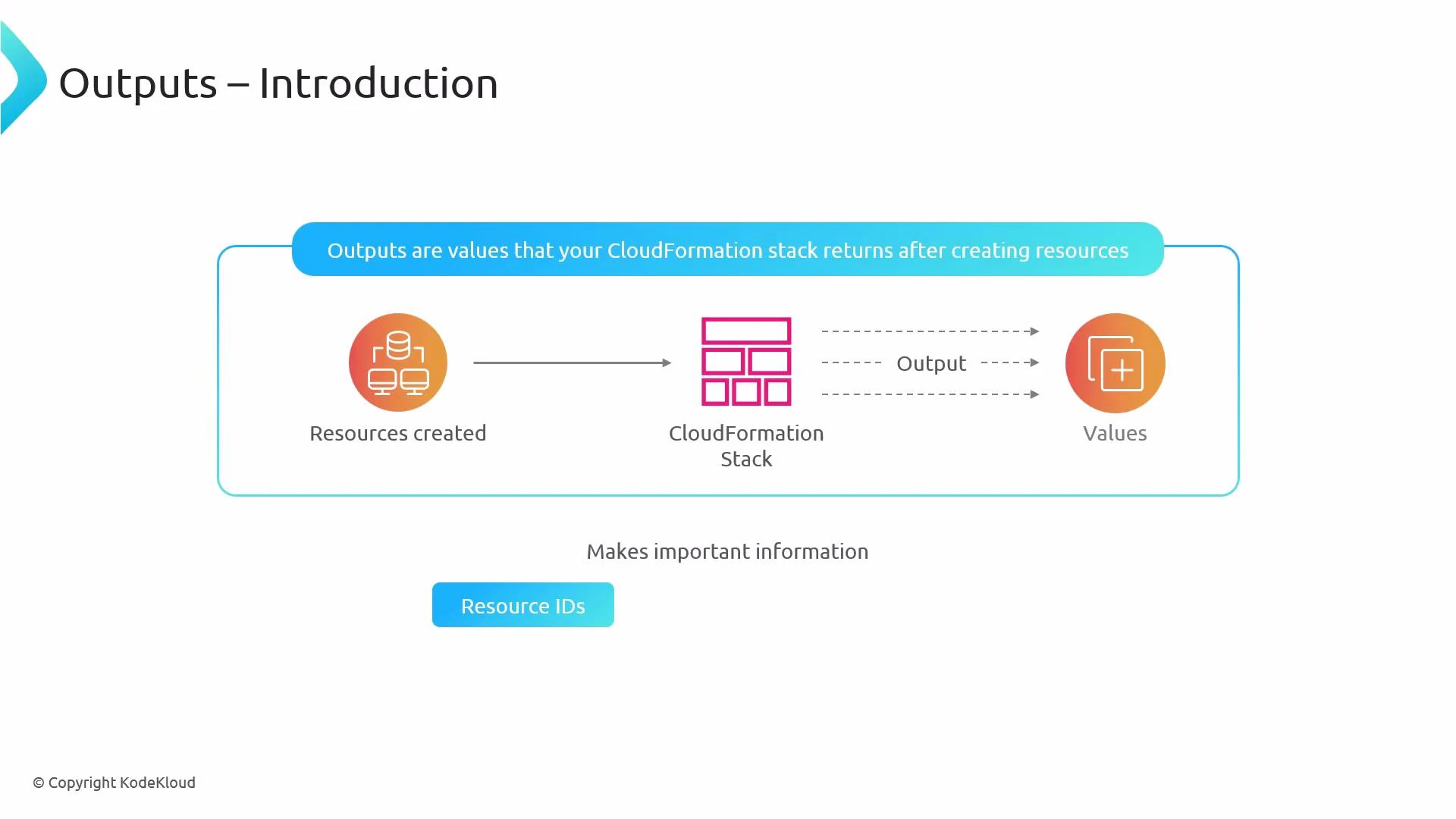 Why use Outputs?
* Share values between stacks (e.g., VPC IDs, bucket names).
* Return connection information (e.g., database endpoints, load balancer DNS).
* Surface important runtime identifiers for automation, CI/CD, or human operators.
When to use Outputs (quick reference)
| Use case | Recommendation | Example |
| ---------------------- | ----------------------------------------------------------------------------- | ------------------------------------------ |
| Cross-stack sharing | Export the value in the producing stack and ImportValue in the consumer stack | Share an S3 bucket name or VPC ID |
| Automation / pipelines | Retrieve Outputs via CLI/SDK after stack creation | Use `describe-stacks` in CI pipeline |
| Human visibility | Add descriptive Description fields | Show endpoint URLs and ARNs in the Console |
Producer stack (YAML) — declare an output and export it
```yaml theme={null}
Outputs:
MyBucketName:
Description: "S3 bucket name to be used by other stacks"
Value: !Ref MyBucket
Export:
Name: !Sub "${AWS::StackName}-MyBucketName"
```
Notes:
* Use !Ref to return the resource's logical reference (often the name or ID).
* If you need a specific attribute (for example, an ARN or DNS name), use !GetAtt or other intrinsics as appropriate.
Consumer stack (YAML) — import the exported value
```yaml theme={null}
Resources:
SomeResource:
Type: AWS::Some::Resource
Properties:
BucketName: !ImportValue "MyProducerStack-MyBucketName"
```
Retrieve outputs via AWS CLI
```bash theme={null}
aws cloudformation describe-stacks --stack-name MyProducerStack
```
The command returns JSON that includes an Outputs array. Example:
```json theme={null}
{
"Stacks": [
{
"StackName": "MyProducerStack",
"Outputs": [
{
"OutputKey": "MyBucketName",
"OutputValue": "my-production-bucket-123",
"Description": "S3 bucket name to be used by other stacks",
"ExportName": "MyProducerStack-MyBucketName"
}
]
}
]
}
```
Key considerations and best practices
* Export names must be unique within an AWS account and region.
* You cannot delete an export while other stacks import it — remove imports before deleting the export.
* Avoid exposing secrets (database passwords, API keys) via Outputs — these values are visible in the Console, CLI, and API.
* Use descriptive Export names (including the stack name or environment) to avoid collisions and make cross-stack references clear.
* Prefer strong naming conventions for exported values to make tracking and cleanup easier.
Do not include sensitive or secret data in Outputs — these values are visible to anyone who can view the stack and can be retrieved via API/CLI.
Use descriptive Export names (for example including the stack name and environment) to avoid naming collisions and make cross-stack references clearer.
Links and references
* [CloudFormation Outputs section — AWS Docs](https://docs.aws.amazon.com/AWSCloudFormation/latest/UserGuide/outputs-section-structure.html)
* [CloudFormation describe-stacks — AWS CLI](https://docs.aws.amazon.com/cli/latest/reference/cloudformation/describe-stacks.html)
* [AWS CloudFormation Concepts](https://docs.aws.amazon.com/AWSCloudFormation/latest/UserGuide/what-is-cloudformation.html)
Why use Outputs?
* Share values between stacks (e.g., VPC IDs, bucket names).
* Return connection information (e.g., database endpoints, load balancer DNS).
* Surface important runtime identifiers for automation, CI/CD, or human operators.
When to use Outputs (quick reference)
| Use case | Recommendation | Example |
| ---------------------- | ----------------------------------------------------------------------------- | ------------------------------------------ |
| Cross-stack sharing | Export the value in the producing stack and ImportValue in the consumer stack | Share an S3 bucket name or VPC ID |
| Automation / pipelines | Retrieve Outputs via CLI/SDK after stack creation | Use `describe-stacks` in CI pipeline |
| Human visibility | Add descriptive Description fields | Show endpoint URLs and ARNs in the Console |
Producer stack (YAML) — declare an output and export it
```yaml theme={null}
Outputs:
MyBucketName:
Description: "S3 bucket name to be used by other stacks"
Value: !Ref MyBucket
Export:
Name: !Sub "${AWS::StackName}-MyBucketName"
```
Notes:
* Use !Ref to return the resource's logical reference (often the name or ID).
* If you need a specific attribute (for example, an ARN or DNS name), use !GetAtt or other intrinsics as appropriate.
Consumer stack (YAML) — import the exported value
```yaml theme={null}
Resources:
SomeResource:
Type: AWS::Some::Resource
Properties:
BucketName: !ImportValue "MyProducerStack-MyBucketName"
```
Retrieve outputs via AWS CLI
```bash theme={null}
aws cloudformation describe-stacks --stack-name MyProducerStack
```
The command returns JSON that includes an Outputs array. Example:
```json theme={null}
{
"Stacks": [
{
"StackName": "MyProducerStack",
"Outputs": [
{
"OutputKey": "MyBucketName",
"OutputValue": "my-production-bucket-123",
"Description": "S3 bucket name to be used by other stacks",
"ExportName": "MyProducerStack-MyBucketName"
}
]
}
]
}
```
Key considerations and best practices
* Export names must be unique within an AWS account and region.
* You cannot delete an export while other stacks import it — remove imports before deleting the export.
* Avoid exposing secrets (database passwords, API keys) via Outputs — these values are visible in the Console, CLI, and API.
* Use descriptive Export names (including the stack name or environment) to avoid collisions and make cross-stack references clear.
* Prefer strong naming conventions for exported values to make tracking and cleanup easier.
Do not include sensitive or secret data in Outputs — these values are visible to anyone who can view the stack and can be retrieved via API/CLI.
Use descriptive Export names (for example including the stack name and environment) to avoid naming collisions and make cross-stack references clearer.
Links and references
* [CloudFormation Outputs section — AWS Docs](https://docs.aws.amazon.com/AWSCloudFormation/latest/UserGuide/outputs-section-structure.html)
* [CloudFormation describe-stacks — AWS CLI](https://docs.aws.amazon.com/cli/latest/reference/cloudformation/describe-stacks.html)
* [AWS CloudFormation Concepts](https://docs.aws.amazon.com/AWSCloudFormation/latest/UserGuide/what-is-cloudformation.html)