> ## Documentation Index
> Fetch the complete documentation index at: https://notes.kodekloud.com/llms.txt
> Use this file to discover all available pages before exploring further.
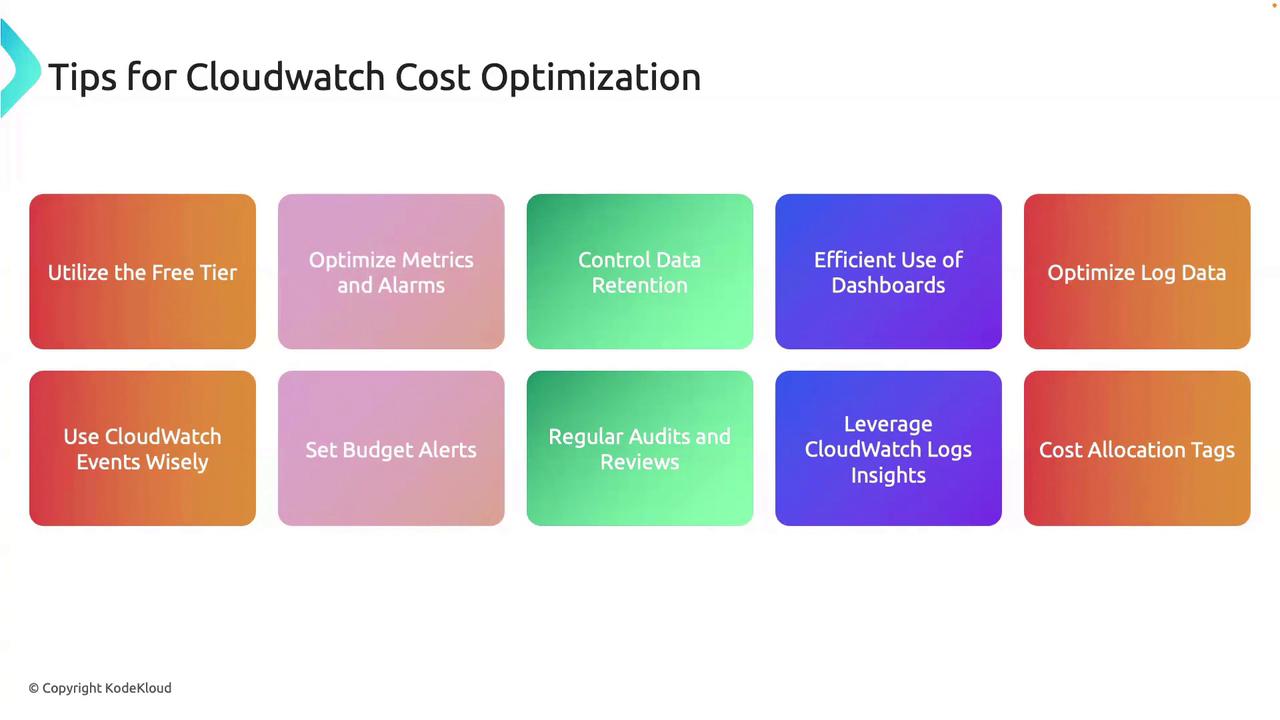
# Tips for Cloudwatch Cost Optimization
> This guide provides actionable tips to reduce AWS CloudWatch bills while ensuring effective monitoring for various workloads.
In this guide, you’ll discover actionable tips to reduce your AWS CloudWatch bills while maintaining robust monitoring. Whether you’re on a tight startup budget or running enterprise-scale workloads, these best practices help you get maximum value at minimal cost.
## Table of Contents
1. [Leverage the Free Tier](#1-leverage-the-free-tier)
2. [Optimize Metrics and Alarms](#2-optimize-metrics-and-alarms)
3. [Control Data Ingestion and Retention](#3-control-data-ingestion-and-retention)
4. [Efficient Dashboard Management](#4-efficient-dashboard-management)
5. [Reduce Log Volume](#5-reduce-log-volume)
6. [Use Event Filtering](#6-use-event-filtering)
7. [Regular Audits and Insights](#7-regular-audits-and-insights)
8. [Cost Allocation and Budget Alerts](#8-cost-allocation-and-budget-alerts)
## 1. Leverage the Free Tier
AWS CloudWatch provides a free tier that may cover most basic monitoring needs:
* Use **default metrics** (CPU, network, disk) before adding custom metrics.
* Stick to the **built-in dashboards and alarms**; avoid unnecessary custom dashboards.
* Install the [CloudWatch Agent](https://docs.aws.amazon.com/AmazonCloudWatch/latest/monitoring/Install-CloudWatch-Agent.html) only if you require memory or swap metrics.
## 2. Optimize Metrics and Alarms
Keep your metric and alarm usage lean:
* Audit and **delete** redundant or outdated custom metrics.
* Combine related alarms with **metric math** or **composite alarms** to lower your alarm count.
* Prefer AWS-managed metrics over custom ones when possible.
| Optimization Area | Action Item | Benefit |
| ----------------- | -------------------------------------------- | ---------------------- |
| Custom Metrics | Remove low-value or duplicate metrics | Lower ingestion costs |
| Alarms | Merge similar triggers with composite alarms | Fewer alarms to manage |
| Built-in Metrics | Use default metrics for standard monitoring | No extra charges |
## 3. Control Data Ingestion and Retention
Only ingest what you need and set appropriate retention:
* Define **log retention** periods based on compliance and troubleshooting requirements.
AWS CloudWatch automatically applies retention schedules to metrics (1-minute, 5-minute, 1-hour). You cannot customize metric retention—focus on reducing ingestion volume.
* Archive old logs to [Amazon S3](https://aws.amazon.com/s3/) or Glacier for cost-effective long-term storage.
## 4. Efficient Dashboard Management
Optimize dashboards to cut widget and API request costs:
* Consolidate related views into **shared dashboards**.
* Remove **unused** or low-value dashboards on a regular schedule.
## 5. Reduce Log Volume
Minimize the log data you send to CloudWatch:
* Filter and process logs at the source with [Fluentd](https://www.fluentd.org/) or the CloudWatch Agent.
* Enable **compression** on log streams to reduce storage usage.
* Use **subscription filters** to forward only critical log patterns for downstream analytics.
## 6. Use Event Filtering
Avoid unnecessary event processing:
* Create precise filter patterns in [Amazon EventBridge](https://docs.aws.amazon.com/eventbridge/latest/userguide/what-is-amazon-eventbridge.html) (formerly CloudWatch Events).
* Transform or route events at the edge to minimize downstream Lambda invocations and related charges.
## 7. Regular Audits and Insights
Periodic reviews can uncover hidden savings:
* Schedule monthly or quarterly **usage audits** to identify idle metrics, alarms, and dashboards.
* Leverage [CloudWatch Logs Insights](https://docs.aws.amazon.com/AmazonCloudWatch/latest/logs/CWL_QuerySyntax.html) for efficient, in-place log querying instead of exporting data.
## 8. Cost Allocation and Budget Alerts
Track and cap your CloudWatch expenses:
* Tag all monitoring resources (log groups, dashboards, alarms) for accurate cost allocation.
* Set up [AWS Budgets](https://docs.aws.amazon.com/cost-management/latest/userguide/budgets-managing-costs.html) with email or SNS alerts when spending approaches thresholds.
Implementing even a few of these strategies can significantly lower your CloudWatch costs without sacrificing visibility or uptime.
## Links and References
* [AWS CloudWatch](https://aws.amazon.com/cloudwatch/)
* [CloudWatch Agent Installation](https://docs.aws.amazon.com/AmazonCloudWatch/latest/monitoring/Install-CloudWatch-Agent.html)
* [EventBridge User Guide](https://docs.aws.amazon.com/eventbridge/latest/userguide/what-is-amazon-eventbridge.html)
* [CloudWatch Logs Insights](https://docs.aws.amazon.com/AmazonCloudWatch/latest/logs/CWL_QuerySyntax.html)
* [AWS Budgets Documentation](https://docs.aws.amazon.com/cost-management/latest/userguide/budgets-managing-costs.html)