> ## Documentation Index
> Fetch the complete documentation index at: https://notes.kodekloud.com/llms.txt
> Use this file to discover all available pages before exploring further.
# Alarm Anatomy
> This article dissects CloudWatch alarm components, explores threshold best practices, and provides an example for monitoring an RDS instance.
In this lesson, we’ll dissect the components of a CloudWatch alarm, explore best practices for setting thresholds, and walk through an example of monitoring an RDS instance.
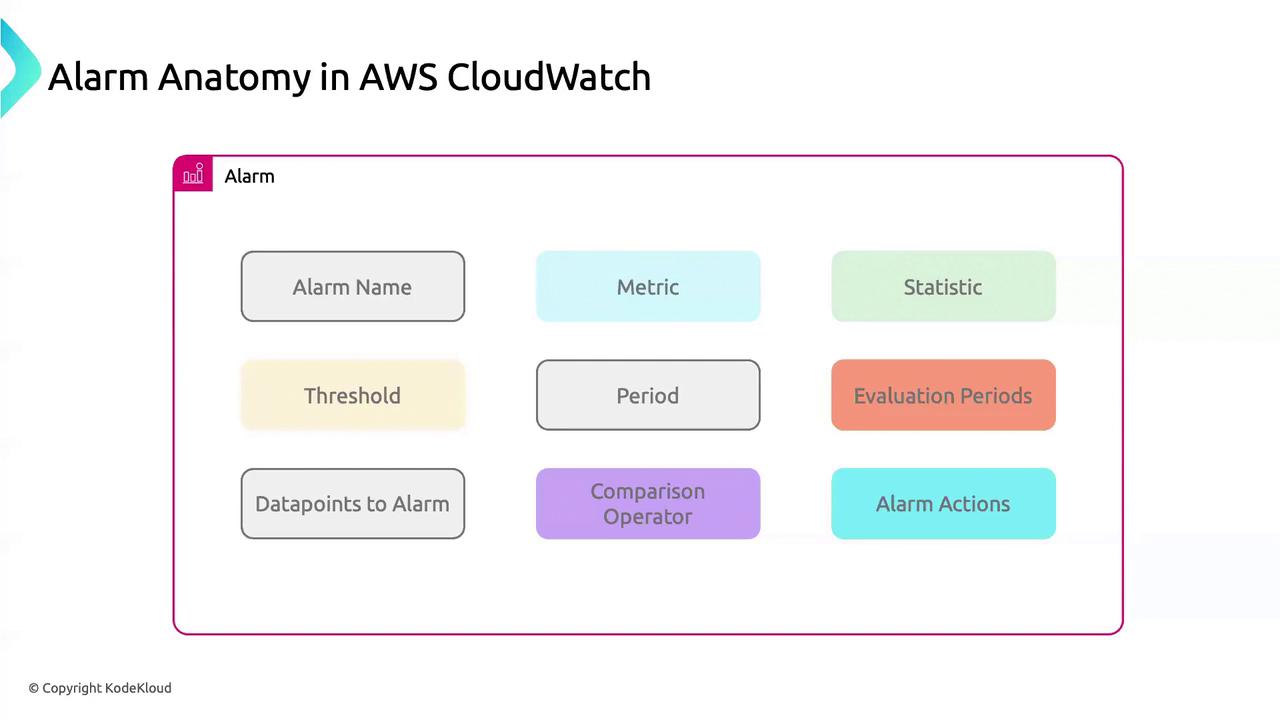
## Core Components of a CloudWatch Alarm
| Component | Description |
| ------------------- | --------------------------------------------------------------------------------- |
| Alarm Name | A concise, unique identifier to locate and manage your alarm efficiently. |
| Metric | The AWS metric (e.g., `CPUUtilization`) you want to monitor. |
| Statistic | Aggregation method: `Average`, `Minimum`, `Maximum`, `Sum`, or `SampleCount`. |
| Threshold | Numerical value that triggers the alarm when crossed. |
| Period | Evaluation interval in seconds (e.g., `60`, `300`, `900`). |
| Evaluation Periods | Number of consecutive periods the threshold must be breached before triggering. |
| Datapoints to Alarm | How many of those evaluation periods must breach the threshold to fire the alarm. |
| Comparison Operator | Comparison type: `GreaterThanThreshold`, `LessThanOrEqualToThreshold`, etc. |
| Alarm Actions | Actions on state change: SNS notification, Lambda invocation, Auto Scaling, etc. |
***
## Example: Creating an Alarm for RDS CPU Utilization
Apply these settings to keep tabs on an Amazon RDS instance’s CPU usage:
```bash theme={null}
aws cloudwatch put-metric-alarm \
--alarm-name "High-CPU-RDS" \
--metric-name CPUUtilization \
--namespace AWS/RDS \
--statistic Average \
--period 900 \
--threshold 90 \
--comparison-operator GreaterThanThreshold \
--evaluation-periods 1 \
--datapoints-to-alarm 1 \
--dimensions Name=DBInstanceIdentifier,Value=mydbinstance \
--alarm-actions arn:aws:sns:us-east-1:123456789012:DefaultCloudWatchAlarms
```
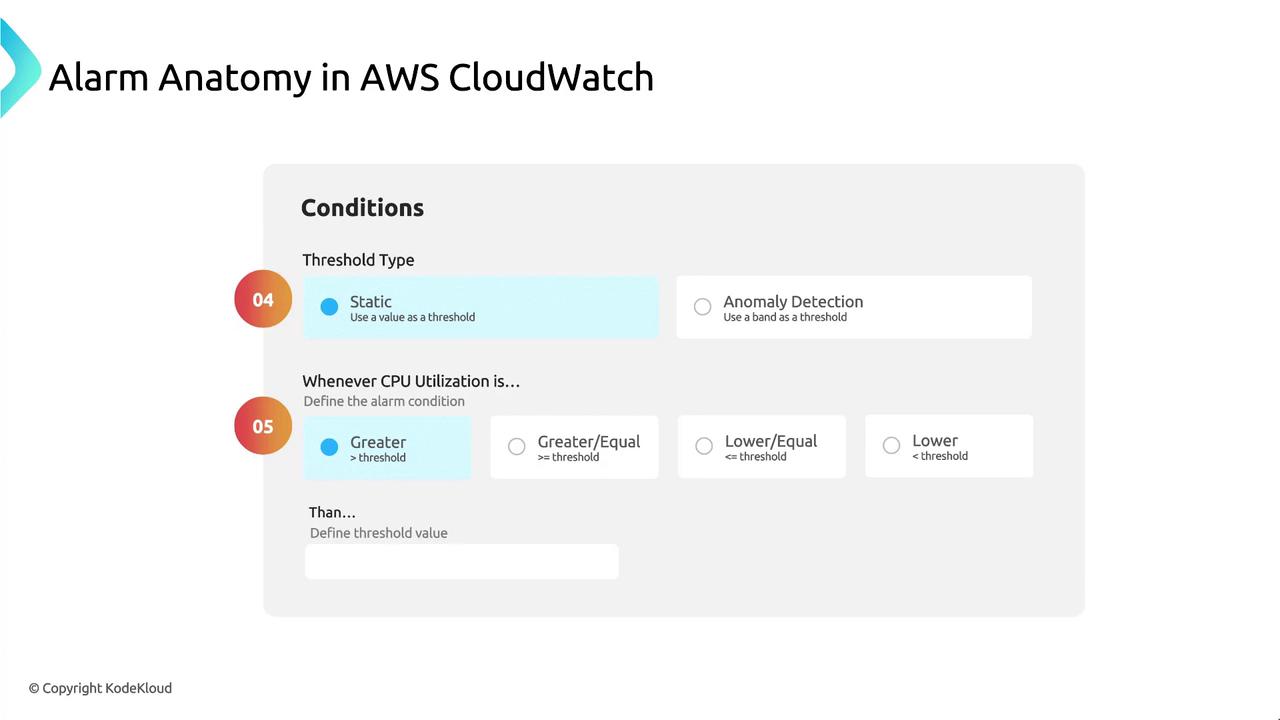
Consider using [anomaly detection thresholds](https://docs.aws.amazon.com/AmazonCloudWatch/latest/monitoring/AlarmThatSendsEmail.html#features-anomaly-detection) for dynamic baselines instead of static thresholds.
Avoid setting low thresholds with short evaluation periods—this can generate noise from transient spikes. Tune `EvaluationPeriods` and `DatapointsToAlarm` for stability.
***
## Notification Settings
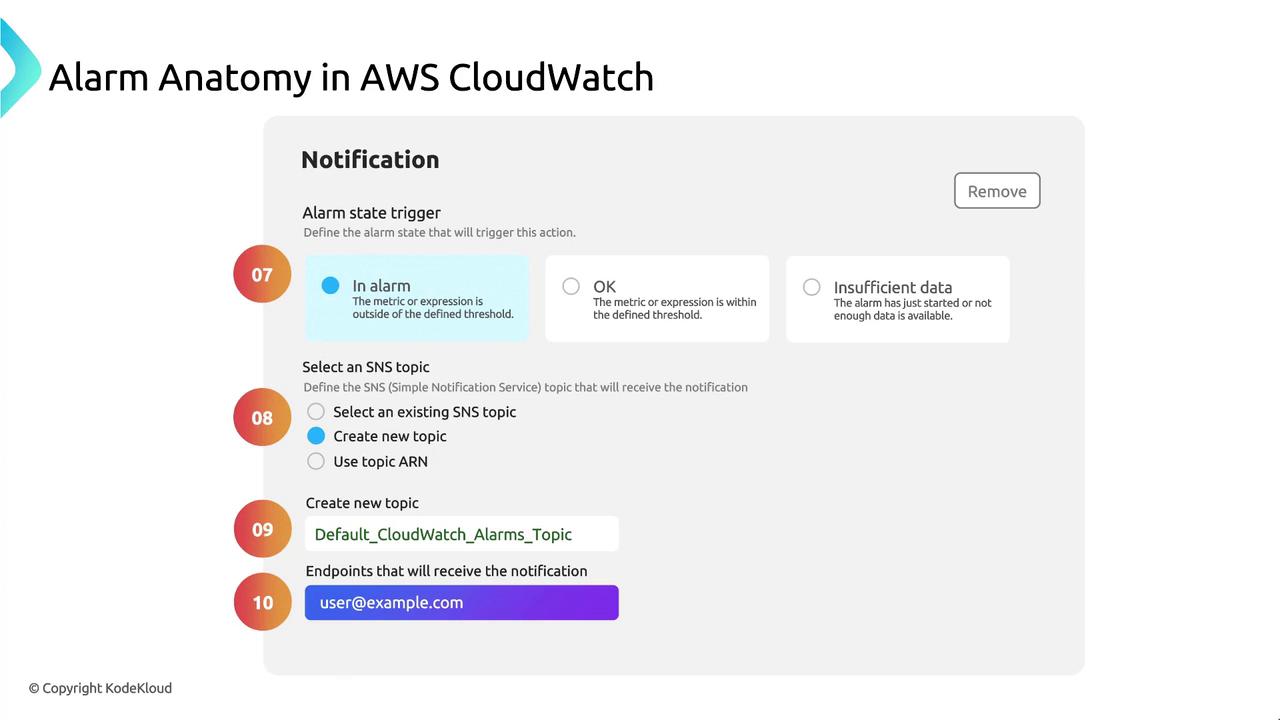
Define how CloudWatch alerts you when the alarm state changes:
| Setting | Description |
| ------------ | ---------------------------------------------------- |
| Alarm State | Triggers when the alarm enters `ALARM` state. |
| Notification | Delivery via an Amazon SNS topic. |
| SNS Topic | e.g., `DefaultCloudWatchAlarms` or a custom topic. |
| Endpoint | Email address, Lambda function ARN, or HTTP webhook. |
***
## Links and References
* [Amazon CloudWatch Alarms](https://docs.aws.amazon.com/AmazonCloudWatch/latest/monitoring/AlarmThatSendsEmail.html)
* [AWS/RDS Monitoring Overview](https://docs.aws.amazon.com/AmazonRDS/latest/UserGuide/MonitoringOverview.html)
* [AWS CLI `put-metric-alarm`](https://docs.aws.amazon.com/cli/latest/reference/cloudwatch/put-metric-alarm.html)
* [Amazon SNS Topics](https://docs.aws.amazon.com/sns/latest/dg/sns-create-topic.html)