> ## Documentation Index
> Fetch the complete documentation index at: https://notes.kodekloud.com/llms.txt
> Use this file to discover all available pages before exploring further.
# Understanding Log Events
> This article explains log events in AWS CloudWatch Logs, covering their structure, immutability, and pre-ingestion filtering for efficient logging strategies.
When your application performs an action—such as a user login or a data update—it generates a **log event**, capturing metadata and a message about that action. AWS CloudWatch Logs ingests millions of log events per second by organizing them into **log streams**, which are then grouped under **log groups**.
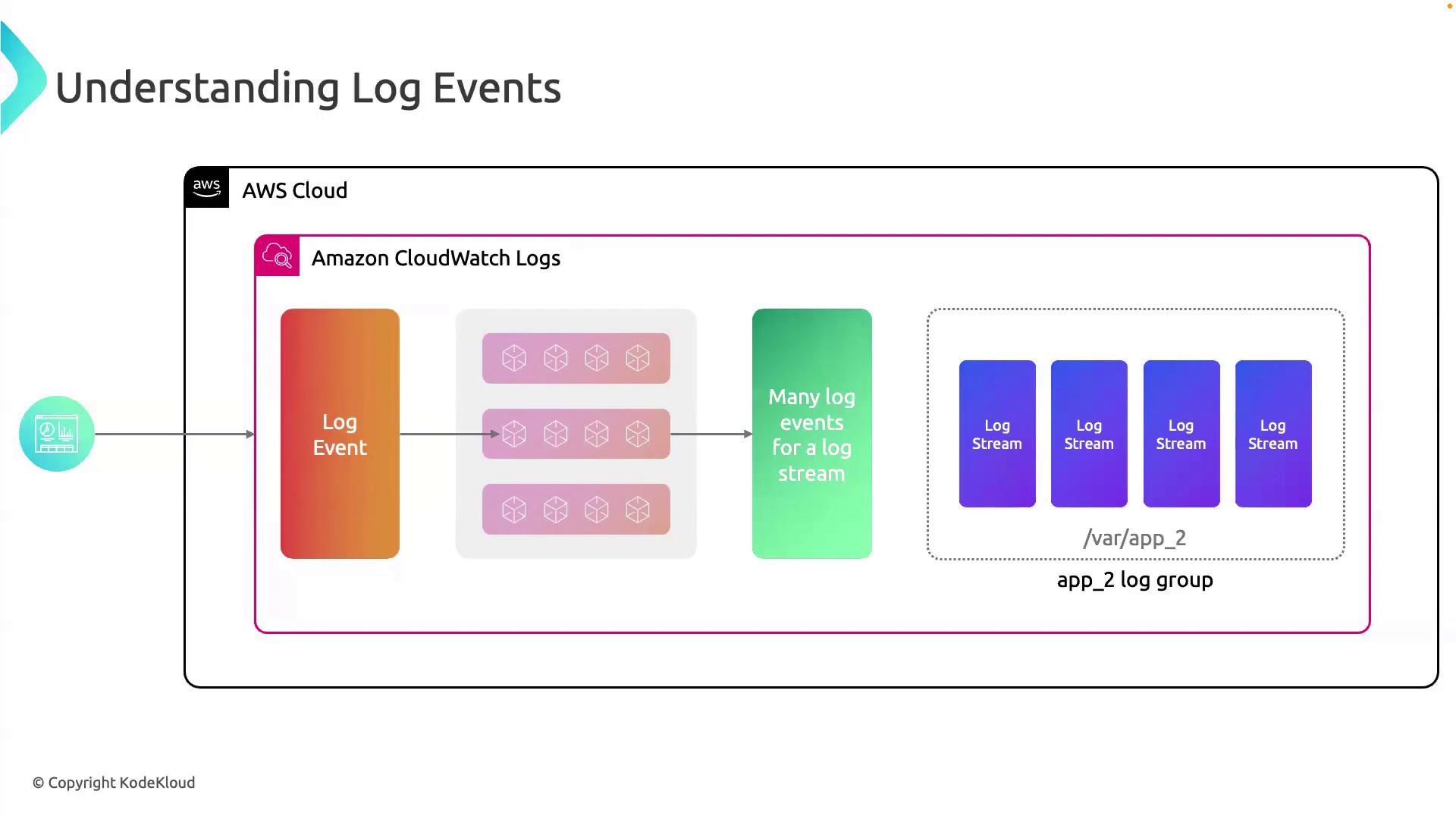
A **log group** is a container for one or more **log streams**. Each log stream represents an ordered sequence of log events from the same source—for example, an EC2 instance, Lambda function, or on-premises server.
***
## Anatomy of a Log Event
Each log event in CloudWatch Logs is usually a JSON object with the following core attributes:
```json theme={null}
{
"id": "12345678-1234-1234-1234-123456789012",
"timestamp": 1677647621000,
"message": "User login successful: username=johndoe",
"logGroupName": "/aws/ec2/my-application",
"logStreamName": "2023/10/20/instance-i-0abcd1234efgh5678",
"source": "my-application",
"instanceId": "i-0abcd1234efgh5678",
"eventSource": "application",
"eventType": "UserLogin",
"applicationVersion": "1.0.0",
"region": "us-east-1"
}
```
Here, `eventType` is `UserLogin`, indicating a successful login. Other common event types might include `PasswordReset`, `LoginFailure`, or `AccountLockout`.
***
## Structured vs. Unstructured Log Events
CloudWatch Logs supports both structured and unstructured log data:
| Log Type | Format | Benefits | Use Cases |
| ------------ | --------------- | -------------------------------------- | --------------------------------------- |
| Structured | JSON, key–value | Easy search & parse, consistent schema | API request logs, audit trails, metrics |
| Unstructured | Plain text | Flexible, minimal setup | Error stack traces, debug output |
Structured logs simplify querying with [CloudWatch Logs Insights](https://docs.aws.amazon.com/AmazonCloudWatch/latest/logs/AnalyzingLogData.html) and help maintain consistent event schemas.
***
## Immutability of Log Events
Once ingested, log events in CloudWatch Logs are **immutable**—you cannot alter or delete individual records. To remove data, you must delete the entire log stream or log group.
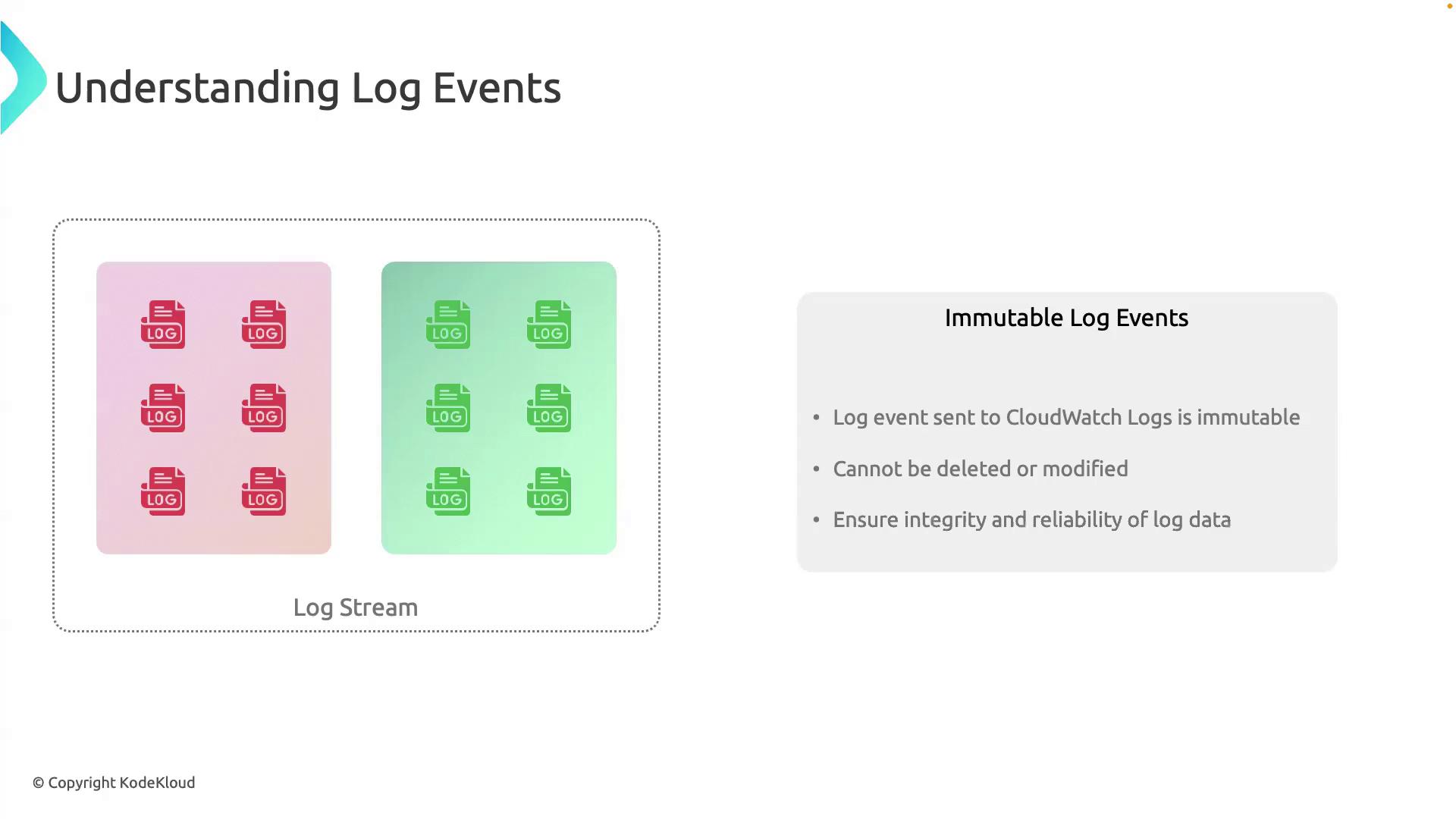
Immutable logs ensure data integrity and compliance. Plan your retention policies carefully: removing sensitive data requires deleting the whole stream or group.
***
## Pre-Ingestion Filtering
To reduce costs and enhance signal-to-noise in your logs, apply **pre-ingestion filtering**. This lets you filter, transform, or drop unwanted log data on the client side before sending to CloudWatch Logs.
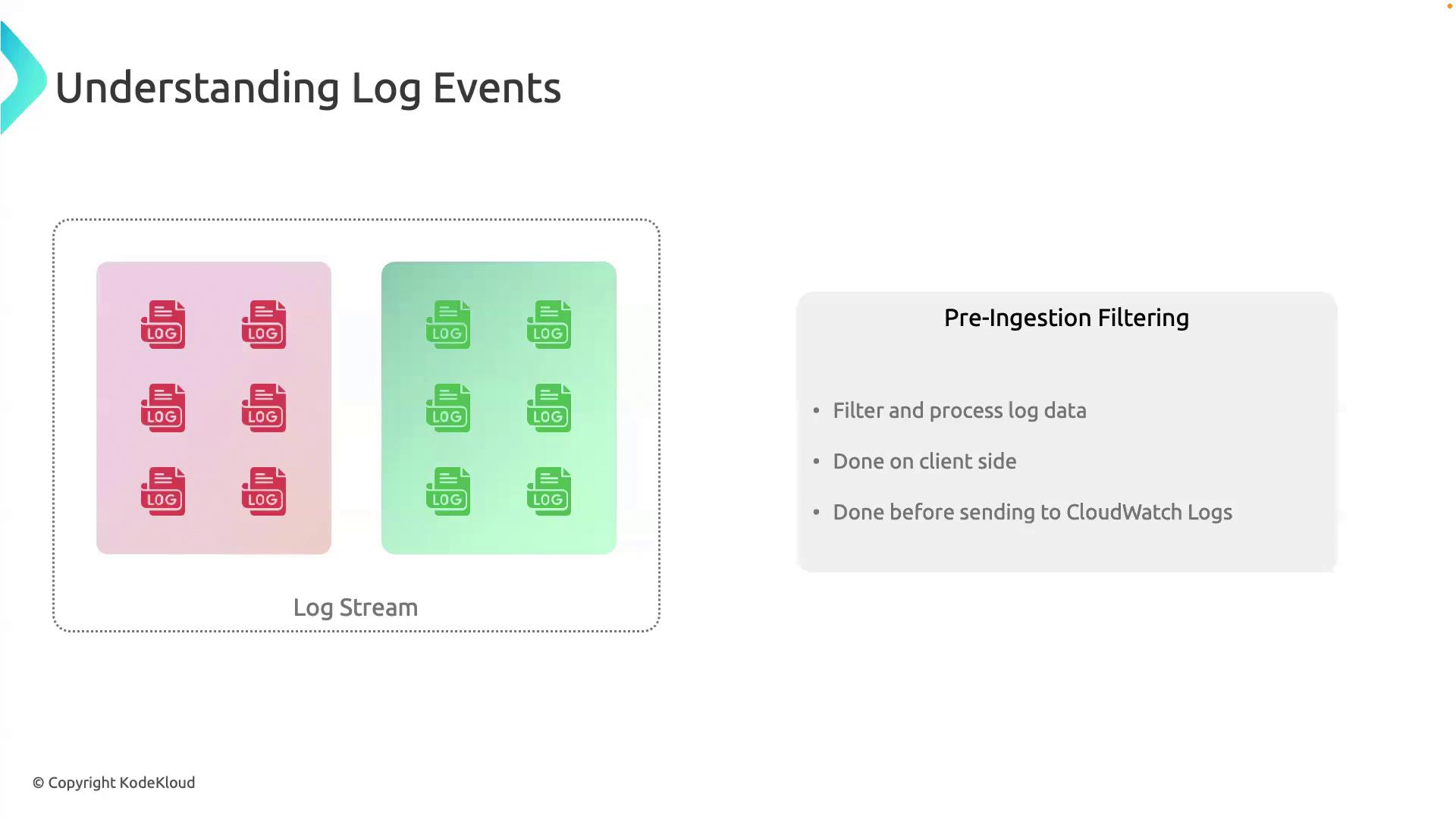
Key benefits of pre-ingestion filtering:
* Lower storage and ingestion costs
* Focus on critical events
* Improved performance when querying
Use the AWS SDK or [CloudWatch Logs Agent](https://docs.aws.amazon.com/AmazonCloudWatch/latest/logs/QuickStartEC2Instance.html) to configure filters before data is sent.
***
## Summary
By organizing log events into streams and groups, choosing structured or unstructured formats, leveraging immutability, and filtering at the source, you can build an efficient, secure, and cost-effective logging strategy with AWS CloudWatch Logs.
***
## Links and References
* [AWS CloudWatch Logs Documentation](https://docs.aws.amazon.com/AmazonCloudWatch/latest/logs/WhatIsCloudWatchLogs.html)
* [Analyzing Log Data with CloudWatch Logs Insights](https://docs.aws.amazon.com/AmazonCloudWatch/latest/logs/AnalyzingLogData.html)
* [CloudWatch Logs Agent Installation](https://docs.aws.amazon.com/AmazonCloudWatch/latest/logs/QuickStartEC2Instance.html)
* [Logging Best Practices on AWS](https://aws.amazon.com/architecture/logging-monitoring/)