> ## Documentation Index
> Fetch the complete documentation index at: https://notes.kodekloud.com/llms.txt
> Use this file to discover all available pages before exploring further.
# Understanding Log Stream and Log Group
> This article explains AWS CloudWatch Logs, focusing on the differences between log streams and log groups for effective logging strategies.
AWS CloudWatch Logs provides a scalable, reliable way to collect and monitor log data from your applications and infrastructure. Two foundational concepts in this service are **log streams** and **log groups**. In this guide, we’ll break down each concept, compare them side by side, and show how they fit into an effective AWS logging strategy.
## What Is a Log Stream?
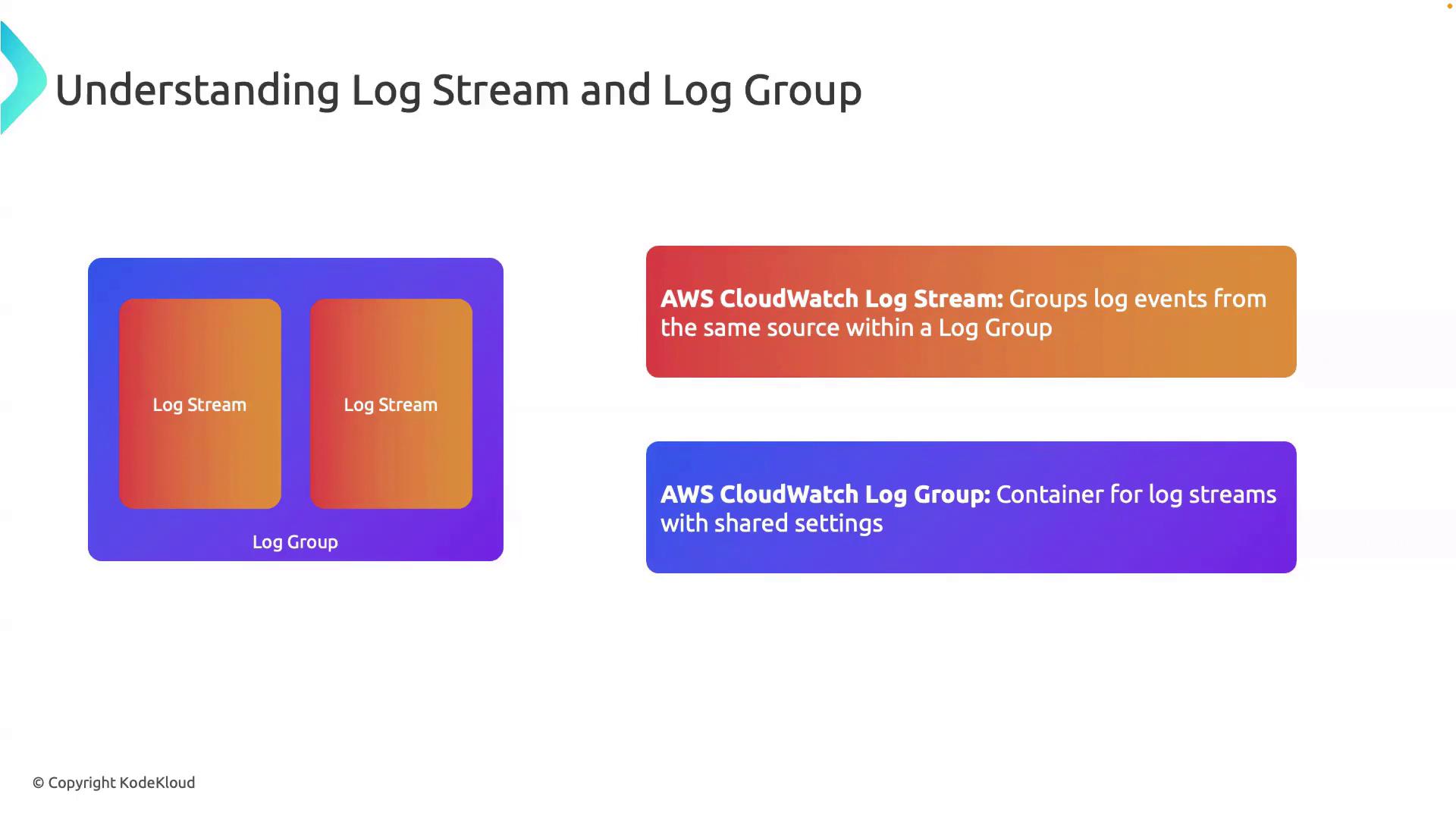
A **log stream** is an ordered sequence of log events that all originate from the same source—for example, an EC2 instance, Lambda function, or on-premises server. Each event carries a timestamp and a message, forming a timeline of activity for that component.
Common log stream contents include:
* Application error messages
* User access and transaction logs
* Performance and diagnostics data
Each log stream is unique to its source. You can have multiple streams for different instances of the same application.
## What Is a Log Group?
A **log group** acts as a container for one or more log streams. Think of it as a logical folder that centralizes related streams under common settings and policies.
Within a log group, you can configure:
* **Retention period**: How long to keep log data
* **Metric filters**: Generate CloudWatch metrics from log patterns
* **Access control**: IAM policies governing who can view or manage logs
Setting a very long retention period can increase storage costs. Review your compliance requirements before adjusting retention.
## Log Stream vs. Log Group: At a Glance
| Concept | Definition | Key Use Cases |
| -------------- | --------------------------------------------------- | -------------------------------------------------- |
| **Log Stream** | Timestamped sequence of events from a single source | Troubleshooting individual instances or components |
| **Log Group** | Container for multiple streams with shared settings | Centralized management, retention, and monitoring |
## Next Steps
In upcoming lessons, we’ll explore how to:
* Define and parse **log events** in CloudWatch Logs
* Create **metric filters** to extract actionable insights
* Integrate AWS CloudWatch Logs with **CloudWatch Alarms**
## References
* [AWS CloudWatch Logs Concepts](https://docs.aws.amazon.com/AmazonCloudWatch/latest/logs/WhatIsCloudWatchLogs.html)
* [Managing Log Data in Amazon CloudWatch Logs](https://docs.aws.amazon.com/AmazonCloudWatch/latest/logs/Working-with-log-groups-and-streams.html)
Use these resources to deepen your understanding and streamline your AWS logging architecture.