> ## Documentation Index
> Fetch the complete documentation index at: https://notes.kodekloud.com/llms.txt
> Use this file to discover all available pages before exploring further.
# Integrations
> Guide on integrating AWS CodePipeline with AWS services and third-party tools for CI/CD pipeline stages including Source, Build, Test, Deploy, and additional actions.
Discover how AWS CodePipeline orchestrates your CI/CD pipeline by integrating with AWS services and third‐party tools at each stage—Source, Build, Test, Deploy—and by adding optional Approvals & Invocations.
## Pipeline Stages Overview
A robust CI/CD pipeline typically follows four core stages:
1. **Source** – Pull code or artifacts from repositories
2. **Build** – Compile, package, and run unit tests
3. **Test** – Execute integration or specialized tests
4. **Deploy** – Release assets to production environments
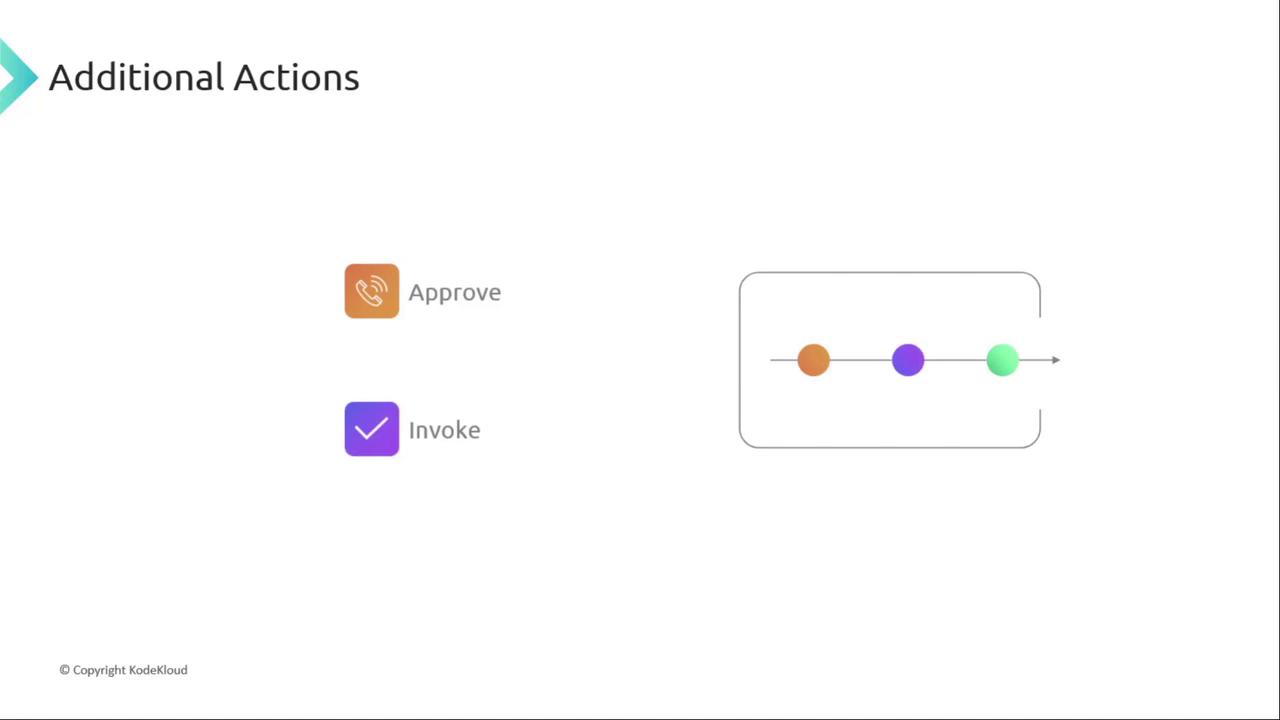
You can also insert **Approvals** or **Invocations** anywhere in the flow to meet compliance or automation requirements.
***
## 1. Source Stage Integrations
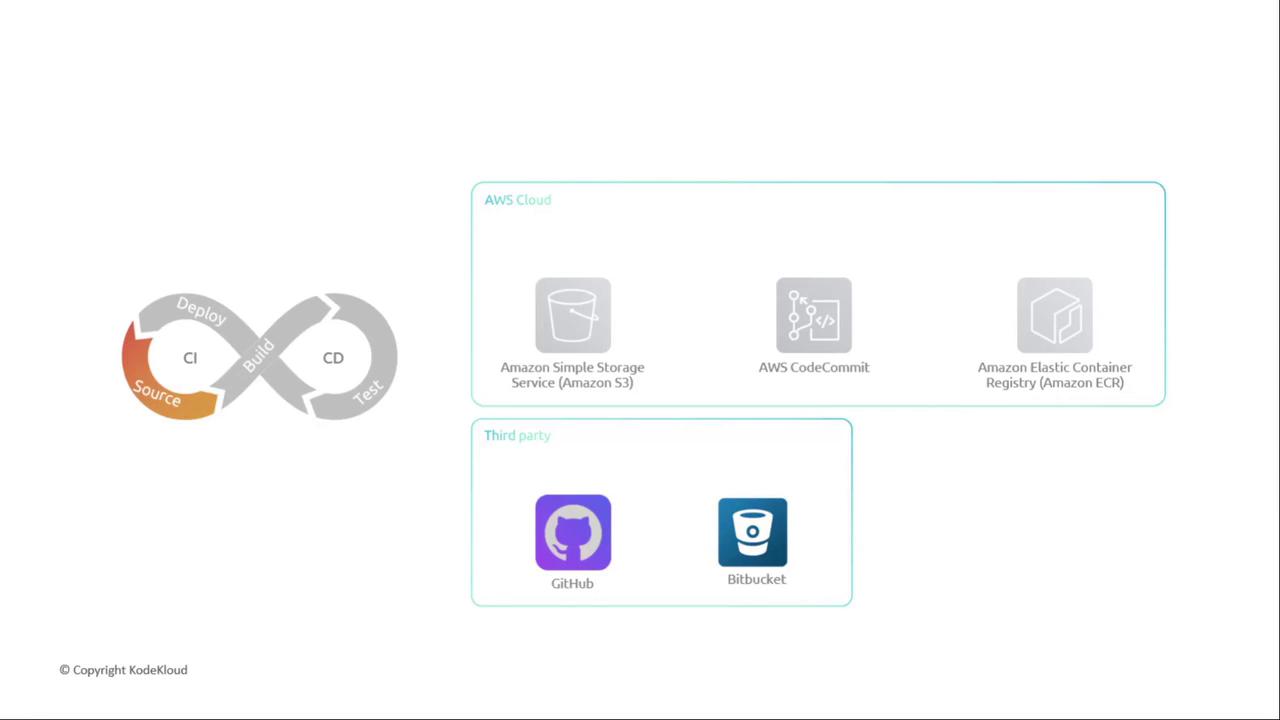
CodePipeline supports multiple source providers, enabling you to trigger pipelines automatically when changes occur.
| Source Type | Integration Method | Common Use Case |
| ----------------- | ---------------------- | ----------------------------------- |
| Amazon S3 | S3 Event Notifications | Versioned artifacts, static website |
| AWS CodeCommit | Native Git Repository | Private source control on AWS |
| Amazon ECR | Image Push Events | Container images for ECS/EKS |
| GitHub, Bitbucket | CodeStar Connections | Public/third-party Git repositories |
### Amazon S3
Amazon S3 offers durable object storage with versioning and event-based triggers. Configure an S3 bucket event to start your pipeline whenever a new object arrives.
### AWS CodeCommit
Fully managed, scalable Git repositories with branch and commit history. CodePipeline hooks directly into CodeCommit branches for seamless source control.
### Amazon ECR
Store and manage Docker container images. Use `docker push` to upload images—perfect when you deploy to Amazon ECS or EKS.
### Third-Party Repositories
Link GitHub or Bitbucket via AWS CodeStar Connections. Grant repository access and select the branch to trigger your pipeline.
***
## 2. Build Stage Integrations
Compile your application, run unit tests, and package artifacts using either AWS-managed or external CI tools.
| Provider | Service | Highlights |
| ------------- | ------------- | ----------------------------------- |
| AWS CodeBuild | Fully managed | Auto-scaling, buildspec support |
| Jenkins | Self-managed | AWS CodePipeline plugin & IAM roles |
| TeamCity | On-prem/Cloud | Custom agent pools |
| CloudBees | SaaS | Pipeline as code |
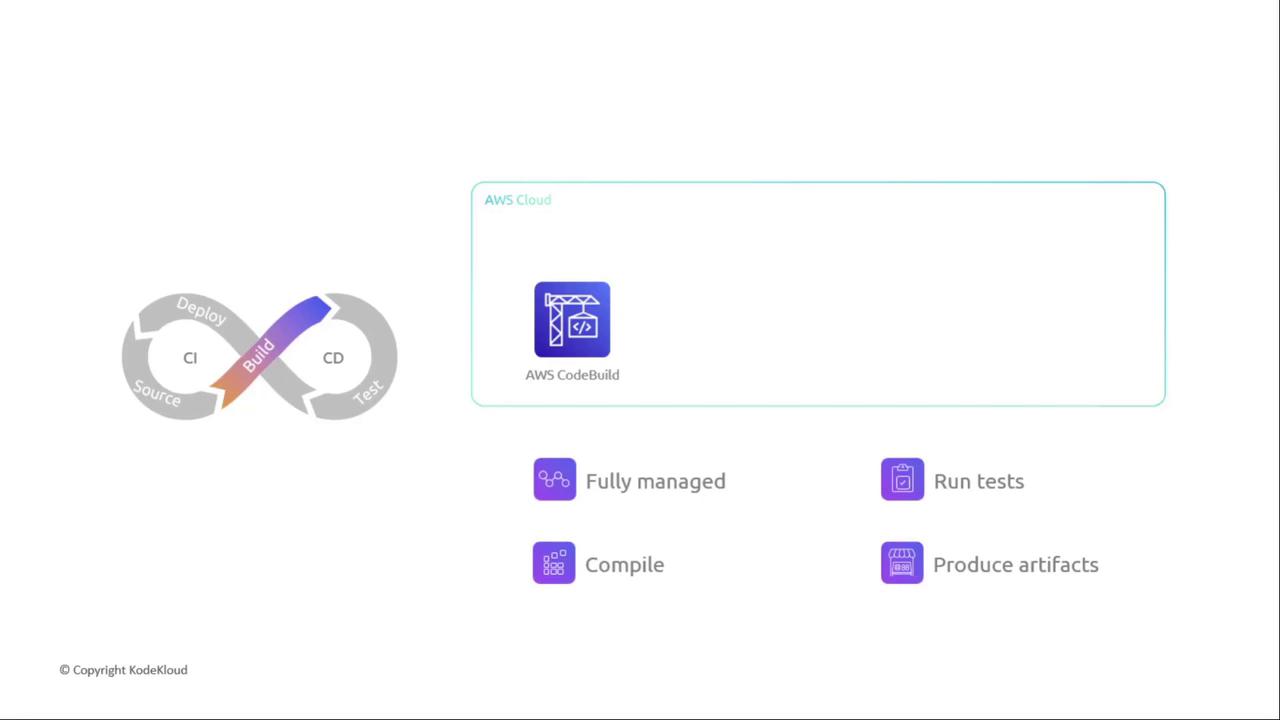
### AWS CodeBuild
A fully managed CI service that scales continuously. Define your build commands in a `buildspec.yml`.
```yaml theme={null}
version: 0.2
phases:
install:
commands:
- echo Installing dependencies
build:
commands:
- npm install
- npm run build
artifacts:
files:
- '**/*'
```
Ensure your CodeBuild service role has permissions to pull source and write artifacts to S3 or Amazon ECR.
***
## 3. Test Stage Integrations
Depending on your workflow, combine testing with build or use dedicated test platforms.
**Combined Build/Test**\
Run unit and integration tests within CodeBuild, Jenkins, TeamCity, or CloudBees.
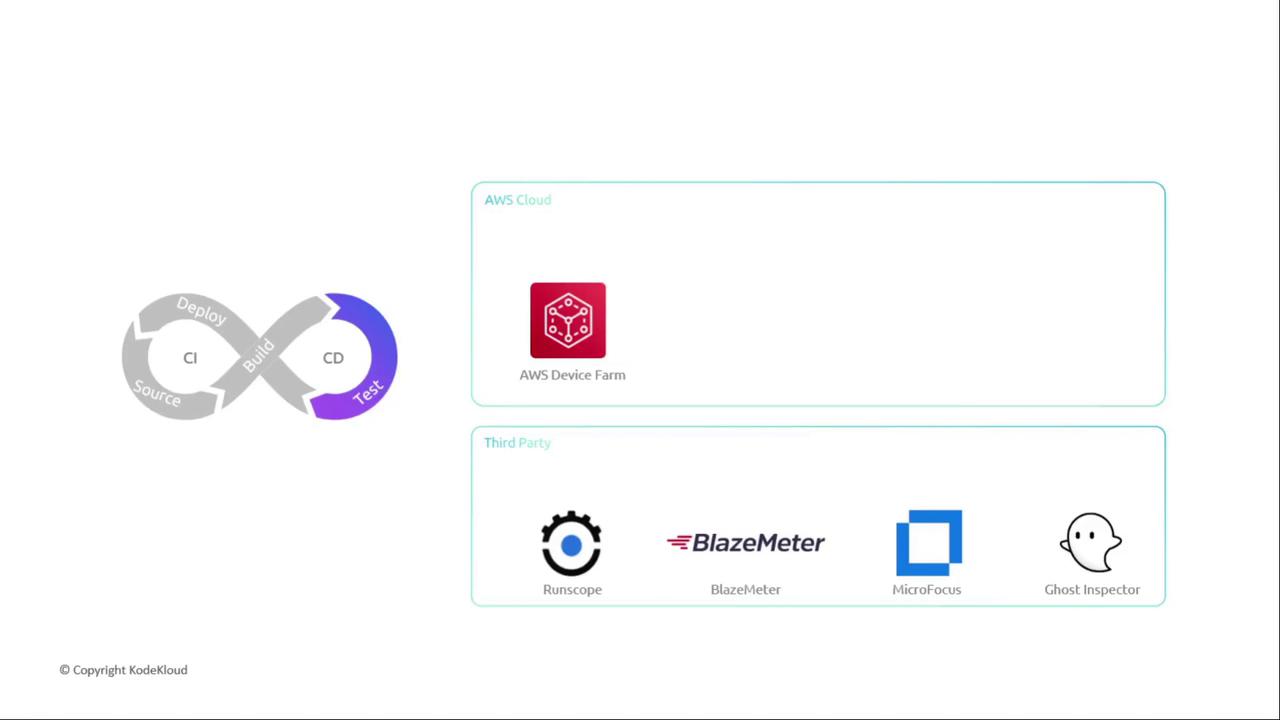
**Dedicated Test Tools**
* **AWS Device Farm** for mobile and web app testing
* Third-party services: BlazeMeter, RunScope, Micro Focus, Ghost Inspector
***
## 4. Deploy Stage Integrations
Target servers, serverless environments, containers, or static sites with flexible deployment actions.
| Target Type | AWS Service | Third-Party Example |
| ---------------- | --------------------------- | ------------------- |
| Static Websites | Amazon S3 + CloudFront | – |
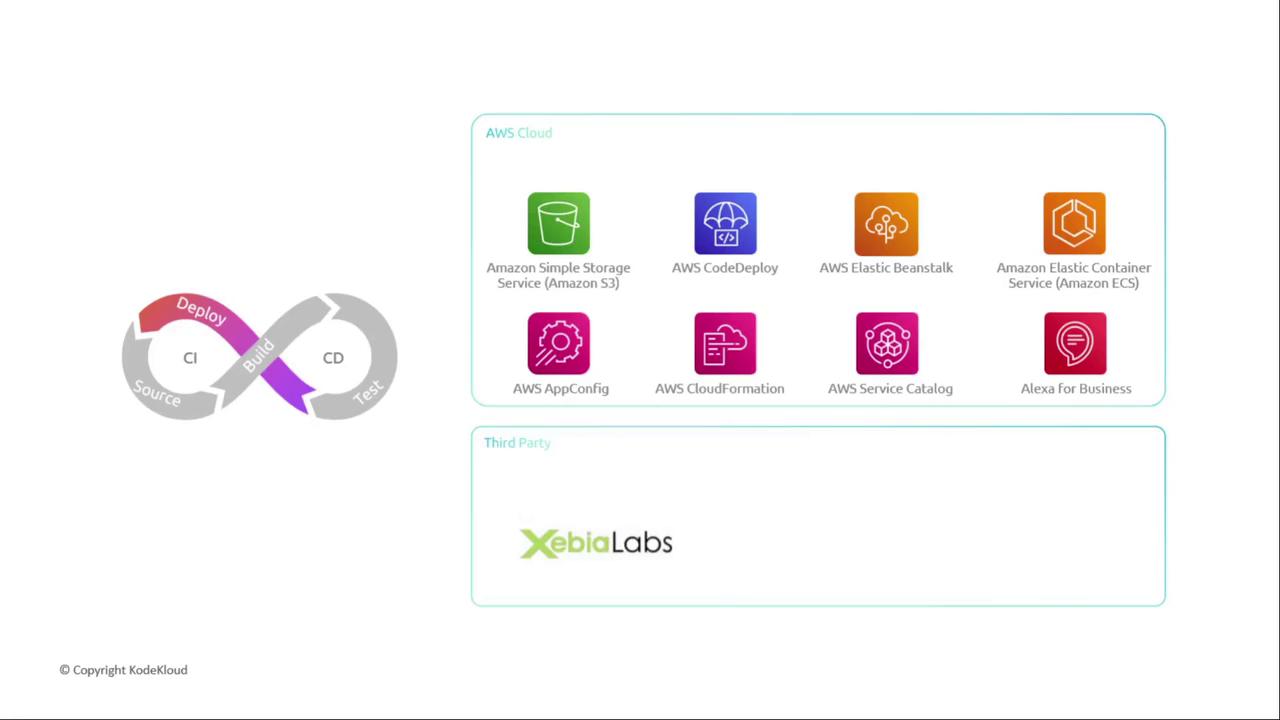
| EC2 & On-Premise | AWS CodeDeploy | XebiaLabs |
| Containers | Amazon ECS / EKS | – |
| Serverless | AWS Lambda + API Gateway | – |
| Full Stack | Elastic Beanstalk, OpsWorks | – |
### Key AWS Deployment Services
* **Amazon S3**: Host static sites and assets
* **AWS CodeDeploy**: Blue/green and in-place deployments
* **Elastic Beanstalk**: Automated provisioning & scaling
* **AWS OpsWorks**: Chef-based server configurations
* **CloudFormation**, **Service Catalog**, **AppConfig**, **Alexa Skills**
***
## 5. Additional Actions: Approvals & Invocations
Beyond core stages, incorporate approvals or invoke custom logic as needed.
### Manual Approvals
Use Amazon SNS or AWS Chatbot to notify stakeholders. Approvers click an action in the AWS Console or via email/SMS to proceed.
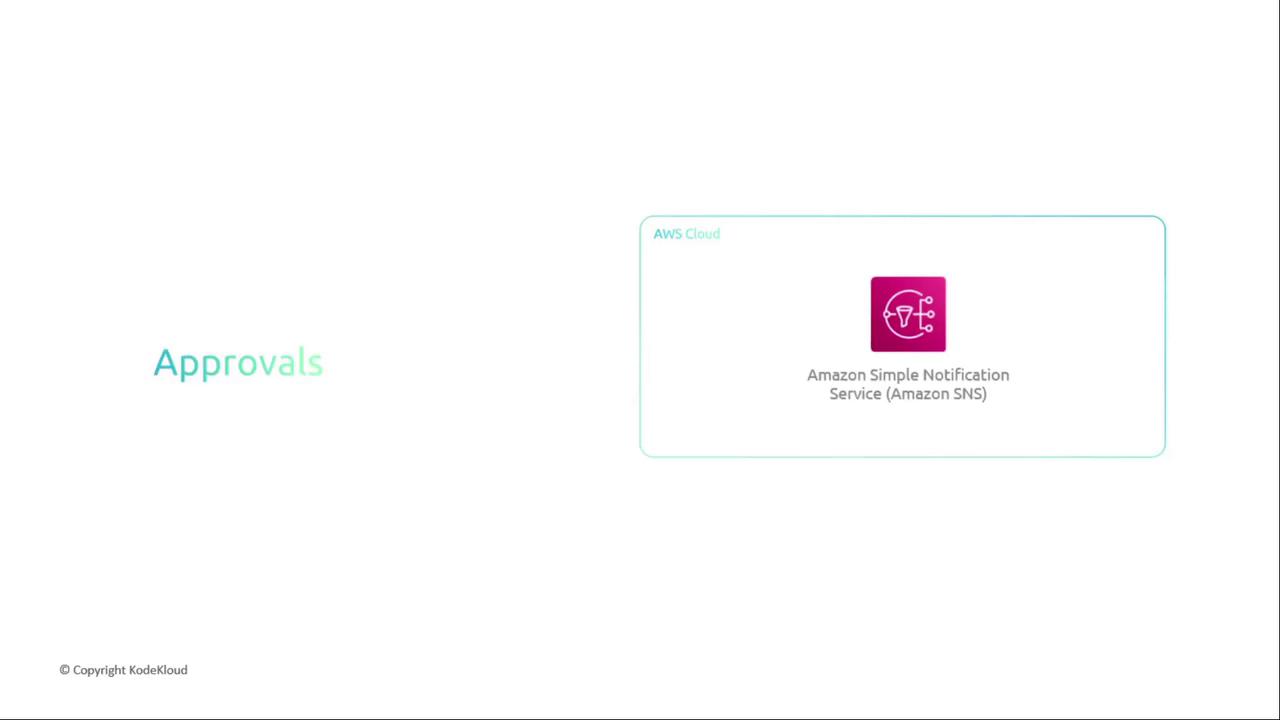
Configure your SNS topics and endpoints carefully to avoid spamming recipients.
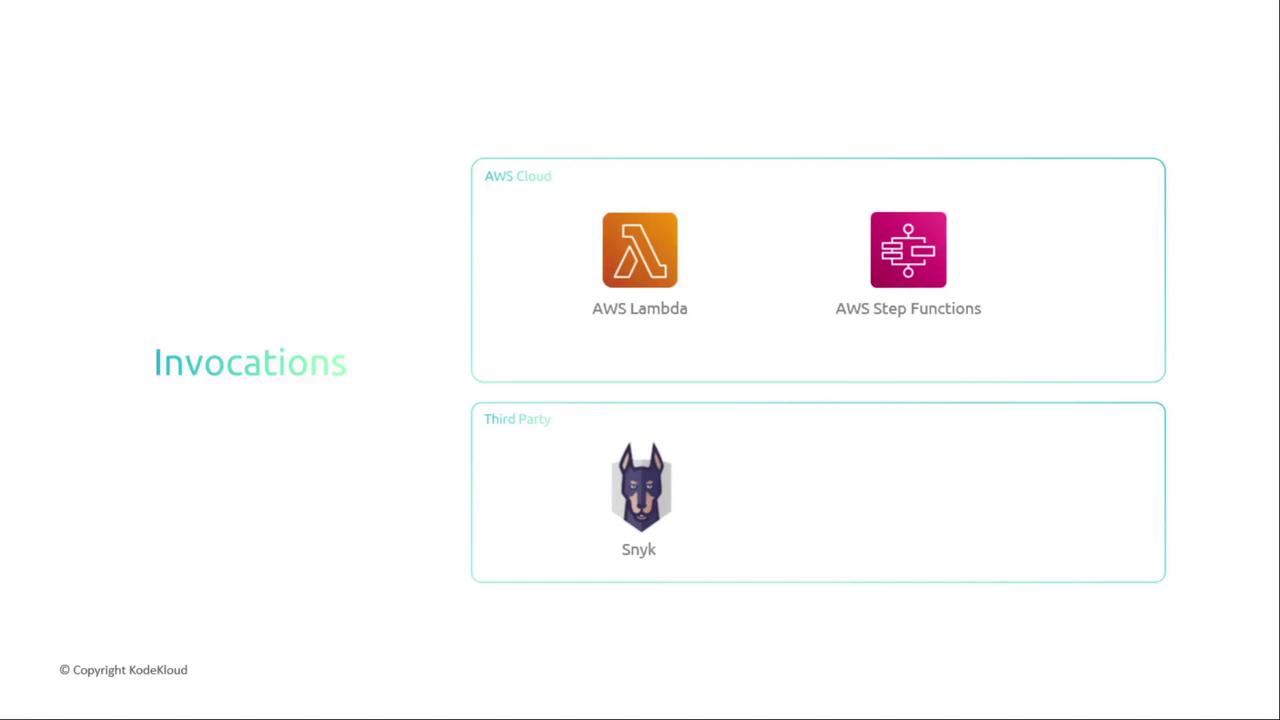
### Automated Invocations
Trigger AWS Lambda functions or Step Functions to run custom validations, security scans (e.g., Snyk), or complex orchestrations.
***
By mixing and matching AWS services and third-party tools, you can tailor CodePipeline to fit any CI/CD workflow—from simple static sites to complex microservices architectures.
***
## Links and References
* [AWS CodePipeline Documentation](https://docs.aws.amazon.com/codepipeline/)
* [AWS CodeBuild User Guide](https://docs.aws.amazon.com/codebuild/)
* [AWS Device Farm](https://aws.amazon.com/device-farm/)
* [AWS CodeDeploy](https://docs.aws.amazon.com/codedeploy/)
* [GitHub](https://github.com/)
* [Bitbucket](https://bitbucket.org/)