> ## Documentation Index
> Fetch the complete documentation index at: https://notes.kodekloud.com/llms.txt
> Use this file to discover all available pages before exploring further.
# Monitoring
> This guide explores monitoring AWS CodePipeline at multiple levels and integrating with AWS services for alerts and log retention.
Effective monitoring is crucial for identifying and troubleshooting CI/CD pipeline issues—such as a build stage that never starts. In this guide, we’ll explore how to monitor AWS CodePipeline at multiple levels and integrate with AWS services for alerts and log retention.
## What Can You Monitor in CodePipeline?
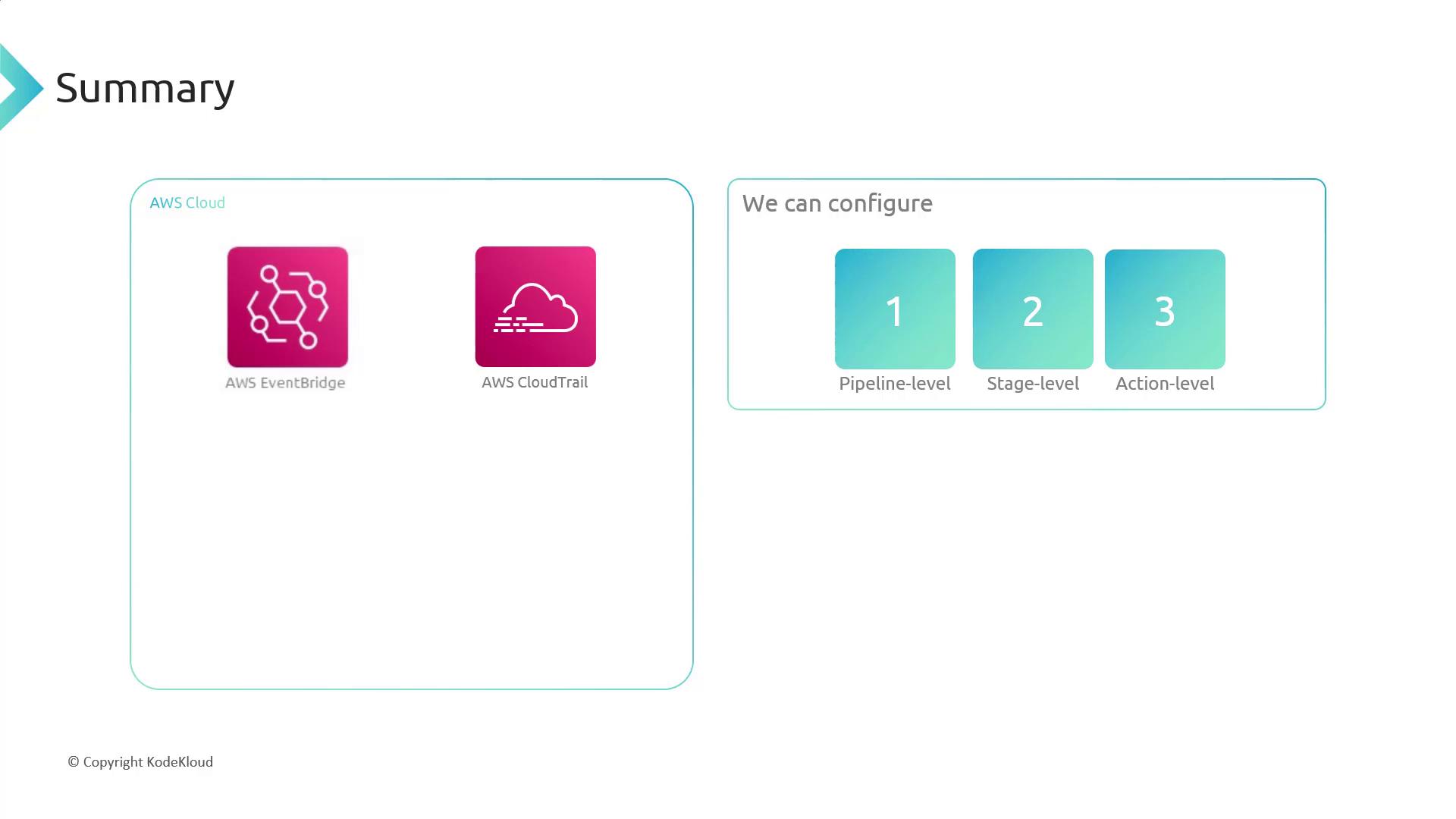
A single AWS account can host multiple pipelines. Each pipeline consists of stages (Source, Build, Test, Deploy), and each stage contains one or more actions. You can set up monitoring at three levels:
* Pipeline
* Stage
* Action

## Amazon EventBridge
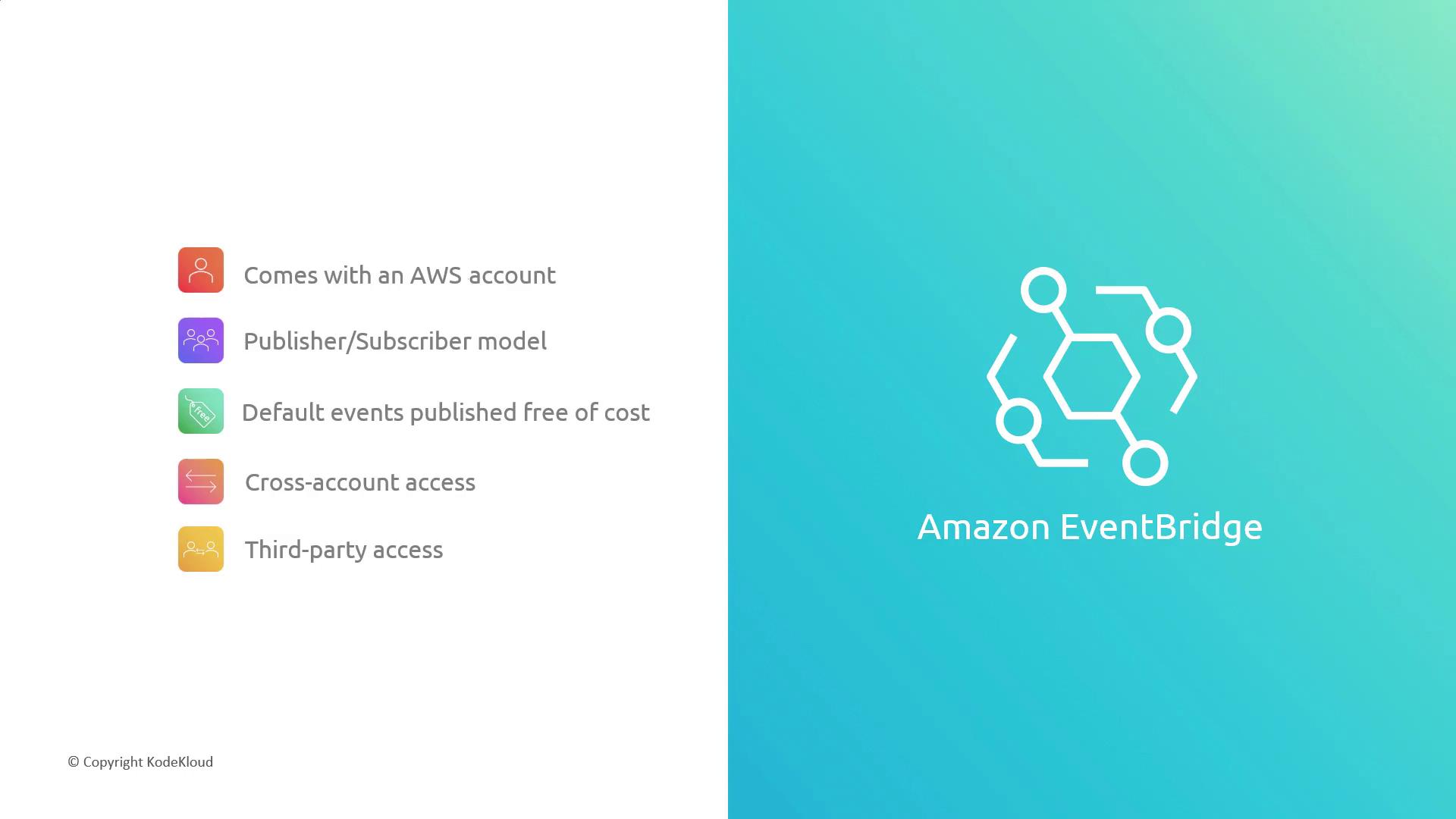
Amazon EventBridge is the primary service for reacting to CodePipeline events. It follows a publisher/subscriber model: AWS services publish events, and you define rules to trigger targets such as Lambda, SNS, or SQS.
By default, AWS publishes pipeline events to EventBridge at no cost. You only incur charges for custom, cross-account, or third-party events (\$1 per 1 million events).
### Supported Event Levels
| Level | Event Types |
| -------- | ------------------------------------- |
| Pipeline | Started, Stopped, Succeeded, Failed |
| Stage | Started, Succeeded, Failed |
| Action | Started, Succeeded, Failed, Abandoned |

For more details, see [Amazon EventBridge Documentation](https://docs.aws.amazon.com/eventbridge/latest/userguide/).
## AWS CloudTrail, Amazon S3 & Amazon SNS
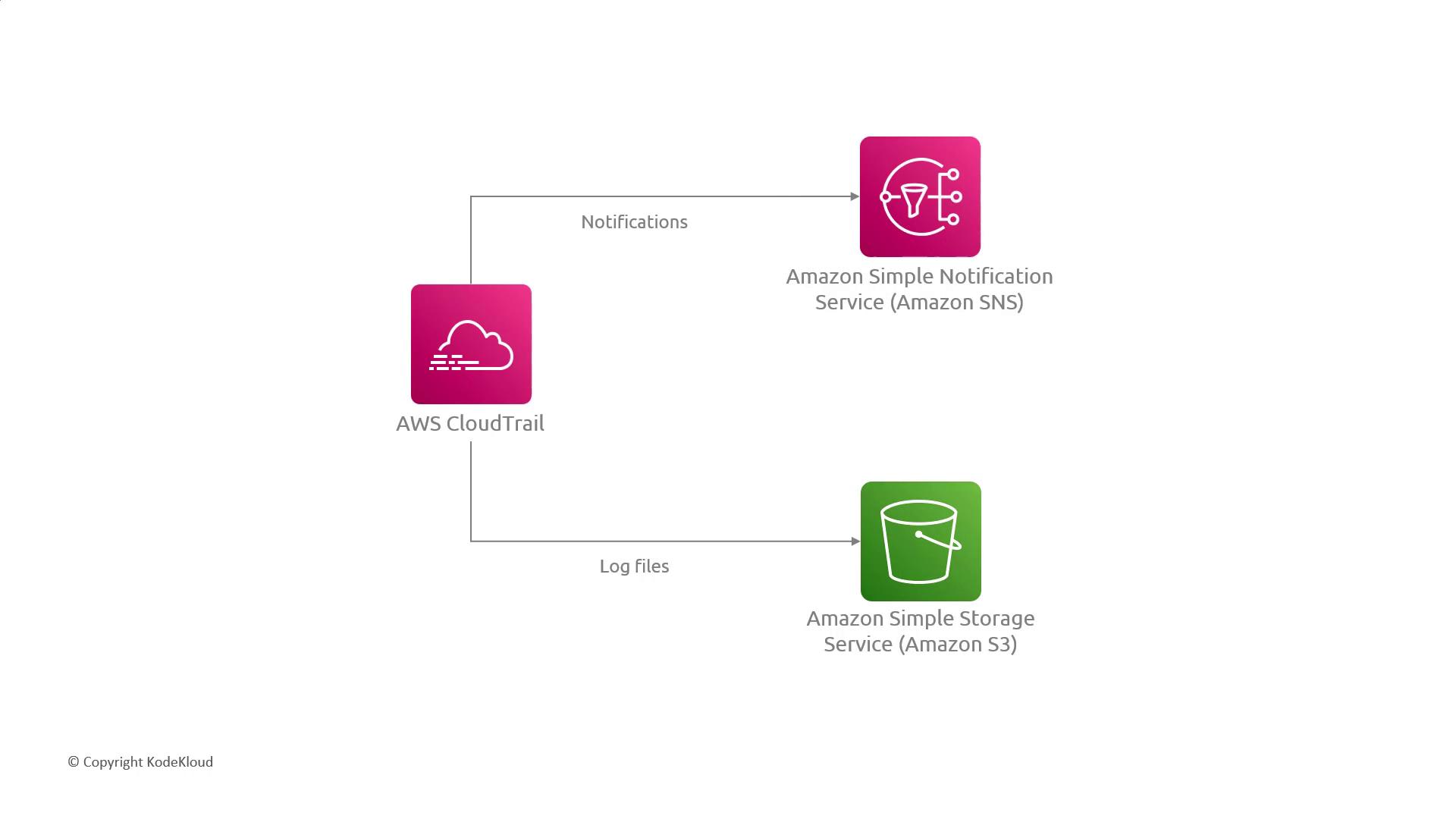
While EventBridge handles high-level pipeline events, AWS CloudTrail records **every** API call and user action across AWS services. Since CodePipeline orchestrates other services (for example, CodeCommit or CodeBuild), CloudTrail captures those underlying API calls.
* **Amazon S3**: Store CloudTrail logs for durable, scalable retention.
* **Amazon SNS**: Configure notifications for critical events, such as API call failures.
Consider the volume of CloudTrail logs when designing S3 lifecycle policies and SNS subscription limits to avoid unexpected costs.
## Summary of Monitoring Options
| Service | Use Case |
| ------------------ | --------------------------------------------------------- |
| Amazon EventBridge | Real-time response to pipeline, stage, and action events |
| AWS CloudTrail | Audit trail of API calls made by CodePipeline |
| Amazon S3 | Durable storage for large volumes of CloudTrail log files |
| Amazon SNS | Alerting and notifications based on log events |
## References
* [AWS CodePipeline Documentation](https://docs.aws.amazon.com/codepipeline/)
* [Amazon EventBridge User Guide](https://docs.aws.amazon.com/eventbridge/latest/userguide/)
* [AWS CloudTrail Documentation](https://docs.aws.amazon.com/cloudtrail/latest/userguide/)
* [Amazon S3 Documentation](https://docs.aws.amazon.com/s3/)
* [Amazon SNS Documentation](https://docs.aws.amazon.com/sns/)