> ## Documentation Index
> Fetch the complete documentation index at: https://notes.kodekloud.com/llms.txt
> Use this file to discover all available pages before exploring further.
# Security
> Securing your AWS CodePipeline is essential for safeguarding every stage of your CI/CD workflow from source code to production.
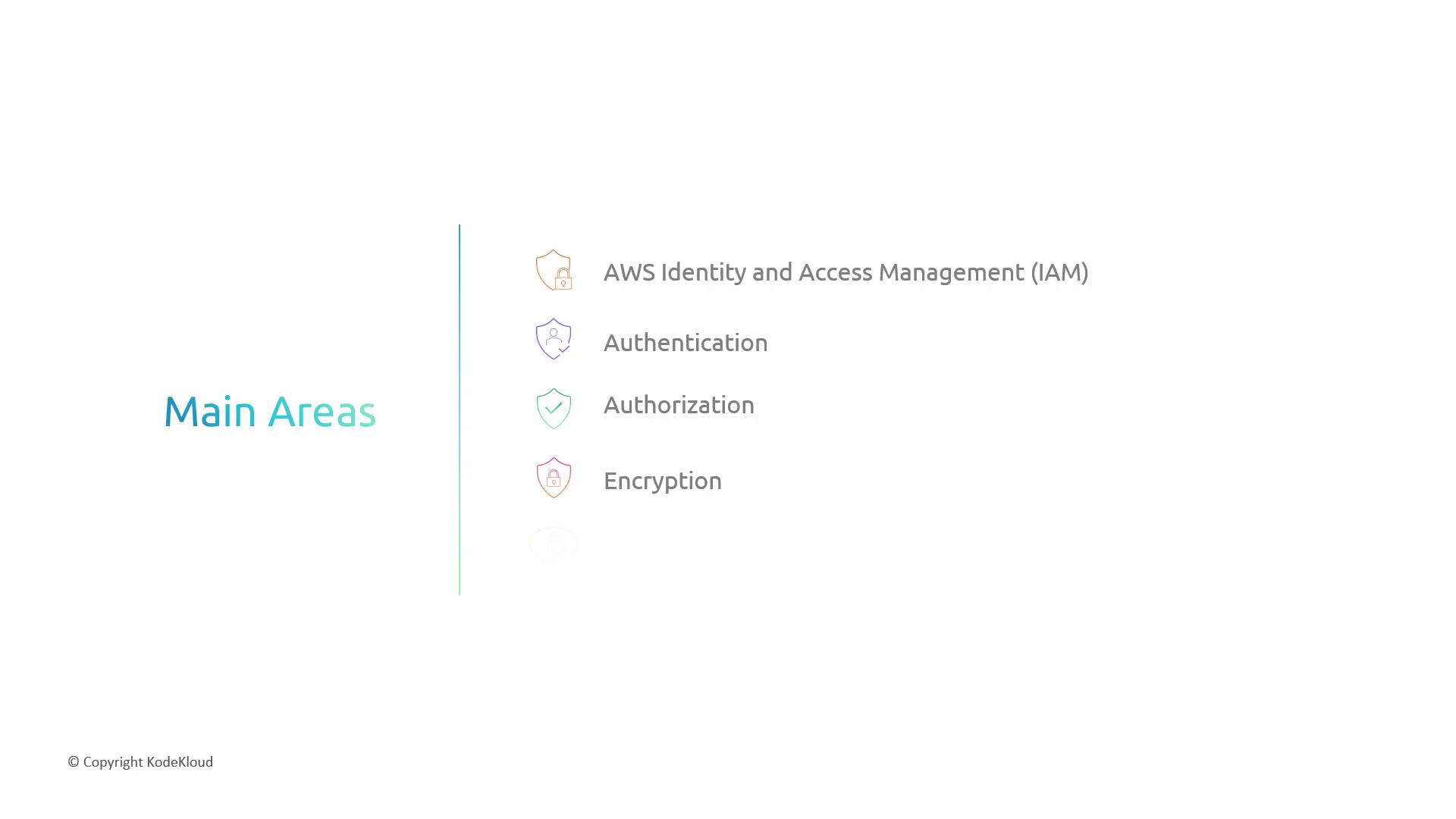
Securing your AWS CodePipeline is essential for safeguarding every stage of your CI/CD workflow—from source code to production. In this guide, we’ll cover the key security pillars you need to enforce:
* Identity and Access Management (IAM)
* Authentication and Authorization
* Encryption (Data at Rest & In Transit)
* Secrets Management
***
## 1. Identity and Access Management (IAM)
IAM ensures that only authorized principals can perform actions on your pipeline and its resources.
### 1.1 Authentication
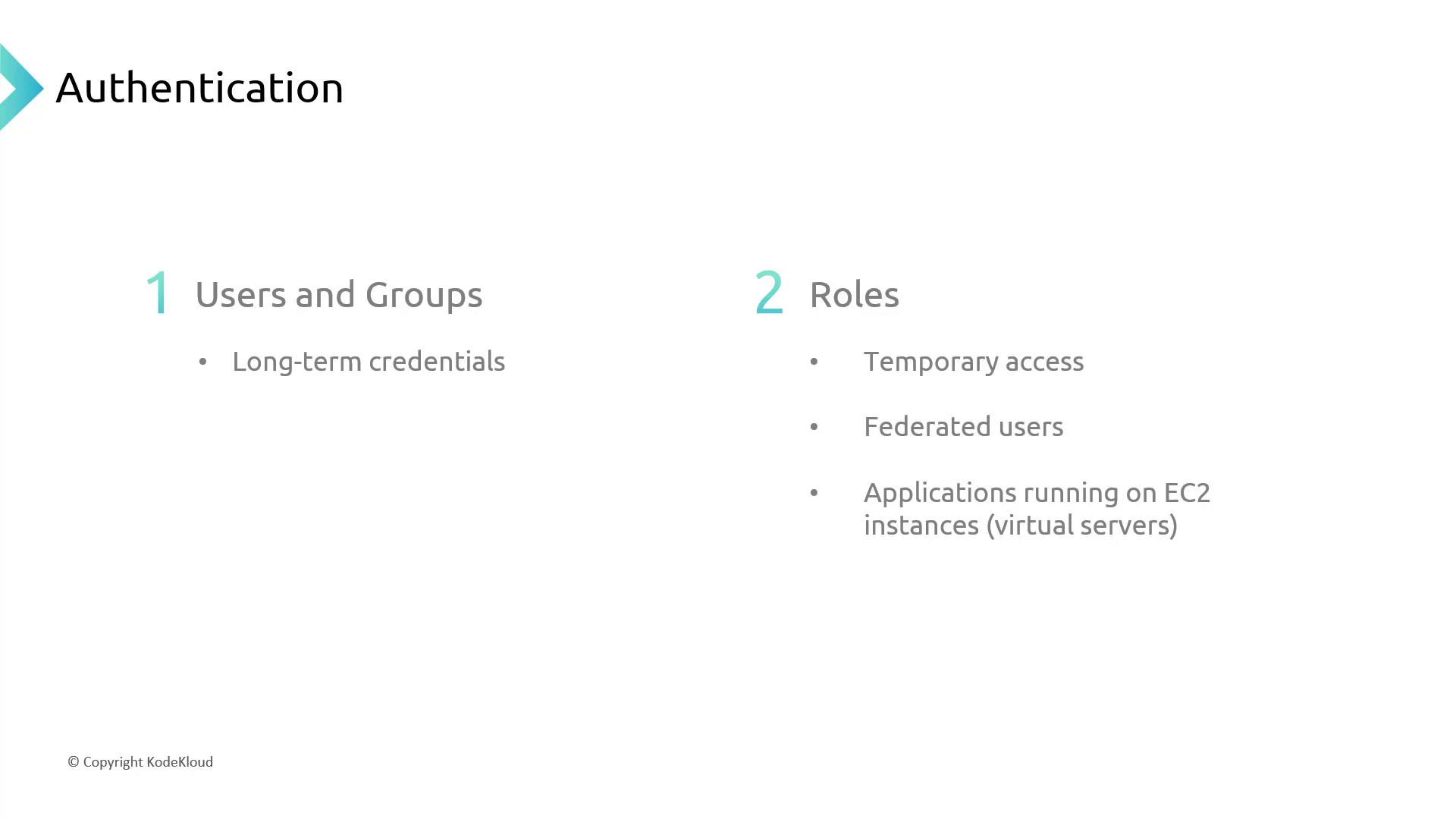
Use IAM users, groups, and roles to control **who** can access CodePipeline:
* **IAM Users & Groups**\
Provide long-term credentials for developers and administrators.
* **IAM Roles**\
Grant temporary permissions when assumed by users, AWS services, or federated identities.
Roles are ideal for:
* Short-lived access across AWS accounts
* Federated users (e.g., SAML, OIDC)
* Applications running on EC2 (via instance profiles)
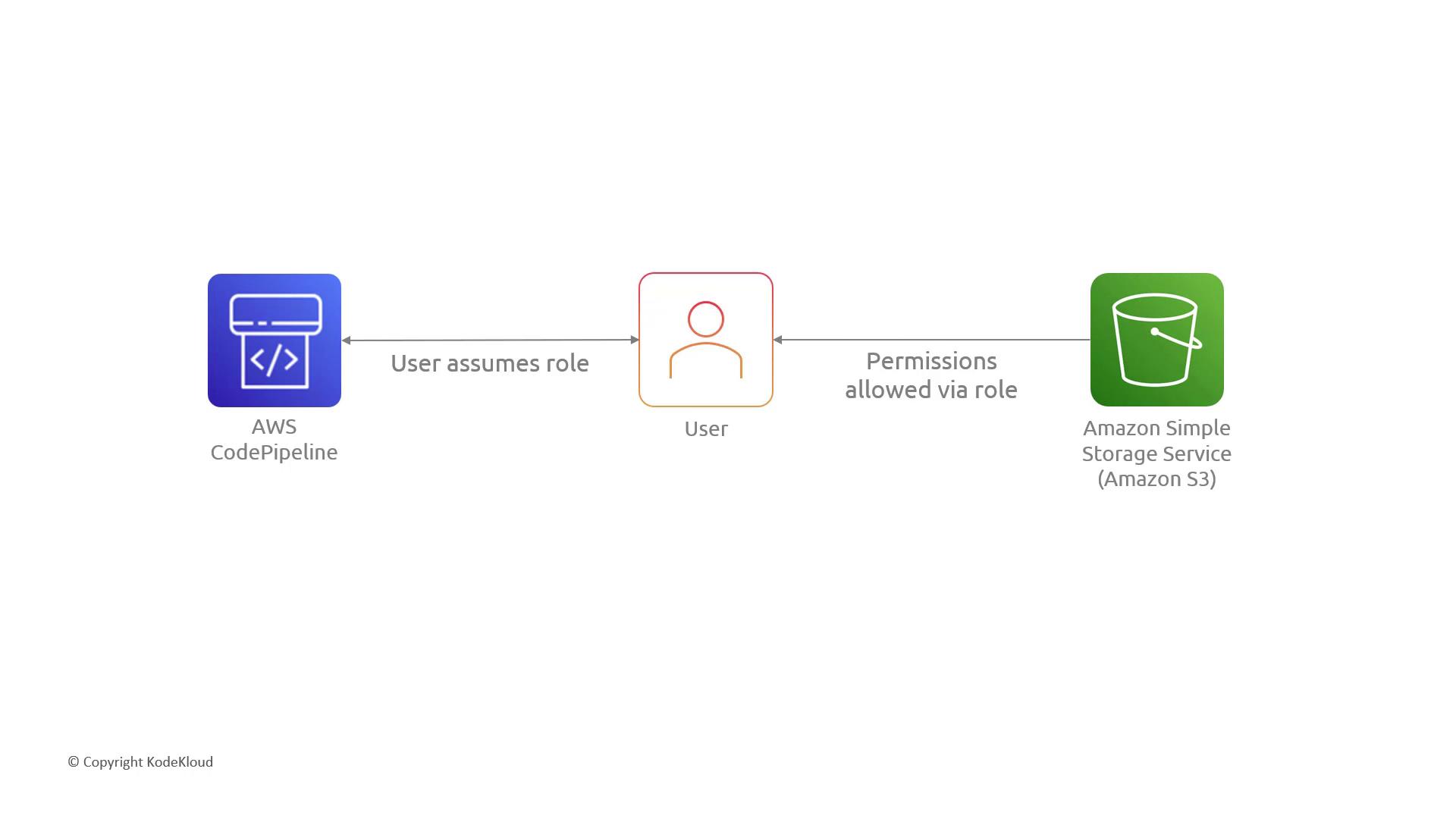
When a user assumes the CodePipeline service role, they inherit its permissions—such as accessing S3 for artifacts:
### 1.2 Authorization
Fine-grained permissions are enforced through IAM policies. These JSON documents define allowed or denied actions:
| Policy Type | Attachment Target | Use Case |
| --------------------- | ------------------------ | ------------------------------------ |
| Identity-based policy | IAM Users, Groups, Roles | Grant or deny actions to principals |
| Resource-based policy | S3 Buckets, KMS Keys | Control access at the resource level |

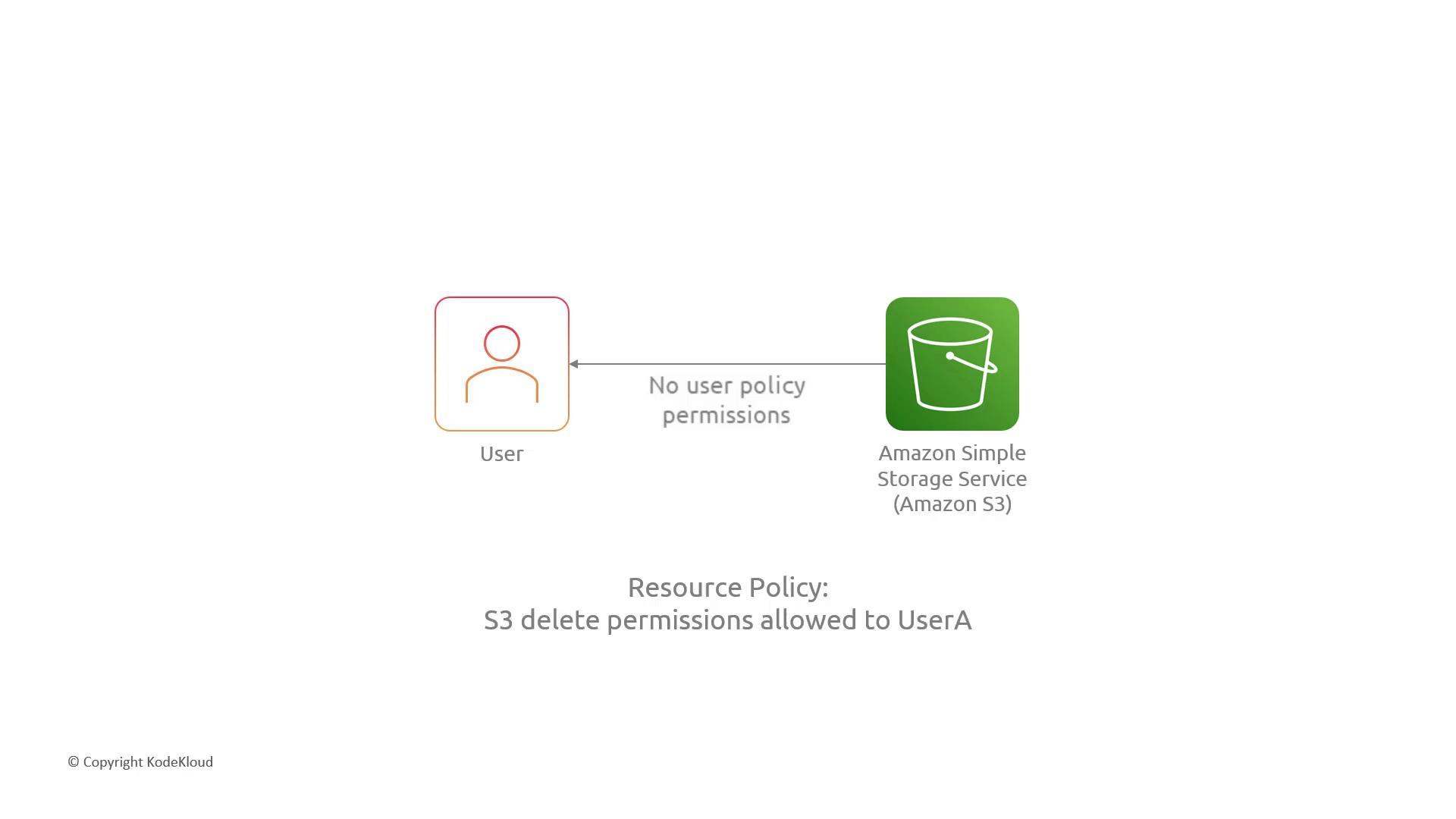
For example, if UserA has no identity policy but the target S3 bucket’s resource policy allows `s3:DeleteObject`, UserA can delete items:
***
## 2. Encryption
Protect data confidentiality by encrypting artifacts at rest and securing data in transit.
### 2.1 Data at Rest
When storing build artifacts in S3, enforce server-side encryption (SSE). Compare your key management options:
| Encryption Option | Key Management | Control Level |
| -------------------------- | -------------- | --------------------------------- |
| SSE-S3 (AWS-managed) | AWS-managed | No key rotation or policy control |
| SSE-KMS (AWS-managed) | AWS KMS | Automatic, limited policies |
| SSE-KMS (Customer-managed) | AWS KMS CMK | Full rotation & policy control |
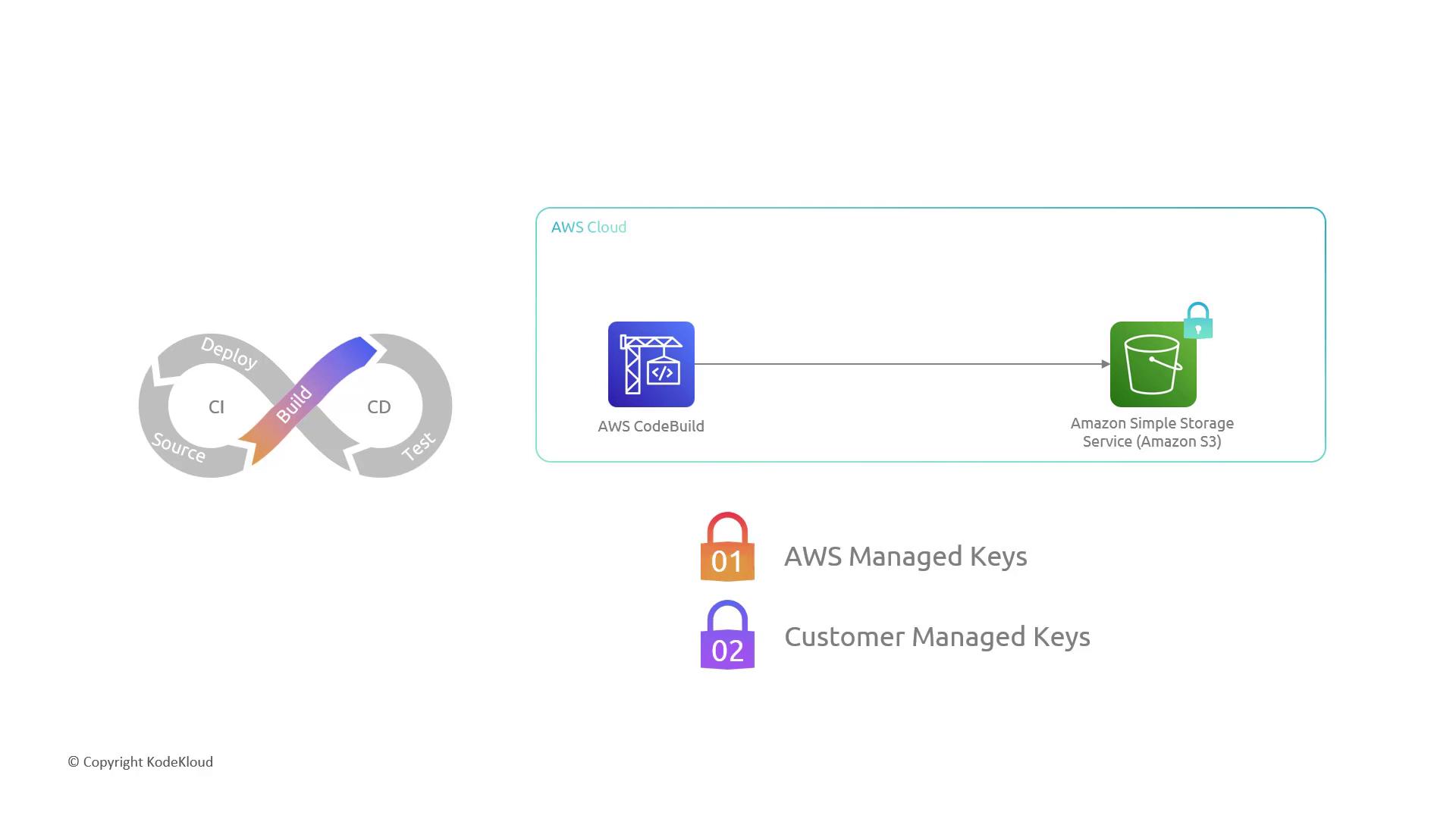
Always enforce HTTPS and server-side encryption in your S3 bucket policy to block unencrypted uploads or insecure connections.
Example S3 bucket policy:
```json theme={null}
{
"Version": "2012-10-17",
"Statement": [
{
"Sid": "DenyUnEncryptedObjectUploads",
"Effect": "Deny",
"Principal": "*",
"Action": "s3:PutObject",
"Resource": "arn:aws:s3:::my-artifact-bucket/*",
"Condition": {
"StringNotEquals": {
"s3:x-amz-server-side-encryption": "aws:kms"
}
}
},
{
"Sid": "DenyInsecureConnections",
"Effect": "Deny",
"Principal": "*",
"Action": "s3:*",
"Resource": "arn:aws:s3:::my-artifact-bucket/*",
"Condition": {
"Bool": {
"aws:SecureTransport": "false"
}
}
}
]
}
```
### 2.2 Data in Transit
Always use TLS (HTTPS) for:
* CodePipeline interactions with AWS services
* Integrations with third-party repositories (GitHub, Bitbucket)
* Calls to build and deployment providers
***
## 3. Secrets Management
Avoid hard-coding credentials such as API keys or passwords in your pipeline. Instead, centralize secrets in AWS Secrets Manager:
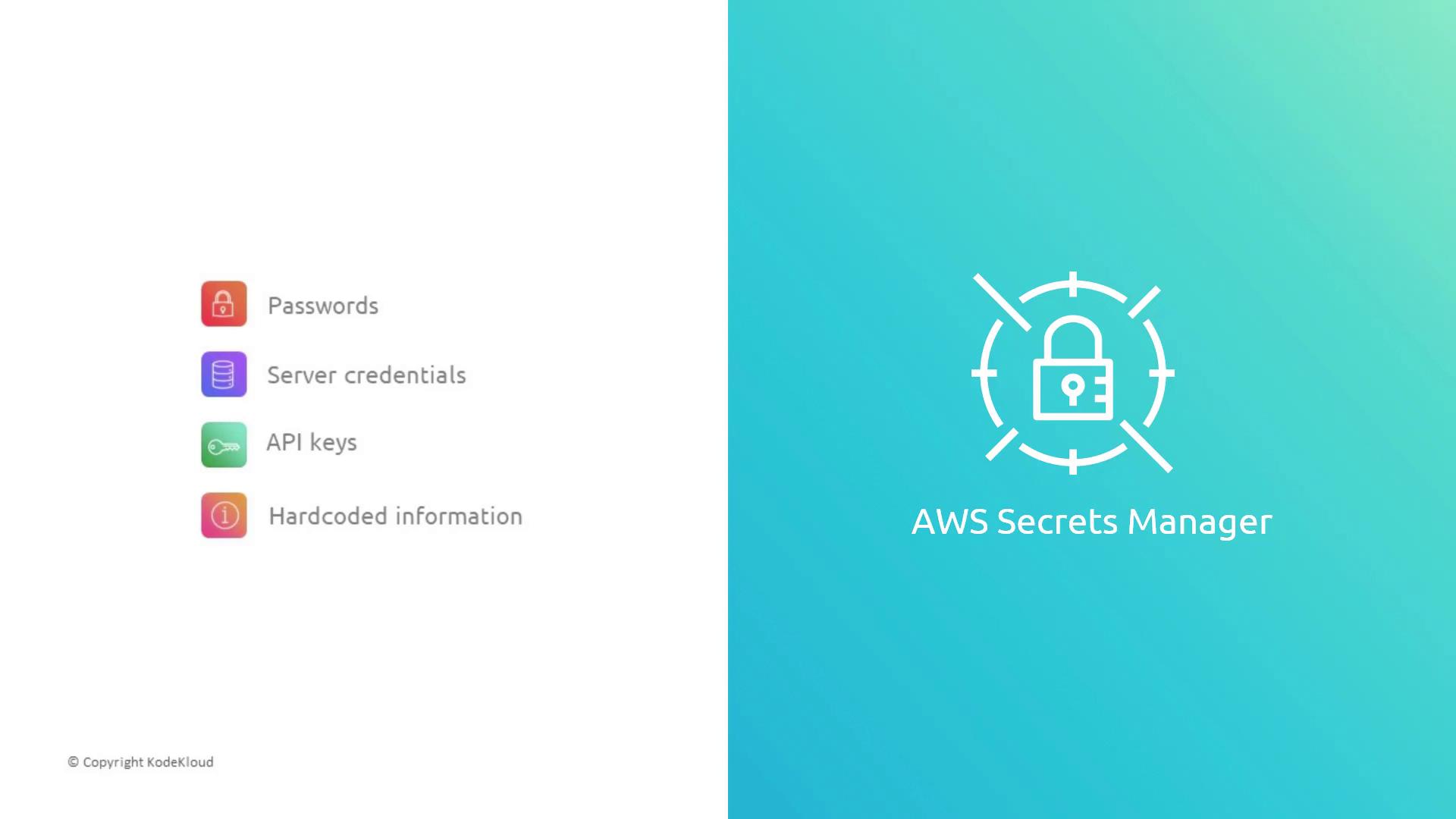
Use the [AWS SDK](https://docs.aws.amazon.com/secretsmanager/latest/userguide/intro.html) or AWS CLI to fetch secrets at runtime:
```bash theme={null}
aws secretsmanager get-secret-value --secret-id my-pipeline-secret
```
By retrieving secrets dynamically, you minimize exposure and enable automatic rotation.
***
## Summary
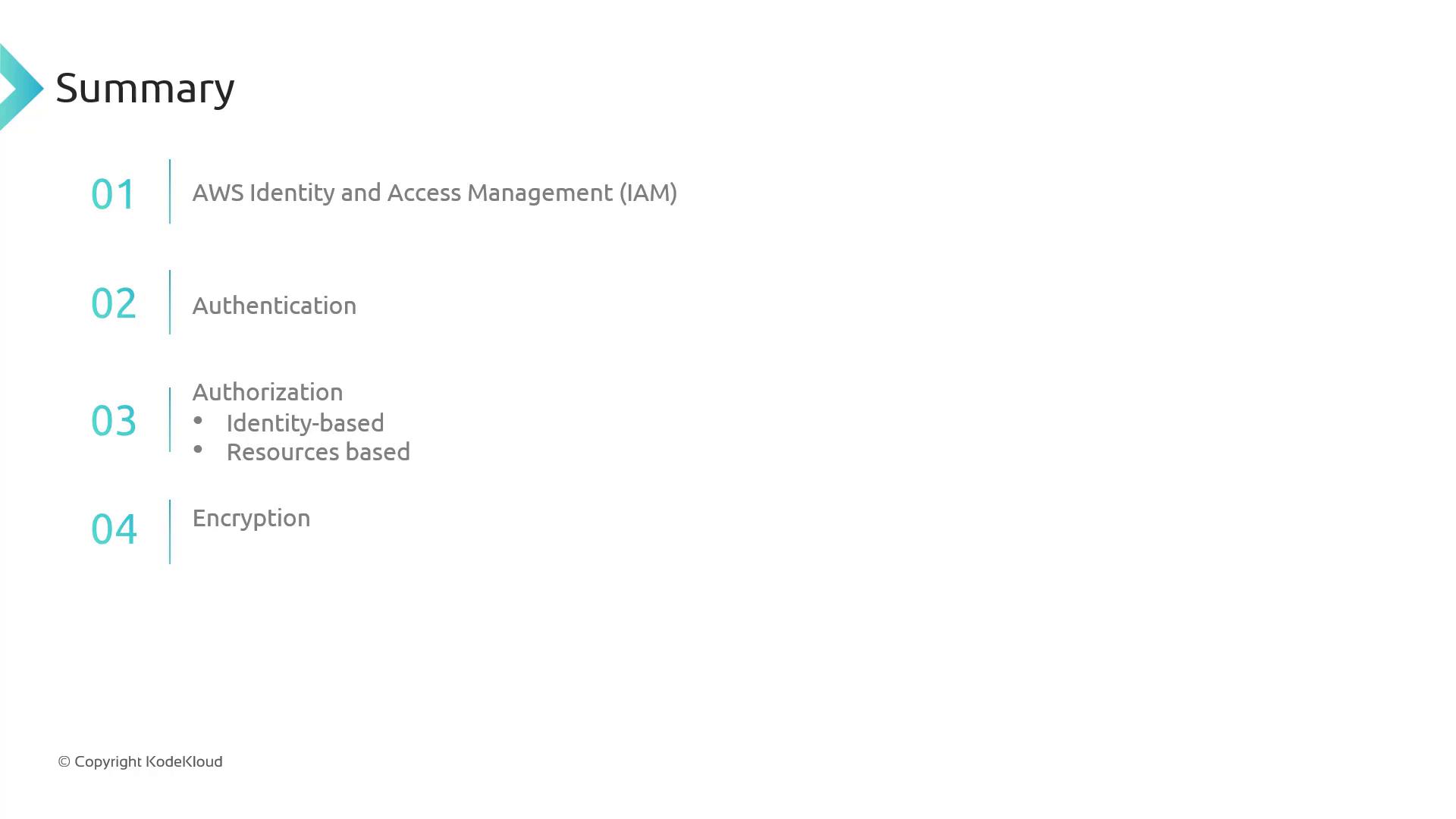
We’ve covered the critical security controls for AWS CodePipeline:
* IAM for robust **authentication** and **authorization**
* Encryption of artifacts **at rest** (SSE) and **in transit** (TLS)
* Secure secret handling with **AWS Secrets Manager**
***
## Links and References
* [AWS CodePipeline Documentation](https://docs.aws.amazon.com/codepipeline/latest/userguide/welcome.html)
* [IAM Best Practices](https://docs.aws.amazon.com/IAM/latest/UserGuide/best-practices.html)
* [AWS KMS Developer Guide](https://docs.aws.amazon.com/kms/latest/developerguide/)
* [AWS Secrets Manager User Guide](https://docs.aws.amazon.com/secretsmanager/latest/userguide/intro.html)