> ## Documentation Index
> Fetch the complete documentation index at: https://notes.kodekloud.com/llms.txt
> Use this file to discover all available pages before exploring further.
# Use cases of AWS CodePipeline
> This article discusses AWS CodePipeline, a CI/CD service that automates release pipelines for application and infrastructure updates.
AWS CodePipeline is a fully managed continuous integration and continuous delivery (CI/CD) service that automates your release pipelines for fast and reliable application and infrastructure updates. Its deep integration with AWS services—and flexibility to include third-party tools—makes it ideal for a variety of deployment strategies.
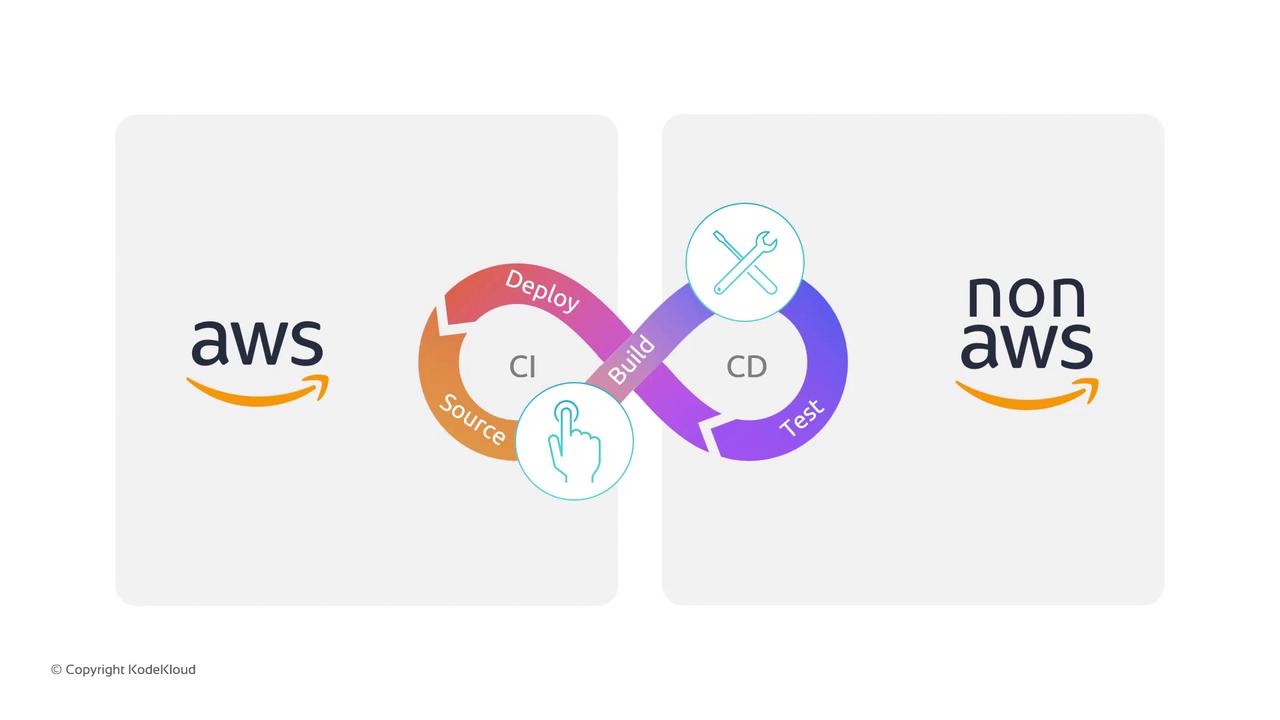
## 1. All-AWS Pipeline
When you want an end-to-end AWS-only solution, CodePipeline orchestrates native AWS services at each stage:
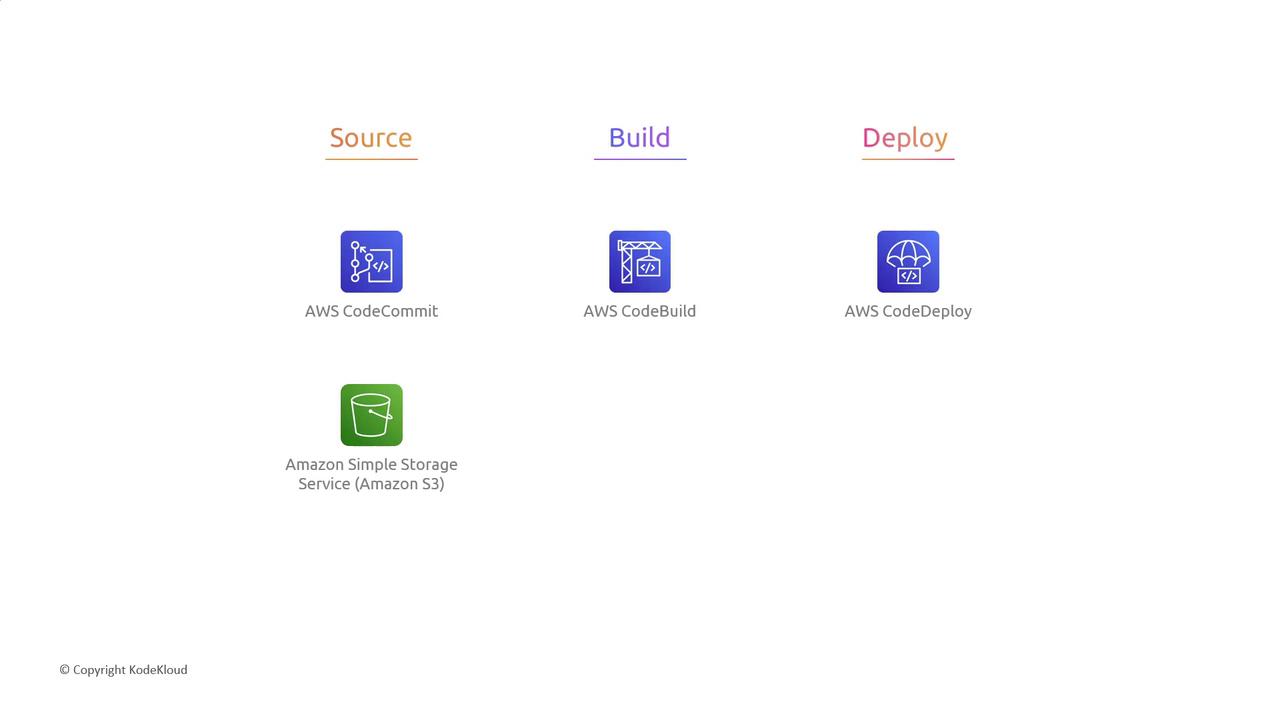
| Stage | AWS Service | Description |
| ------ | ----------------------------- | ---------------------------------------------------------------------- |
| Source | CodeCommit / S3 | Manage application code or store build artifacts |
| Build | CodeBuild (with CodeArtifact) | Compile, test, and package. Integrate \[CodeArtifact] for dependencies |
| Deploy | CodeDeploy | Automate deployments to EC2, on-premises, or Lambda |
Amazon S3 can serve as both a source and an artifact store. You can version objects or set lifecycle rules to manage storage costs.
## 2. Hybrid Pipeline with Third-Party Tools
Already invested in tools like GitHub or Jenkins? No problem—CodePipeline integrates them seamlessly:
| Stage | CodePipeline Integration | Example Third-Party Tool |
| -------- | ------------------------ | ------------------------ |
| Source | Webhooks / GitHub Action | GitHub, Bitbucket |
| Build | Custom action / Plugin | Jenkins, CircleCI |
| Test | Parallel actions | Selenium, JMeter |
| Approval | Manual approval step | — |
When connecting Jenkins agents, ensure your IAM roles and security groups allow CodePipeline to trigger Jenkins builds.
## 3. Flexible Deployment Targets
Choose the runtime that matches your workload. CodePipeline deploys across containers, servers, PaaS, and serverless:
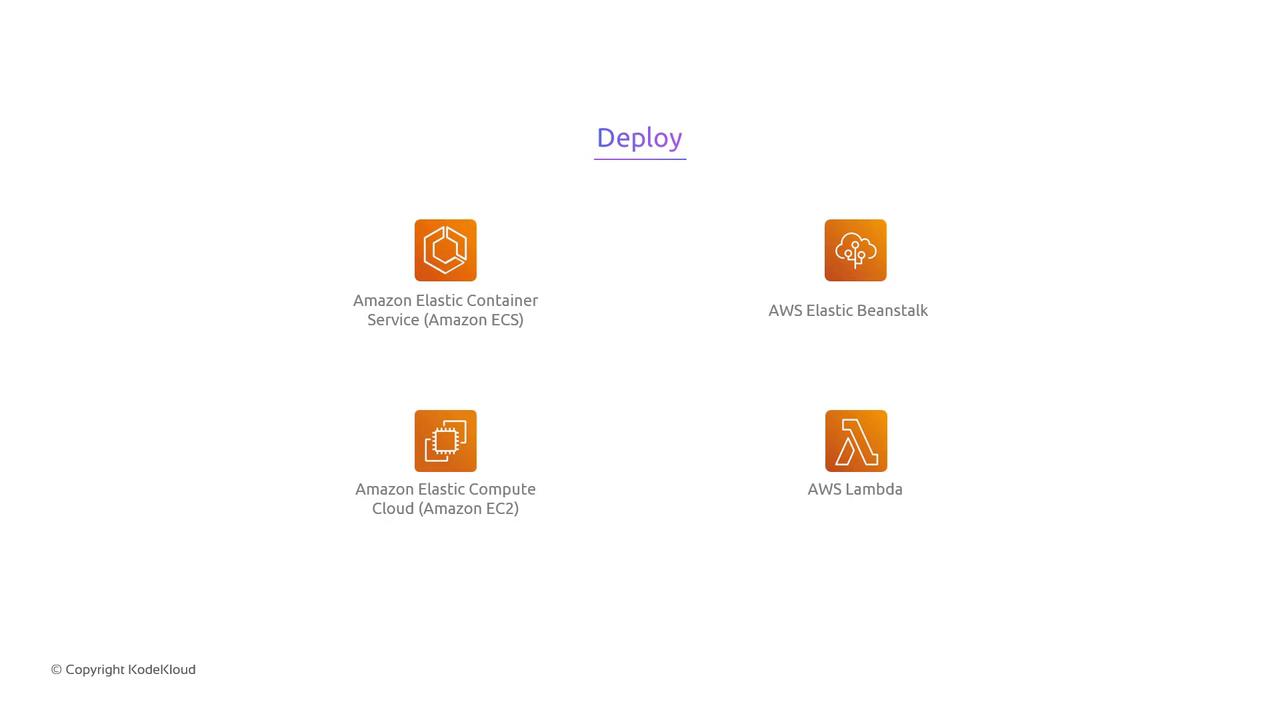
| Deployment Type | AWS Service | Use Case |
| --------------- | --------------------- | ----------------------------------- |
| Containers | Amazon ECS / EKS | Microservices, Dockerized workloads |
| Virtual Servers | Amazon EC2 | Legacy or custom AMI-based apps |
| PaaS | AWS Elastic Beanstalk | Simplified platform management |
| Serverless | AWS Lambda | Event-driven functions |
Lambda deployments can use [Serverless Application Model (SAM)](https://docs.aws.amazon.com/serverless-application-model/latest/developerguide/what-is-sam.html) or custom CloudFormation actions in CodePipeline.
## Summary
AWS CodePipeline enables you to:
* Build a fully AWS-managed CI/CD pipeline
* Integrate your favorite third-party DevOps tools
* Deploy to multiple runtime environments
Whether you’re migrating to AWS or enhancing an existing DevOps workflow, CodePipeline’s extensibility and deep service integrations help you ship faster and more reliably.
## Links and References
* [AWS CodePipeline Documentation](https://docs.aws.amazon.com/codepipeline/latest/userguide/welcome.html)
* [AWS CodeBuild User Guide](https://docs.aws.amazon.com/codebuild/latest/userguide/welcome.html)
* [AWS CodeDeploy Developer Guide](https://docs.aws.amazon.com/codedeploy/latest/userguide/welcome.html)
* [AWS CodeArtifact User Guide](https://docs.aws.amazon.com/codeartifact/latest/ug/what-is-codeartifact.html)
* [AWS Developer Tools Blog](https://aws.amazon.com/blogs/devops/)