> ## Documentation Index
> Fetch the complete documentation index at: https://notes.kodekloud.com/llms.txt
> Use this file to discover all available pages before exploring further.
# Build stage with AWS CodeBuild
> This article explains how to use AWS CodeBuild in a CI/CD pipeline for building, testing, and packaging applications.
In a CI/CD pipeline, the build stage compiles source code, runs tests, and packages artifacts. AWS CodeBuild is a fully managed build service that integrates seamlessly with AWS CodePipeline, scaling on demand and only charging you for build minutes used.
## Preconfigured Build Environments
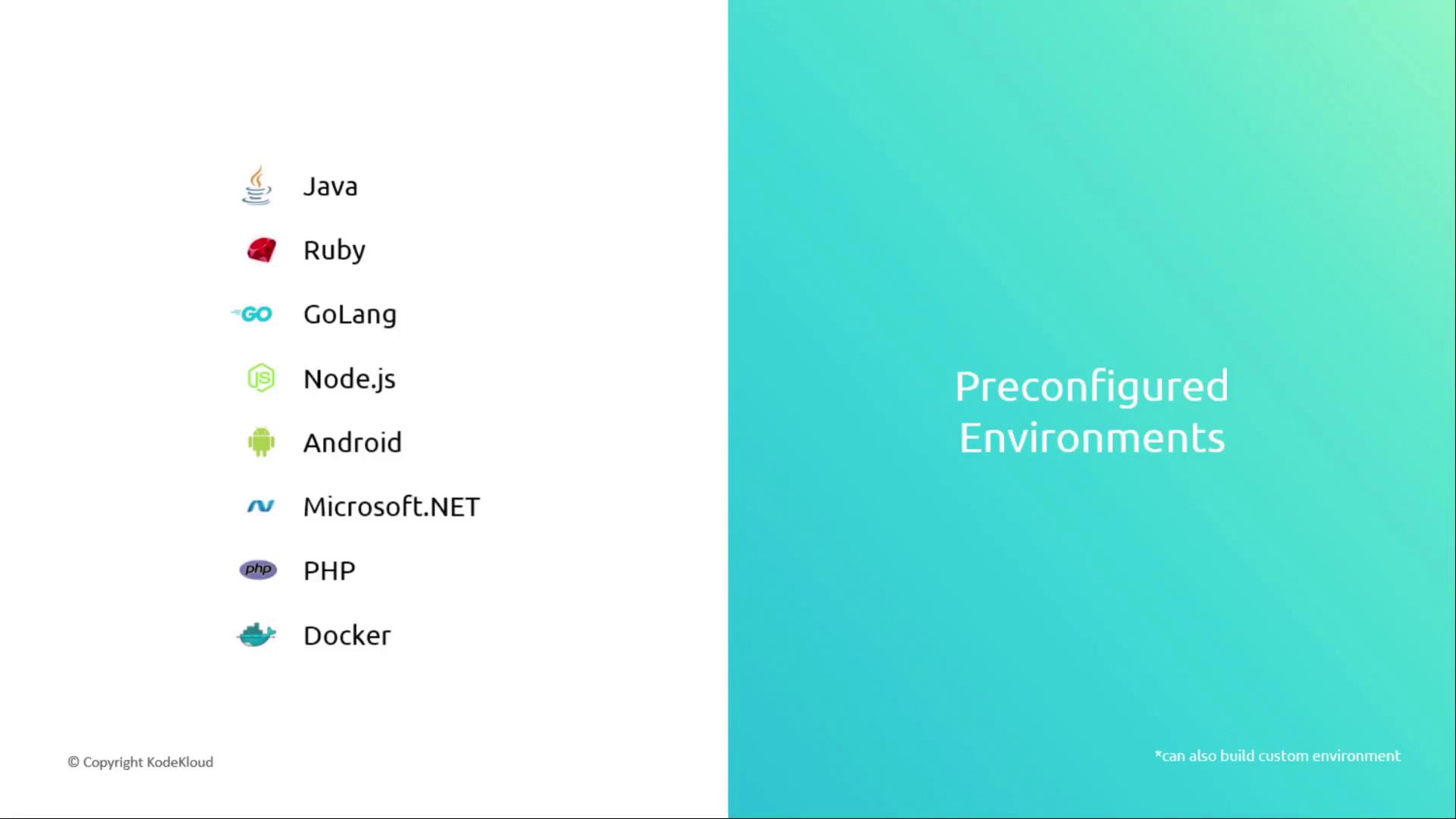
AWS CodeBuild offers a rich set of managed images out of-the-box:
| Runtime | Version Examples |
| ------- | ----------------------------- |
| Java | OpenJDK 8, Amazon Corretto 11 |
| Ruby | MRI 2.7, 3.0 |
| Go | 1.x |
| Node.js | 12.x, 14.x, 16.x |
| Android | SDK 29–31 |
| .NET | Core 3.1, 5.0, 6.0 |
| PHP | 7.4, 8.0 |
| Docker | Docker Engine 20.10 |
You can also supply a custom Docker image stored in Amazon ECR or a public registry to match your exact build requirements.
## CodeBuild Workflow
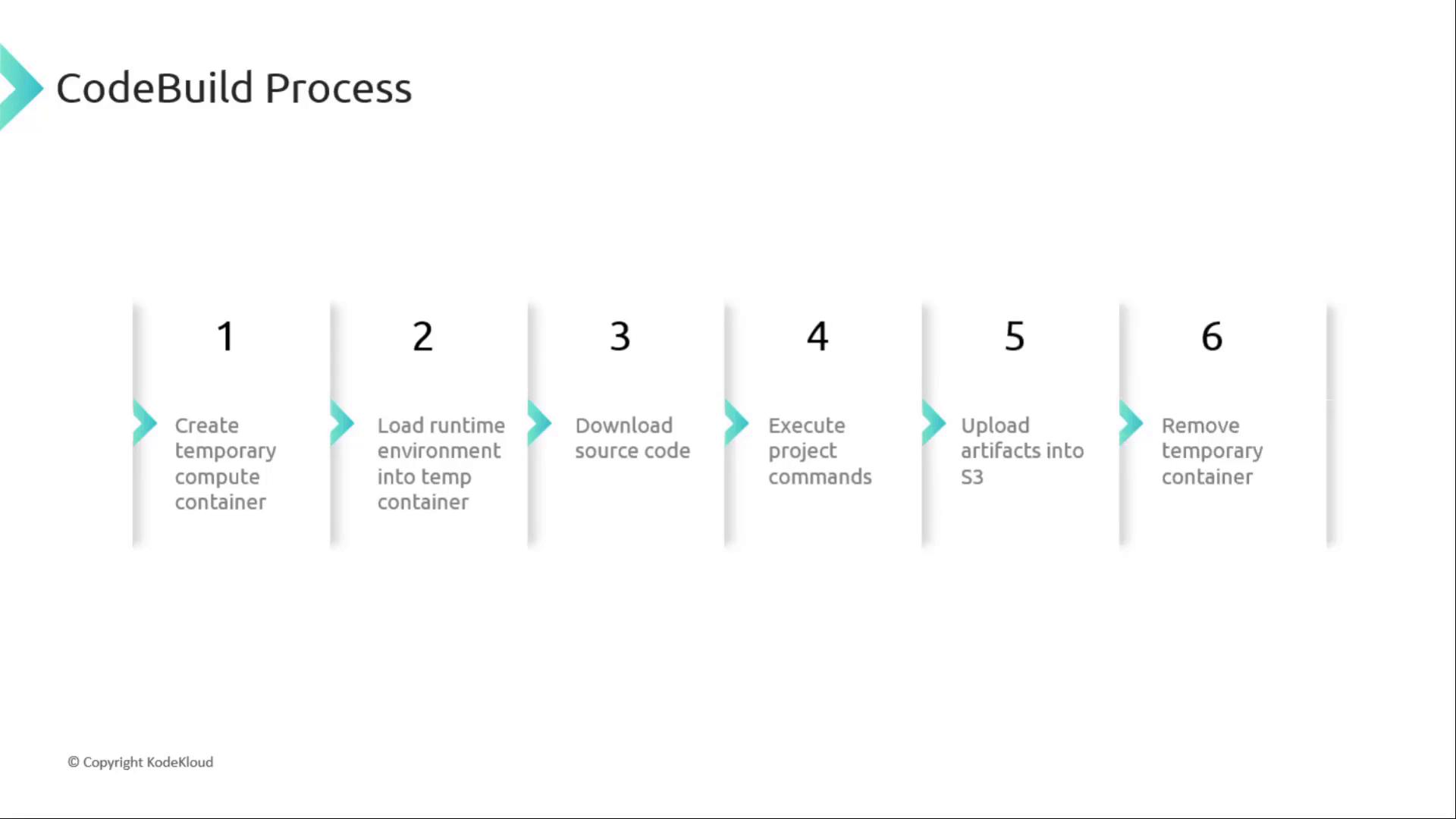
When you trigger a build, CodeBuild orchestrates the following steps:
1. **Provision** a temporary compute container based on your project settings.
2. **Initialize** the specified runtime environment.
3. **Download** your source code from the configured repository.
4. **Execute** lifecycle commands defined in `buildspec.yml`.
5. **Upload** build artifacts to Amazon S3 or your chosen destination.
6. **Tear down** the temporary container.
Here’s a sample `buildspec.yml`:
```yaml theme={null}
version: 0.2
phases:
install:
commands:
- echo Installing dependencies...
- npm install
build:
commands:
- echo Running unit tests...
- npm test
- echo Building production bundle...
- npm run build
artifacts:
files:
- 'build/**/*'
discard-paths: yes
base-directory: build
```
Avoid printing sensitive values (API keys, secrets) directly in build logs. Use AWS Secrets Manager or Parameter Store and inject them as environment variables.
## Monitoring and Notifications
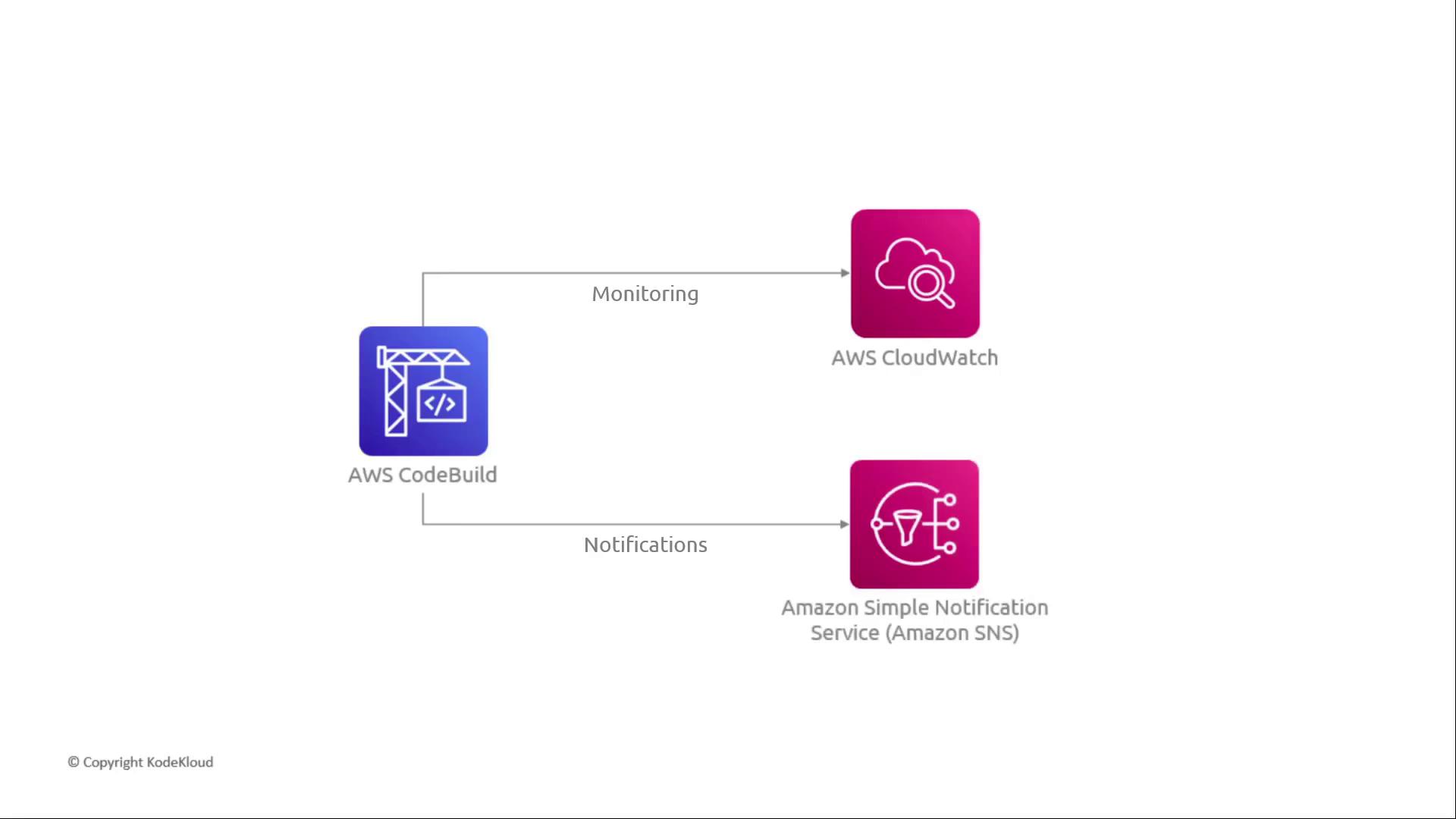
CodeBuild integrates natively with Amazon CloudWatch and SNS:
| Feature | AWS Service | Purpose |
| --------------------- | ---------------------- | -------------------------------- |
| Logs & Metrics | Amazon CloudWatch Logs | Real-time logs, custom metrics |
| Build Status Alerts | Amazon SNS | Email, SMS, HTTP endpoint alerts |
| Event-Driven Triggers | CloudWatch Events | Automate downstream workflows |
## Automatic Scaling
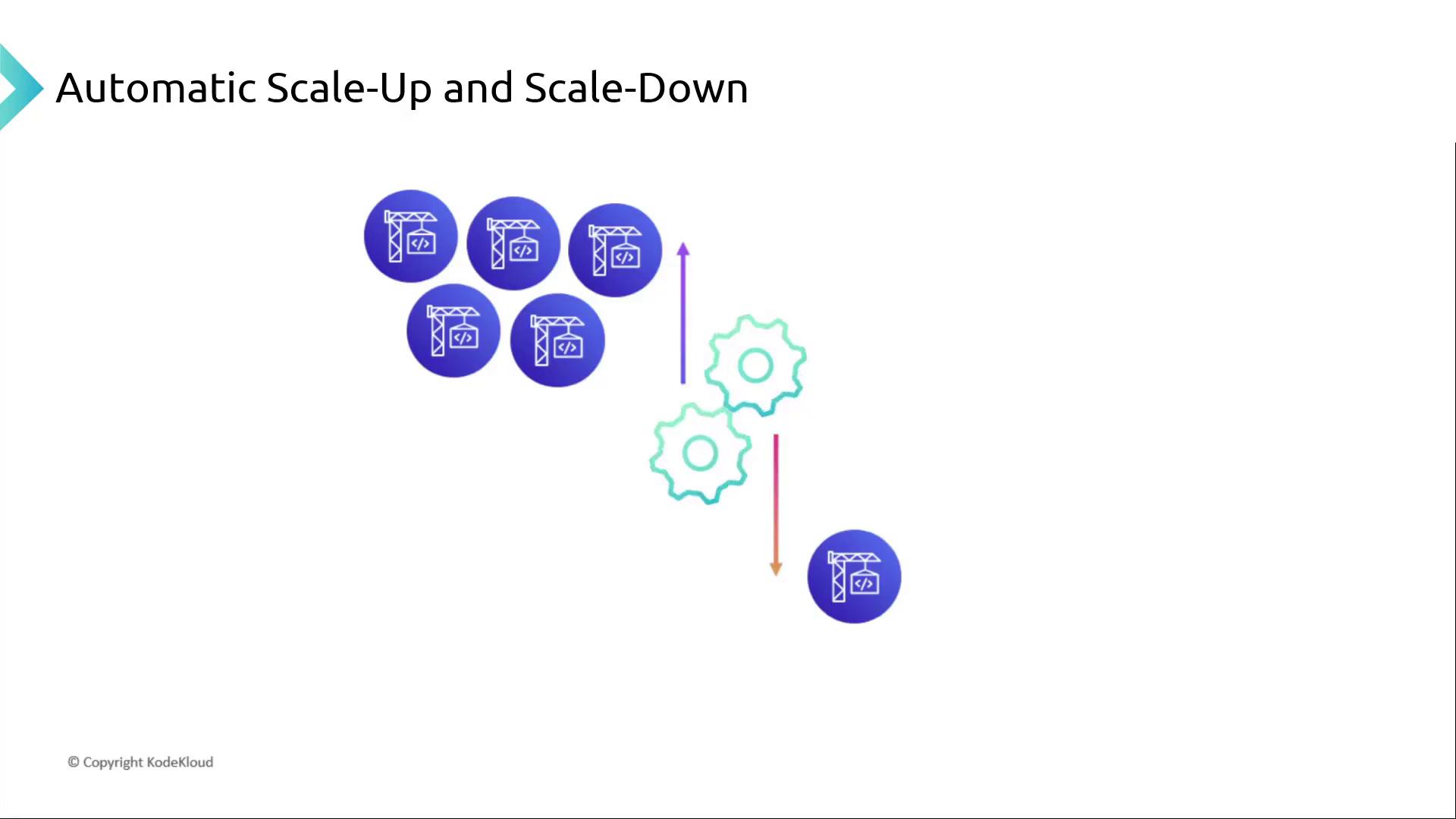
AWS CodeBuild automatically adjusts the number of build containers to match your concurrent jobs. There’s no provisioning or server management—just pay for the time your builds run.
## Summary
AWS CodeBuild provides a robust, scalable build service within your CI/CD pipeline. Key takeaways:
* Fully managed continuous integration service
* Preconfigured runtimes or custom Docker images
* Deep integration: CodePipeline, CloudWatch, SNS, IAM, and more
* Automatic scaling with pay-as-you-go pricing
* Supports source from S3, CodeCommit, GitHub, Bitbucket, and others
* Ideal for replacing or complementing self-hosted solutions like Jenkins
| Integration | AWS Service |
| ------------------------ | --------------------------------- |
| Source Control | S3, CodeCommit, GitHub, Bitbucket |
| Build Orchestration | AWS CodePipeline, CodeBuild |
| Artifact Storage | Amazon S3 |
| Logging & Metrics | Amazon CloudWatch Logs |
| Notifications & Triggers | Amazon SNS, CloudWatch Events |
A hands-on demonstration—setting up a CodeBuild project, configuring a buildspec, and running your first build—will reinforce these concepts.
## Links and References
* [AWS CodeBuild Documentation](https://docs.aws.amazon.com/codebuild/latest/userguide/welcome.html)
* [AWS CodePipeline Documentation](https://docs.aws.amazon.com/codepipeline/latest/userguide/welcome.html)
* [Amazon CloudWatch Logs](https://docs.aws.amazon.com/cloudwatch/index.html)
* [Amazon SNS](https://aws.amazon.com/sns/)