> ## Documentation Index
> Fetch the complete documentation index at: https://notes.kodekloud.com/llms.txt
> Use this file to discover all available pages before exploring further.
# CodePipeline Limitations
> This guide covers limitations, quotas, and naming rules for AWS CodePipeline essential for designing scalable CI/CD workflows.
In this guide, we’ll walk through the key limitations, quotas, and naming rules for AWS CodePipeline. Understanding these restrictions is critical for designing scalable, reliable CI/CD workflows.
## Unique Naming Constraints
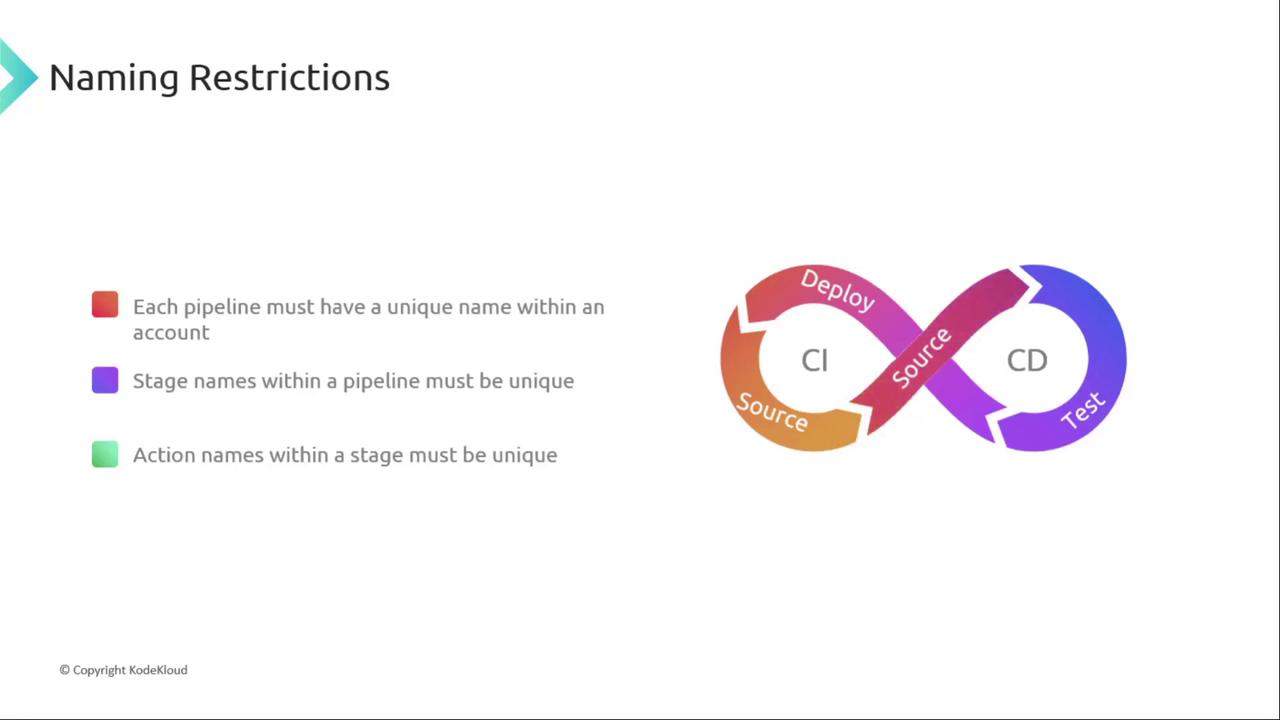
Every pipeline, stage, and action name must be unique within its scope:
* Pipeline names must be unique per AWS account and region.
* Stage names must be unique within a pipeline.
* Action names must be unique within their stage.
You can reuse common stage names (for example, `Source` or `Deploy`) across different pipelines, but you cannot duplicate them inside the same pipeline.
Choose descriptive stage and action names to improve pipeline readability and troubleshooting.
## Regional Quotas and Requesting Increases
Most CodePipeline quotas are applied per AWS Region. For example, the default limit of 1,000 pipelines refers to pipelines per region.
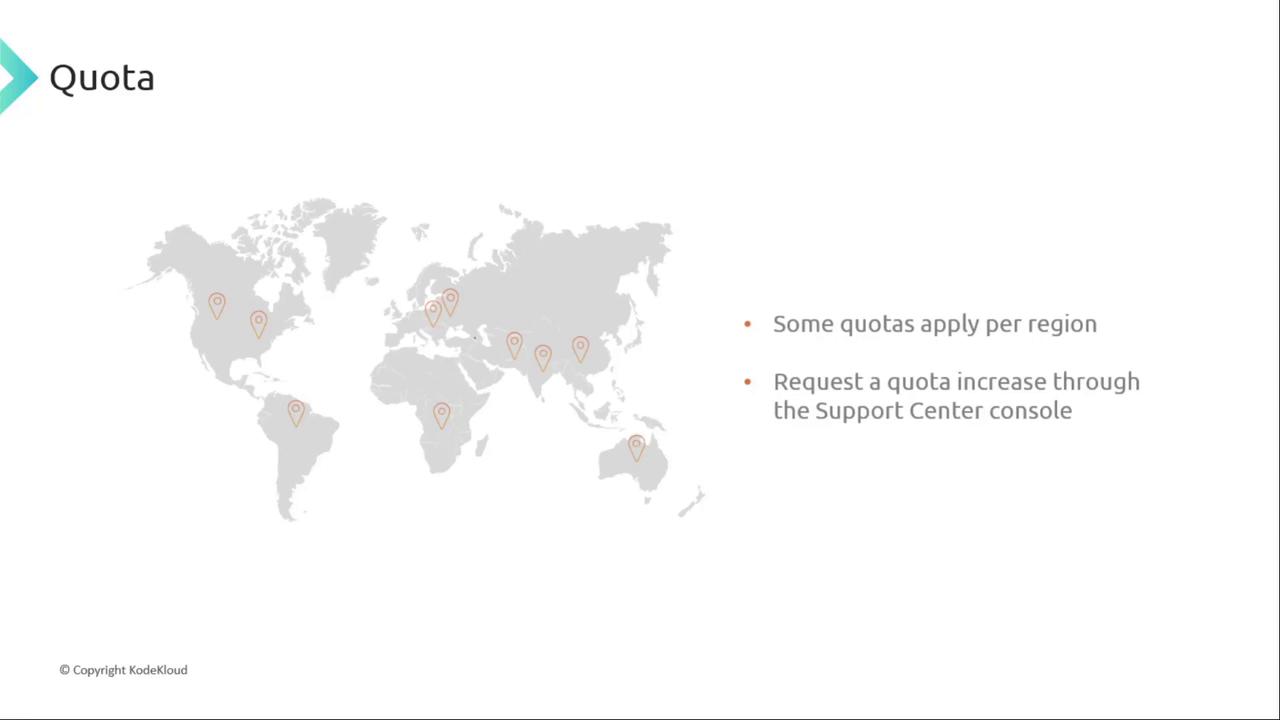
If you hit a regional quota, you can request an increase via the [AWS Support Center](https://console.aws.amazon.com/support/home). Approval may take up to two weeks.
## Core Service Limits
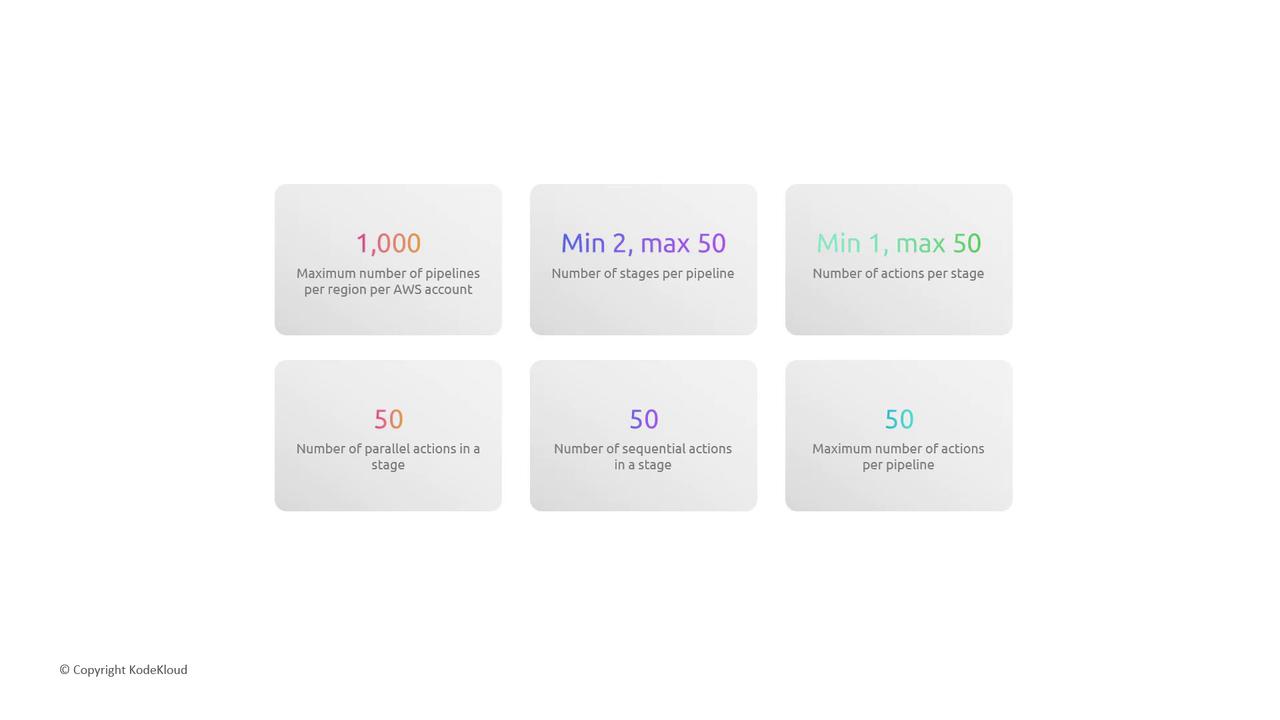
Below are the default CodePipeline quotas you should plan for in each region:
| Resource | Default Limit | Scope |
| ------------------- | ------------- | ---------------------- |
| Pipelines | 1,000 | Per account per region |
| Stages per pipeline | 2–50 | Per pipeline |
| Actions per stage | 1–50 | Per stage |
> Actions within a stage can execute in parallel or sequentially. The only overall cap is the per-stage limit.
## Additional Considerations
* Manual approval actions will time out after 7 days without a decision.
* Artifacts are typically stored in Amazon S3. While S3 supports virtually unlimited objects, general S3 limits still apply.
For the full list of quotas and best practices, see the [AWS CodePipeline Limits](https://docs.aws.amazon.com/codepipeline/latest/userguide/limits.html) documentation.
## Links and References
* [AWS CodePipeline Documentation](https://docs.aws.amazon.com/codepipeline/)
* [AWS Support Center](https://console.aws.amazon.com/support/home)
* [Amazon S3 Service Quotas](https://docs.aws.amazon.com/general/latest/gr/s3.html)