> ## Documentation Index
> Fetch the complete documentation index at: https://notes.kodekloud.com/llms.txt
> Use this file to discover all available pages before exploring further.
# Introduction to CodeBuild
> This lesson explores AWS CodeBuilds role in CI/CD pipelines, focusing on automation of builds, testing, and artifact generation.
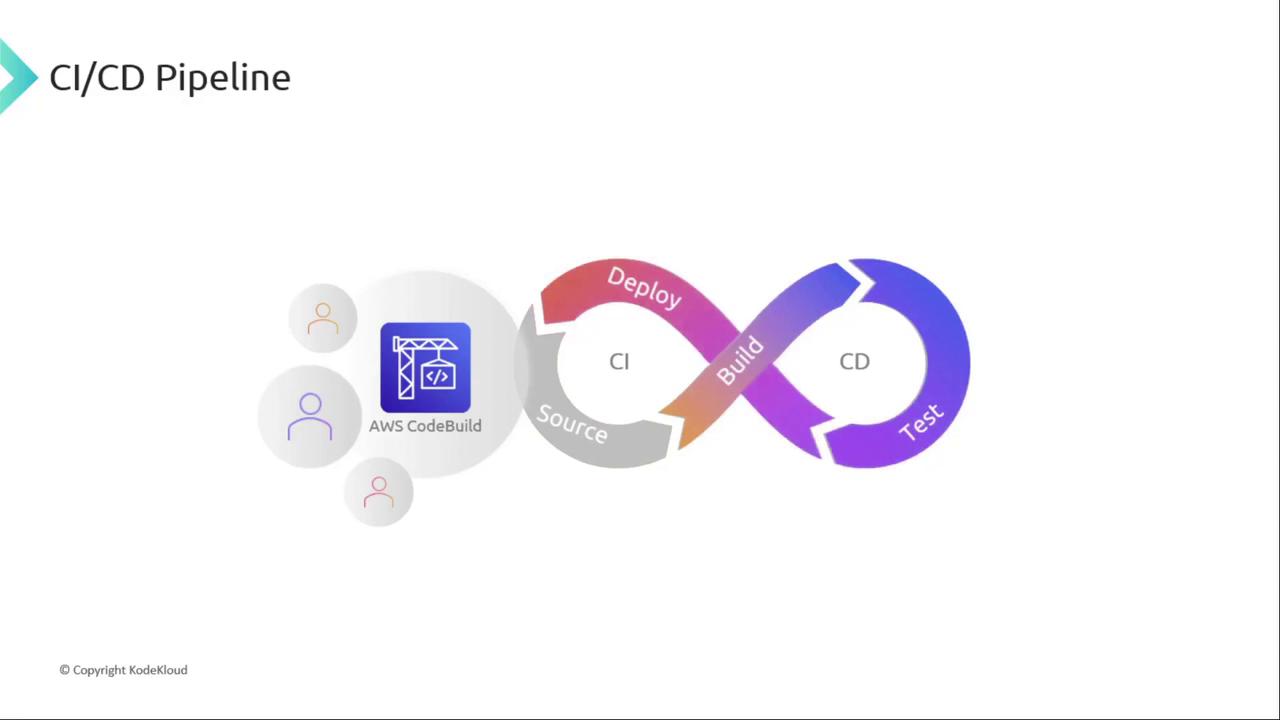
Welcome to this lesson on AWS CodeBuild. In this module, we’ll explore how CodeBuild fits into the **Build** phase of your CI/CD pipeline, automating compilation, testing, and artifact generation. By integrating CodeBuild, you can achieve a fully managed, scalable build process that feeds seamlessly into Continuous Deployment.
## Why Choose AWS CodeBuild?
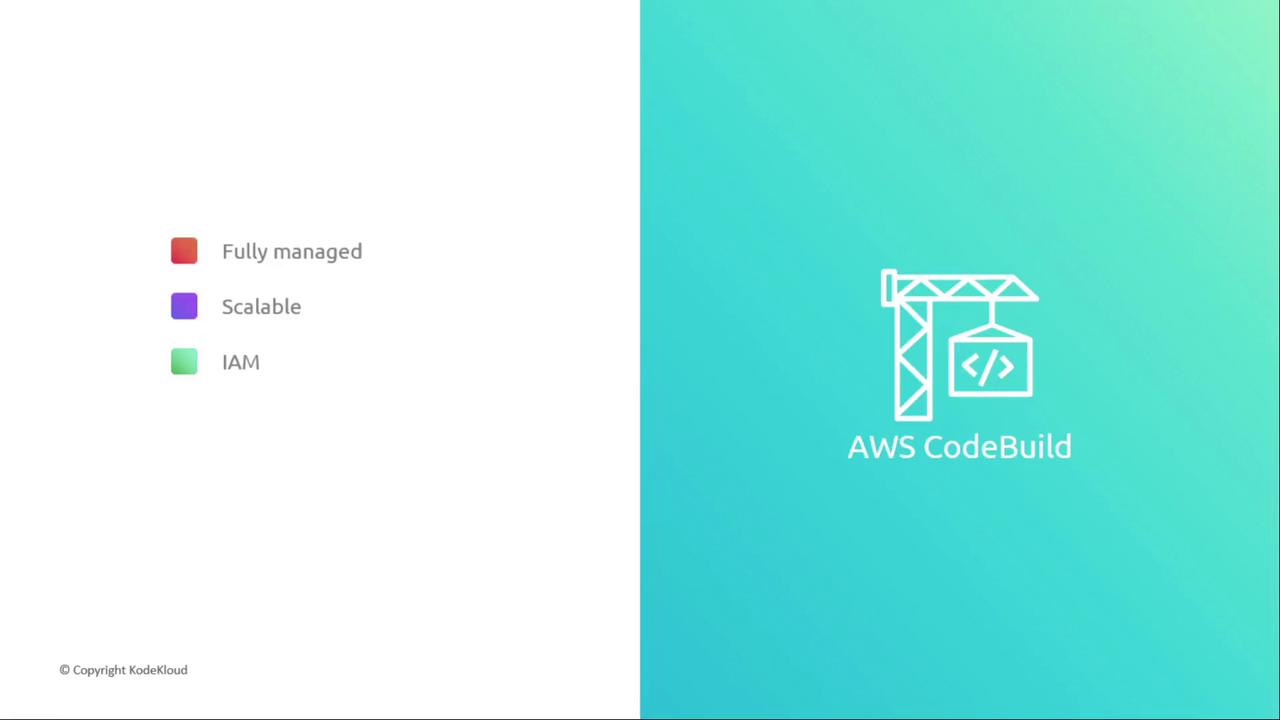
AWS CodeBuild is a serverless, fully managed build service that scales with your workload. Key advantages include:
* **Fully managed**: No need to provision or maintain build servers.
* **Scalable**: Run multiple builds in parallel without limits.
* **Secure**: Leverage AWS IAM for permissions and AWS KMS for artifact encryption.
You’re billed only for the compute minutes consumed by your builds, making CodeBuild cost-effective for fluctuating workloads.
## Supported Source Repositories
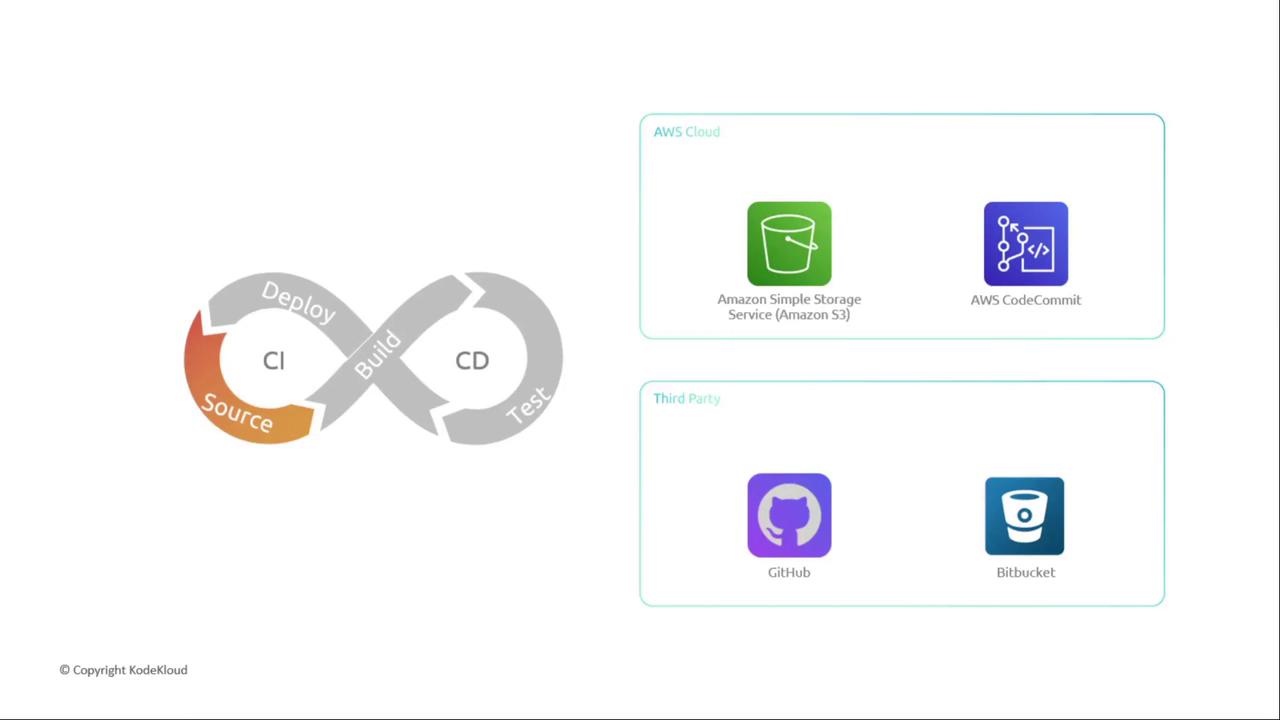
CodeBuild integrates with popular source providers:
| Resource Type | Link | Description |
| -------------- | ------------------------------------------------------------------------ | ------------------------------ |
| Amazon S3 | [https://aws.amazon.com/s3/](https://aws.amazon.com/s3/) | Store build inputs and outputs |
| AWS CodeCommit | [https://aws.amazon.com/codecommit/](https://aws.amazon.com/codecommit/) | Managed Git repositories |
| GitHub | [https://github.com](https://github.com) | Public & private code hosting |
| Bitbucket | [https://bitbucket.org](https://bitbucket.org) | Atlassian’s Git platform |
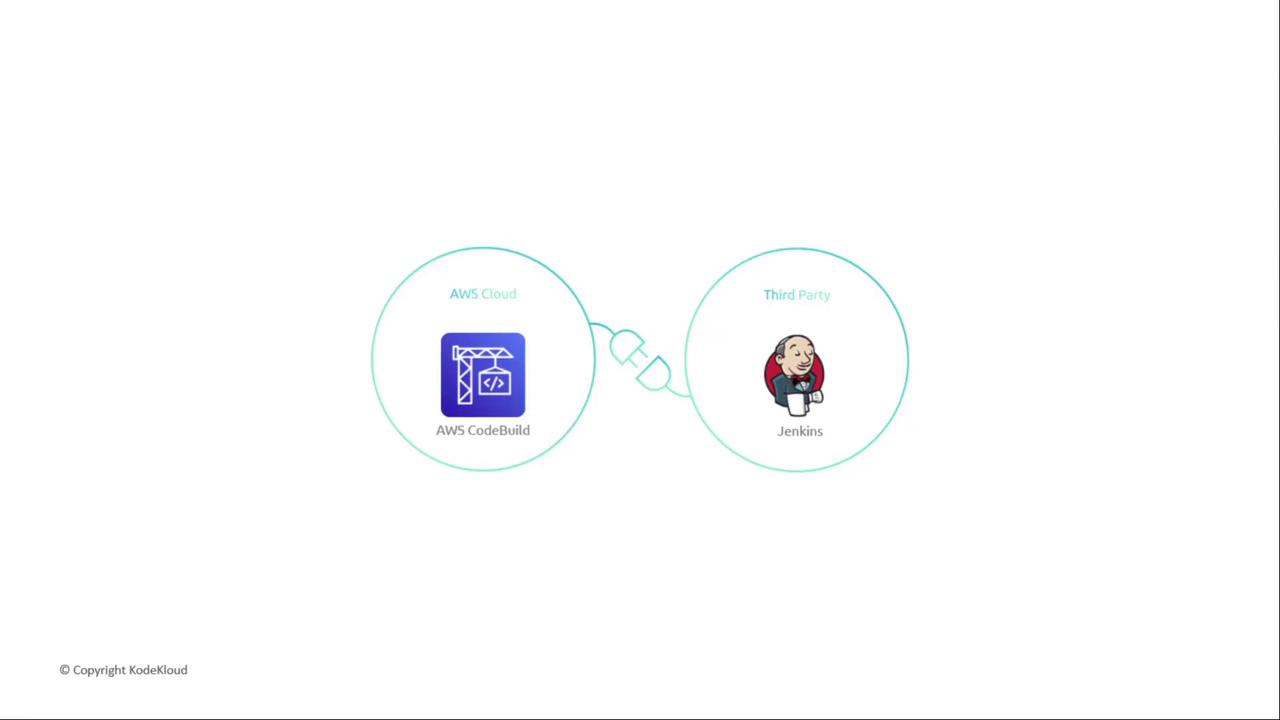
## Integrating or Replacing Jenkins
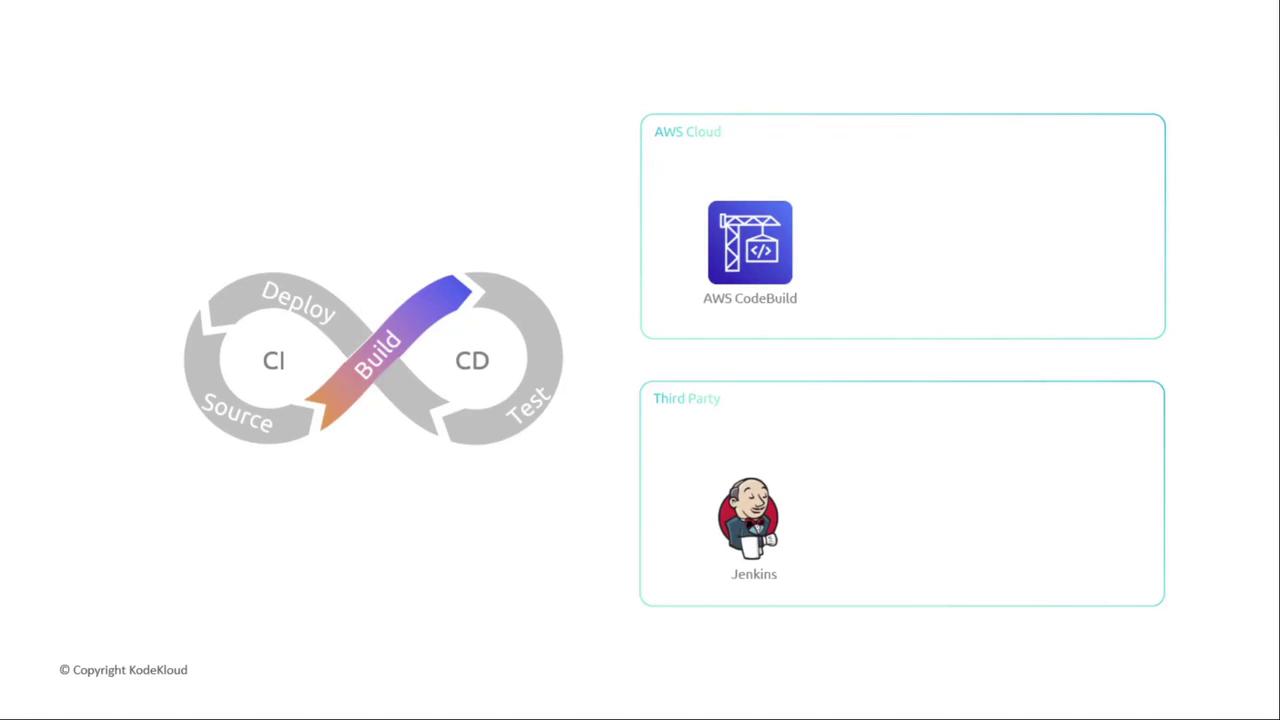
If you use [Jenkins](https://www.jenkins.io/), you can either:
1. **Replace** Jenkins entirely with CodeBuild for an all-AWS solution.
2. **Integrate** Jenkins and CodeBuild by installing the AWS CodeBuild plugin, offloading build jobs to CodeBuild while maintaining existing pipelines.
### Feature Comparison
| Aspect | AWS CodeBuild | Jenkins |
| ----------- | -------------------------------- | --------------------------------------- |
| Hosting | Serverless, fully managed by AWS | Requires self-managed servers or agents |
| Scalability | Automatic, parallel builds | Manual scaling of worker nodes |
| Security | IAM roles & KMS encryption | Plugin-based or custom configuration |
| Ecosystem | Native AWS integrations | Large plugin ecosystem, external to AWS |
That wraps up our high-level overview of AWS CodeBuild. In the next lesson, we’ll dive into:
* Configuring CodeBuild projects
* Writing and customizing `buildspec.yml` files
* Optimizing build environments for performance
Stay tuned!
## Links and References
* [AWS CodeBuild Documentation](https://docs.aws.amazon.com/codebuild)
* [AWS CodePipeline Overview](https://aws.amazon.com/codepipeline/)
* [Continuous Integration on AWS](https://aws.amazon.com/devops/continuous-integration/)