> ## Documentation Index
> Fetch the complete documentation index at: https://notes.kodekloud.com/llms.txt
> Use this file to discover all available pages before exploring further.
# Repositories
> This article explores repositories for AWS CI/CD pipelines, covering version control, collaboration, and integration with AWS services.
Welcome to the deep dive on repositories for your AWS CI/CD pipeline. In this lesson, we’ll explore how repositories enable version control, collaboration, and seamless integration with AWS services.
We’ll cover:
* What a repository is and its core benefits
* Git-based hosting: [GitHub][GitHub] and [Bitbucket][Bitbucket]
* AWS’s native Git service: [AWS CodeCommit][AWS CodeCommit]
* Using [Amazon S3][Amazon S3] as a pipeline source
By the end, you’ll know which repository solution fits your workflow and how it ties into AWS CodePipeline.
## What Is a Repository?
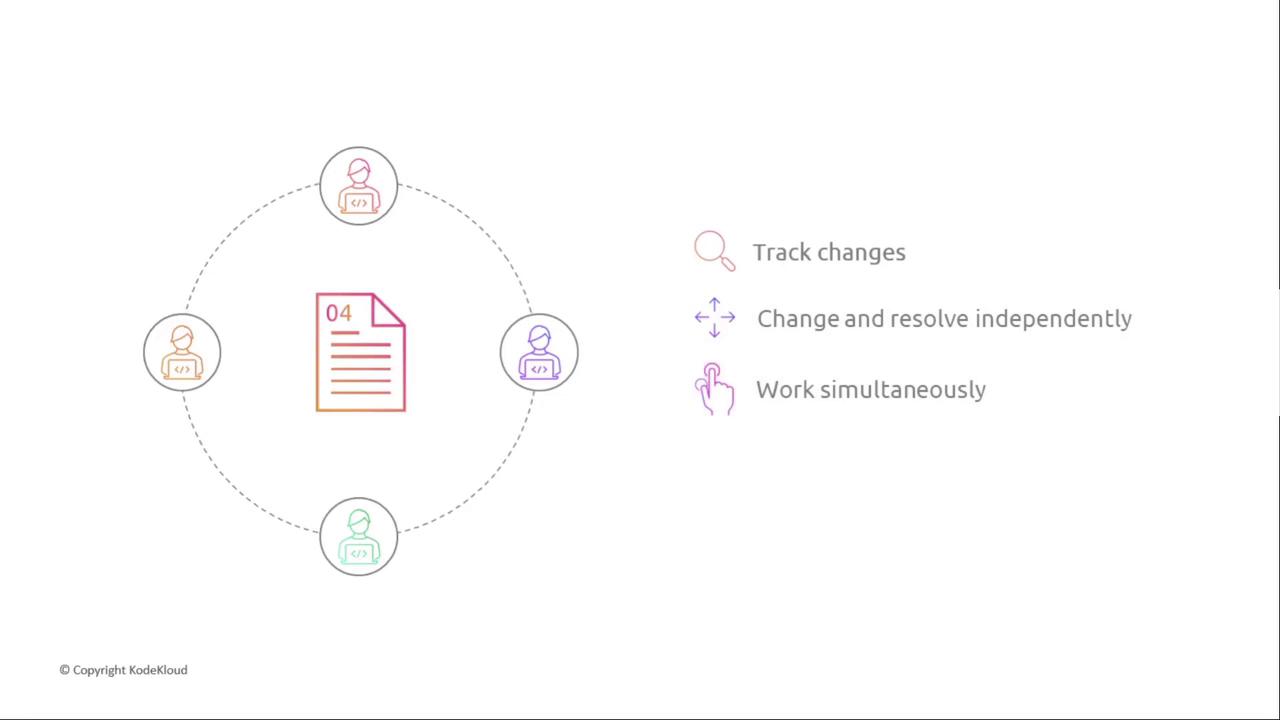
A repository (repo) is a version control system that records changes to files over time. With version control, you can:
* Revert to previous states without manual backups
* Collaborate across distributed teams
* Develop features or fixes on isolated branches
* Merge approved changes back into the main codebase
Instead of duplicating files before edits, a repo automates tracking, branching, and merging.
## Comparison of Repository Services
| Service | Hosting Type | Key Features |
| -------------- | -------------- | ---------------------------------------------------- |
| GitHub | Cloud Git | Pull requests, branch protection, community packages |
| Bitbucket | Cloud Git | Free private repos, built-in pipelines |
| AWS CodeCommit | Managed Git | IAM integration, encryption, unlimited repo size |
| Amazon S3 | Object Storage | File versioning, high durability (no Git workflows) |
## GitHub
[GitHub][GitHub] is the most popular cloud-based Git hosting platform. Core workflows include:
* Creating or cloning repositories
* Committing changes with descriptive messages
* Pushing updates and opening pull requests
* Reviewing, approving, and merging code
These capabilities make GitHub ideal for open-source and enterprise projects alike.
## Bitbucket
[Bitbucket][Bitbucket] offers Git hosting with free private repositories and integrated CI/CD pipelines (Bitbucket Pipelines). It supports standard Git commands and can migrate repos into AWS CodeCommit for a fully AWS-centric workflow.
## AWS CodeCommit
[AWS CodeCommit][AWS CodeCommit] is a fully managed, cloud-native Git service. It supports all standard Git operations and integrates seamlessly with other AWS developer tools.
AWS CodeCommit integrates natively with AWS IAM, enabling granular access control and audit trails.
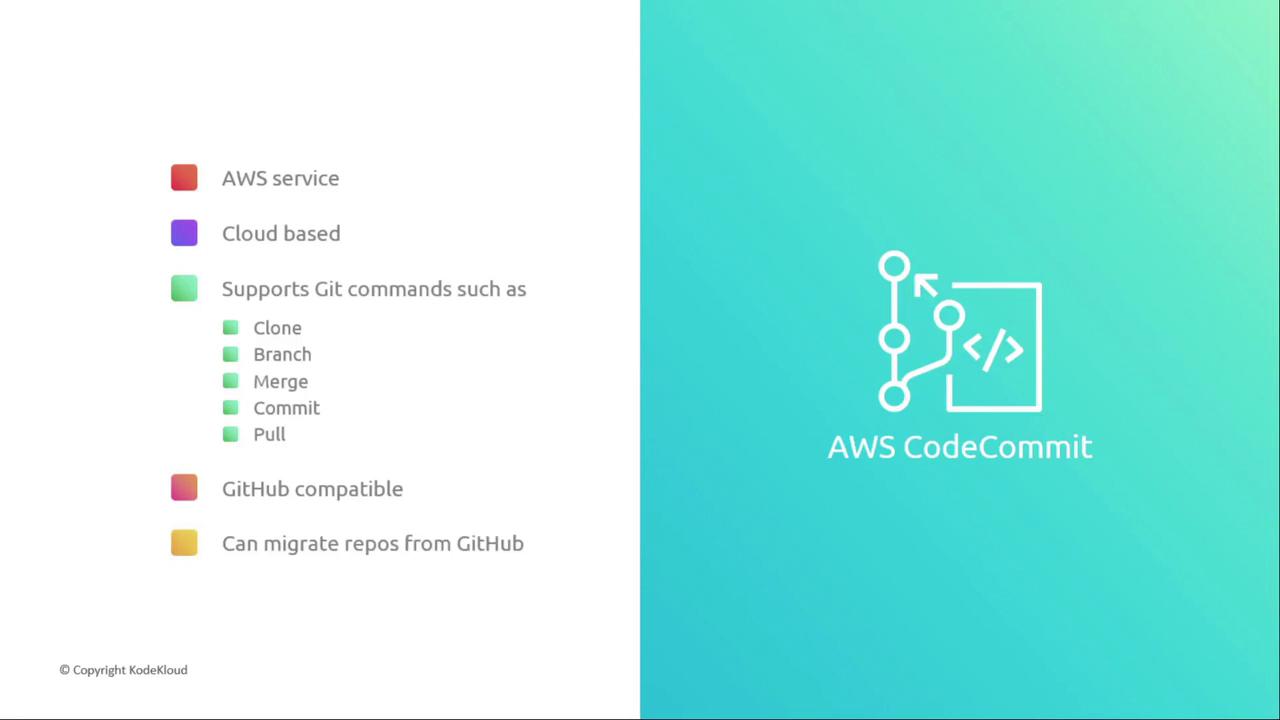
Key benefits:
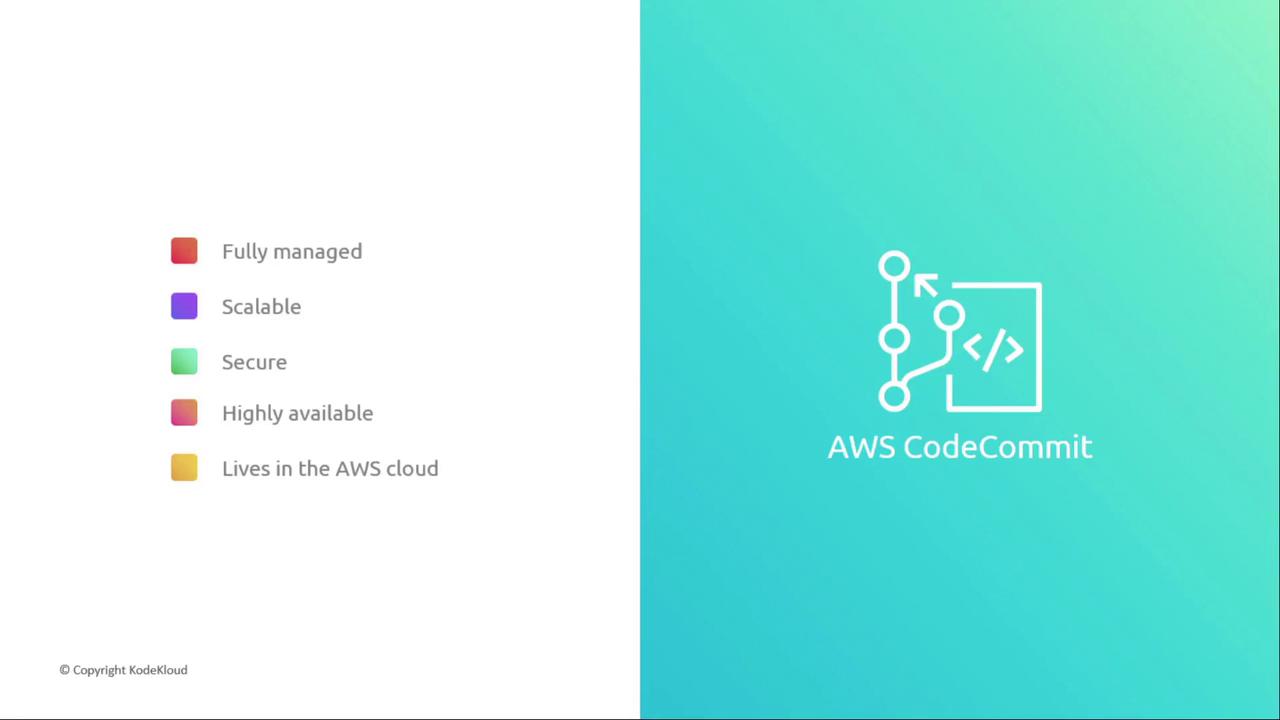
* Fully managed backups, scaling, and maintenance
* Unlimited repository size—pay only for storage used
* Encryption at rest and in transit with IAM policies
* High availability with built-in redundancy
* Native integration with CodeBuild, CodeDeploy, and CodePipeline
## Amazon S3
[Amazon S3][Amazon S3] serves as an alternative source for your pipeline, offering:
* File versioning to restore previous object versions
* Monitoring and lifecycle management
Amazon S3 does not support branches or pull requests like Git-based services. Use it for artifacts or simple file versioning only.
## Summary
In this lesson, we explored:
1. The role of a repository in version control and collaboration
2. Git hosting options: GitHub and Bitbucket
3. AWS CodeCommit’s managed Git features
4. Amazon S3 as a non-Git source with versioning
Next, we’ll dive into AWS CodeBuild to automate build processes.
## Links and References
* [GitHub][GitHub]
* [Bitbucket][Bitbucket]
* [AWS CodeCommit][AWS CodeCommit]
* [Amazon S3][Amazon S3]
[GitHub]: https://github.com
[Bitbucket]: https://bitbucket.org
[AWS CodeCommit]: https://aws.amazon.com/codecommit/
[Amazon S3]: https://aws.amazon.com/s3/