> ## Documentation Index
> Fetch the complete documentation index at: https://notes.kodekloud.com/llms.txt
> Use this file to discover all available pages before exploring further.
# EKS Secrets Intro
> This guide explores Kubernetes Secrets, their relationship to ConfigMaps, and challenges in protecting sensitive data.
In this guide, we’ll dive into Kubernetes Secrets—how they relate to ConfigMaps, why they’re only base64-encoded by default, and what challenges that introduces when protecting truly sensitive data.
## What Are ConfigMaps and Secrets?
A **ConfigMap** lets you inject non-sensitive configuration (files, environment variables, command-line arguments) into your pods. This decouples application images from their runtime settings, enabling updates without rebuilding containers.
A **Secret** follows nearly the same API as a ConfigMap but is designed for sensitive information such as passwords, tokens, and keys.
Here’s a quick visual comparison:
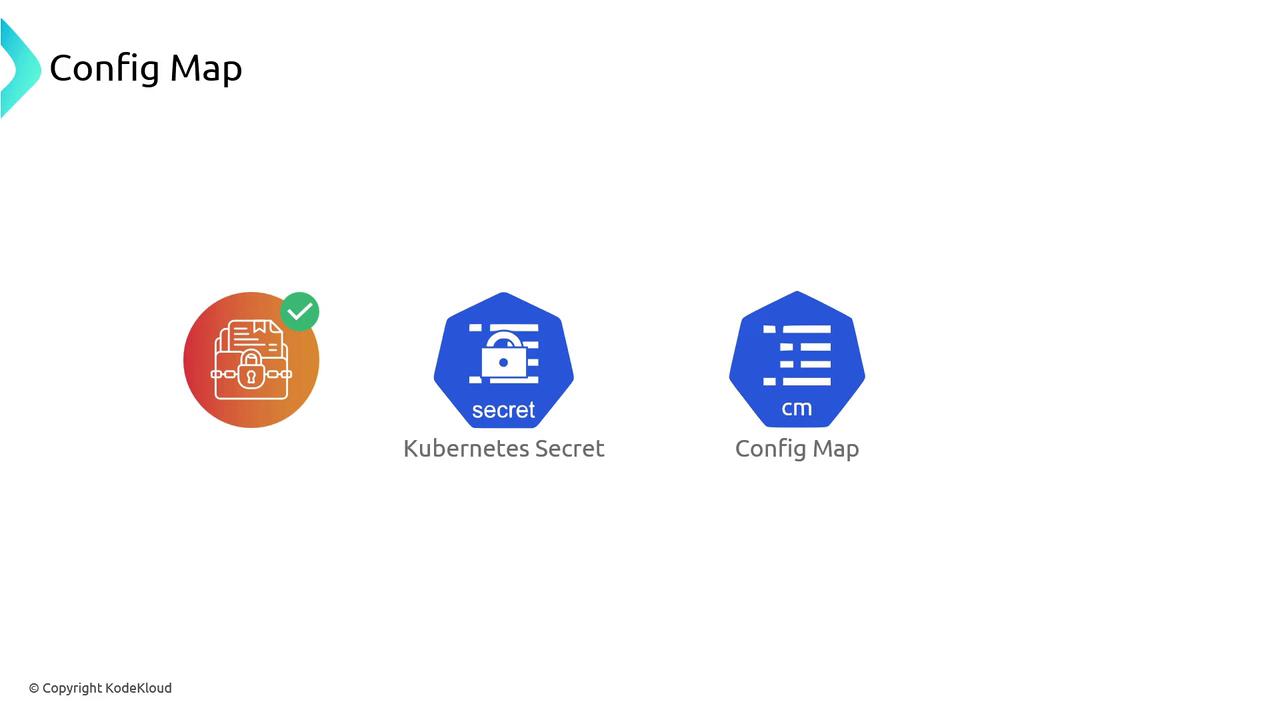
## Secret vs. ConfigMap: Feature Comparison
| Feature | ConfigMap | Secret |
| ----------------------- | ----------------------------------- | --------------------------------- |
| Data Type | Plain text | Base64-encoded (by default) |
| Use Case | Application settings, feature flags | Credentials, tokens, certificates |
| Access Methods | Env vars, volume mounts, API | Env vars, volume mounts, API |
| Default Data Protection | None | Obscured (not encrypted) |
| Size Limit | 1 MB per object | 1 MB per object |
Storing configuration separately lets you update settings dynamically without rebuilding or redeploying your app.
## How Pods Consume Secrets
You can mount Secrets into your workloads via:
* **Environment variables**
* **Volume mounts**
* **Direct API calls**
This flexibility ensures your applications always read the latest values.
## Why a Secret Is Not Truly Encrypted
By default, Kubernetes stores Secret data in etcd after applying only base64 encoding. Base64 is an encoding mechanism, **not** encryption. Anyone with API read access can decode it back to plain text.
Key considerations:
* No encryption keys are used
* Data is merely obscured
* Read access to the API server lets users decode values
Relying solely on base64 encoding leaves your secrets exposed. Always implement encryption-at-rest and secure access controls.
> **Tip:** Base64 encoding also increases payload size, and Kubernetes enforces a 1 MB limit per Secret object.
## Restricting Access with Namespaces and RBAC
Even though base64 encoding isn’t encryption, you can limit who reads Secrets by leveraging namespaces and RBAC:
1. **Dedicated Namespaces**\
Organize applications and their Secrets into separate namespaces.
2. **RBAC Policies**\
Grant minimal permissions so service accounts or users in one namespace cannot access Secrets in another.
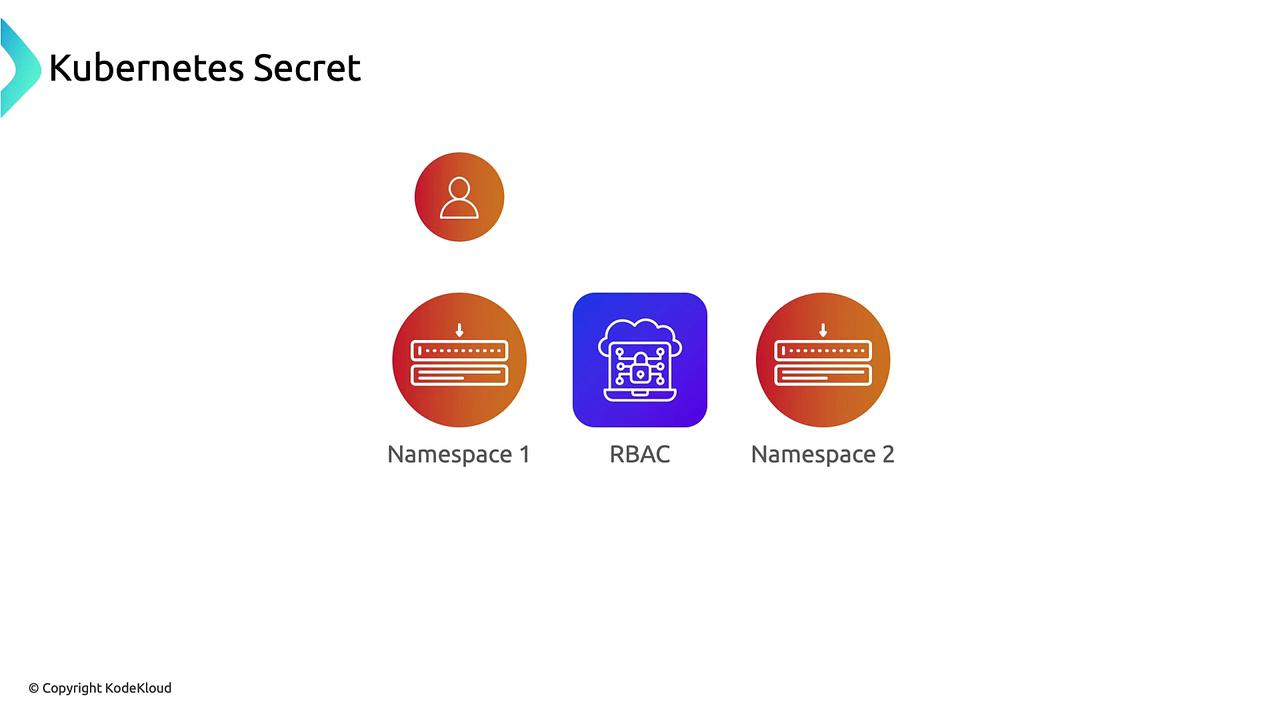
Namespaces and RBAC scoping help restrict access, but they do **not** encrypt data at rest or in transit.
## Next Steps
In upcoming sections, we’ll explore advanced strategies to secure your Secret data:
* **Envelope Encryption** with Kubernetes [EncryptionConfiguration](https://kubernetes.io/docs/tasks/administer-cluster/encrypt-data/)
* **Cloud KMS Integration** (AWS KMS, Google Cloud KMS)
* **External Secrets Operators** for automatic secret synchronization
## Links and References
* [Kubernetes Secrets Documentation](https://kubernetes.io/docs/concepts/configuration/secret/)
* [Kubernetes ConfigMap Documentation](https://kubernetes.io/docs/concepts/configuration/configmap/)
* [AWS EKS Best Practices](https://docs.aws.amazon.com/eks/latest/userguide/best-practices.html)