> ## Documentation Index
> Fetch the complete documentation index at: https://notes.kodekloud.com/llms.txt
> Use this file to discover all available pages before exploring further.
# EKS EBSElastic Block Store
> This guide explores attaching AWS Elastic Block Store volumes to Amazon EKS clusters, covering storage types, EBS CSI driver installation, and practical examples.
**Durable block storage for Kubernetes on AWS**
In this guide, we'll explore how to attach AWS Elastic Block Store (EBS) volumes to Amazon EKS clusters. Topics include ephemeral vs durable storage, EBS CSI driver installation, StorageClasses, and a StatefulSet practical example.
## Ephemeral vs Durable Storage
Kubernetes supports different storage options:
* `emptyDir`: creates a temporary directory on the node’s root disk. Data is lost when the Pod terminates.
* `PersistentVolume`: backed by durable storage outside the Pod lifecycle.
With a StatefulSet, each Replica can mount its own PersistentVolumeClaim (PVC). On Pod replacement, Kubernetes reattaches the same volume, preserving data.

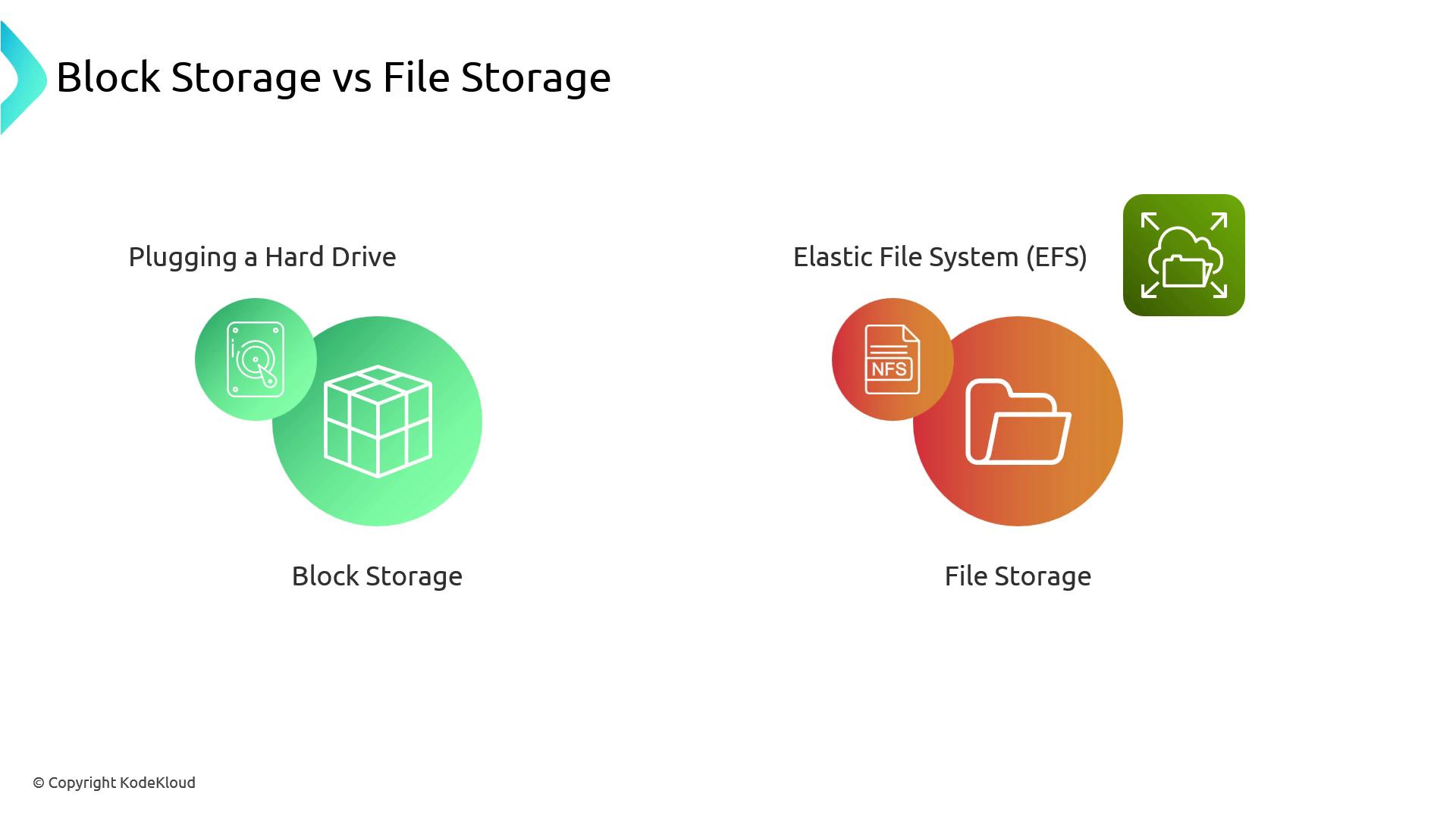
## Block Storage vs. File Storage
**Block storage** (EBS) provides raw device access, similar to adding a virtual hard drive. You format and manage the filesystem yourself.\
**File storage** (EFS, NFS) offers a network filesystem; you simply read and write files over the network.
| Storage Type | AWS Service | Use Case | Characteristics |
| ------------- | ----------- | ------------------------ | ----------------------------------- |
| Block Storage | EBS | Databases, stateful apps | Low-latency, formatable, AZ-bound |
| File Storage | EFS, NFS | Shared file access | POSIX-compliant, multi-AZ, scalable |
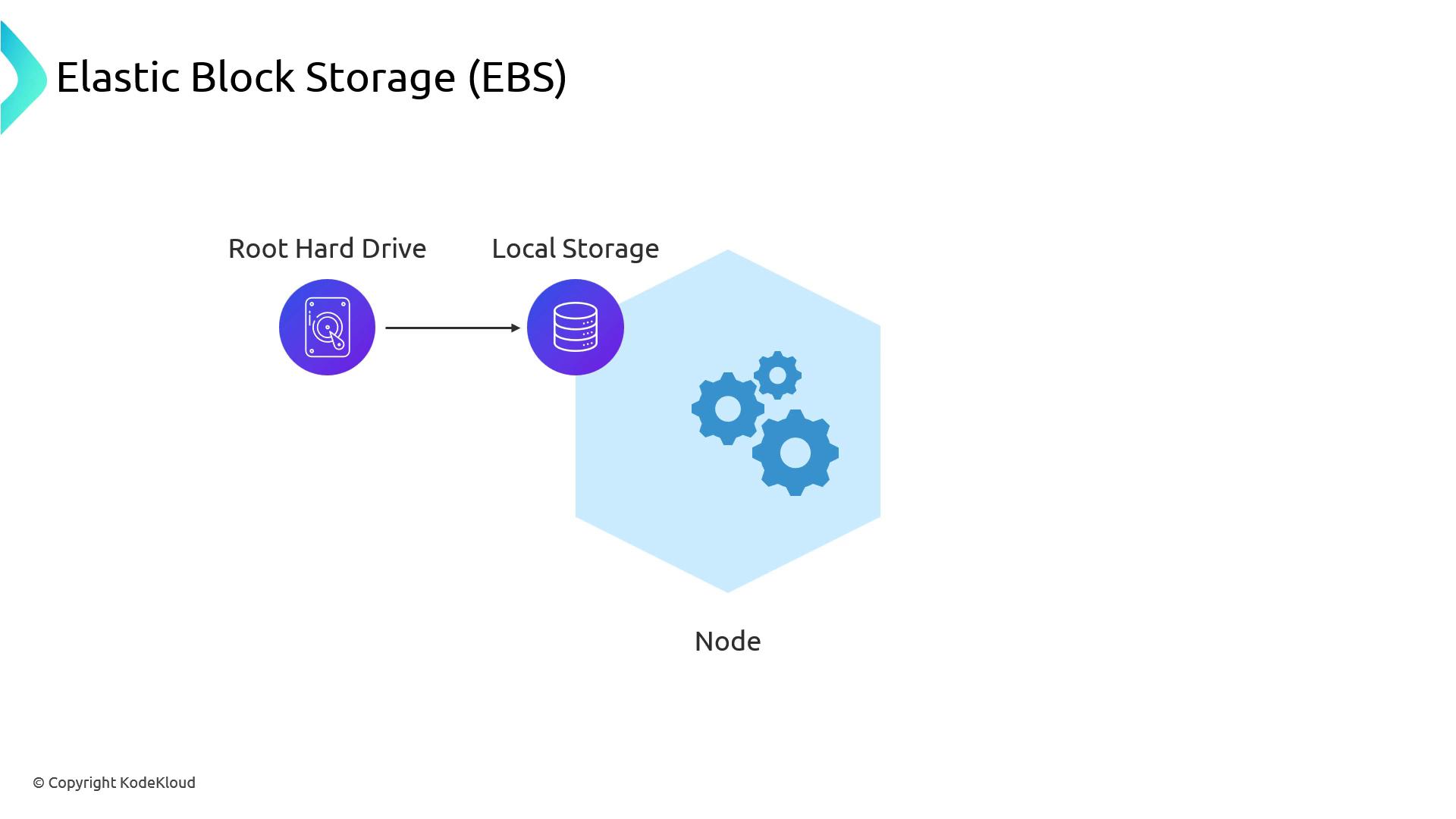
## Root Drive and Local Storage
Every EKS node boots from an EBS root volume. While this acts like local storage, it still operates within a single Availability Zone (AZ).
## Availability Zone Constraints
EBS volumes are AZ-specific. If a node mounts an EBS volume in AZ `us-east-1a` and terminates, a replacement node in AZ `us-east-1b` *cannot* attach that volume.
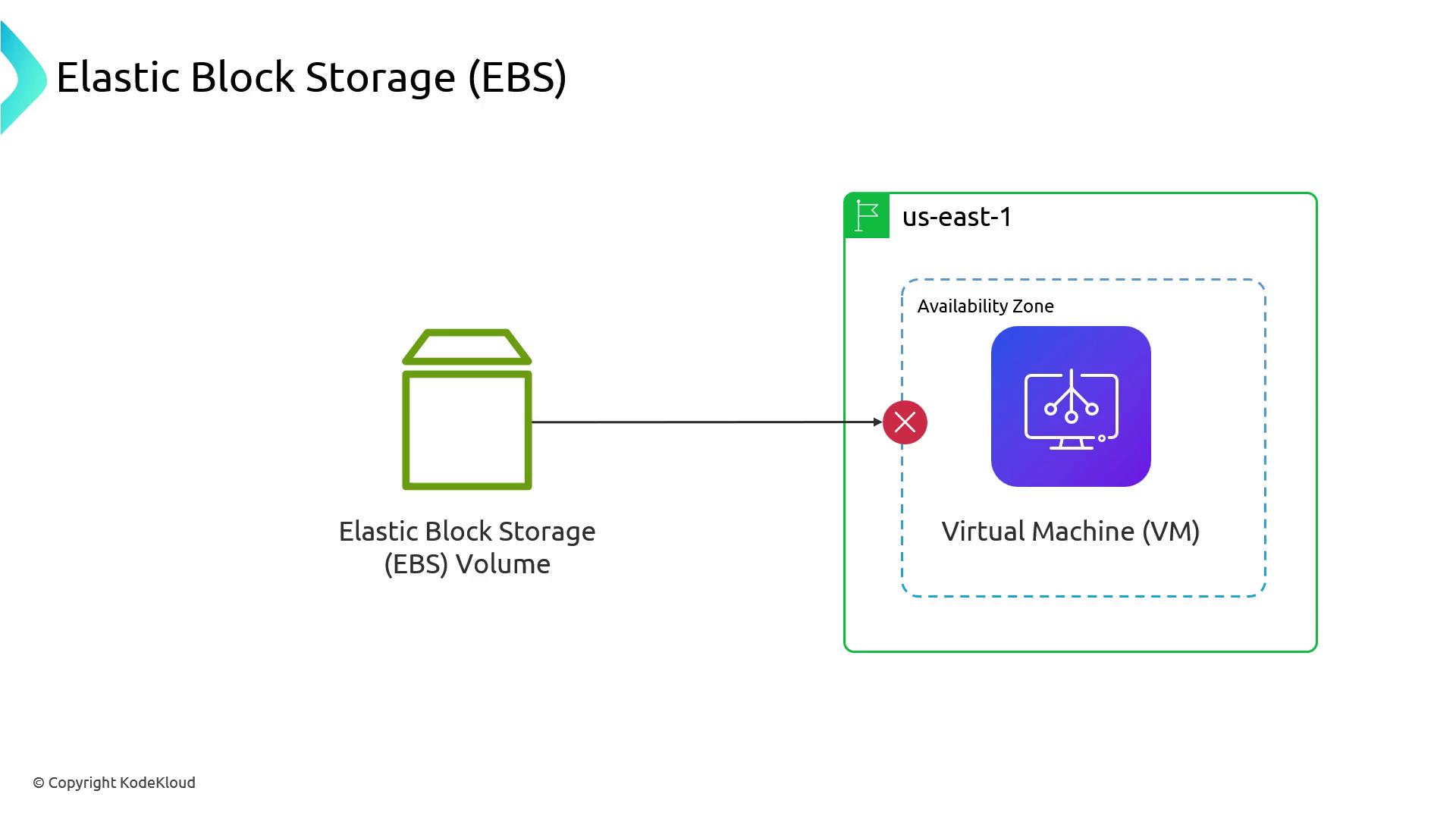
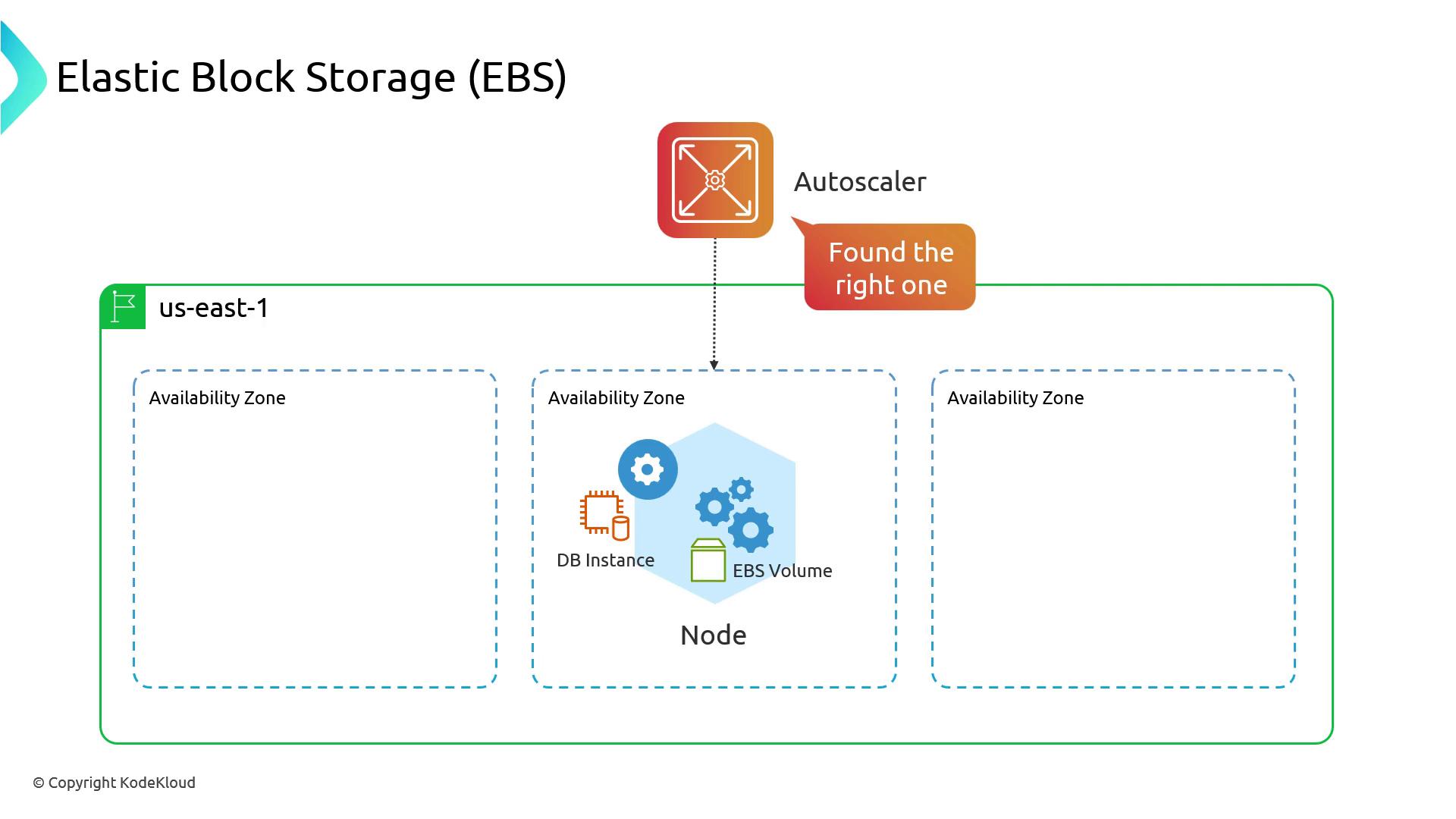
Pod scheduling may fail if the EBS volume cannot attach in a different AZ. Use proper `volumeBindingMode` or restrict node scheduling to the same AZ.
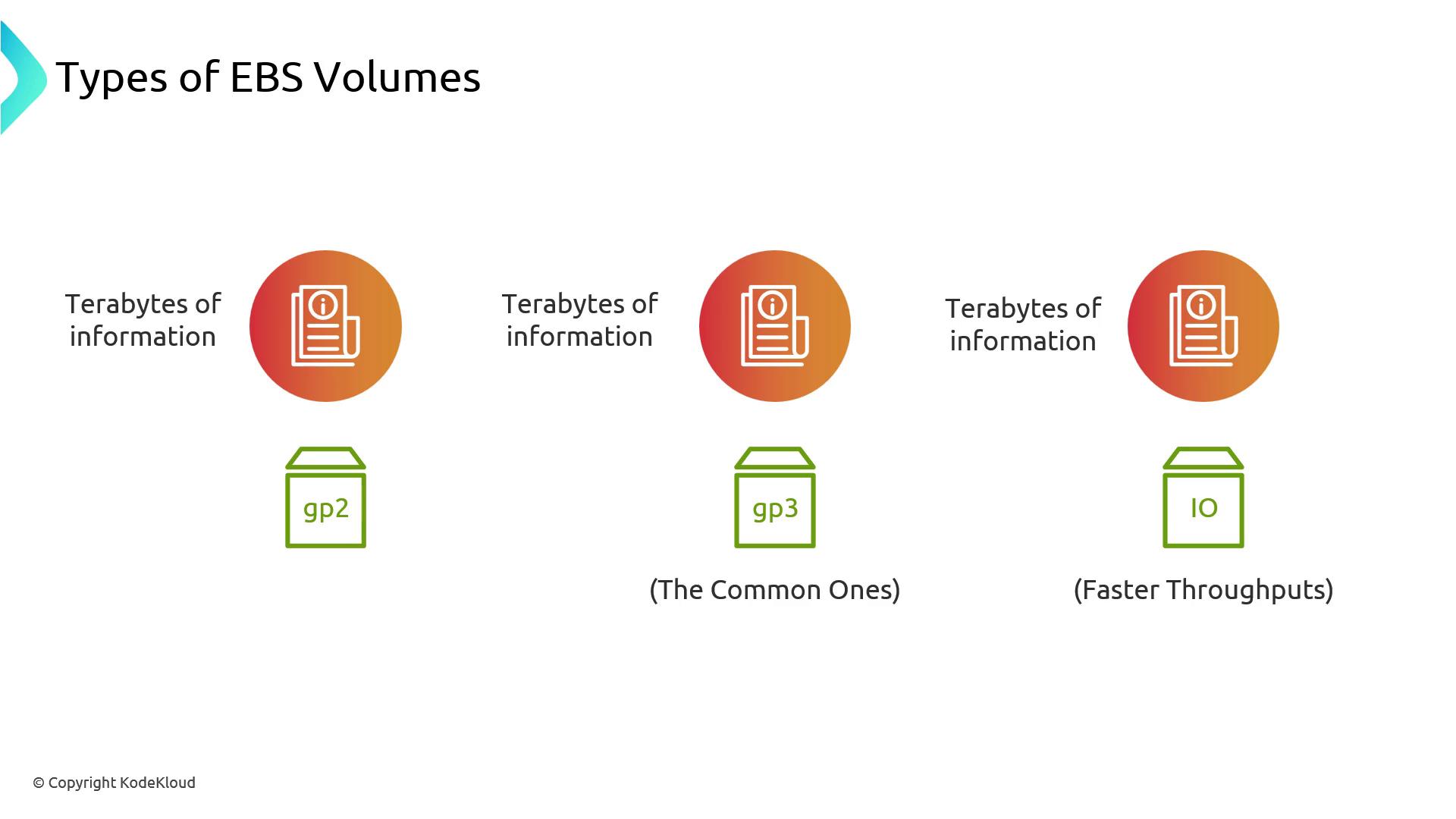
## EBS Volume Types and Performance
| Volume Type | Description | Use Case |
| ----------- | ---------------------------- | -------------------------------------- |
| gp2 | General Purpose SSD | Cost-effective, standard workloads |
| gp3 | Next-gen General Purpose SSD | Lower cost per GB, higher throughput |
| io1/io2 | Provisioned IOPS SSD | Latency-sensitive, high-IOPS databases |
EBS provides low-latency block storage within an AZ and scales up to multiple terabytes.
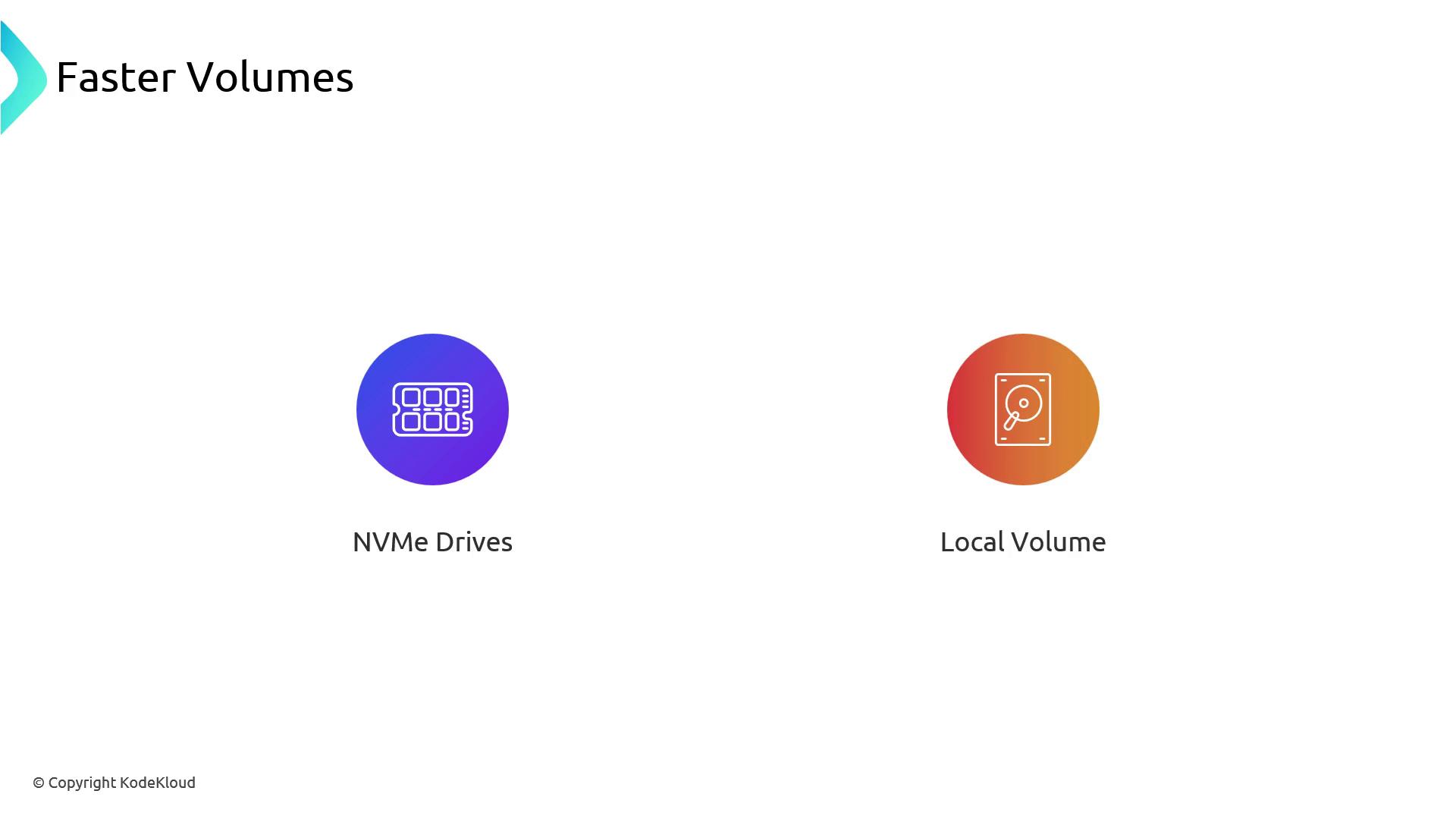
### Faster Local Storage
Instance store volumes (NVMe) offer the lowest latency but are *ephemeral*—data is lost on instance termination.
## Snapshots and Data Protection
EBS supports incremental snapshots to Amazon S3, enabling point-in-time backups and restores. This integration is ideal for disaster recovery and compliance.
## AWS EBS CSI Driver
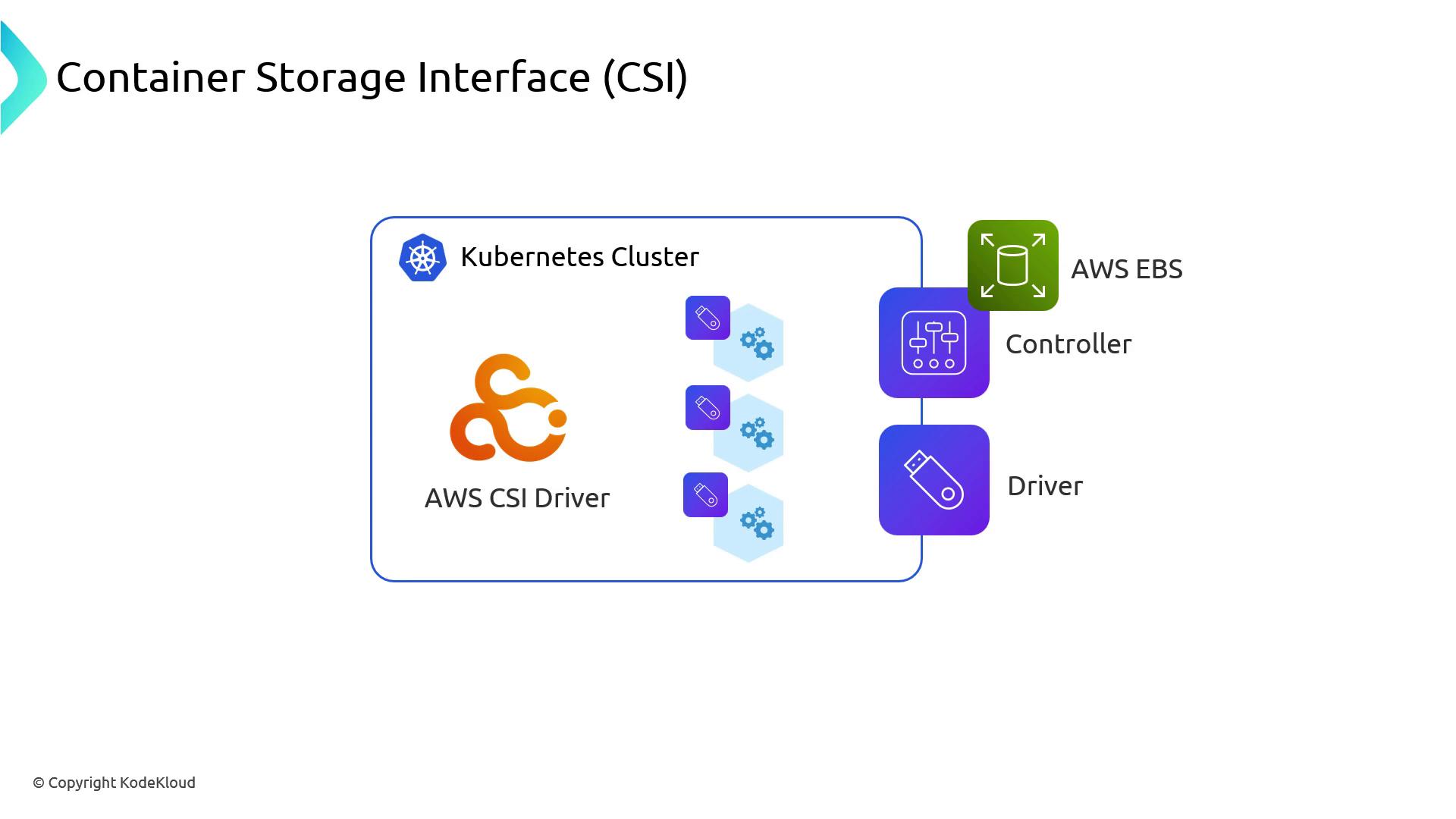
Amazon EKS employs the [Container Storage Interface (CSI)](https://kubernetes-csi.github.io/docs/) to provision EBS volumes. Installing the AWS EBS CSI driver deploys:
1. **Controller (Deployment):** Manages lifecycle operations (Create/Delete) via AWS APIs
2. **Node DaemonSet:** Handles volume attachments and mounts on each node
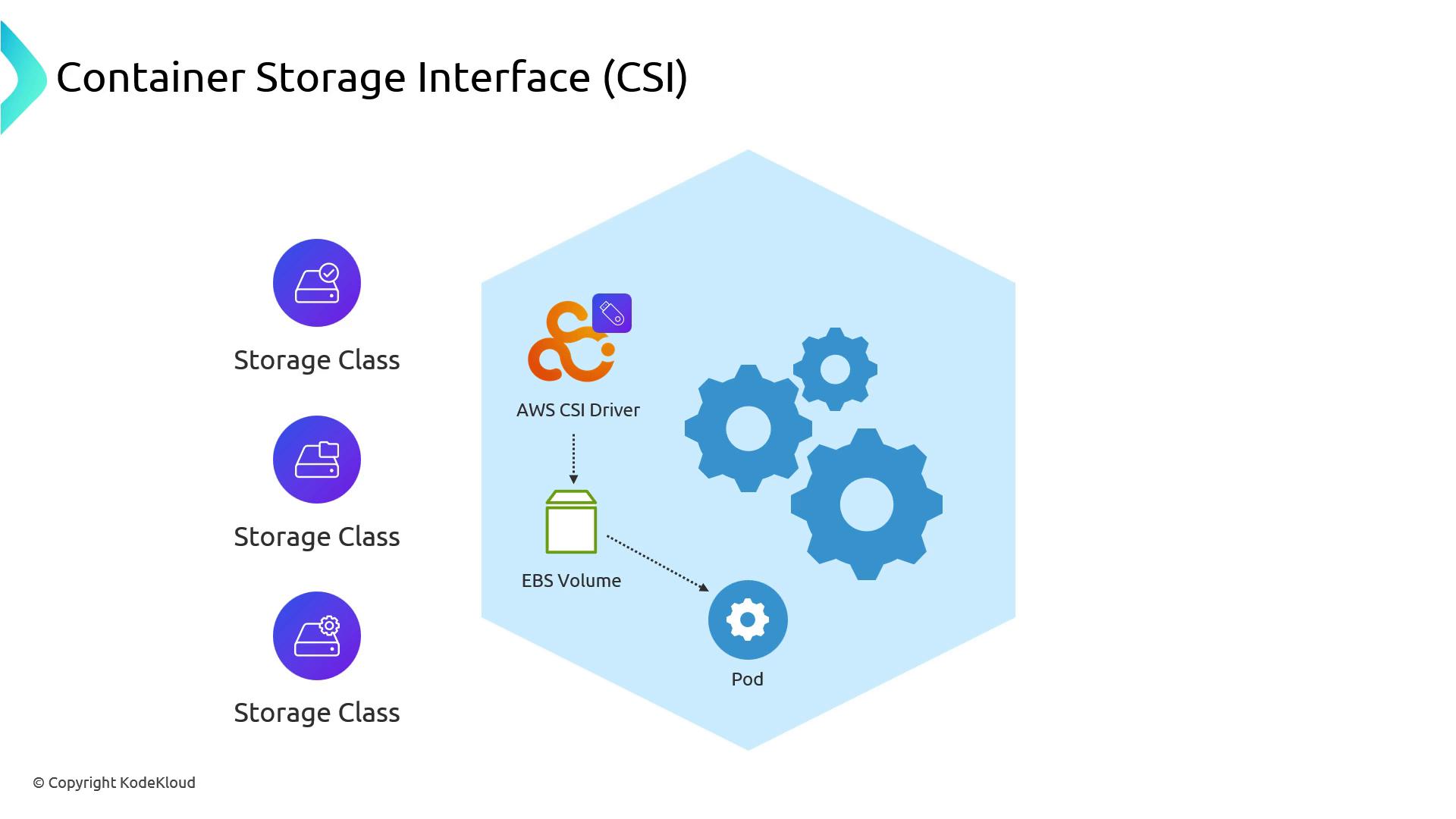
The driver includes predefined StorageClasses for different volume types and binding modes:
### Verifying the CSI Driver
Check the `kube-system` namespace to ensure the EBS CSI controller and node plugins are running:
```bash theme={null}
kubectl get pods -n kube-system
```
```plain theme={null}
NAME READY STATUS RESTARTS AGE
aws-node-xxxxx 2/2 Running 0 90m
coredns-xxxxx 1/1 Running 0 100m
ebs-csi-controller-xxx 5/5 Running 0 45m
ebs-csi-node-xxx 3/3 Running 0 45m
```
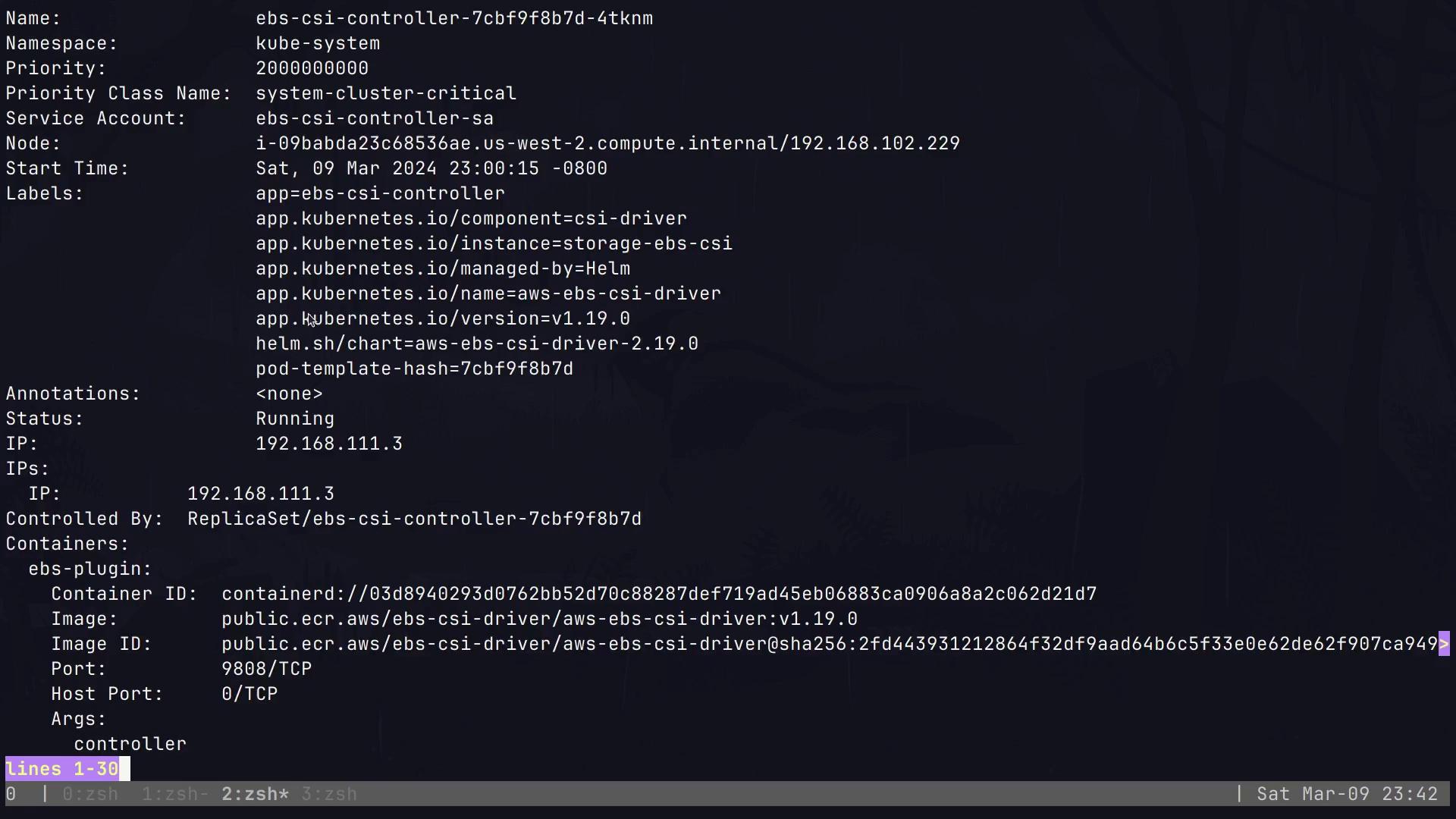
Inspect the controller Pod for environment settings like `AWS_STS_REGIONAL_ENDPOINTS=regional`:
## Default StorageClasses
After installation, list the StorageClasses:
```bash theme={null}
kubectl get storageclasses
```
```plain theme={null}
NAME PROVISIONER RECLAIMPOLICY VOLUMEBINDINGMODE ALLOWVOLUMEEXPANSION AGE
gp2 kubernetes.io/aws-ebs Delete WaitForFirstConsumer false 100m
gp3 (default) ebs.csi.aws.com Delete WaitForFirstConsumer true 45m
gp3-encrypted ebs.csi.aws.com Delete WaitForFirstConsumer true 45m
```
`WaitForFirstConsumer` delays volume provisioning until a Pod is scheduled, ensuring the volume is created in the correct AZ.
At this point, no PersistentVolumes exist until PVCs are requested:
```bash theme={null}
kubectl get persistentvolumes --all-namespaces
```
```plain theme={null}
No resources found
```
## StatefulSet Example
Deploy a StatefulSet that requests a 16 Gi EBS volume via the `gp2` StorageClass:
```yaml theme={null}
apiVersion: apps/v1
kind: StatefulSet
metadata:
name: alpine
spec:
selector:
matchLabels:
app: alpine
serviceName: alpine
replicas: 1
template:
metadata:
labels:
app: alpine
spec:
containers:
- name: alpine
image: public.ecr.aws/docker/library/alpine:latest
command: ["sh", "-c", "sleep 1d"]
volumeMounts:
- name: data
mountPath: /data
volumeClaimTemplates:
- metadata:
name: data
spec:
storageClassName: gp2
accessModes: ["ReadWriteOnce"]
resources:
requests:
storage: 16Gi
```
Apply and verify the PVC:
```bash theme={null}
kubectl apply -f alpine-statefulset.yaml
kubectl get pvc
```
```plain theme={null}
NAME STATUS VOLUME CAPACITY ACCESS MODES STORAGECLASS AGE
data-alpine-0 Bound pvc-7f223e3d-ee49-41ba-d46a-764ab5c14bdb 16Gi RWO gp2 30s
```
## Verifying the Mounted Volume
Connect to the Alpine Pod and confirm the `/data` mount:
```bash theme={null}
kubectl get pods
kubectl exec -it alpine-0 -- /bin/sh
```
```bash theme={null}
df -h /data
```
```plain theme={null}
Filesystem Size Used Avail Use% Mounted on
/dev/nvme1n1 15.9Gi 24K 15.9Gi 0% /data
```
## Persistence Across Pod Restarts
Create a test file, delete the Pod, and ensure data persists:
```bash theme={null}
# Inside the container
touch /data/hello
ls /data
# On the host
kubectl delete pod alpine-0
kubectl exec -it alpine-0 -- /bin/sh -c "ls /data"
```
```plain theme={null}
hello lost+found
```
## Conclusion
By leveraging AWS EBS with the Kubernetes CSI driver, you gain reliable, low-latency, AZ-aware block storage for stateful applications on EKS. Understanding volume types, AZ constraints, and StorageClass configurations ensures robust data persistence for databases, message queues, and other critical workloads.
## Links and References
* [AWS EBS Documentation](https://docs.aws.amazon.com/ebs/)
* [Amazon EKS Documentation](https://docs.aws.amazon.com/eks/)
* [Kubernetes CSI Documentation](https://kubernetes-csi.github.io/docs/)
* [Kubernetes Storage Classes](https://kubernetes.io/docs/concepts/storage/storage-classes/)