> ## Documentation Index
> Fetch the complete documentation index at: https://notes.kodekloud.com/llms.txt
> Use this file to discover all available pages before exploring further.
# AWS Organizations
> AWS Organizations is a service for centralized governance, billing, and access control across multiple AWS accounts.
AWS Organizations is a service for centralized governance, billing, and access control across multiple AWS accounts. By structuring accounts into a hierarchy, you can enforce policies, streamline resource sharing, and maintain compliance at scale.
## Management Account and Organizational Units
### Creating Your Management Account
The management account (formerly the “master” account) acts as the root of your AWS Organization. It holds billing responsibility and delegates policy management to Organizational Units (OUs) or individual member accounts.
### Organizing With OUs
1. Create one or more **Organizational Units (OUs)** under the management (root) account.
2. Move or add member accounts into these OUs.
3. Apply Service Control Policies (SCPs) at the OU level for inherited governance.
Avoid using the root user for everyday tasks. Instead, assign permissions through IAM roles in member accounts to reduce security risk.
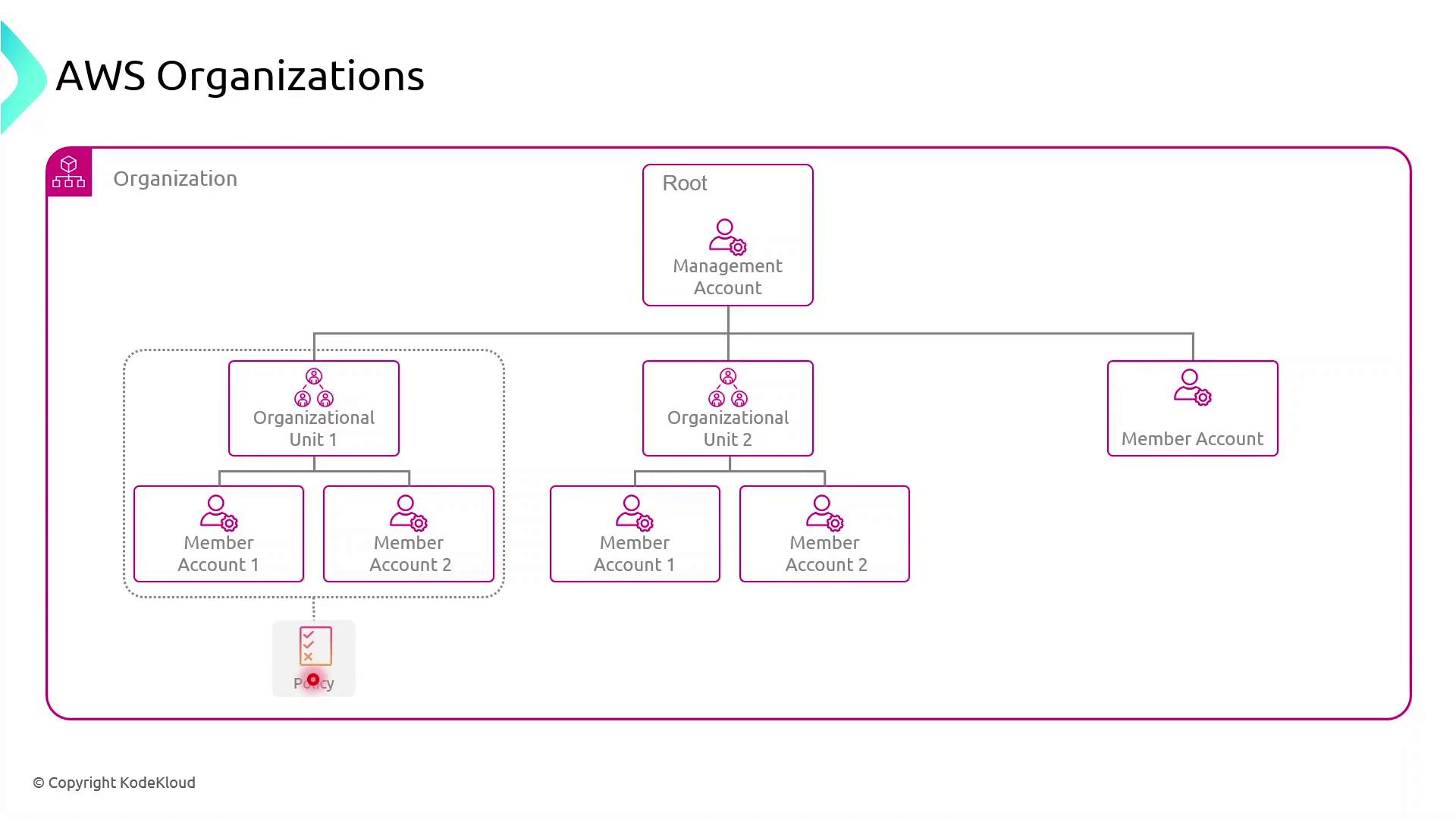
Any SCP attached to an OU automatically cascades to all nested OUs and member accounts. You can also target SCPs directly to individual accounts when a specialized policy is required.
Service Control Policies (SCPs) define the maximum available permissions for IAM identities in accounts, but they don’t grant permissions by themselves.
## Key Benefits of AWS Organizations
AWS Organizations unlocks powerful features for enterprises:
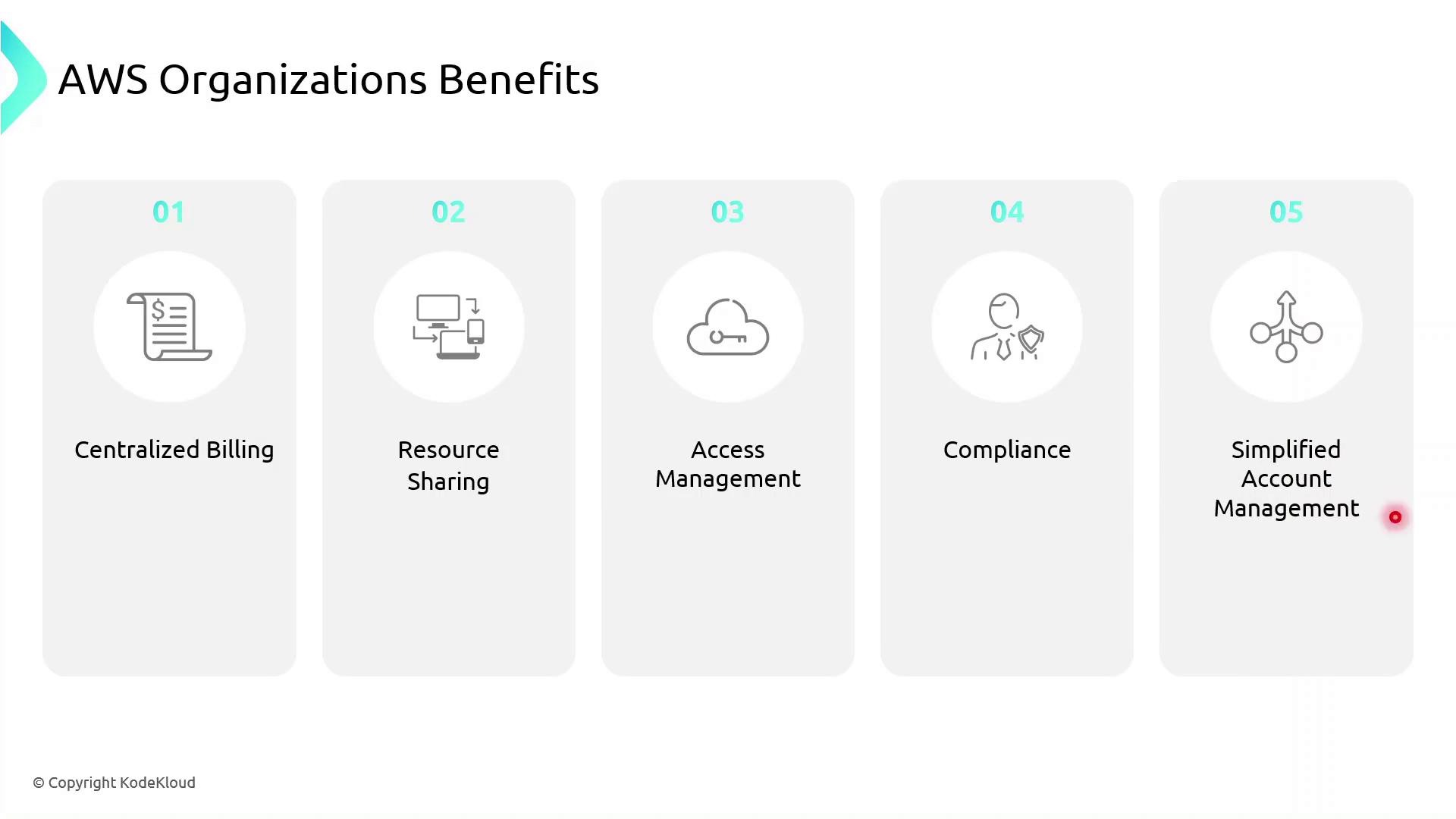
| Benefit | Description |
| ----------------------------- | ------------------------------------------------------------------------------------ |
| Centralized Billing | Aggregate charges from all member accounts into one monthly invoice. |
| Resource Sharing | Share VPCs, RDS, EC2, S3, and more across accounts with AWS Resource Access Manager. |
| Access Management | Enforce uniform IAM policies and manage credentials organization‐wide. |
| Compliance | Apply security baselines and audit controls centrally to meet regulatory needs. |
| Simplified Account Management | Monitor and administer all accounts from a single, unified dashboard. |
## Links and References
* [AWS Organizations Documentation](https://docs.aws.amazon.com/organizations/latest/userguide/orgs_introduction.html)
* [Service Control Policies (SCPs)](https://docs.aws.amazon.com/organizations/latest/userguide/orgs_manage_policies_scps.html)
* [AWS Resource Access Manager](https://docs.aws.amazon.com/ram/latest/userguide/what-is.html)