> ## Documentation Index
> Fetch the complete documentation index at: https://notes.kodekloud.com/llms.txt
> Use this file to discover all available pages before exploring further.
# Demo Cross Account Access
> Enable cross-account S3 access by configuring bucket policies, creating IAM roles, and testing access via AWS CloudShell.
Enable a role in your **source account** (ID: 672261773768) to read objects from an S3 bucket in your **target account** (ID: …2021). This walkthrough covers:
* Configuring the bucket policy
* Creating and trusting an IAM role
* Testing access via AWS CloudShell
| Step | Description |
| ---- | ------------------------------------------- |
| 1 | Add a bucket policy in the target account |
| 2 | Create IAM policy & role with trust policy |
| 3 | Assume role and verify access in CloudShell |
***
## 1. Configure the Bucket Policy in the Target Account
In the target account, go to **S3 > company1-logs > Permissions > Bucket policy** and paste:
```json theme={null}
{
"Version": "2012-10-17",
"Statement": [
{
"Effect": "Allow",
"Principal": {
"AWS": "arn:aws:iam::6294702402021:role/LogAnalystsRole"
},
"Action": [
"s3:Get*",
"s3:List*"
],
"Resource": [
"arn:aws:s3:::company1-logs",
"arn:aws:s3:::company1-logs/*"
]
}
]
}
```
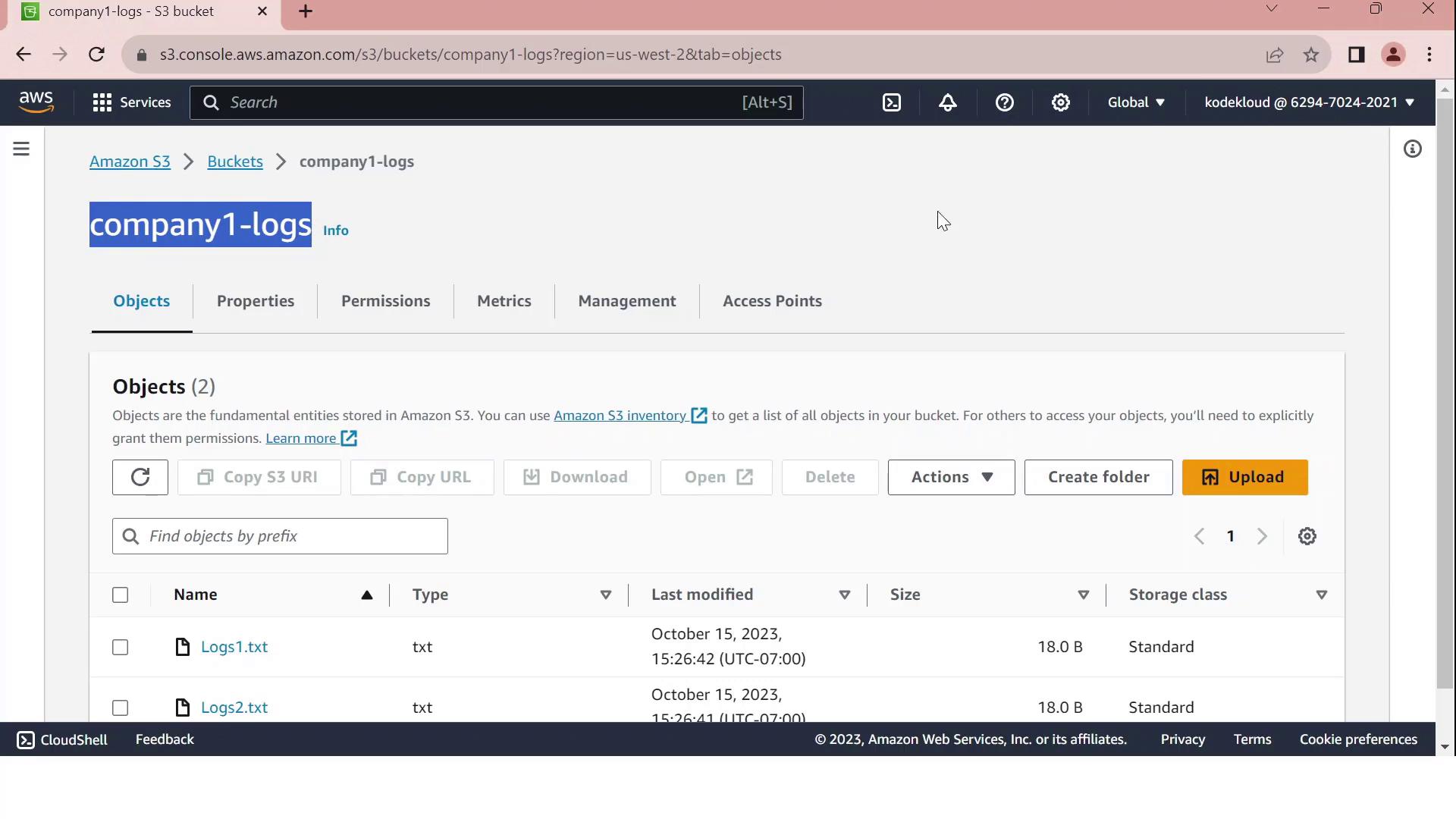
Ensure the bucket ARN and role ARN exactly match your resources. Typos in ARNs will prevent access.
***
## 2. Create the IAM Role in the Target Account
### 2.1 Define a Read-Only Policy
Create an IAM policy named **company1-logs-read-policy**:
```json theme={null}
{
"Version": "2012-10-17",
"Statement": [
{
"Effect": "Allow",
"Action": [
"s3:Get*",
"s3:List*"
],
"Resource": [
"arn:aws:s3:::company1-logs",
"arn:aws:s3:::company1-logs/*"
]
}
]
}
```
### 2.2 Create the Role and Configure Trust
1. In IAM, create a role called **LogAnalystsRole**.
2. Attach **company1-logs-read-policy**.
3. Edit **Trust relationships** to allow the source account user (`amin`) to assume this role:
```json theme={null}
{
"Version": "2012-10-17",
"Statement": [
{
"Effect": "Allow",
"Principal": {
"AWS": "arn:aws:iam::672261773768:user/amin"
},
"Action": "sts:AssumeRole"
}
]
}
```
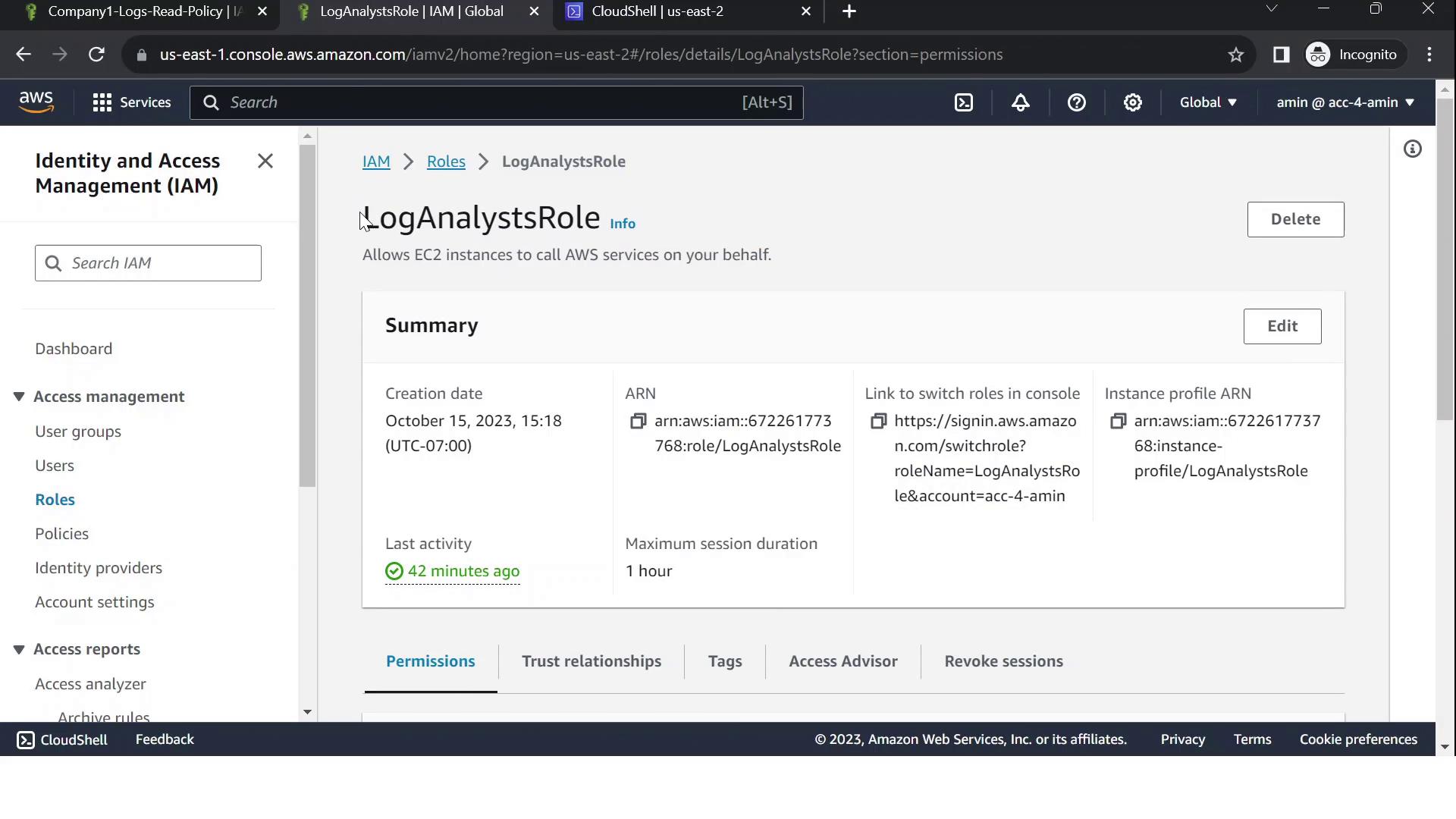
Grant only the minimum privileges needed. Review your trust policy to prevent unauthorized access.
***
## 3. Test Cross-Account Access via CloudShell
1. Confirm your caller identity in the **source account**:
```bash theme={null}
aws sts get-caller-identity
```
2. Assume the cross-account role:
```bash theme={null}
aws sts assume-role \
--role-arn arn:aws:iam::6294702402021:role/LogAnalystsRole \
--role-session-name CrossAccountSession
```
3. Export the temporary credentials:
```bash theme={null}
export AWS_DEFAULT_REGION=us-east-2
export AWS_ACCESS_KEY_ID=
export AWS_SECRET_ACCESS_KEY=
export AWS_SESSION_TOKEN=
```
4. Verify you’re now the assumed role:
```bash theme={null}
aws sts get-caller-identity
```
You should see an ARN with `assumed-role/LogAnalystsRole`.
5. List bucket contents:
```bash theme={null}
aws s3 ls s3://company1-logs
```
Expected output:
```text theme={null}
2023-01-01 12:00:00 18 Logs1.txt
2023-01-01 12:00:00 18 Logs2.txt
```
If you see the log files listed, your cross-account S3 access is working!
***
## Links and References
* [Amazon S3 Bucket Policies](https://docs.aws.amazon.com/AmazonS3/latest/dev/using-iam-policies.html)
* [IAM Trust Policies](https://docs.aws.amazon.com/IAM/latest/UserGuide/reference_policies_elements_principal.html)
* [AWS STS AssumeRole](https://docs.aws.amazon.com/cli/latest/reference/sts/assume-role.html)