> ## Documentation Index
> Fetch the complete documentation index at: https://notes.kodekloud.com/llms.txt
> Use this file to discover all available pages before exploring further.
# Demo IAM Identity Center
> This guide explains how to enable and use AWS IAM Identity Center for managing user and group access across AWS accounts and applications.
In this guide, you’ll learn how to enable and use AWS IAM Identity Center to centrally manage user and group access across multiple AWS accounts and cloud applications.
## Prerequisites
* An AWS Organizations management account
* Permissions to manage IAM Identity Center and AWS Organizations
IAM Identity Center can only be enabled from your organization’s management account. Member accounts cannot enable or configure it.
## Enabling IAM Identity Center
1. Sign in to the AWS Management Console with your **management account**.
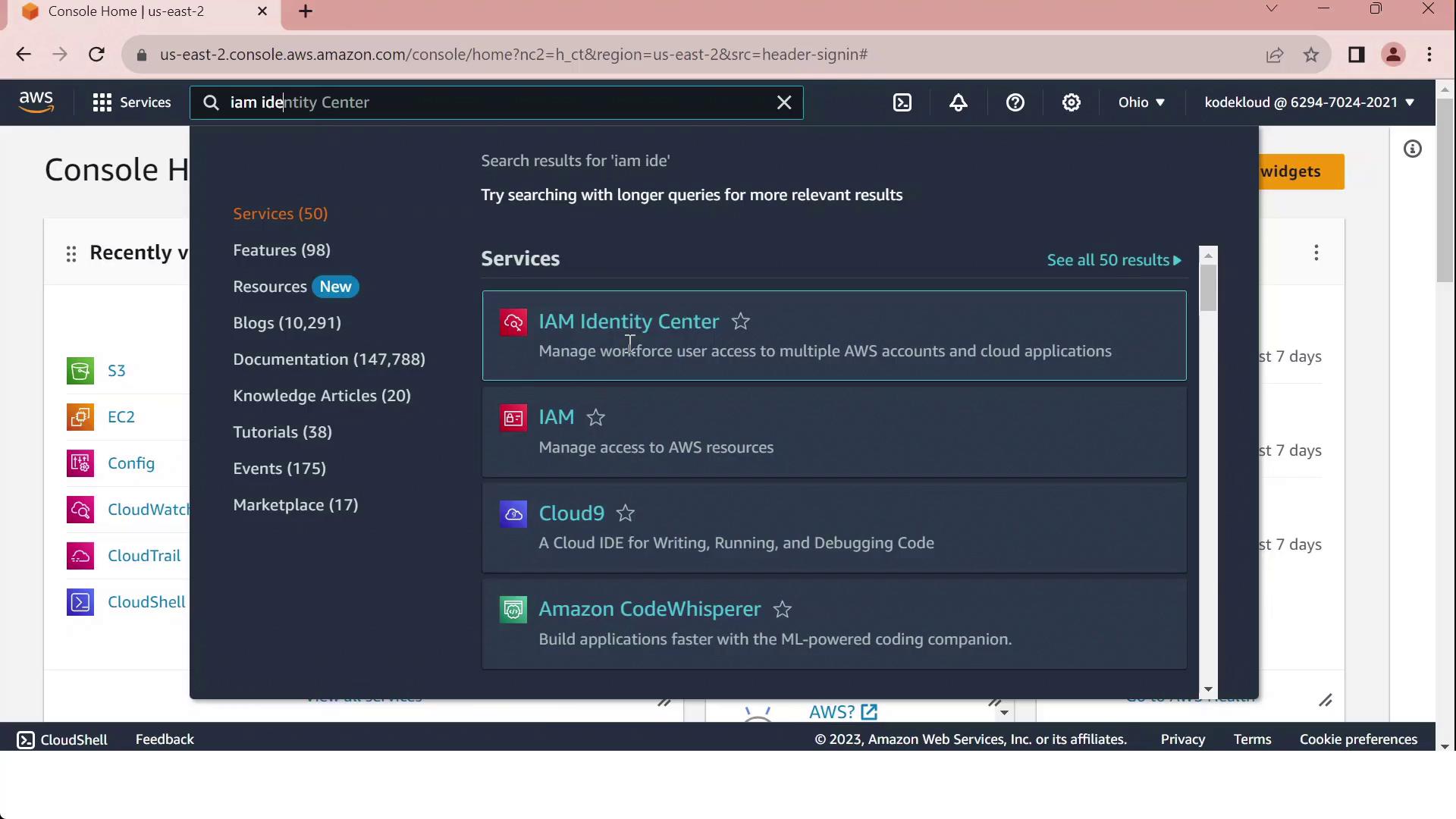
2. In the top search bar, type **IAM Identity Center** and select it:
3. Click **Enable**.
4. Choose your identity source:
* Connect an existing directory (AWS Managed Microsoft AD, AD Connector, or external IdP)
* Use the built-in Identity Center directory
5. After activation, create users and groups (if using the built-in directory), then assign permission sets to your AWS accounts or cloud applications.
## IAM vs. IAM Identity Center
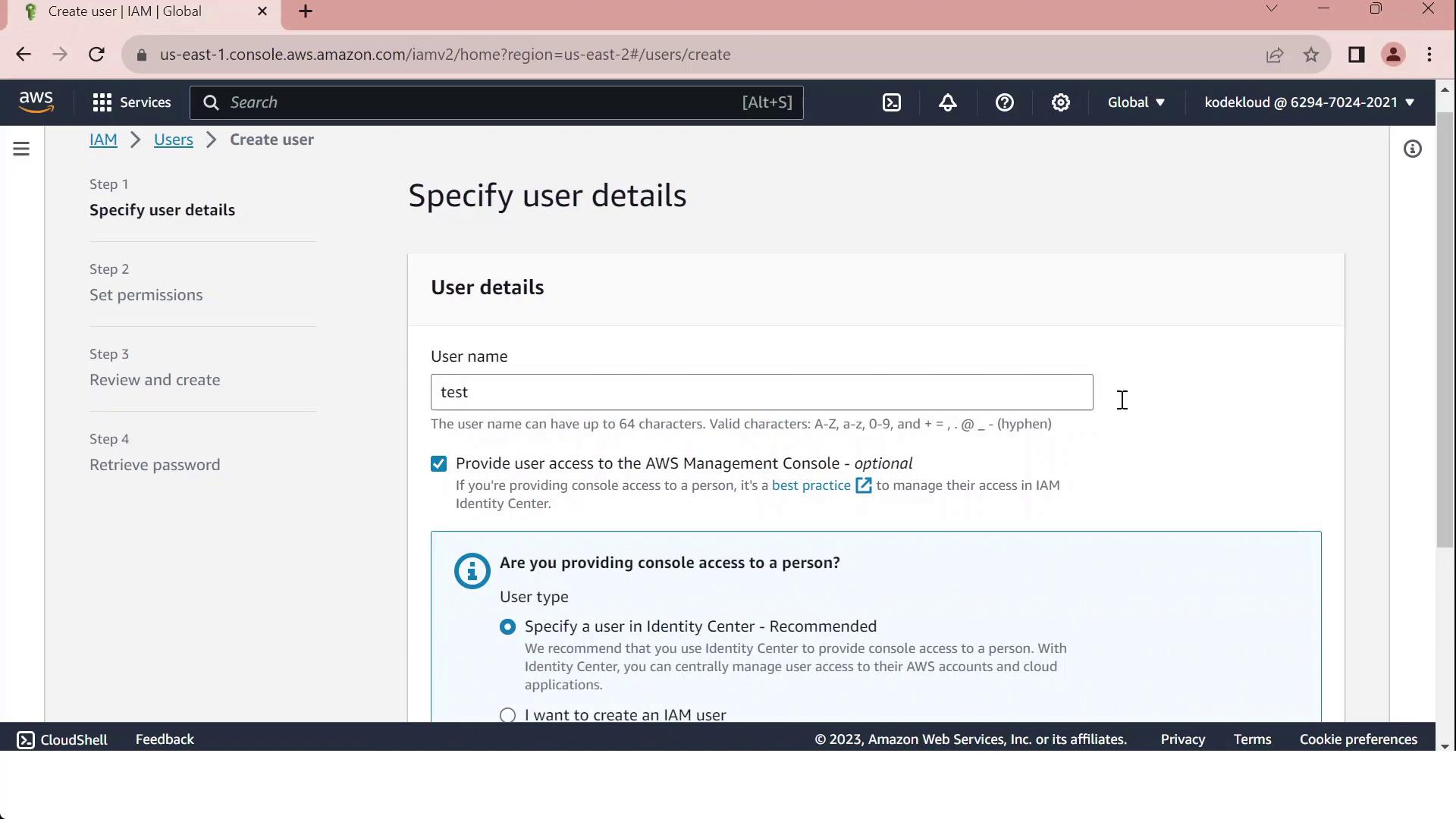
When you go to the **IAM** console and click **Create user**, selecting **Provide console access** will direct you to specify an Identity Center user:
Use the following table to decide between IAM users and IAM Identity Center:
| Capability | IAM User | IAM Identity Center |
| --------------------------------- | ------------------ | --------------------------------- |
| Console access across accounts | Manual per account | Centralized via permission sets |
| Programmatic access (access keys) | Yes | No (create separate IAM users) |
| Service-specific credentials | Yes | No |
| External identity federation | Limited | Built-in SAML and OIDC support |
| Multi-account role assignments | Manual | Automated through a single portal |
Reserve IAM users for programmatic or service-specific credentials. For scalable, centralized console access across multiple accounts, adopt IAM Identity Center.
## References
* [AWS IAM Identity Center User Guide](https://docs.aws.amazon.com/singlesignon/latest/userguide/what-is.html)
* [AWS Organizations Documentation](https://docs.aws.amazon.com/organizations/latest/userguide/orgs_introduction.html)
* [AWS IAM User Guide](https://docs.aws.amazon.com/iam/latest/UserGuide/introduction.html)