> ## Documentation Index
> Fetch the complete documentation index at: https://notes.kodekloud.com/llms.txt
> Use this file to discover all available pages before exploring further.
# IAM Anywhere
> IAM Roles Anywhere allows external applications to securely access AWS services using X.509 certificates managed by a centralized Public Key Infrastructure.
IAM Roles Anywhere enables external applications and resources to securely access AWS services using X.509 certificates managed by a centralized Public Key Infrastructure (PKI).
## Overview
External servers, hybrid clouds, and non-AWS environments often require access to AWS resources without relying on long-lived credentials. IAM Roles Anywhere issues temporary AWS credentials by validating X.509 certificates against your PKI.
* An [ACM Private CA](https://docs.aws.amazon.com/acm-pca/latest/userguide/PcaCreateCa.html) or an existing on-premises CA
* X.509 certificates issued for your external systems
* Appropriate IAM roles configured in AWS
## How IAM Roles Anywhere Works
1. Establish your PKI
2. Generate X.509 certificates for external workloads
3. Register your Certificate Authority (CA) with IAM Roles Anywhere
4. Request temporary AWS credentials by presenting a certificate
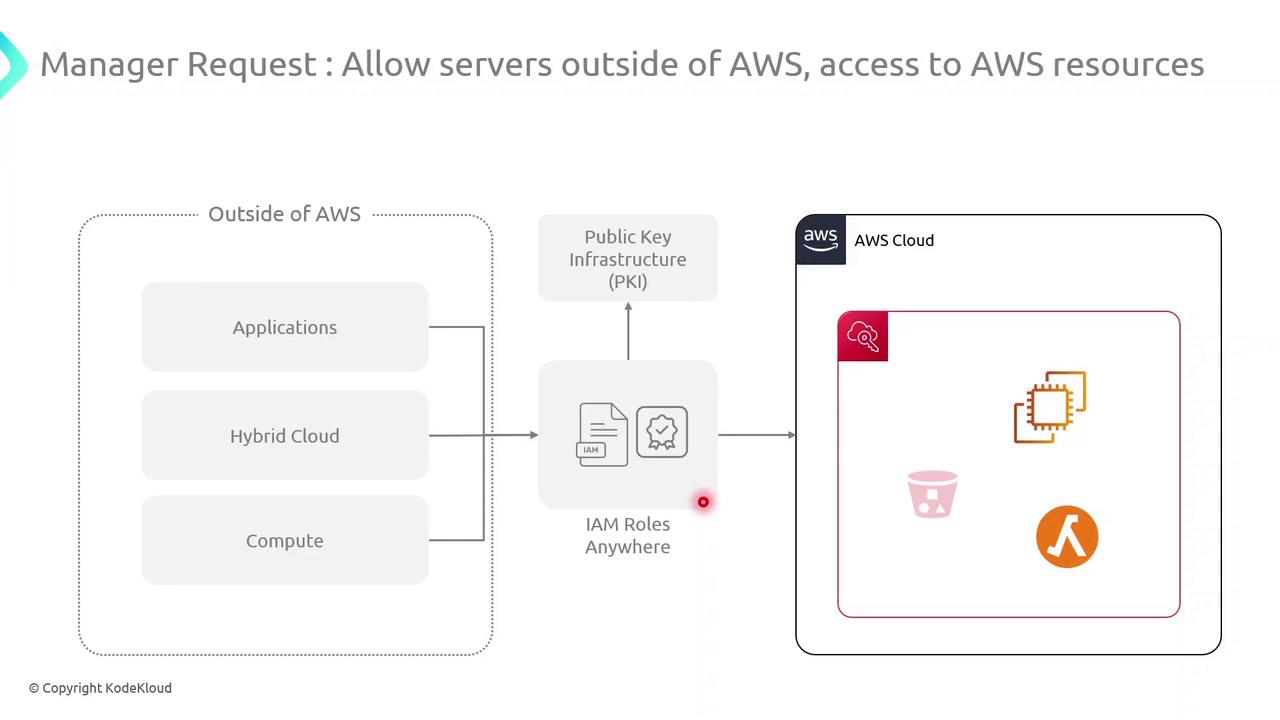
When an external workload presents a valid certificate, IAM Roles Anywhere verifies it against your registered CA. Upon successful validation, it issues temporary AWS credentials scoped to an IAM role, granting secure and auditable access to AWS services.
## Key Steps
| Step | Action |
| ---- | ---------------------------------------------------------------- |
| 1 | Create or import a root/subordinate CA in ACM PCA or on-premises |
| 2 | Issue X.509 certificates to your servers and applications |
| 3 | Register your CA with IAM Roles Anywhere via AWS Console or CLI |
| 4 | Exchange a presented certificate for temporary AWS credentials |
Always store private keys in a secure hardware module or key management system. Do not embed certificates or keys directly in application code.
## Benefits of IAM Roles Anywhere
| Benefit | Description |
| ----------------------------- | -------------------------------------------------------------------- |
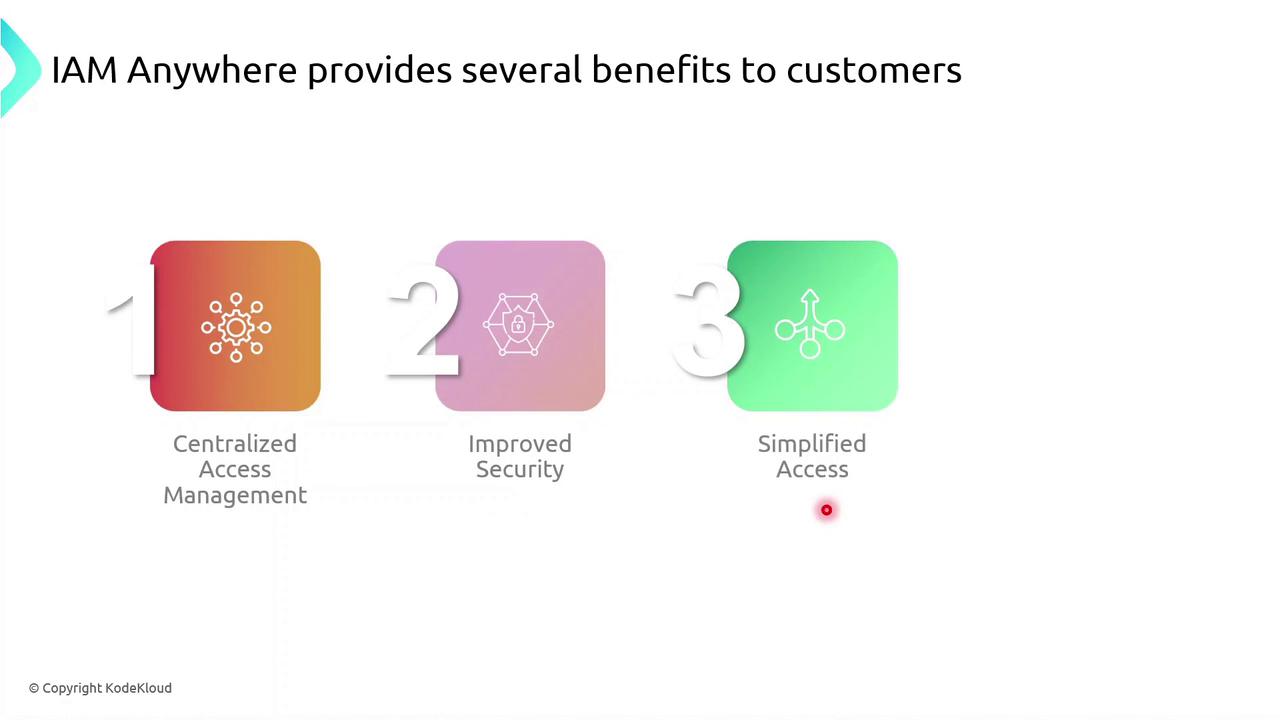
| Centralized Access Management | Control AWS and external permissions from a unified console |
| Enhanced Security | Utilize short-lived X.509 certificates and temporary AWS credentials |
| Simplified Provisioning | Eliminate hard-coded secrets and automate certificate rotation |
| Integration Flexibility | Leverage existing PKI systems and customize authentication workflows |
## Get Started
1. Configure your PKI in AWS ACM PCA or on-premises.
2. Issue and distribute X.509 certificates.
3. Register the CA with IAM Roles Anywhere.
4. Implement AWS SDK or CLI calls to request credentials.
For complete setup instructions, see the [AWS IAM Roles Anywhere User Guide](https://docs.aws.amazon.com/rolesanywhere/latest/userguide/what-is.html).
## References
* [AWS IAM Roles Anywhere Documentation](https://docs.aws.amazon.com/rolesanywhere/latest/userguide/what-is.html)
* [ACM Private Certificate Authority](https://docs.aws.amazon.com/acm-pca/latest/userguide/PcaCreateCa.html)
* [X.509 Certificates Explained](https://www.globalsign.com/en/blog/what-is-an-x509-certificate)