> ## Documentation Index
> Fetch the complete documentation index at: https://notes.kodekloud.com/llms.txt
> Use this file to discover all available pages before exploring further.
# IAM Identity Center
> AWS IAM Identity Center offers centralized identity management and single sign-on for AWS Organizations, enhancing access control across multiple accounts.
AWS IAM Identity Center provides a unified, organizational-level identity management solution for your AWS Organization. While AWS IAM manages users and groups within a single account, IAM Identity Center lets you centralize access, identities, and single sign-on (SSO) across multiple member accounts from your management account.
## Key Features
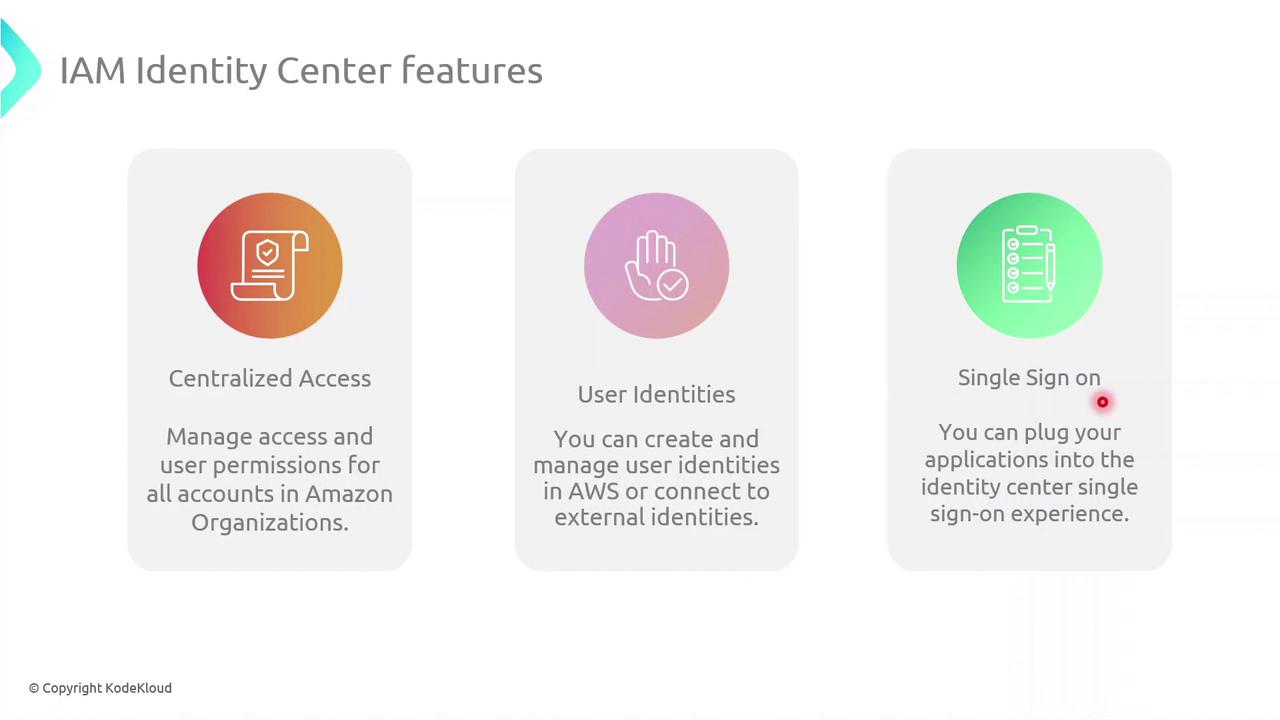
| Feature | Description | Benefit |
| -------------------- | ----------------------------------------------------------------------------- | -------------------------------------------- |
| Centralized Access | Assign and manage permissions across all member accounts in your Organization | Consistent, audit-ready permission model |
| User Identities | Create users in AWS or connect to external identity providers (Okta, AD) | Flexible identity source, no separate sync |
| Single Sign-On (SSO) | Integrate cloud apps and AWS accounts for seamless access | One-click access to all authorized resources |
***
## Demo: Enabling IAM Identity Center
Follow these steps to enable IAM Identity Center (formerly AWS SSO) in your Organization.
Ensure your AWS Organization is active and you have Management Account privileges before proceeding.
### 1. Verify SSO Status in a Member Account
1. Sign in to a **member account**.
2. Go to **IAM Identity Center** in the AWS Console.
3. You’ll see a message indicating SSO isn’t enabled yet.
### 2. Enable in the Management Account
1. Switch to your **Management Account**.
2. Open the **IAM Identity Center** page.
3. Click **Enable IAM Identity Center** to activate SSO for all member accounts.
### (Optional) CLI Alternative
You can also enable SSO programmatically using the AWS CLI:
```bash theme={null}
aws sso-admin enable-sso \
--region us-east-1 \
--cli-input-json file://enable-sso-config.json
```
## Links and References
* [AWS IAM Identity Center Documentation](https://docs.aws.amazon.com/singlesignon/latest/userguide/what-is.html)
* [AWS Organizations Overview](https://docs.aws.amazon.com/organizations/latest/userguide/orgs_introduction.html)
* [AWS CLI SSO Admin Commands](https://docs.aws.amazon.com/cli/latest/reference/sso-admin/index.html)