> ## Documentation Index
> Fetch the complete documentation index at: https://notes.kodekloud.com/llms.txt
> Use this file to discover all available pages before exploring further.
# Overview
> Scaling AWS IAM strategy across multiple accounts involves planning for resource isolation, centralized management, access sharing, monitoring, and security compliance.
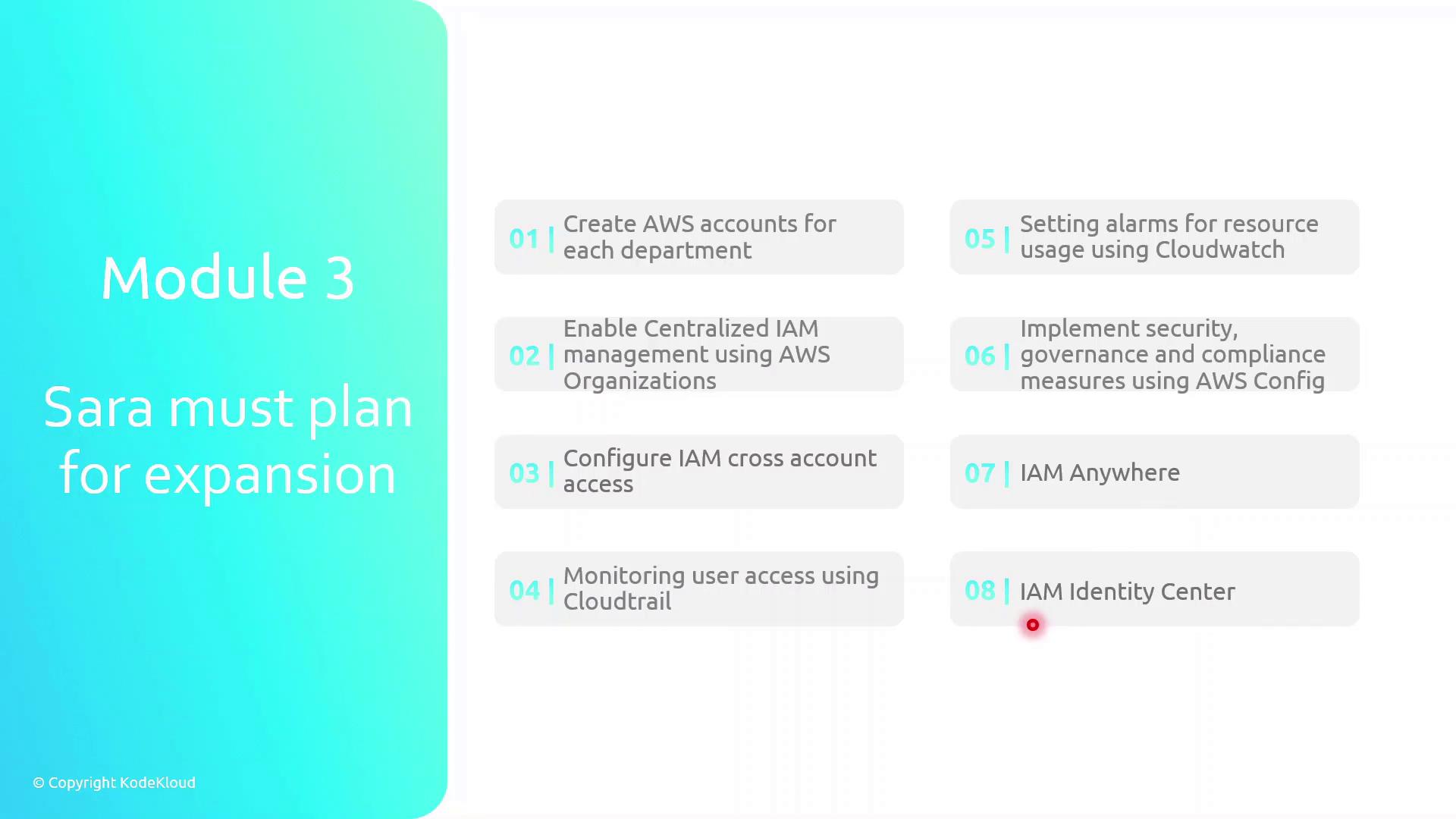
Scaling your AWS Identity and Access Management (IAM) strategy across multiple accounts requires careful planning. In this lesson, Sarah will:
* Create separate AWS accounts for each department to enforce resource isolation
* Enable centralized IAM management using AWS Organizations
* Configure IAM cross-account access for seamless resource sharing
* Monitor user activity and API calls with AWS CloudTrail
* Set up usage and performance alarms in AWS CloudWatch
* Implement security governance and compliance with AWS Config
* Leverage IAM Anywhere to grant on-premises access to AWS resources
* Use IAM Identity Center for unified single sign-on (SSO) into AWS
Establishing individual AWS accounts per team is a best practice for isolating billing, permissions, and resource usage.
| Task | AWS Service | Purpose |
| ----------------------------------------- | ------------------- | ------------------------------------------- |
| Account creation | AWS Organizations | Isolate resources and consolidate billing |
| Centralized IAM management | AWS Organizations | Apply policies across accounts |
| Cross-account access | IAM Roles | Share resources without sharing credentials |
| Activity and API monitoring | CloudTrail | Audit user/API calls |
| Alarms for resource usage | CloudWatch | Alert on thresholds and anomalies |
| Security governance and compliance checks | AWS Config | Track resource configurations and drift |
| On-premises access | IAM Anywhere | Grant secure data center access |
| Single sign-on | IAM Identity Center | Centralize user authentication |
Be cautious when configuring cross-account roles: overly permissive trust policies can expose your resources to unintended access.
## Links and References
* [AWS Organizations User Guide](https://docs.aws.amazon.com/organizations/latest/userguide/)
* [AWS IAM Best Practices](https://docs.aws.amazon.com/IAM/latest/UserGuide/best-practices.html)
* [Logging AWS API Calls with CloudTrail](https://docs.aws.amazon.com/awscloudtrail/latest/userguide/cloudtrail-user-guide.html)
* [AWS Config Developer Guide](https://docs.aws.amazon.com/config/latest/developerguide/)
* [AWS Identity Center (SSO) Documentation](https://docs.aws.amazon.com/singlesignon/latest/userguide/)