> ## Documentation Index
> Fetch the complete documentation index at: https://notes.kodekloud.com/llms.txt
> Use this file to discover all available pages before exploring further.
# IAM Policy Building Blocks
> This article explains the core components of AWS IAM policies for managing permissions and access controls.
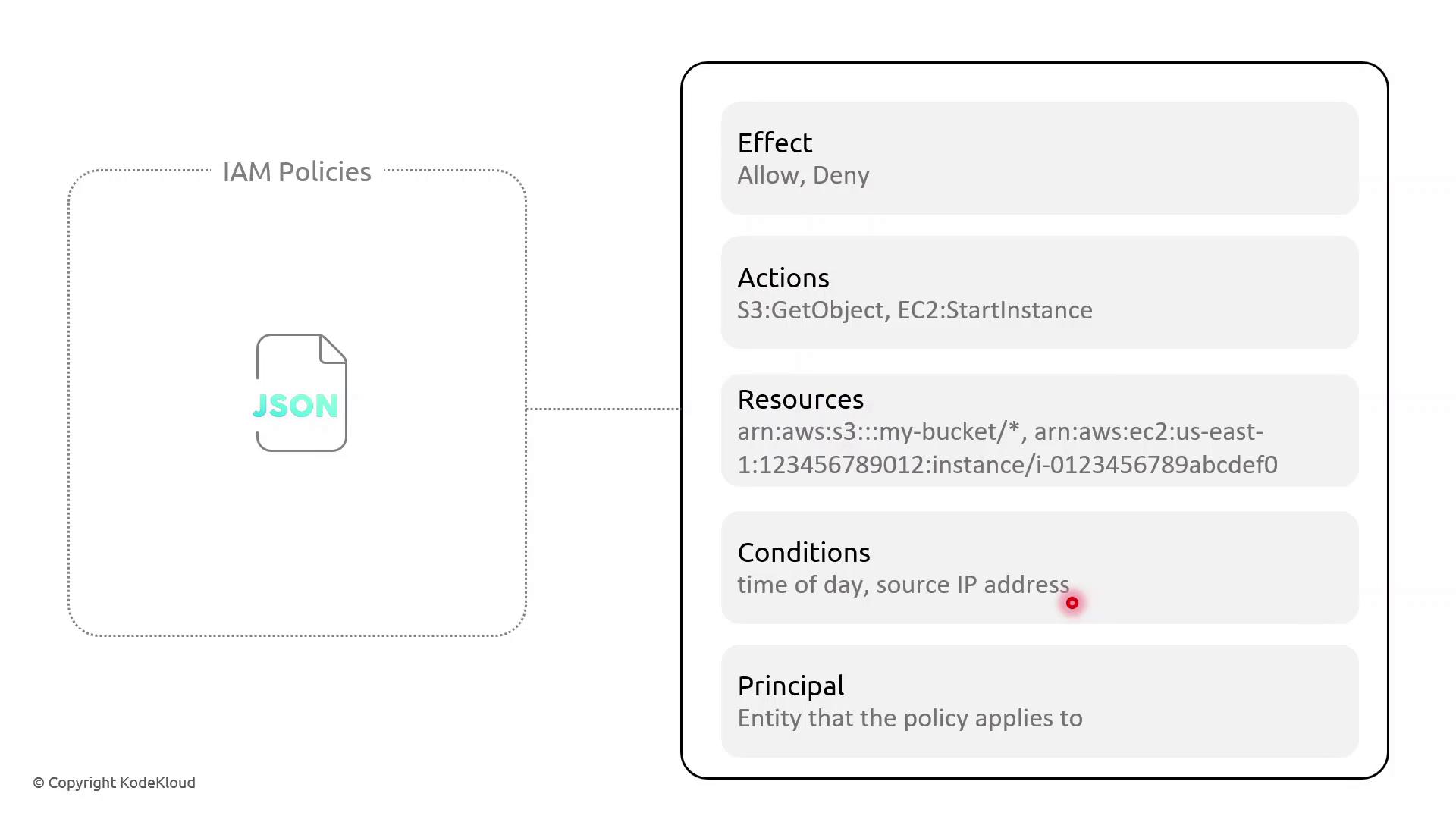
In AWS Identity and Access Management (IAM), policies are JSON documents that grant or deny permissions. Understanding the core components—Effect, Action, Resource, Condition, and Principal—allows you to craft fine-grained access controls.
## Key Policy Elements
| Element | Description | Example |
| --------- | ----------------------------------------------- | ------------------------------------------------- |
| Effect | Whether to Allow or Deny the specified action | `"Effect": "Allow"` |
| Action | One or more AWS API operations | `"s3:GetObject"`, `"ec2:StartInstances"` |
| Resource | Amazon Resource Names (ARNs) targeted by policy | `"arn:aws:s3:::my-bucket/*"` |
| Condition | Optional restrictions (time, IP address, MFA) | `"DateLessThan": {"aws:CurrentTime":"09:00:00Z"}` |
| Principal | Who the policy applies to (users, services) | `"Principal":{"Service":"lambda.amazonaws.com"}` |
## Example: Resource-Based Policy with Time and IP Conditions
This resource-based policy **denies** all actions on all resources unless the request originates from specified IP ranges *and* occurs between 09:00–17:00 UTC:
```json theme={null}
{
"Version": "2012-10-17",
"Statement": [
{
"Effect": "Deny",
"Action": "*",
"Resource": "*",
"Condition": {
"NotIpAddress": {
"aws:SourceIp": [
"203.0.113.0/24",
"198.51.100.0/24"
]
},
"DateLessThan": {
"aws:CurrentTime": "2023-01-01T09:00:00Z"
},
"DateGreaterThan": {
"aws:CurrentTime": "2023-01-01T17:00:00Z"
}
}
}
]
}
```
AWS IAM requires full ISO 8601 date/time strings (for example, `2023-01-01T09:00:00Z`). To enforce recurring daily time constraints, consider pairing policies with AWS Lambda functions or scheduled Amazon CloudWatch Events.
### Policy Breakdown
* **Effect**: Deny all actions when conditions aren’t met.
* **NotIpAddress**: Blocks requests outside the trusted IP CIDRs.
* **DateLessThan** and **DateGreaterThan**: Restrict access before 09:00 UTC or after 17:00 UTC.
## Demo Scenario: Enforcing Access Hours
Sarah supervises a team of junior solution architects and needs to limit their administrative tasks to business hours from managed networks. Follow these steps in the AWS IAM console:
1. Open **Policies** and choose **Create policy**.
2. Paste the JSON above, adjust the IP ranges, and set your UTC window.
3. Review, name the policy (e.g., `RestrictedBusinessHours`), and save.
4. Attach this policy to the IAM group or role for Sarah’s team.
Now, any API call outside 09:00–17:00 UTC or from unapproved IP ranges will be denied automatically.
## References
* [AWS Identity and Access Management Documentation](https://docs.aws.amazon.com/iam/)
* [AWS Lambda](https://aws.amazon.com/lambda/)
* [Amazon CloudWatch Events](https://docs.aws.amazon.com/AmazonCloudWatch/latest/events/WhatIsCloudWatchEvents.html)