> ## Documentation Index
> Fetch the complete documentation index at: https://notes.kodekloud.com/llms.txt
> Use this file to discover all available pages before exploring further.
# IAM Policies and Permissions
> This article explains IAM policies and permissions in AWS, focusing on the Principle of Least Privilege and how to define and manage access controls.
In AWS, **IAM policies** and **permissions** control who can perform which actions on which resources. Applying the Principle of Least Privilege—granting only the access needed to perform a task—helps secure your environment.
## Principle of Least Privilege
Grant users and roles only the permissions they require. In this example, Sarah creates three groups:
* **Admins** (Bob and Susan): full management rights across AWS services.
* **Developers**: access limited to a specific Sales folder.
* **Test** (Kathy and Alan): no access to the Sales folder.
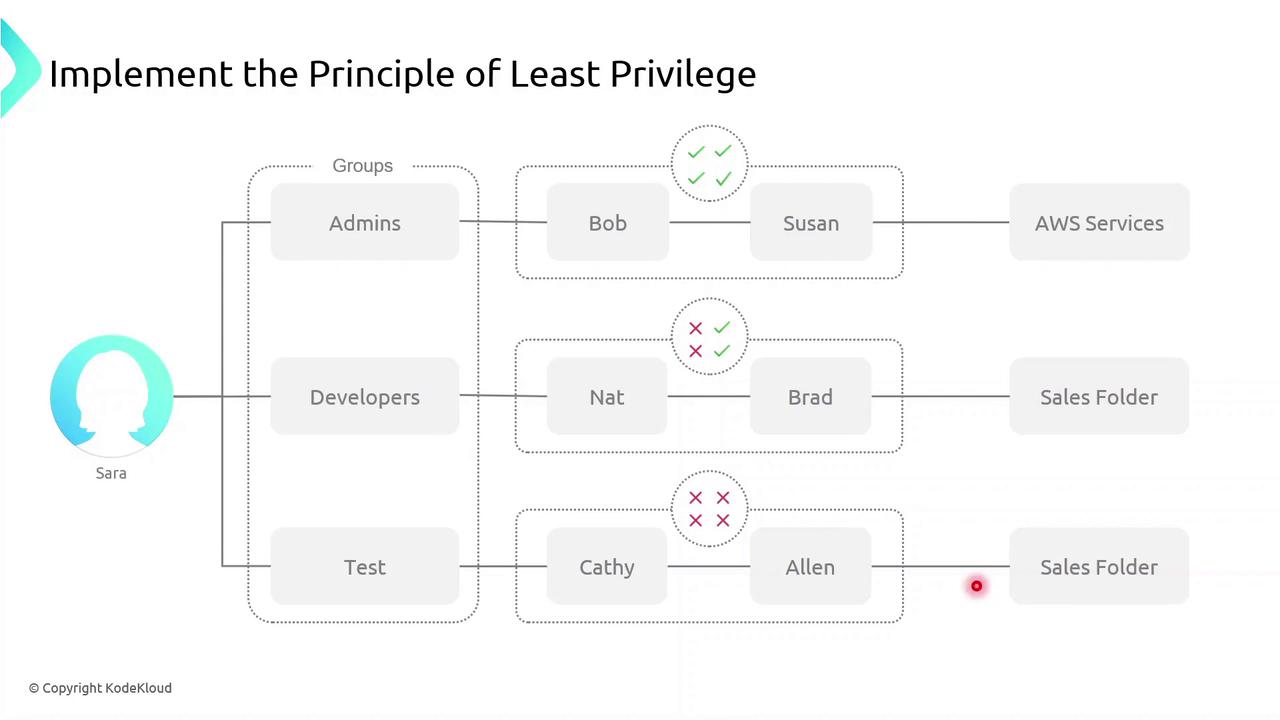
Applying least privilege minimizes the blast radius if credentials are compromised.
## Defining Permissions
A **permission** is a fine-grained control that authorizes an action on an AWS resource. Common permission examples:
* `ec2:StartInstances` – start an EC2 instance
* `s3:GetObject` – download an object from an S3 bucket
* `sqs:CreateQueue` – create a new SQS queue
* `sns:DeleteTopic` – delete an SNS topic
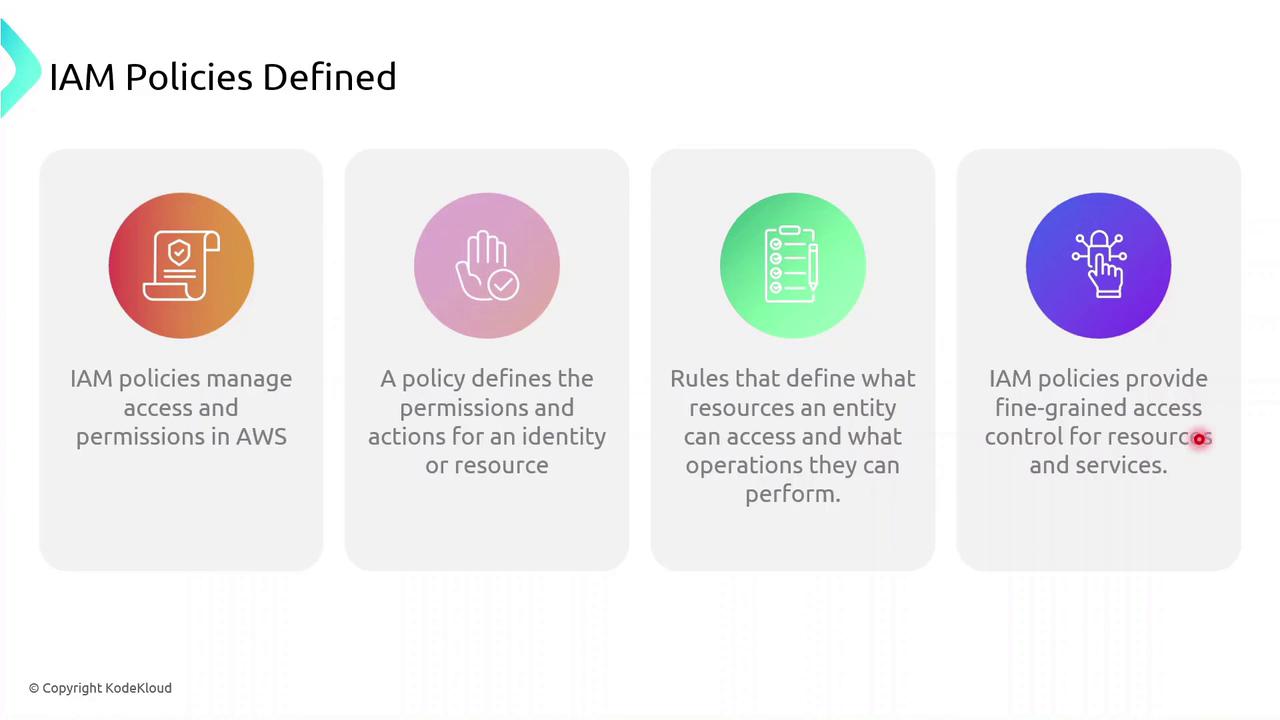
A **policy** is a collection of one or more permissions.
## What Is an IAM Policy?
An IAM policy is a JSON document that defines:
* **Who** (user, group, role) can perform
* **What** actions on
* **Which** resources
IAM policies give you granular control over access.
### Policy Types
IAM policies fall into two primary categories:
| Policy Type | Attachment Point | Use Case |
| --------------------- | -------------------------------- | ------------------------------------------------ |
| Identity-based policy | Users, groups, roles | Grant permissions to IAM identities |
| Resource-based policy | AWS resources (e.g., S3, Lambda) | Attach policies directly to resources themselves |
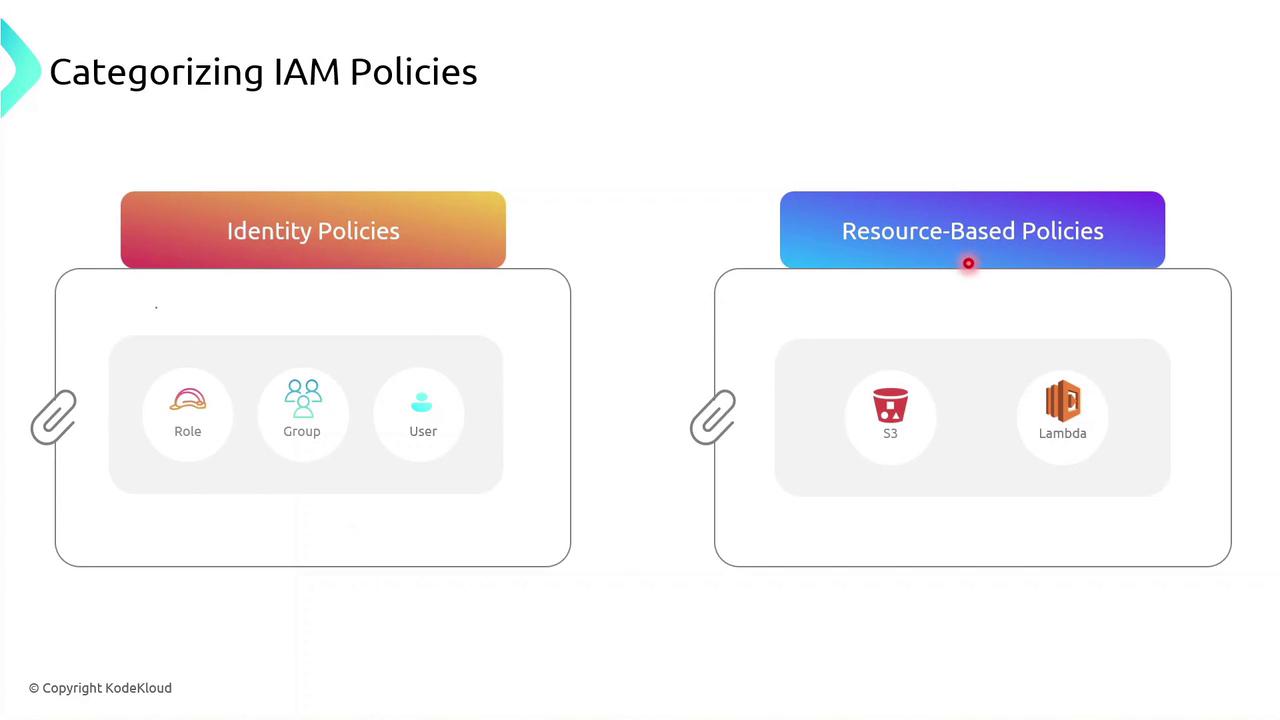
You can attach an identity-based policy to a group of developers or assign a role to an EC2 instance so your applications inherit those permissions.
## Identity-based Policy Example
Below is a sample JSON identity policy with two statements:
```json theme={null}
{
"Version": "2012-10-17",
"Statement": [
{
"Effect": "Allow",
"Action": [
"s3:*"
],
"Resource": [
"arn:aws:s3:::"
]
},
{
"Effect": "Allow",
"Action": [
"ec2:StartInstances"
],
"Resource": [
"arn:aws:ec2:::instance/"
]
}
]
}
```
* The first statement allows **all** S3 actions on a specific bucket.
* The second statement allows starting a particular EC2 instance.
Use wildcard (`*`) actions sparingly. Overly broad permissions increase security risks.
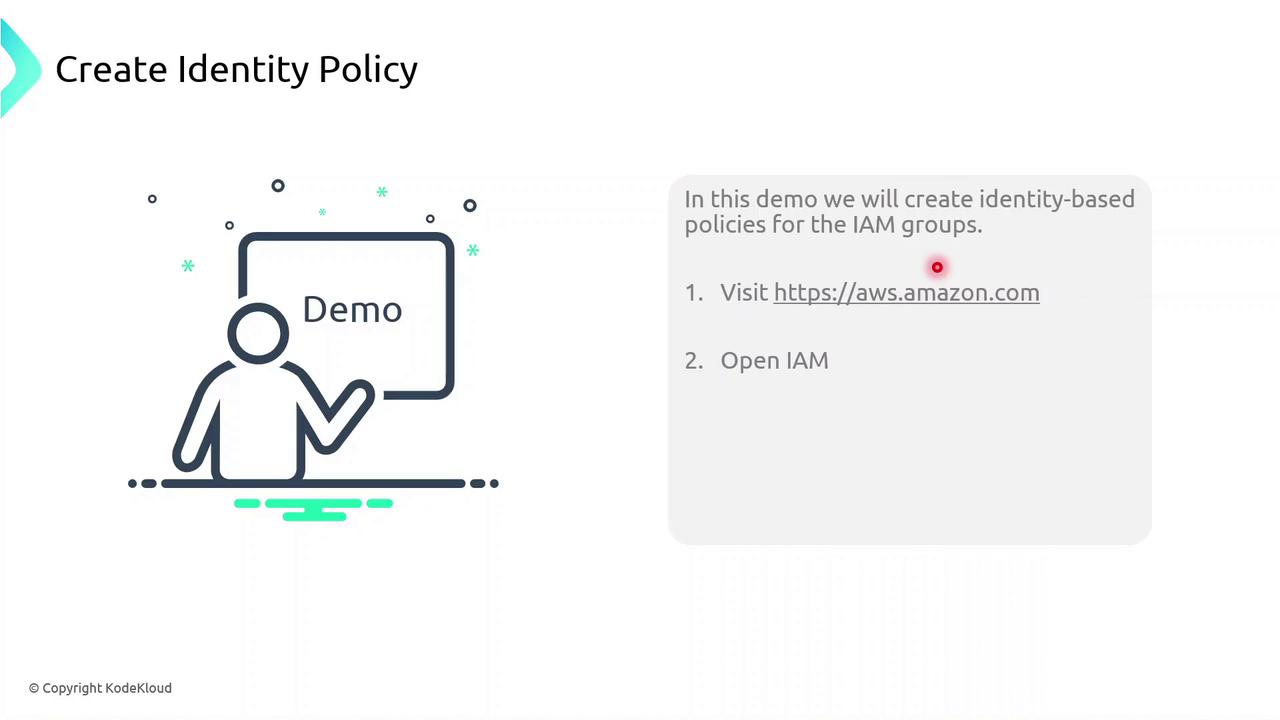
## Demo: Creating an Identity Policy
Follow these steps in the AWS Management Console to create and attach an identity-based policy to a group:
1. Sign in to the [IAM console](https://console.aws.amazon.com/iam/).
2. Navigate to **Policies** > **Create policy**.
3. Use the JSON editor to paste your policy document.
4. Review and **Create policy**.
5. Attach the new policy to your IAM group.
## Links and References
* [AWS IAM User Guide](https://docs.aws.amazon.com/IAM/latest/UserGuide/)
* [Understanding IAM Policies](https://docs.aws.amazon.com/IAM/latest/UserGuide/access_policies.html)
* [AWS JSON Policy Elements Reference](https://docs.aws.amazon.com/IAM/latest/UserGuide/reference_policies_elements.html)
* [Security Best Practices in IAM](https://aws.amazon.com/iam/resources/best-practices/)