> ## Documentation Index
> Fetch the complete documentation index at: https://notes.kodekloud.com/llms.txt
> Use this file to discover all available pages before exploring further.
# IAM Session Policies
> This article explains how to grant temporary upload access to an S3 bucket using IAM session policies.
In this lesson, we’ll explore how to grant an IAM user temporary upload access to an S3 bucket by using session policies. Our user currently has a policy allowing only the `s3:GetObject` action, but now needs permission to upload files (`s3:PutObject`). We’ll create a session policy, attach the upload permissions to it, and generate temporary credentials that enforce both the user’s existing rights and the new session policy.
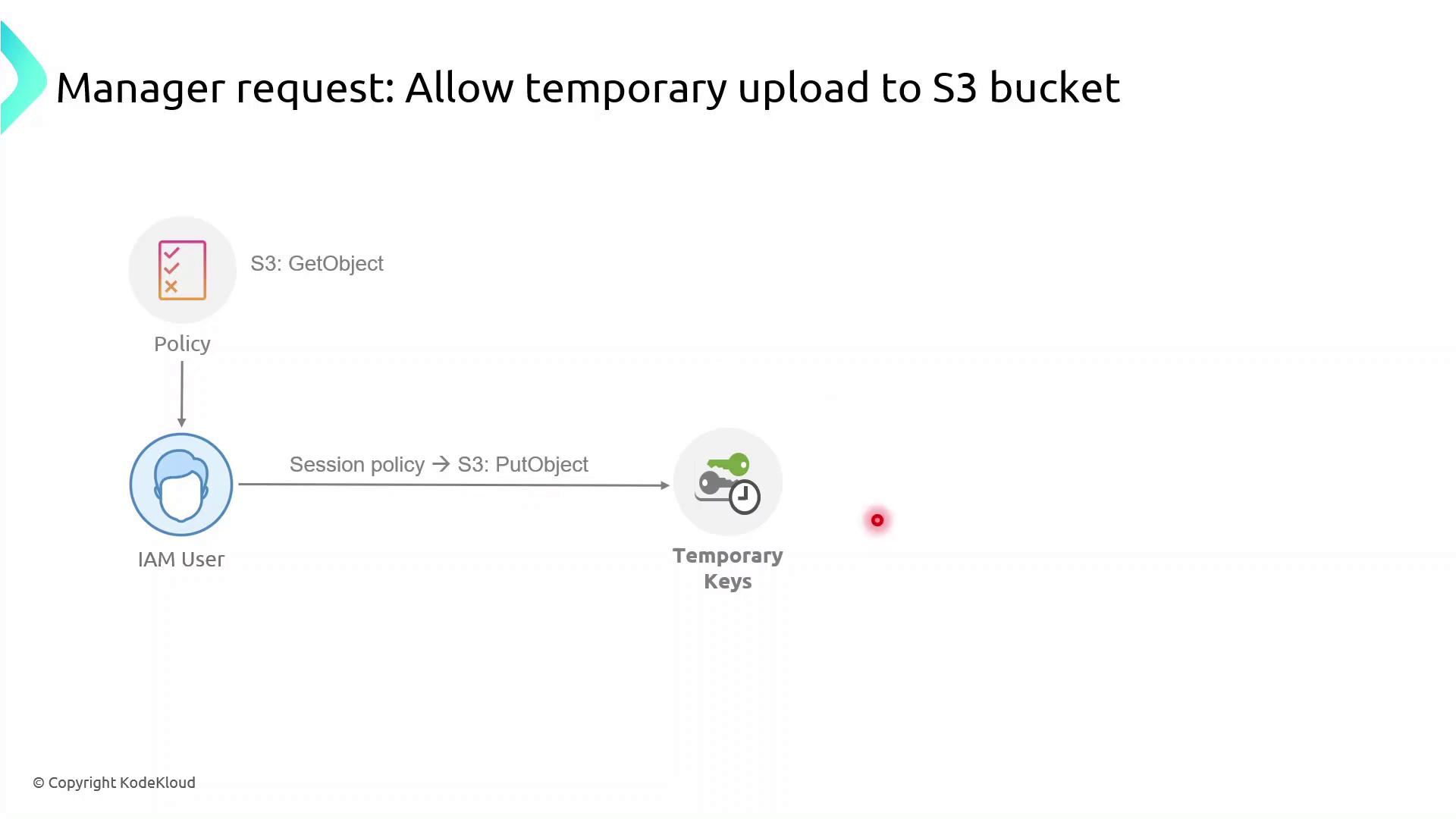
## What Are Session Policies?
Session policies are inline JSON policies you pass when you assume a role. They:
* Define the maximum permissions an IAM principal can have during a session
* Are temporary and apply only for the session’s duration
* Further restrict permissions granted by identity or resource policies
* Enable fine-grained, scenario-specific access control
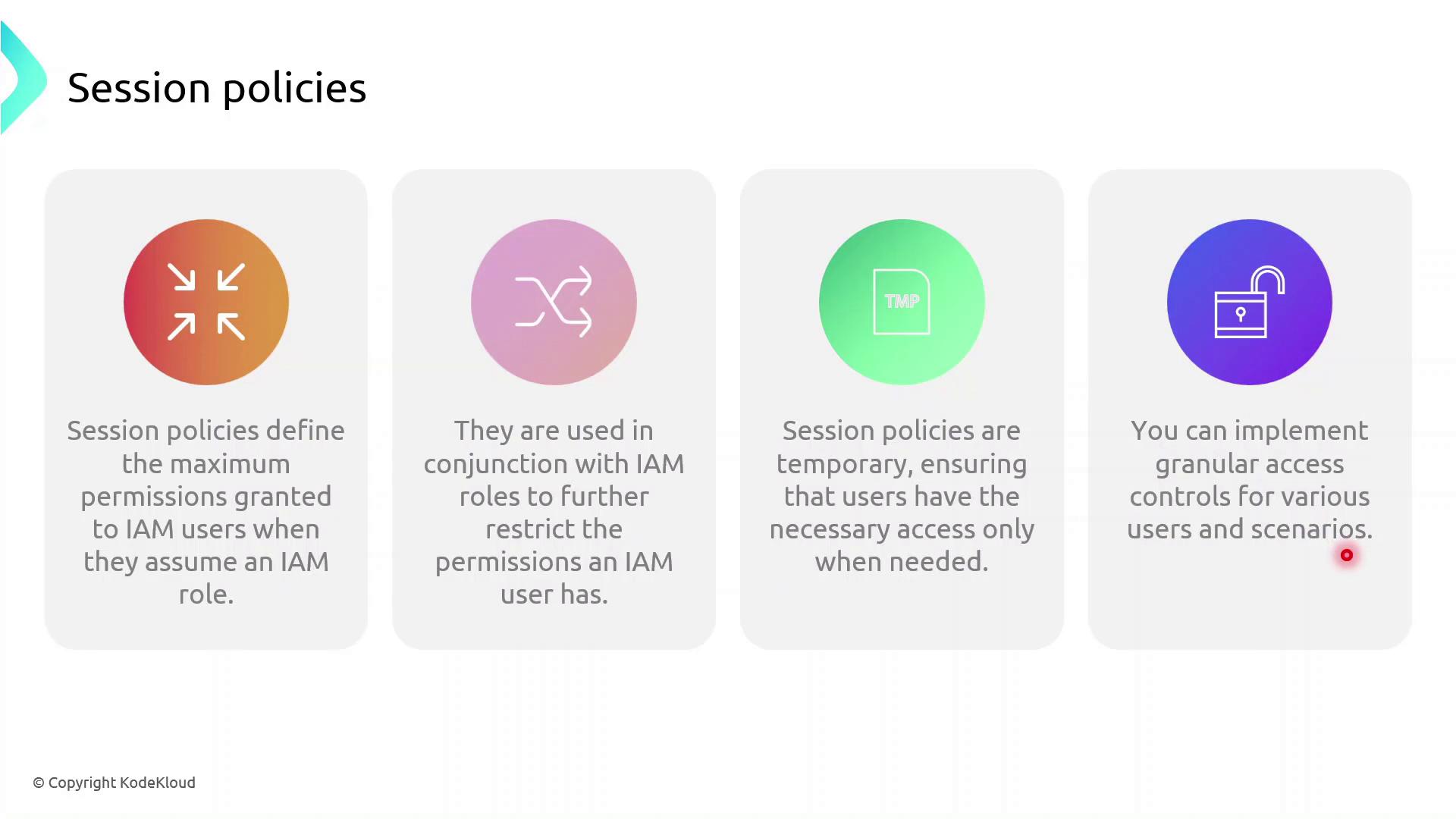
Session policies never grant more permissions than allowed by the user’s identity or resource policies. They only tighten the scope for the session.
## Demo: Granting Temporary Upload Access
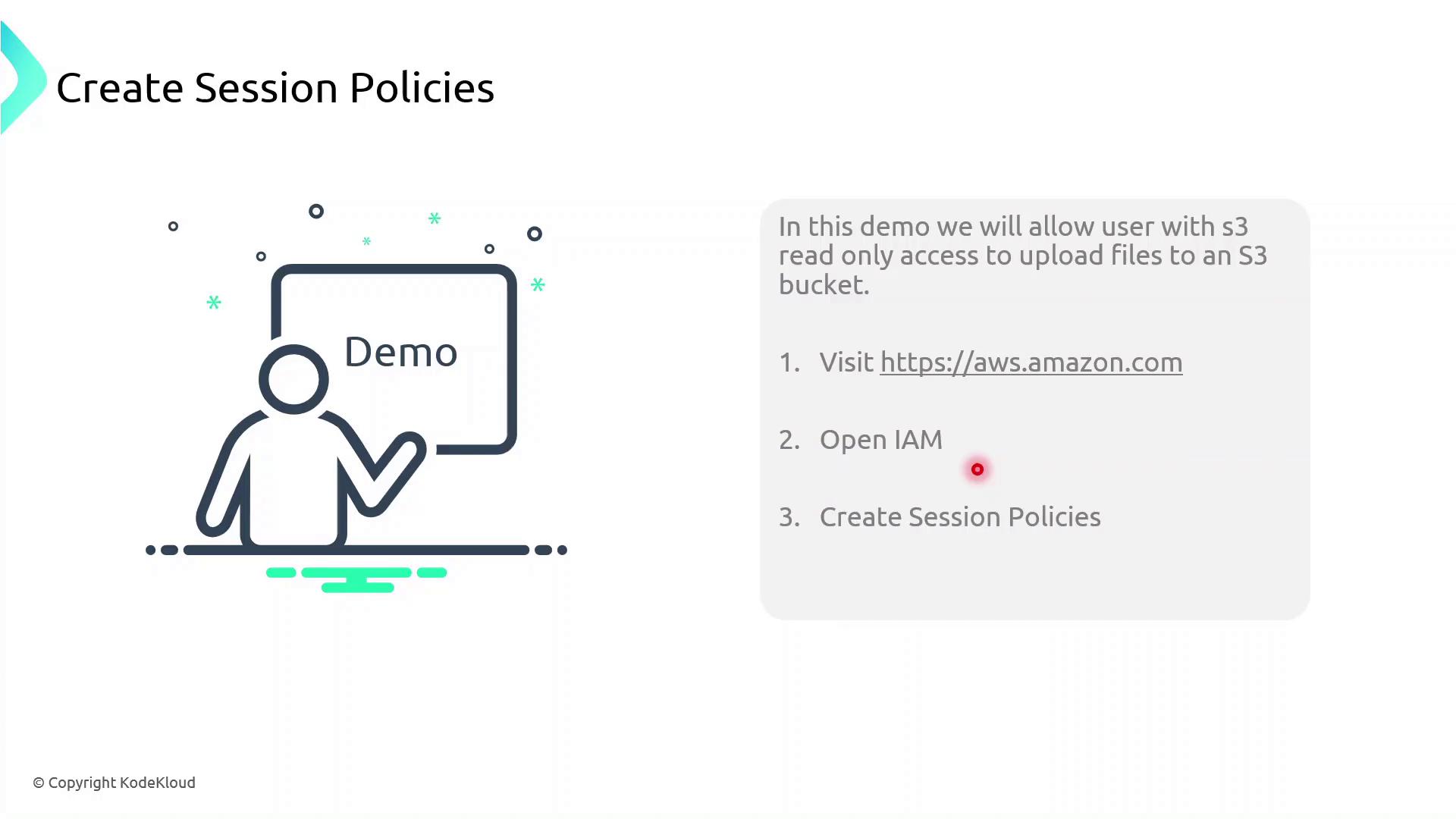
In this demo, we will:
1. Identify an IAM user with read-only S3 access
2. Create a session policy granting `s3:PutObject`
3. Assume a role with that session policy to obtain temporary credentials
4. Verify the ability to upload objects to the bucket
First, sign in to the AWS Management Console, navigate to **IAM**, and begin creating the session policy.
### 1. Create the Session Policy JSON
Save the following JSON as `session-policy.json`. Replace `YOUR_BUCKET_NAME` with your actual bucket name.
```json theme={null}
{
"Version": "2012-10-17",
"Statement": [
{
"Effect": "Allow",
"Action": "s3:PutObject",
"Resource": "arn:aws:s3:::YOUR_BUCKET_NAME/*"
}
]
}
```
### 2. Assume the Role with Session Policy
Use the AWS CLI to assume the role and apply your session policy:
```bash theme={null}
aws sts assume-role \
--role-arn arn:aws:iam::ACCOUNT_ID:role/ROLE_NAME \
--role-session-name uploadSession \
--policy file://session-policy.json \
--duration-seconds 3600
```
This returns temporary credentials:
```json theme={null}
{
"Credentials": {
"AccessKeyId": "ASIAXXXX...",
"SecretAccessKey": "wJalrXUtnFEMI/K7MDENG/bPxRfiCYzEXAMPLEKEY",
"SessionToken": "IQoJb3JpZ2luX2VjEO3//////////wEaCXVzLWVhc3QtMSJGMEQCH3...",
"Expiration": "2023-08-01T12:34:56Z"
}
}
```
### 3. Export Temporary Credentials
```bash theme={null}
export AWS_ACCESS_KEY_ID="ASIAXXXX..."
export AWS_SECRET_ACCESS_KEY="wJalrXUtnFEMI/K7MDENG/bPxRfiCYzEXAMPLEKEY"
export AWS_SESSION_TOKEN="IQoJb3JpZ2luX2VjEO3//////////wEaCXVzLWVhc3QtMSJGMEQCH3..."
```
These credentials are temporary. Do not commit them to source control or share them publicly.
### 4. Verify Upload Capability
Now try uploading a file:
```bash theme={null}
echo "Hello, S3!" > test.txt
aws s3 cp test.txt s3://YOUR_BUCKET_NAME/
```
If successful, you’ve confirmed that the session policy is working as expected.
## Policy Comparison
| Policy Type | Scope | Duration | Purpose |
| --------------- | ------------ | --------- | -------------------------------------- |
| Identity Policy | User or Role | Permanent | Grants base permissions |
| Session Policy | STS Session | Temporary | Restricts permissions during a session |
## Links and References
* [AWS IAM Documentation](https://docs.aws.amazon.com/IAM/latest/UserGuide/introduction.html)
* [AWS CLI: sts assume-role](https://docs.aws.amazon.com/cli/latest/reference/sts/assume-role.html)
* [Amazon S3 Documentation](https://docs.aws.amazon.com/s3/index.html)