> ## Documentation Index
> Fetch the complete documentation index at: https://notes.kodekloud.com/llms.txt
> Use this file to discover all available pages before exploring further.
# Lambda Containers
> AWS Lambda now supports container images, allowing you to package applications with Docker for serverless execution without managing servers.
AWS Lambda originally supported ZIP file deployments, and now you can also upload container images—combining the portability of Docker with Lambda’s serverless execution model. With container images, you package your application code, dependencies, and configuration into a single, portable image. AWS then runs that image in a fully managed, serverless environment without you needing to manage servers or clusters.
## Why Use AWS Lambda Container Images?
Running containers on Lambda delivers the following advantages:
| Feature | Description |
| ------------------- | --------------------------------------------------------------------------------------------------------------------------------------- |
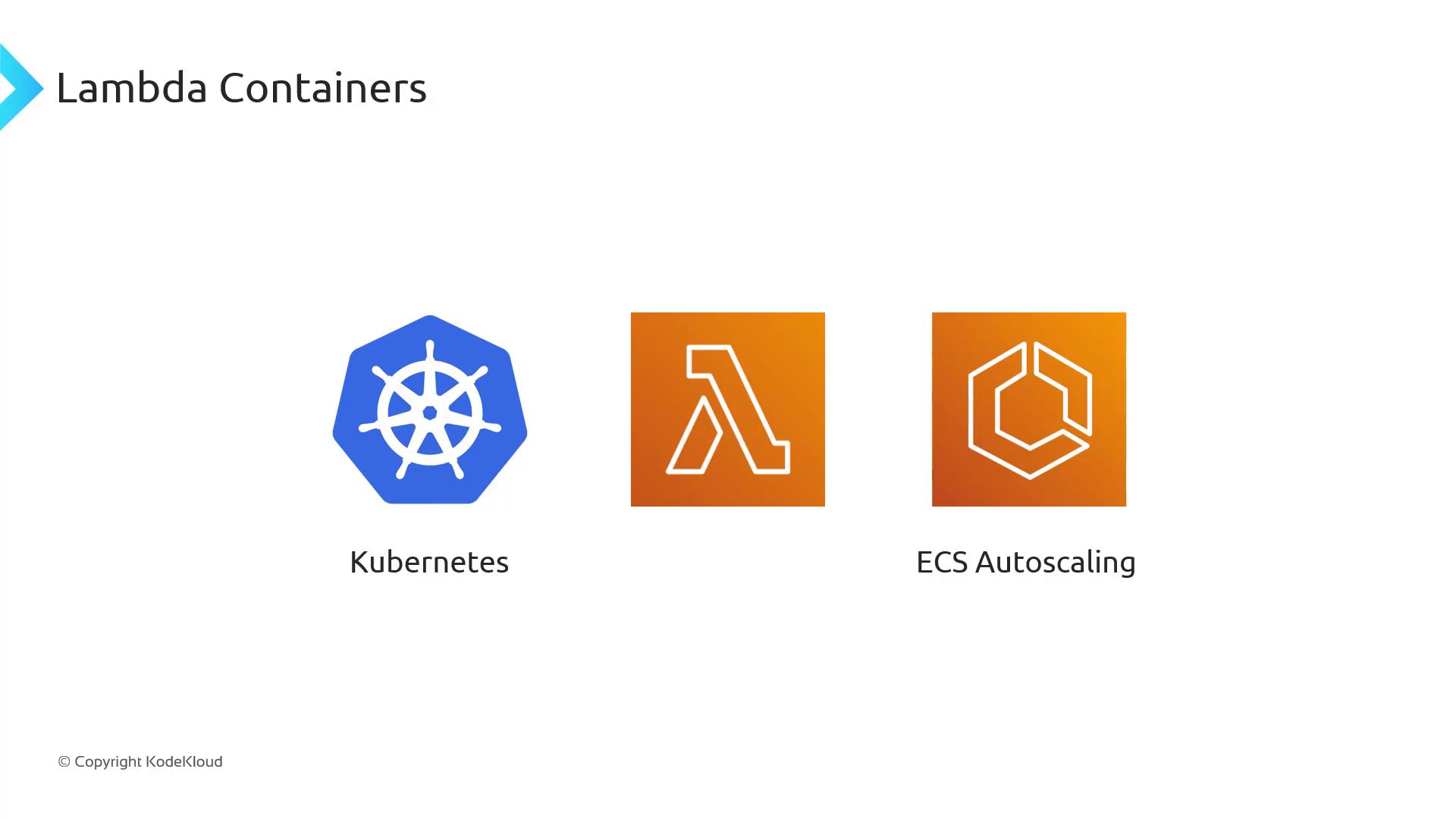
| Serverless | No servers or clusters to provision, manage, or scale—just push your image and AWS handles the rest. |
| Automatic Scaling | Lambda scales your container instantly to handle thousands of concurrent invocations, then scales down to zero when idle. |
| Pay-per-Use Billing | You’re billed only for the compute time your container consumes, eliminating charges for idle capacity. |
| Large Image Support | While ZIPs are capped at 250 MB, Lambda container images can be up to 10 GB—ideal for heavy workloads like AI/ML or big data analytics. |
### Large Image Support
Lambda container images support sizes up to 10 GB, so you can bundle large frameworks, machine learning models, or data-processing libraries.

Large image support opens the door to CPU- and memory-intensive workloads—everything from AI inference to ETL pipelines—without worrying about ZIP size limits.
## Building and Deploying Your Lambda Container
To deploy a container image on Lambda, your Docker image must include the Lambda Runtime Interface Client (RIC) or Runtime Interface Emulator for local testing.
All Lambda container images require the Lambda Runtime Interface Client (RIC). Failing to include the RIC will cause your function to fail at invocation time.
AWS provides several official base images:
| Runtime Type | Base Image Reference |
| ---------------- | ----------------------------------------------- |
| Managed Runtimes | `public.ecr.aws/lambda/:` |
| Custom Runtimes | Build via the [Lambda Runtime API][lambda-api] |
| Local Testing | Use the Lambda Runtime Interface Emulator (LRE) |
Here’s a sample `Dockerfile` that uses the Python 3.9 managed runtime base image:
```dockerfile theme={null}
# Dockerfile example
FROM public.ecr.aws/lambda/python:3.9
# Copy application code
COPY app.py ${LAMBDA_TASK_ROOT}
# Set the command to run your handler
CMD ["app.handler"]
```
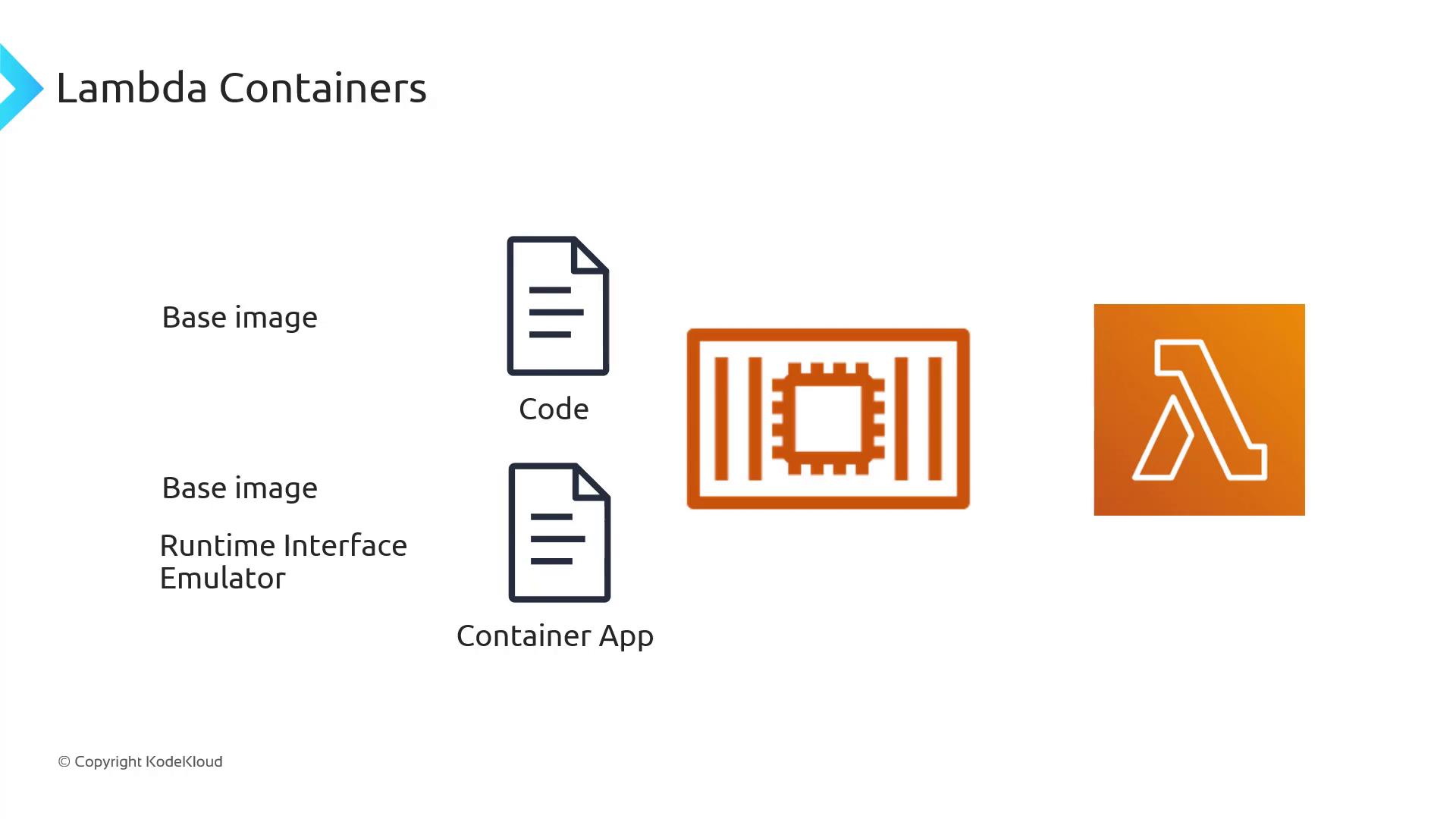
After building and pushing your image to Amazon ECR, simply create or update a Lambda function to point to that image:
```bash theme={null}
aws lambda create-function \
--function-name my-container-function \
--package-type Image \
--code ImageUri=123456789012.dkr.ecr.us-east-1.amazonaws.com/my-image:latest \
--role arn:aws:iam::123456789012:role/lambda-execution-role
```
## Conclusion
By leveraging container images on AWS Lambda, you get the portability and tooling of Docker combined with a fully managed, auto-scaling, pay-per-use serverless environment. Whether you’re running microservices, data-processing jobs, or AI workloads, Lambda Containers offer flexibility and simplicity.
## Links and References
* [AWS Lambda Container Images](https://docs.aws.amazon.com/lambda/latest/dg/images-create.html)
* [Lambda Runtime Interface Client (RIC)](https://github.com/aws/aws-lambda-runtime-interface-client)
* [Lambda Runtime API][lambda-api]
[lambda-api]: https://docs.aws.amazon.com/lambda/latest/dg/runtimes-api.html