> ## Documentation Index
> Fetch the complete documentation index at: https://notes.kodekloud.com/llms.txt
> Use this file to discover all available pages before exploring further.
# Limitations
> This article discusses the limitations and constraints of AWS Lambda, including execution time, memory allocation, storage, and concurrent executions.
AWS Lambda is a fully managed, serverless compute service that scales automatically with your applications. To maintain high performance and reliability, AWS enforces several resource limits. Understanding these constraints helps you design efficient, cost-effective solutions.
## Key Service Limits
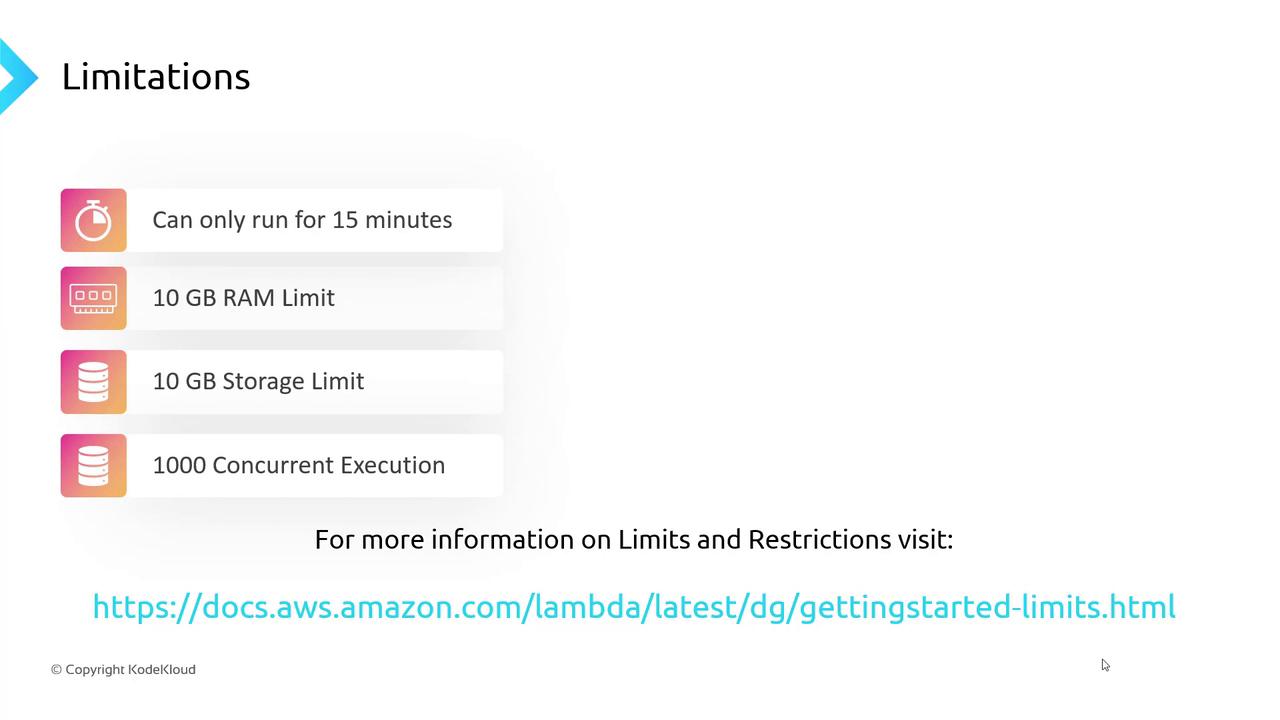
| Limit | Maximum | Notes |
| -------------------------- | ------------------ | ----------------------------------------------------------------------------------------------- |
| Execution timeout | 15 minutes | Ideal for short-lived tasks. Long-running batch jobs may require alternative services. |
| Memory allocation | 128 MB – 10 GB | Configurable per function. Affects CPU power proportionally. |
| Ephemeral storage (`/tmp`) | Up to 10 GB | Temporary read/write space that persists only during the invocation. |
| Concurrent executions | 1,000 (soft limit) | Burst up to 3,000 in some Regions. Request a quota increase via the AWS Service Quotas console. |
Memory allocation scales CPU and network throughput. Allocating more memory can improve performance for CPU-intensive workloads.
Ephemeral storage is **not** persistent. Data in `/tmp` is lost after the function completes.
To raise your concurrency limit permanently, open a [quota increase request](https://console.aws.amazon.com/servicequotas/home) in the AWS Service Quotas console. Approval depends on your use case.
For a full overview of AWS Lambda service quotas, refer to the [AWS Lambda Limits and Quotas][1].
***
With Lambda’s primary limits on execution time, memory, storage, and concurrency covered, the next step is to implement robust monitoring and observability.
## Next Steps: Lambda Monitoring
Stay tuned for our guide on setting up AWS CloudWatch metrics, logs, and alarms to track function performance, error rates, and invocation patterns.
***
[1]: https://docs.aws.amazon.com/lambda/latest/dg/gettingstarted-limits.html "AWS Lambda Limits and Quotas"