> ## Documentation Index
> Fetch the complete documentation index at: https://notes.kodekloud.com/llms.txt
> Use this file to discover all available pages before exploring further.
# Functions
> This article provides an overview of AWS Lambda function handlers, detailing their parameters and offering a Python example for implementation.
## AWS Lambda Function Handler Overview
Once a source event triggers an AWS Lambda function, Lambda invokes the **function handler**, which serves as the entry point for your code. You can author this handler in any natively supported language, so existing code requires minimal modification. The only requirement is a handler function that accepts two parameters:
| Parameter | Description |
| ----------- | ----------------------------------------------------------------------------------- |
| **event** | Carries data from the event source (e.g., S3 bucket details, API Gateway payload) |
| **context** | Provides runtime metadata (e.g., function name, memory limits, request identifiers) |
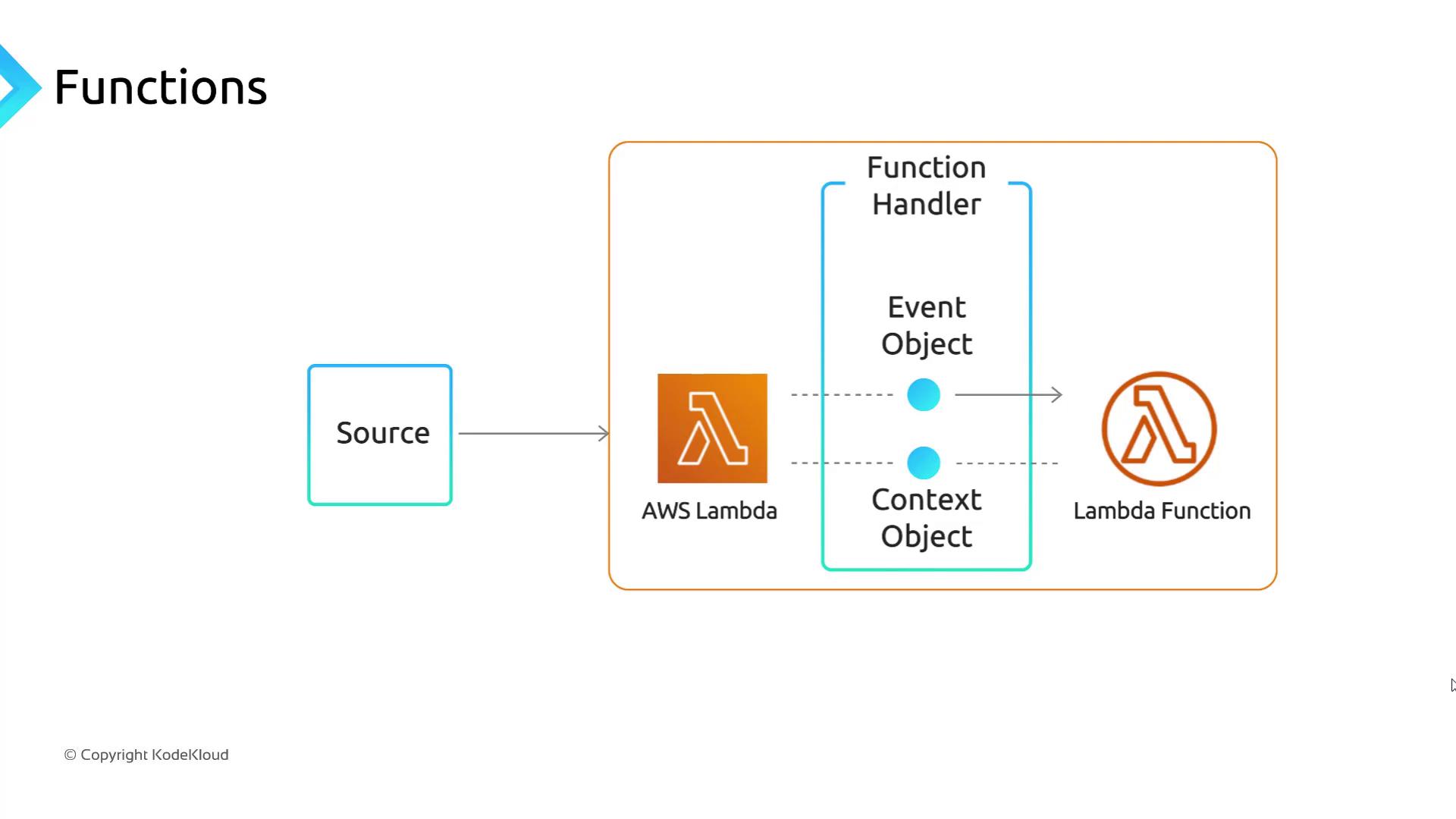
Use the `event` object to tailor your logic at runtime—extract bucket names for S3 triggers or HTTP headers for API Gateway—and leverage the `context` object to retrieve execution metadata like remaining run time.
## Handler Parameters in Detail
### Event Object
The `event` parameter contains details from the triggering source. For example:
* S3 events: `event['Records'][0]['s3']['bucket']['name']`
* API Gateway: JSON payload with HTTP method, headers, and body
### Context Object
The `context` parameter gives access to runtime information and Lambda environment methods, such as:
* `context.function_name`
* `context.get_remaining_time_in_millis()`
## Python Handler Example
Below is a simple Python function that reads a user's first and last name from the incoming event and returns a personalized greeting:
```python theme={null}
def lambda_handler(event, context):
first_name = event.get('first_name', 'Guest')
last_name = event.get('last_name', '')
# Construct and trim the greeting message
message = f"Hello {first_name} {last_name}!".strip()
return {
"message": message
}
```
## Learn More
* For detailed guidance on writing handlers and custom runtimes, see the [AWS Lambda Developer Guide](https://docs.aws.amazon.com/lambda/latest/dg/welcome.html).
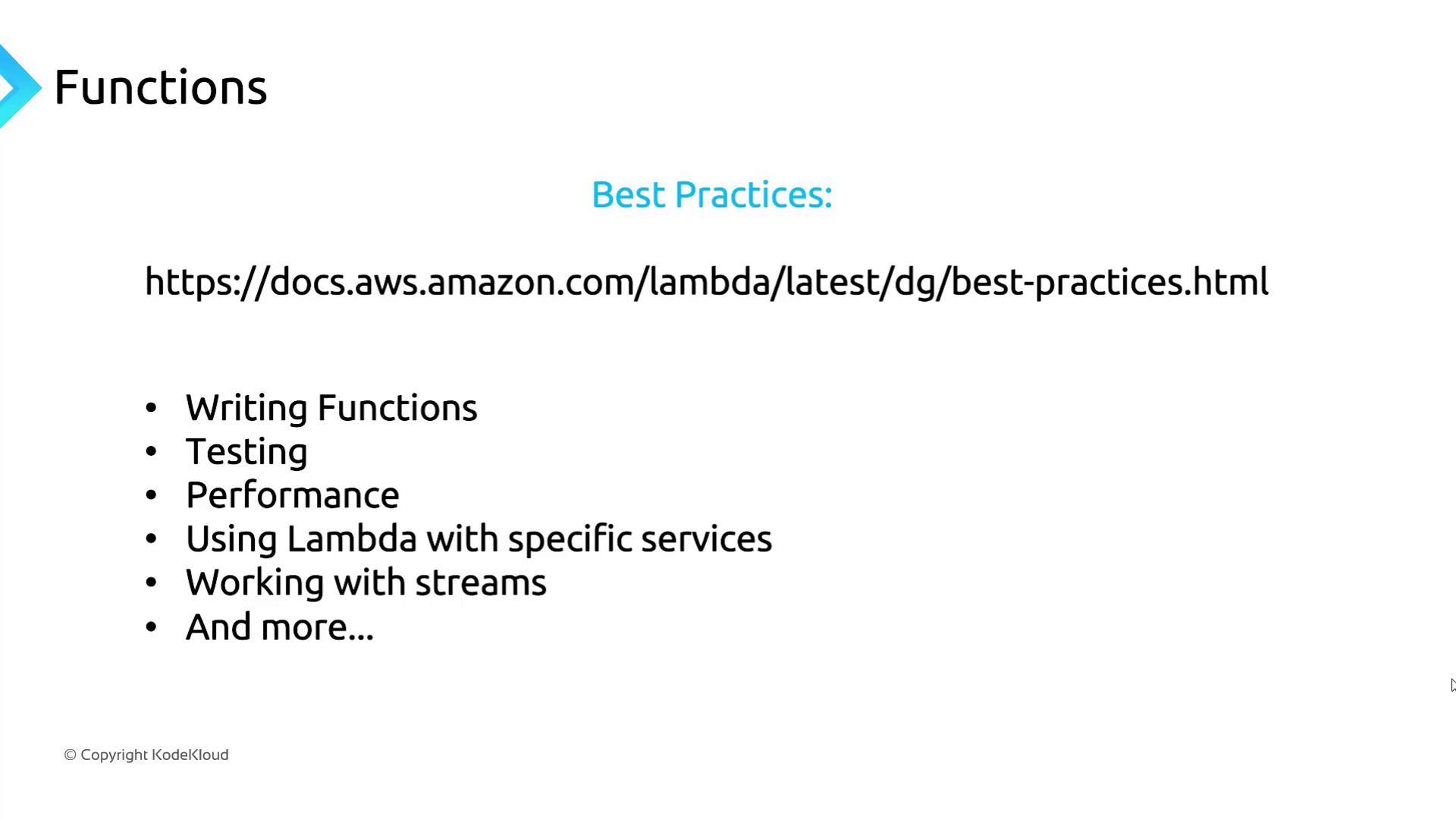
* To explore recommended patterns for coding style, testing, performance tuning, and service integrations, consult the [AWS Lambda Best Practices Guide](https://docs.aws.amazon.com/lambda/latest/dg/best-practices.html).
## Next Up: Lambda Pricing Model
In the next section, we'll explore AWS Lambda's pricing structure, cost optimization strategies, and tips for estimating your monthly bill.