> ## Documentation Index
> Fetch the complete documentation index at: https://notes.kodekloud.com/llms.txt
> Use this file to discover all available pages before exploring further.
# Pricing
> This guide covers AWS Lambda pricing, including the free tier, billing components, memory/CPU allocation, architecture choices, and cost optimization strategies.
In this guide, we’ll dive into AWS Lambda pricing—covering the free tier, core billing components (requests and gigabyte-seconds), memory/CPU allocation, architecture choices, and additional cost factors like storage and concurrency. By understanding these elements, you can optimize your serverless workloads for both performance and cost.
## Free Tier
AWS Lambda incurs no upfront fees. Each month, you receive:
* **1 million free requests**
* **400 000 GB-seconds** of compute time
Free-tier usage resets every month. Usage beyond these amounts is billed according to the rates in your AWS Region.
## Core Pricing Components
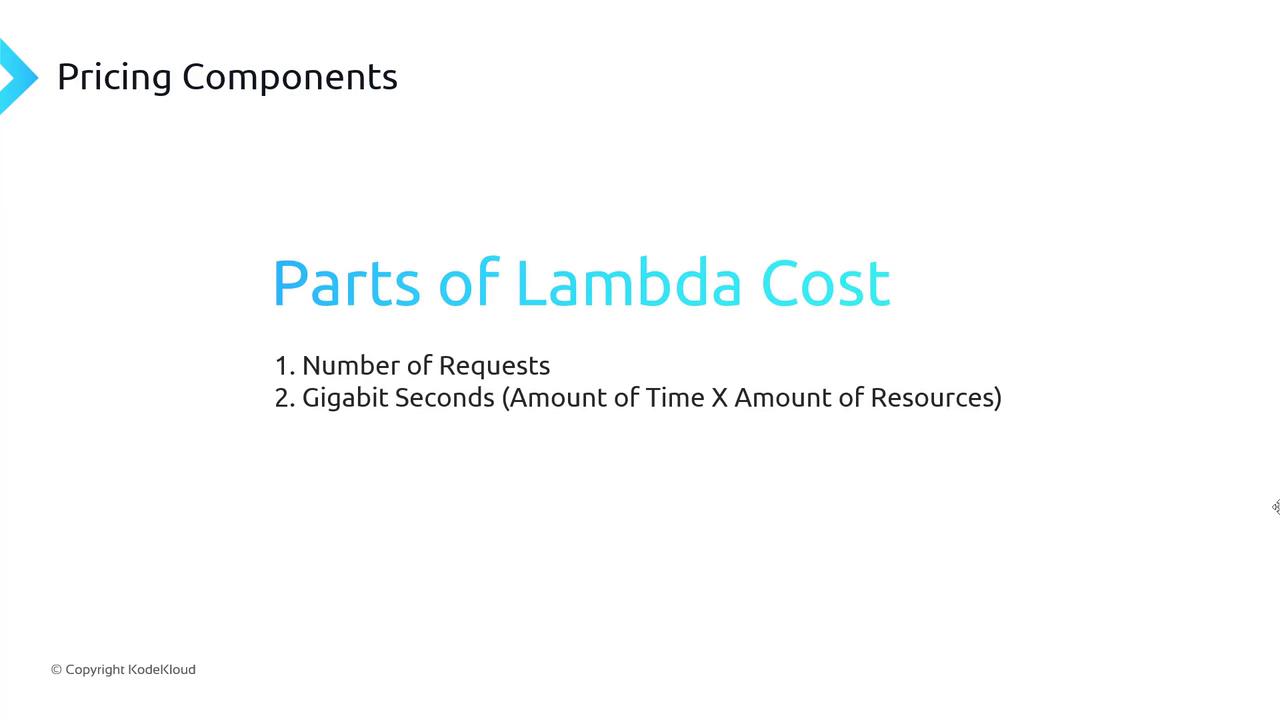
Lambda charges are based on:
1. **Number of requests**
2. **Compute time measured in gigabyte-seconds (GB-s)**
### 1. Requests
Each time your function handler begins execution—triggered by API Gateway, event sources, or manual tests—it counts as one request.
> Price = (Total requests) × (Request rate per million)
### 2. Gigabyte-Seconds
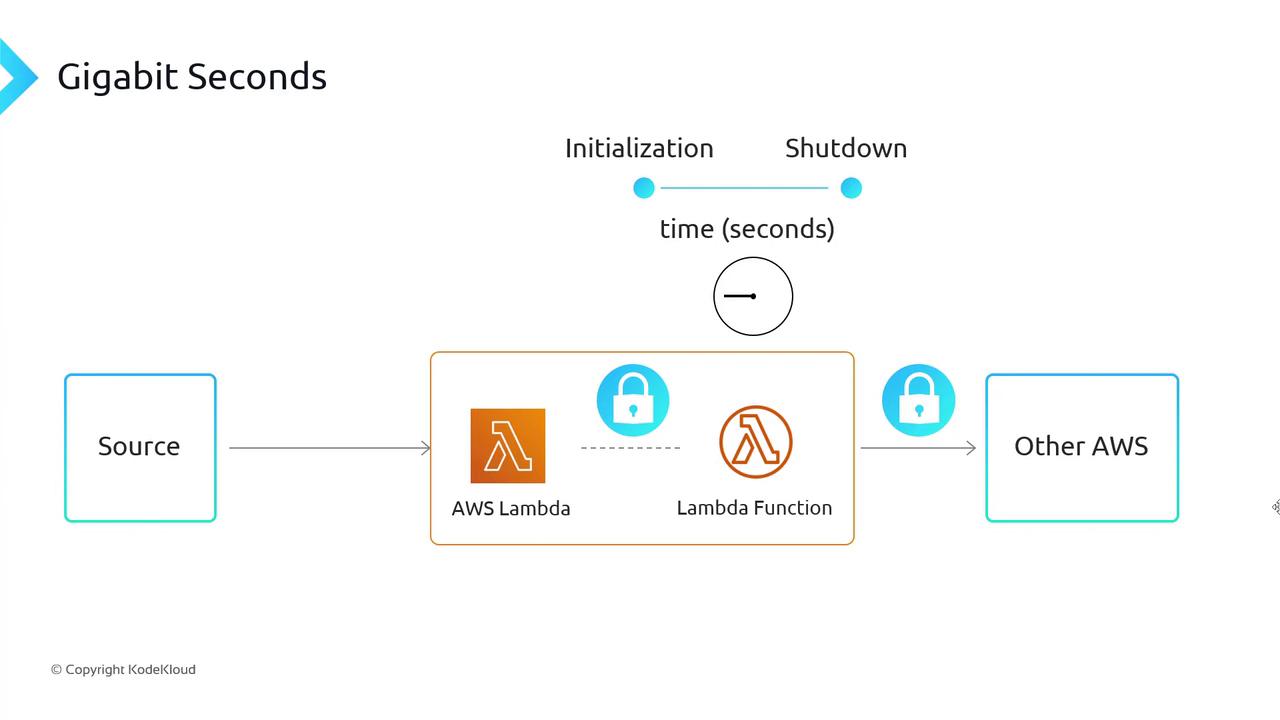
Compute time is billed in GB-s, calculated as:
```text theme={null}
GB-s = (Allocated memory in GB) × (Execution duration in seconds)
```
* **Timer** starts when the handler is invoked and stops after shutdown code completes.
* **Rounding** is to the nearest millisecond.
AWS rounds up to the nearest ms, so a 1.0001 ms function is billed as 2 ms.
## Memory and CPU Allocation
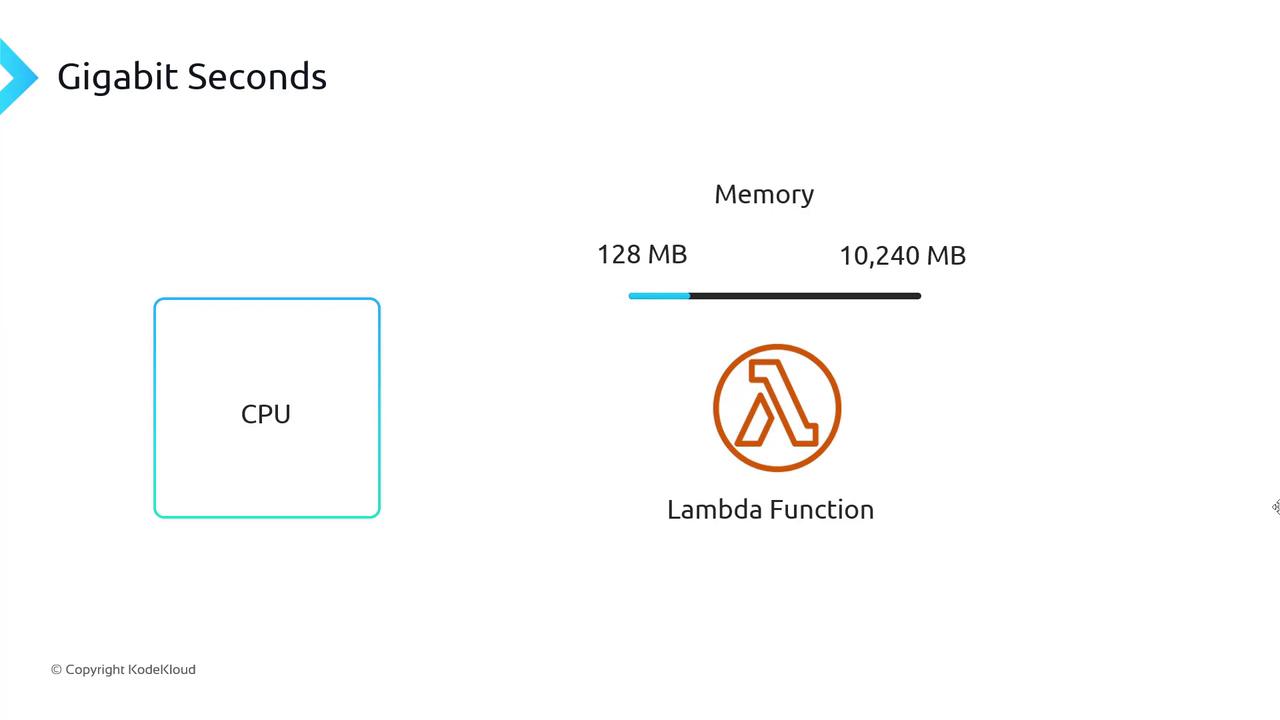
When you configure a Lambda function, you select memory between 128 MB and 10 240 MB. CPU power scales linearly with memory—more RAM also means more CPU share, speeding up execution and reducing GB-s.
## CPU Architectures
Lambda supports two processor types. Choosing the right architecture can yield significant savings:
| Architecture | Price-Performance Improvement | Best for |
| ----------------- | ----------------------------- | ------------------------------------ |
| x86\_64 | Baseline | General workloads |
| ARM64 (Graviton2) | Up to 34% better | Cost-sensitive, high-throughput jobs |
**Tip:** ARM64 functions may require compatibility testing for native dependencies.
## Additional Cost Factors
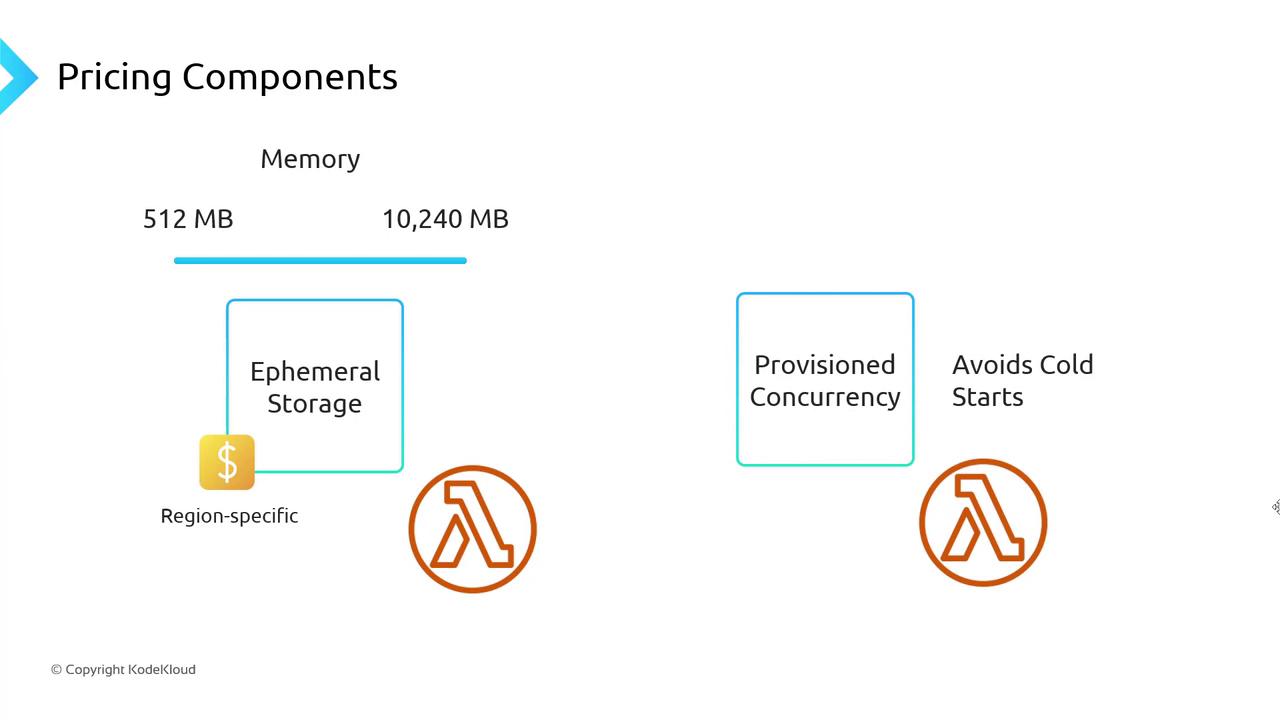
Besides requests and GB-s, consider these extras:
| Component | Description | Billing Unit |
| ----------------------- | ------------------------------------------- | --------------------------- |
| Ephemeral storage | Scratch space (`/tmp`) from 512 MB to 10 GB | Per GB-month (region-based) |
| Provisioned concurrency | Keeps functions warm to avoid cold starts | Per concurrency-second |
Provisioned concurrency charges apply even during idle periods. Use only for latency-sensitive functions.
## Summary
Your AWS Lambda costs depend on:
* Free-tier utilization
* Request count
* GB-seconds (memory × duration)
* Memory/CPU allocation
* CPU architecture (x86\_64 vs ARM64)
* Additional storage and concurrency settings
## Next Steps
Use the [AWS Pricing Calculator](https://aws.amazon.com/calculator/) to model workloads and forecast costs.
***
## References
* [AWS Lambda Pricing](https://aws.amazon.com/lambda/pricing/)
* [AWS Lambda Developer Guide](https://docs.aws.amazon.com/lambda/latest/dg/welcome.html)
* [AWS Pricing Calculator](https://aws.amazon.com/calculator/)