> ## Documentation Index
> Fetch the complete documentation index at: https://notes.kodekloud.com/llms.txt
> Use this file to discover all available pages before exploring further.
# Routing in VPC
> This article explains how routing works in an Amazon VPC, including the role of the implicit router and route tables.
In this lesson, we’ll dive into how routing functions inside an Amazon Virtual Private Cloud (VPC). Each VPC includes an implicit, built-in router that directs traffic between subnets as well as between the VPC and external networks.
## The Implicit VPC Router
Every VPC router:
* Has one interface per subnet, using the `.1` address in each CIDR (for example, if a subnet’s CIDR is `192.168.1.0/24`, its router IP is `192.168.1.1`).
* Routes traffic between subnets and to gateways or on-premises connections.
* Is configured via **route tables**, where each table contains a set of routes (rules) defining how to forward packets.
## How Route Tables Work
When a packet leaves a subnet, the router:
1. Examines the **destination IP**.
2. Finds the matching prefix in the associated route table.
3. Chooses the **most specific** route (longest prefix match).
4. Forwards the packet to the route’s target (local, gateway, instance, etc.).
The router always applies the longest-prefix match if multiple routes overlap.
For example, given two IPv6 routes:
* `2001:db8:abcd::/48` → local
* `2001:db8:abcd:0012::/64` → local
A packet destined for `2001:db8:abcd:0012::1234` matches both, but uses the `/64` route because it has the longer prefix.
## Default Route Tables and Associations
By default, every route table in a VPC contains:
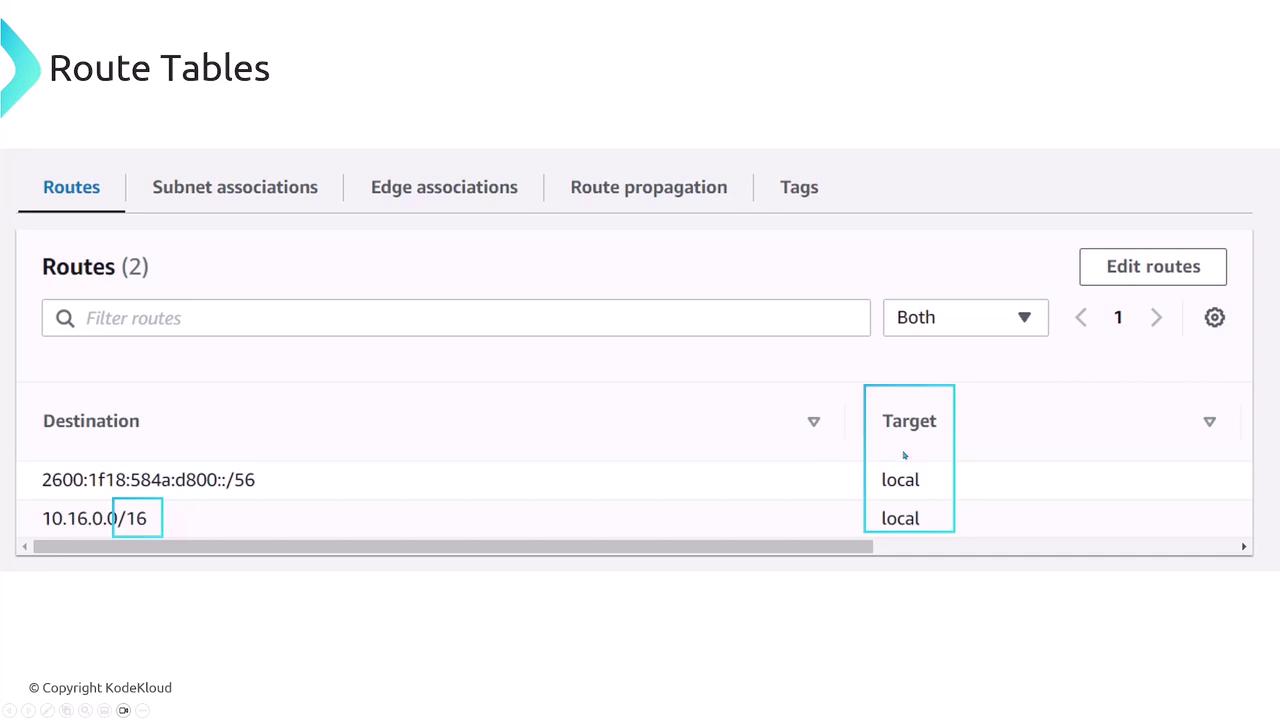
* A **local** route for the VPC’s IPv4 CIDR (e.g., `10.16.0.0/16` → local)
* If IPv6 is enabled, another **local** route for the IPv6 block
When a VPC is created, AWS provides a **default route table**. Subnets automatically associate with this default unless you specify another.
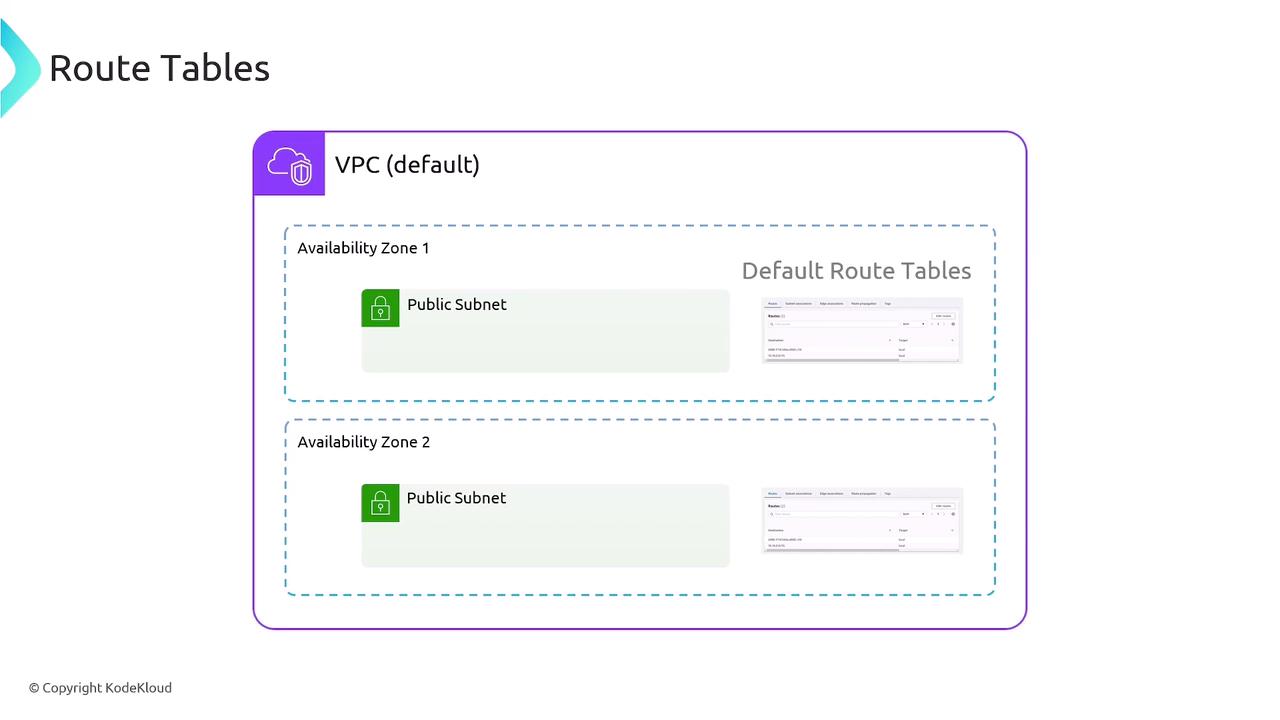
You can group subnets—for instance, all public subnets—under a “public” route table that directs internet-bound traffic through an Internet Gateway. Private subnets can use a separate table routing through a NAT Gateway or other appliance.
| Component | Default Behavior | Customization |
| ------------------ | ------------------------------------------------- | ----------------------------------------- |
| VPC Router | Implicit router with one interface per subnet | N/A |
| Route Table | Contains a local route for IPv4 (and IPv6 if any) | Add routes to IGW, NAT Gateway, VGW, etc. |
| Subnet Association | Each subnet links to default route table | Associate subnets to custom tables |
| Prefix Matching | Chooses longest-prefix route first | Critical when CIDRs overlap |
| Route Targets | local (default) | IGW, NAT, instance, VPC peering, etc. |
A subnet can only be associated with **one** route table at a time, although a route table may serve **multiple** subnets.
## VPC Routing Overview
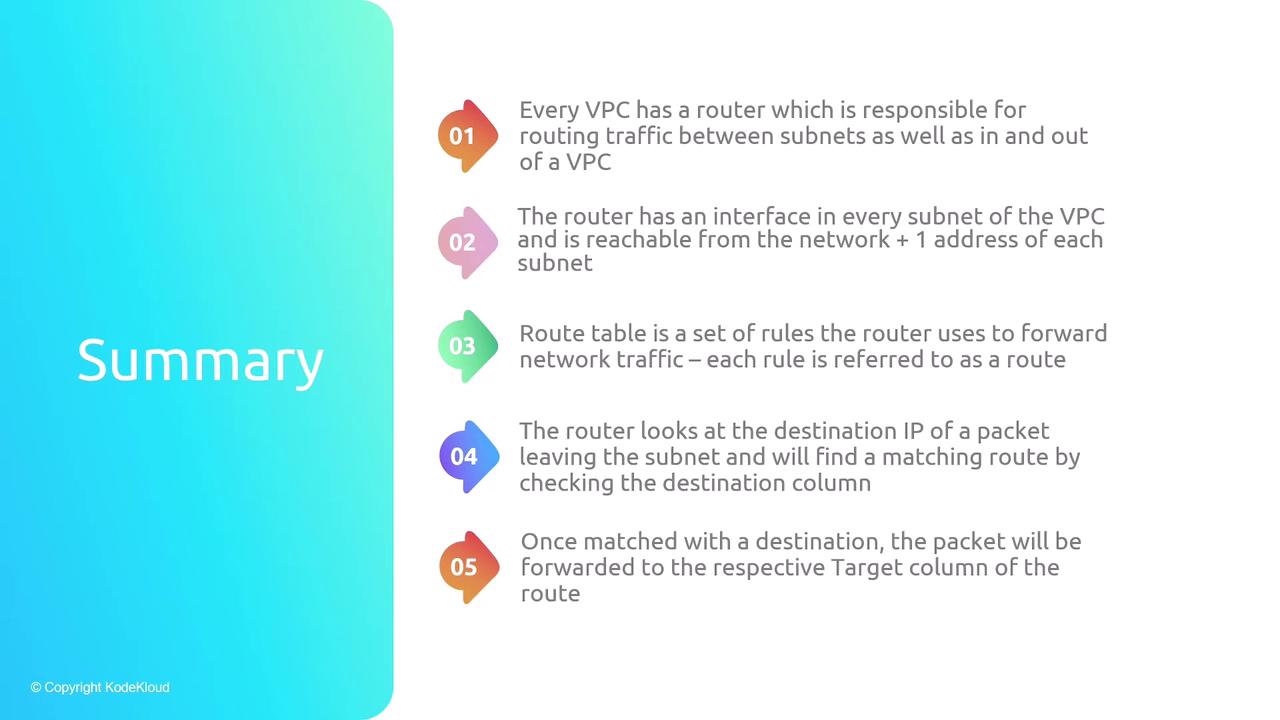
1. Each VPC has an implicit router with one interface per subnet (`.1` address).
2. Route tables define forwarding rules based on IP prefix destinations.
3. The router selects the most specific matching route (longest prefix).
4. Packets are forwarded to targets like local, gateways, or instances.
5. Every table includes a local route for the VPC’s IPv4 (and, if enabled, IPv6) CIDR.
### Key Takeaways
* Every VPC has one default route table.
* Subnets must be associated with exactly one route table.
* Multiple subnets can share the same route table.
* Custom route tables enable distinct public/private routing behaviors.
## References
* [Amazon VPC Documentation](https://docs.aws.amazon.com/vpc/index.html)
* [Route Tables in Amazon VPC](https://docs.aws.amazon.com/vpc/latest/userguide/VPC_Route_Tables.html)
* [AWS Networking Fundamentals](https://aws.amazon.com/whitepapers/aws-networking-fundamentals/)