> ## Documentation Index
> Fetch the complete documentation index at: https://notes.kodekloud.com/llms.txt
> Use this file to discover all available pages before exploring further.
# VPC Overview
> A Virtual Private Cloud (VPC) is an isolated network segment within AWS for launching resources in a logically separated environment.
A Virtual Private Cloud (VPC) is your isolated network segment within AWS. It lets you launch AWS resources in a logically separated environment, complete with custom IP ranges, subnets, routing rules, and security controls—just like running your own data center without the physical infrastructure.
## What Is a VPC?
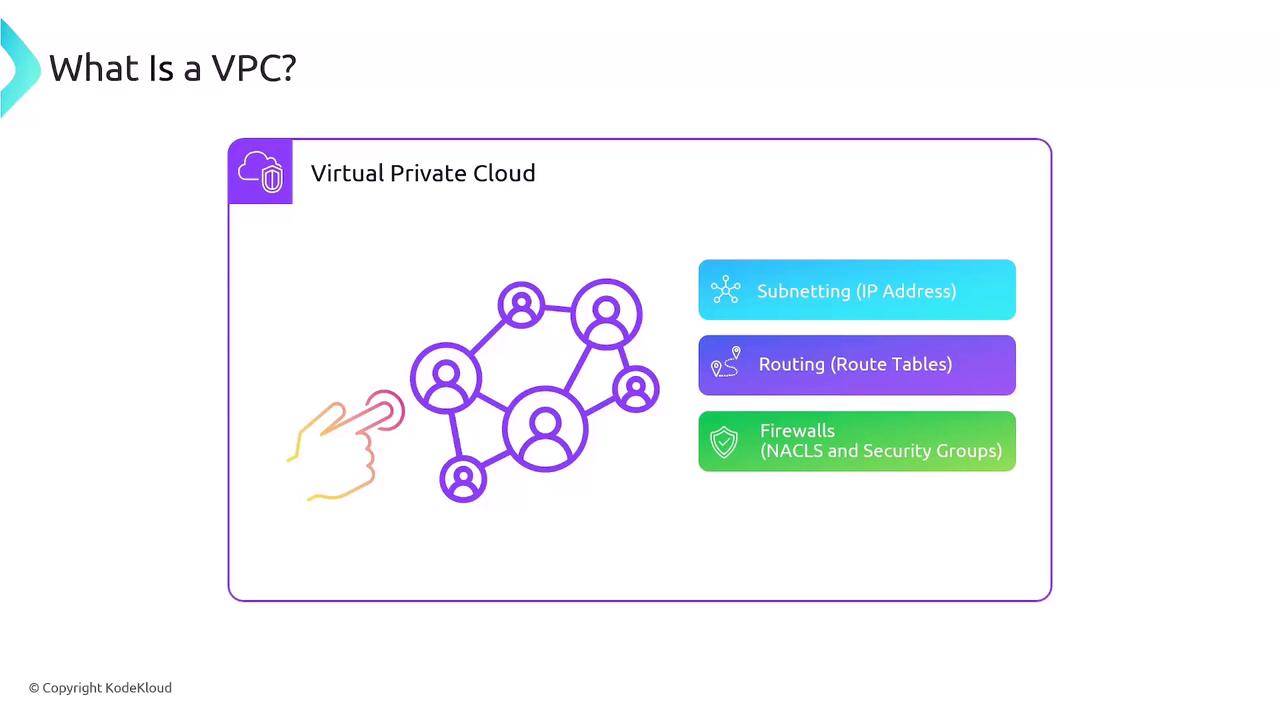
A VPC is an isolated virtual network in AWS where you can launch resources such as EC2 instances. Within each VPC, you configure:
* IP address ranges using CIDR blocks
* Subnets for grouping resources across Availability Zones
* Route tables to control traffic flow
* Security Groups (instance-level, stateful firewalls)
* Network ACLs (subnet-level, stateless firewalls)
* Gateways for Internet, VPC-to-VPC, or on-premises connectivity
## Regional Isolation
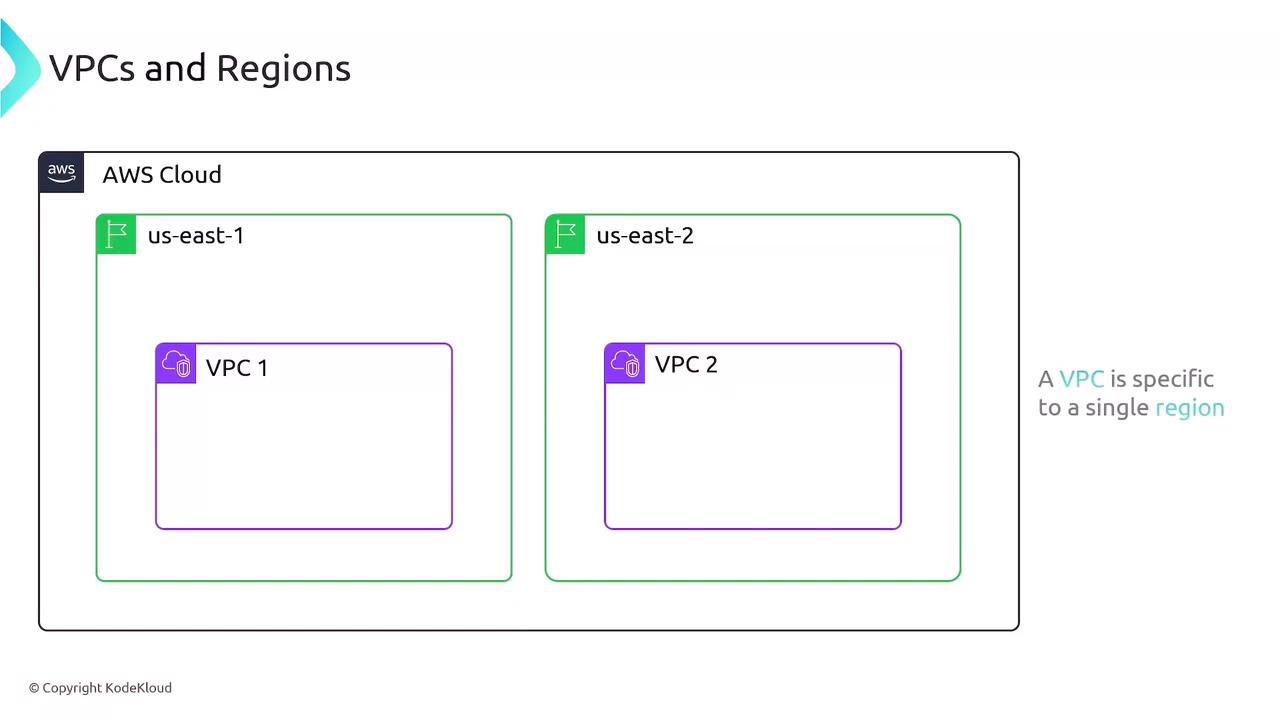
Each VPC exists entirely within a single AWS Region and cannot span multiple regions. By default, resources in VPC A (us-east-1) are isolated from resources in VPC B (us-east-2) unless you establish explicit connectivity.
## VPC as a Network Boundary
Out of the box, VPCs are completely isolated:
* No Internet access until you attach an **Internet Gateway**
* No communication between VPCs until you configure **VPC Peering** or a **Transit Gateway**
* No on-premises connectivity until you set up **VPN** or **AWS Direct Connect**
You can attach an Internet Gateway to multiple public subnets, but each VPC supports only one Internet Gateway.
## IP Addressing: CIDR Blocks
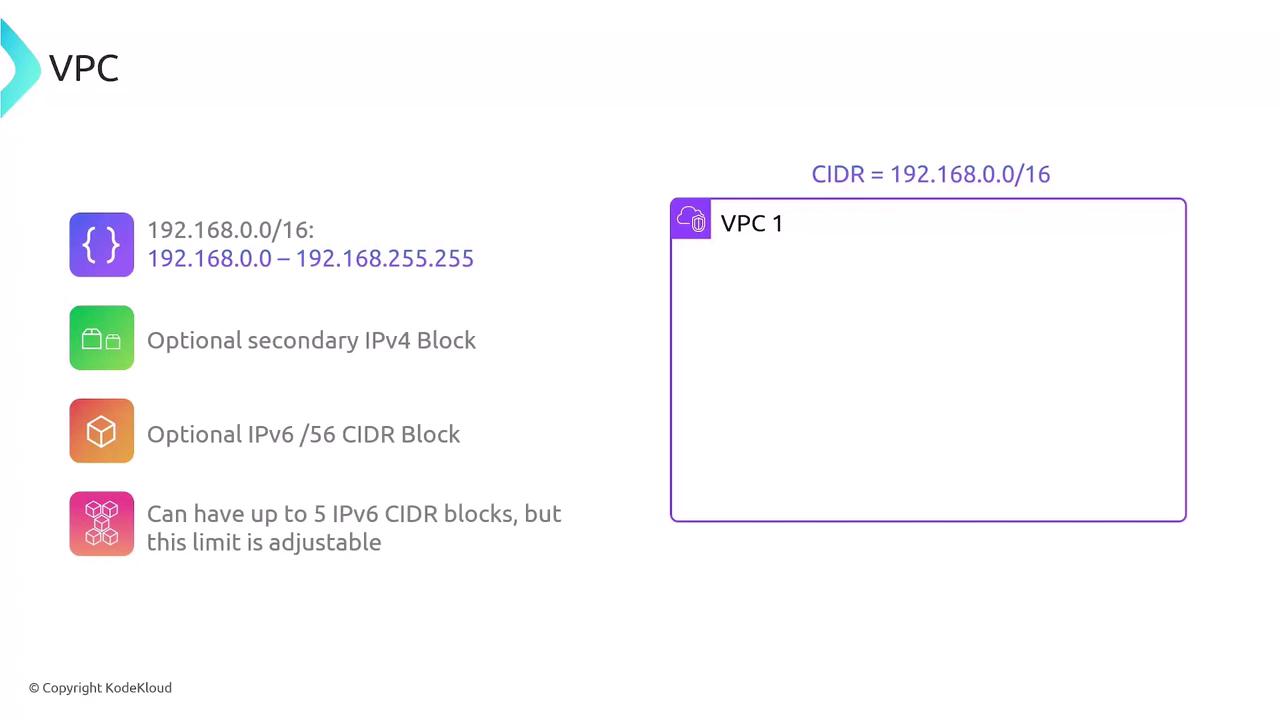
When creating a VPC, assign a primary IPv4 CIDR block between `/16` and `/28`:
* Example: `192.168.0.0/16` (65,536 addresses)
* Add secondary IPv4 CIDR blocks as needed
* Enable IPv6 using a `/56` block (up to five per VPC, adjustable on request)
Plan your CIDR ranges carefully to avoid overlap with other VPCs or on-premises networks.
## Default vs. Custom VPCs
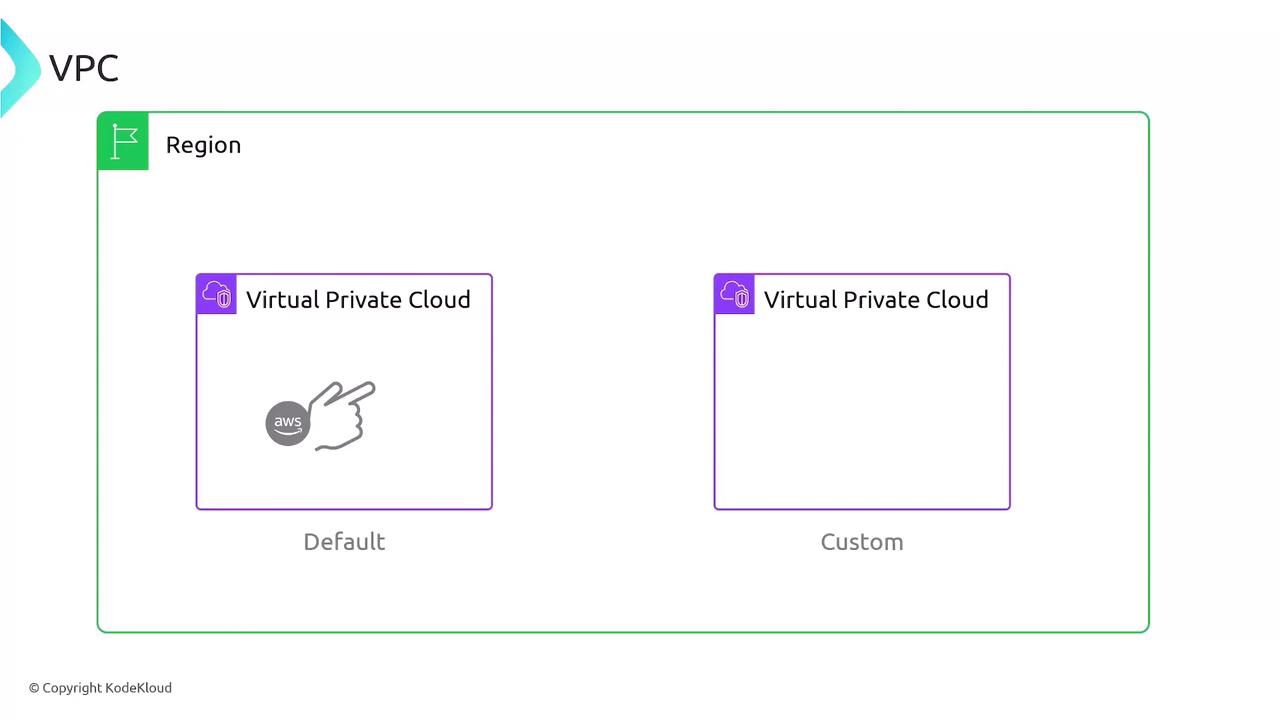
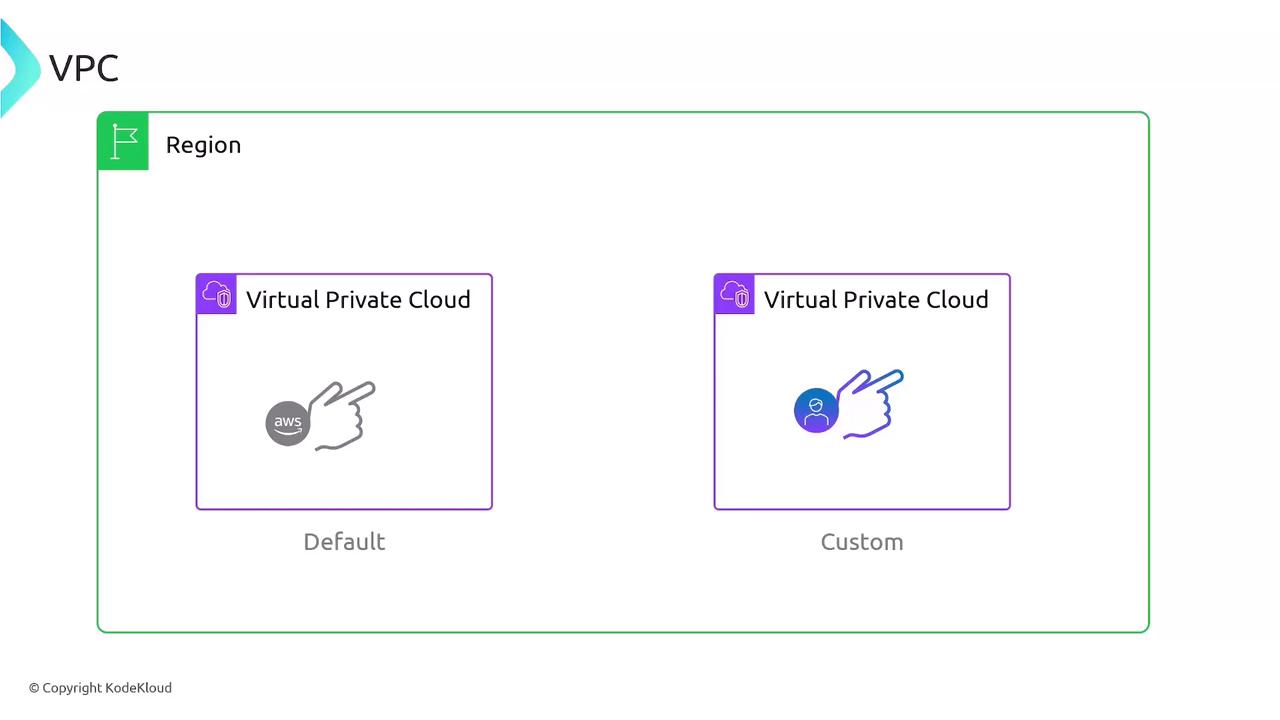
AWS offers two VPC types:
| Feature | Default VPC | Custom VPC |
| ----------------- | ------------------------------------------------ | -------------------------------------- |
| Creation | Automatically created in every region | Manually created by you |
| CIDR block | `172.31.0.0/16` | You choose (`/16`–`/28` for IPv4) |
| Subnets | One public `/20` subnet per AZ | Public/private subnets per your design |
| Internet Gateway | Attached with a 0.0.0.0/0 route by default | Requires manual attachment & routing |
| Security Controls | Default SG and NACL allow all traffic by default | Configure SGs & NACLs from scratch |
## Default VPC Configuration
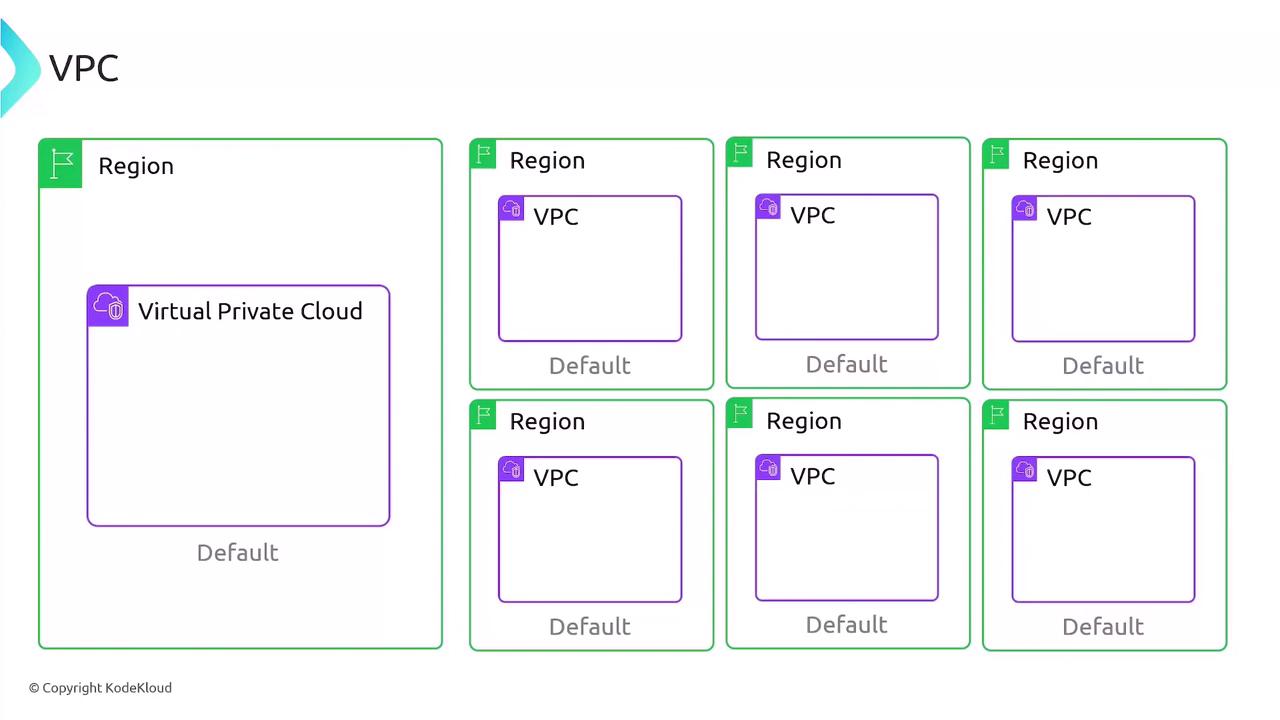
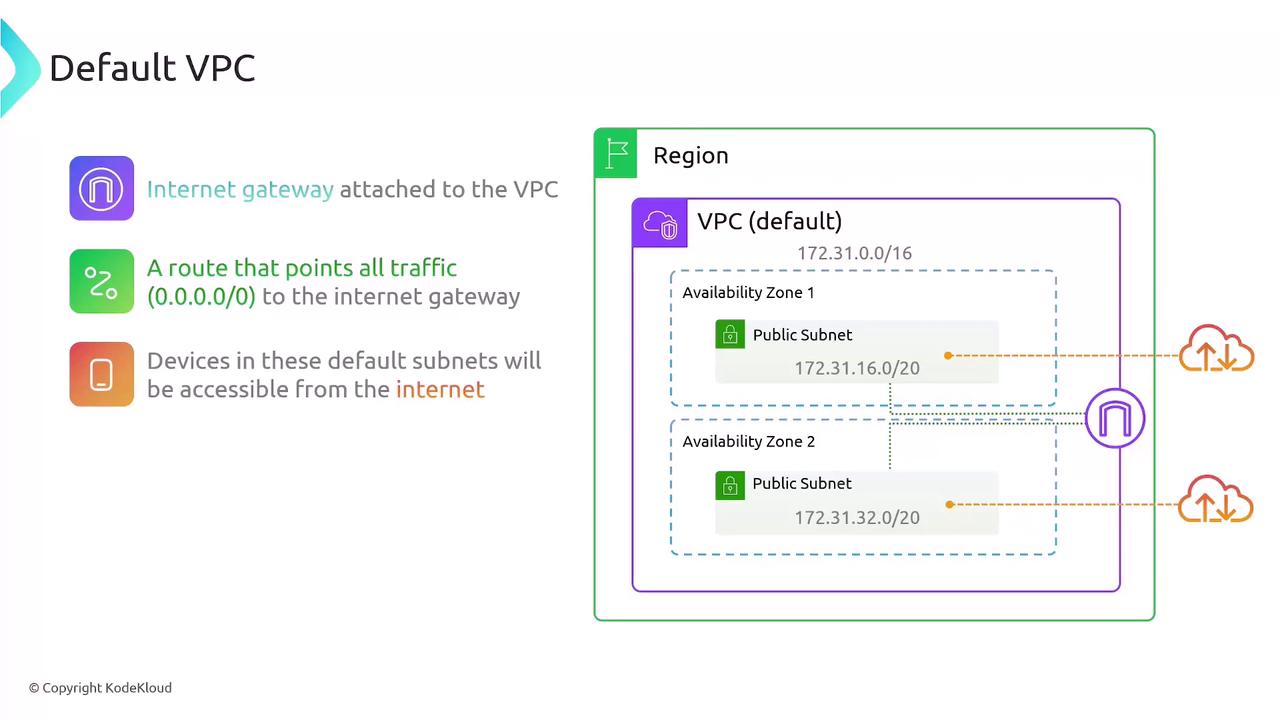
Every AWS Region includes one Default VPC with these built-in settings:
* **CIDR block**: `172.31.0.0/16` (65,536 IPs)
* **Subnets**: One default `/20` subnet per AZ
* e.g., `172.31.16.0/20`, `172.31.32.0/20`, etc.
* **Internet Gateway**: Attached by default with a `0.0.0.0/0` route
* **Security Group**: Default SG allowing all outbound traffic
* **Network ACL**: Default NACL allowing all inbound and outbound traffic
## Summary
* VPCs isolate your AWS resources within a single Region.
* Define IP ranges with CIDR blocks (IPv4 `/16`–`/28`, optional IPv6 `/56`).
* Default VPCs are pre-configured for fast deployment; Custom VPCs give you full control.
* Default VPCs use `172.31.0.0/16`, provide one `/20` subnet per AZ, and include Internet access by default.
* Security Groups and NACLs enforce instance- and subnet-level traffic rules, respectively.
## Links and References
* [AWS VPC Documentation](https://docs.aws.amazon.com/vpc/)
* [AWS Networking Services](https://aws.amazon.com/products/networking/)