> ## Documentation Index
> Fetch the complete documentation index at: https://notes.kodekloud.com/llms.txt
> Use this file to discover all available pages before exploring further.
# Direct Connect
> AWS Direct Connect offers a private, high-bandwidth link between on-premises environments and AWS, ensuring low latency, high throughput, and enhanced security.
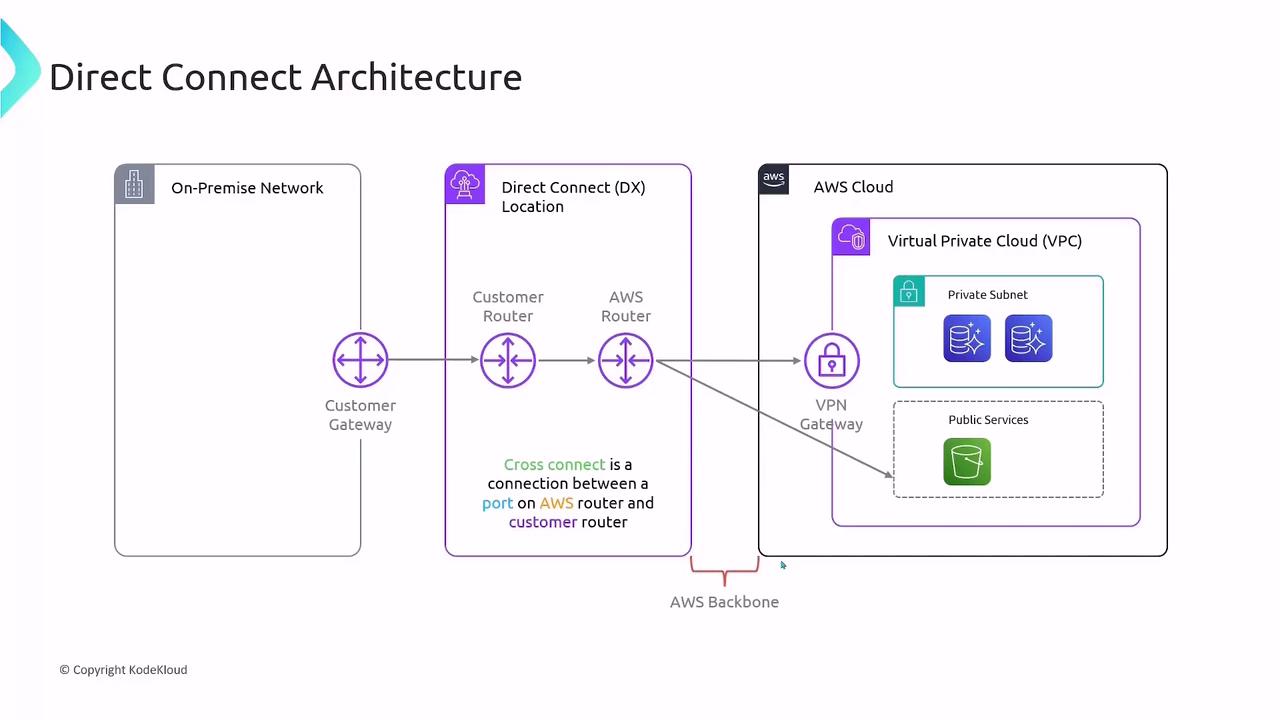
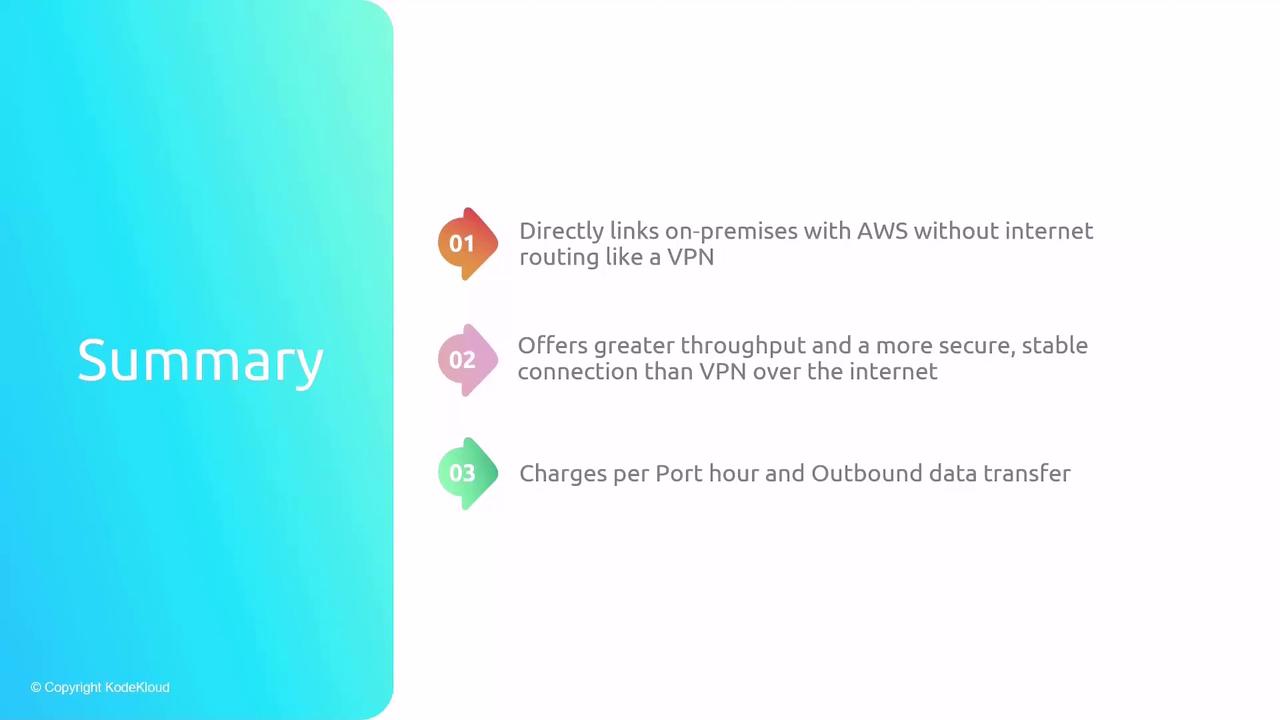
AWS Direct Connect provides a private, high-bandwidth network link between your on-premises environment (data center, office, or colocation facility) and AWS. Unlike Internet-based VPNs over IPSec tunnels, Direct Connect offers dedicated 1 Gbps, 10 Gbps, or 100 Gbps connectivity, delivering consistent low latency, higher throughput, and enhanced security.
## Key Components
| Component | Description | Role |
| ------------------------- | ---------------------------------------------------------------------------------- | -------------------------------------------------------- |
| On-Premises Network | Corporate data center or office network with an edge router or firewall. | Terminates the Direct Connect link on your side. |
| Direct Connect Location | AWS Partner or colocation facility where your customer router and AWS router meet. | Houses the cross-connect between you and AWS. |
| AWS Direct Connect Router | AWS-owned endpoint at the Direct Connect location. | Provides the physical port you lease for the connection. |
## Establishing a Connection
1. **Order a Port**\
Request a 1 Gbps, 10 Gbps, or 100 Gbps port in your chosen Direct Connect location.
2. **Cross-Connect Provisioning**\
Work with the facility operator to install a cross-connect cable between your customer router and the AWS Direct Connect router.
3. **BGP Session Setup**\
Configure Border Gateway Protocol (BGP) peering on both ends to exchange routes dynamically over the AWS global network.
Ensure your on-premises edge device supports the desired port speed and BGP configuration.
## Virtual Interfaces (VIFs)
After your physical link is active, segment traffic by creating virtual interfaces:
| VIF Type | Destination | Use Case |
| ----------- | -------------------------------------------- | ----------------------------------------------- |
| Private VIF | Virtual Private Gateway attached to your VPC | Access private subnets and EC2 instances. |
| Public VIF | AWS public endpoints (e.g., S3, DynamoDB) | Reach AWS public services over the AWS network. |
Each VIF leverages BGP to advertise and learn routes, ensuring efficient traffic flow.
## Pricing Overview
With AWS Direct Connect, you incur two main charges:
| Charge Type | Description |
| ----------------- | ------------------------------------------------------------------------- |
| Port Hours | Hourly fee per provisioned port, regardless of data usage. |
| Data Transfer Out | Standard AWS data transfer rates for outbound traffic. (Inbound is free.) |
Data transfer rates vary by AWS Region. Always review the [AWS Direct Connect pricing](https://aws.amazon.com/directconnect/pricing/) page for the latest details.
## Links and References
* [AWS Direct Connect Documentation](https://docs.aws.amazon.com/directconnect/latest/UserGuide/what-is-direct-connect.html)
* [Amazon VPC Pricing](https://aws.amazon.com/vpc/pricing/)
* [AWS Global Network](https://aws.amazon.com/global-infrastructure/)