> ## Documentation Index
> Fetch the complete documentation index at: https://notes.kodekloud.com/llms.txt
> Use this file to discover all available pages before exploring further.
# VPC Peering
> VPC Peering establishes a private network connection between two VPCs, enabling communication as if on the same network.
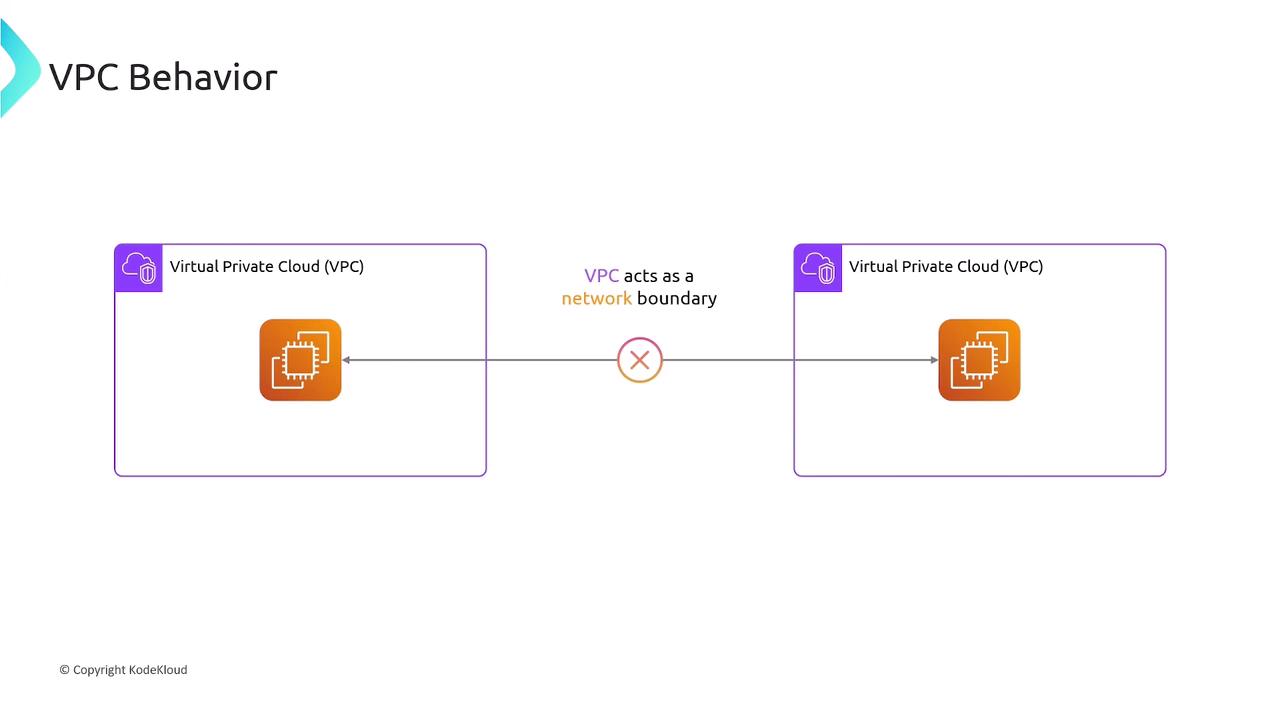
In AWS, each Virtual Private Cloud (VPC) is an isolated network boundary. By default, resources in one VPC cannot reach resources in another VPC without an explicit link.
## What Is VPC Peering?
VPC Peering establishes a private network connection between two VPCs, allowing instances to communicate as if they were on the same network. You can peer:
* VPCs within the same AWS Region
* VPCs across different regions (Inter-Region Peering)
* VPCs in separate AWS accounts
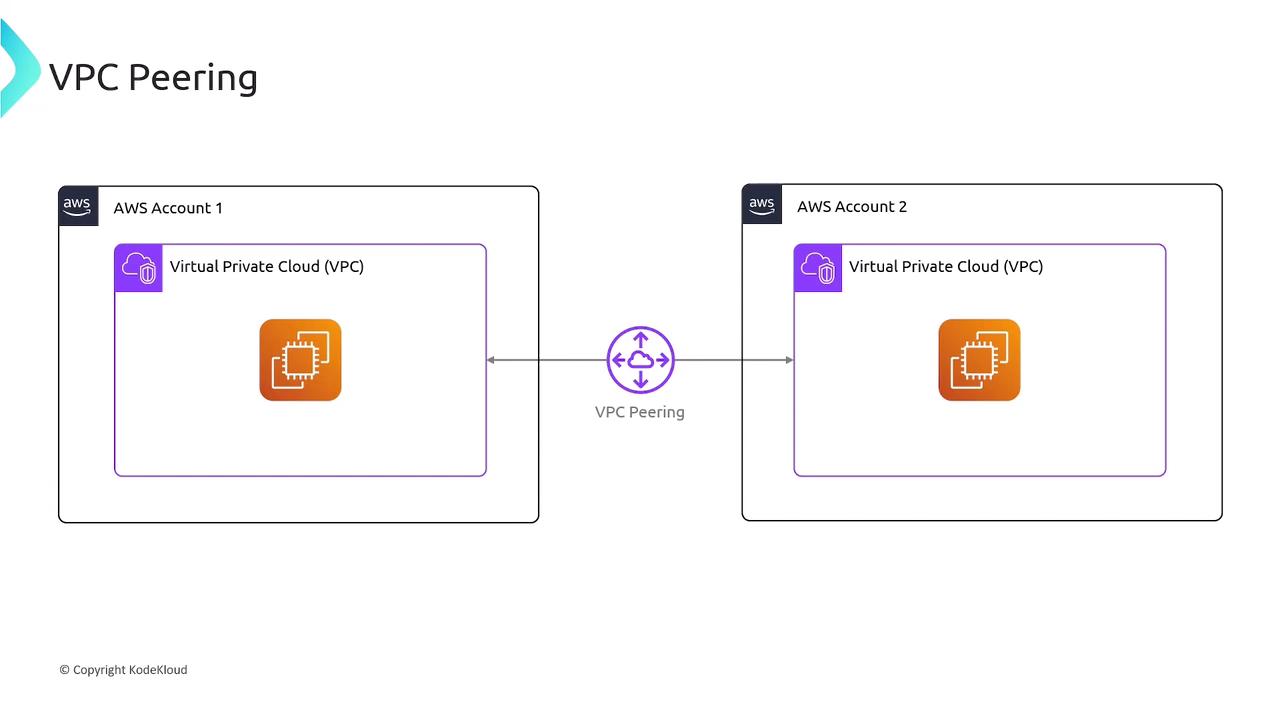
Once peered, you must update route tables; peering alone doesn’t modify routing.
## Pricing Overview
| Charge Type | Details |
| ---------------------- | ------------------------------------------------------------------ |
| Peering Connection | No setup fee or hourly rate |
| Intra-AZ Data Transfer | Free (within the same Availability Zone over a peering connection) |
| Inter-AZ Data Transfer | Standard cross-AZ rates apply |
## Establishing a VPC Peering Connection
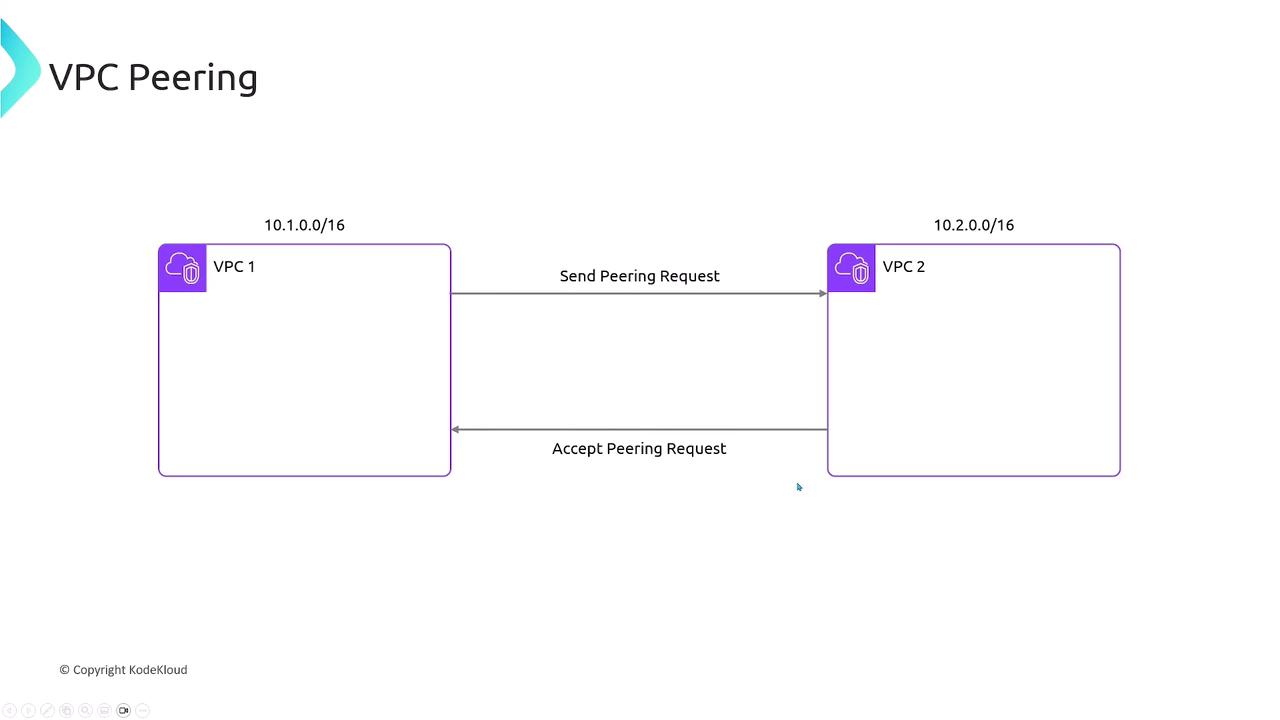
Assume two VPCs with non-overlapping CIDR blocks:
* **VPC1**: `10.1.0.0/16`
* **VPC2**: `10.2.0.0/16`
Steps to create the peering link:
1. **Request Peering**
* AWS Console: VPC dashboard → Peering Connections → Create Peering Connection
* AWS CLI:
```bash theme={null}
aws ec2 create-vpc-peering-connection \
--vpc-id vpc-01234567 --peer-vpc-id vpc-089abcdef
```
2. **Accept Peering**
* Console or CLI (`accept-vpc-peering-connection`) by the peer VPC owner.
3. **Verify Connection**
* Status changes to `active` in the Peering Connections list—but routing is still pending.
## Configuring Route Tables
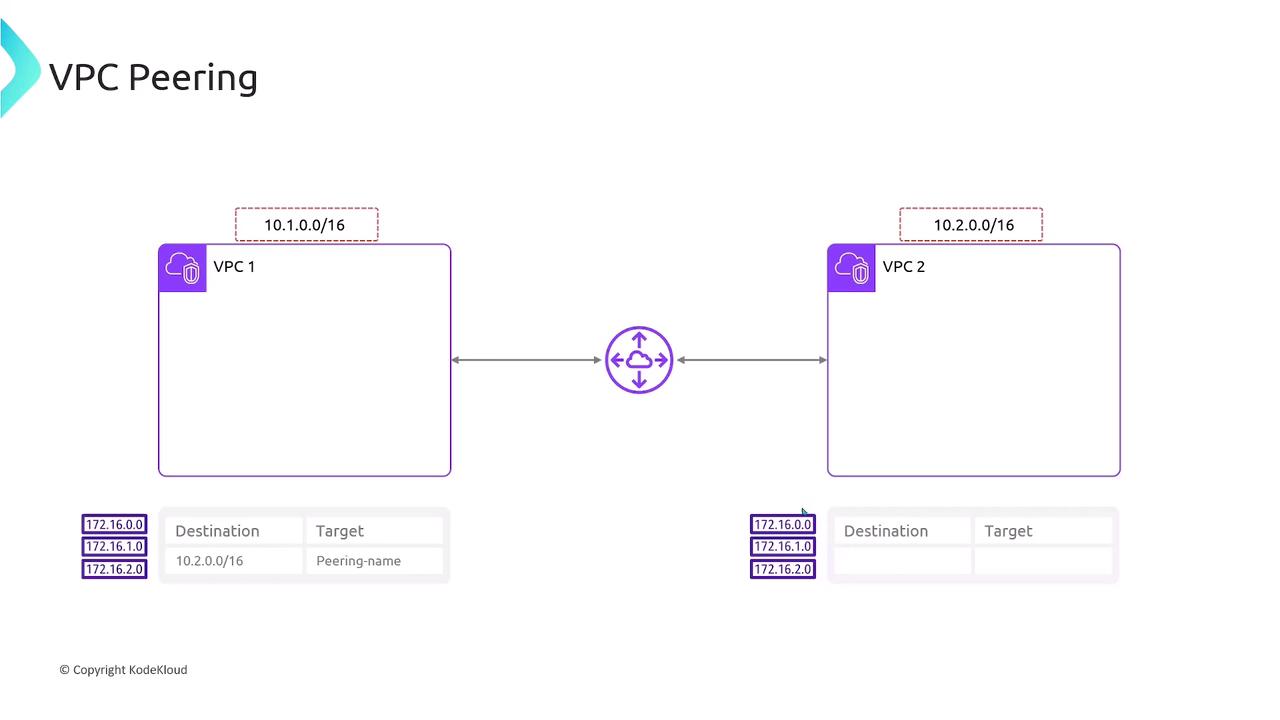
After peering is active, add routes in each VPC’s route table:
VPC1 route table
```text theme={null}
Destination Target
10.2.0.0/16 pcx-0a1b2c3d4e5f6g7h
```
VPC2 route table
```text theme={null}
Destination Target
10.1.0.0/16 pcx-0a1b2c3d4e5f6g7h
```
This ensures traffic flows over the peering link instead of the internet gateway.
VPC Peering is non-transitive. If VPC1 peers with VPC2, and VPC2 peers with VPC3, VPC1 cannot reach VPC3 through VPC2. Each pair requires its own peering connection.
## Transitive Peering Is Not Supported
* VPC1 ↔ VPC2
* VPC2 ↔ VPC3
* **No** indirect VPC1 ↔ VPC3 communication
## Summary
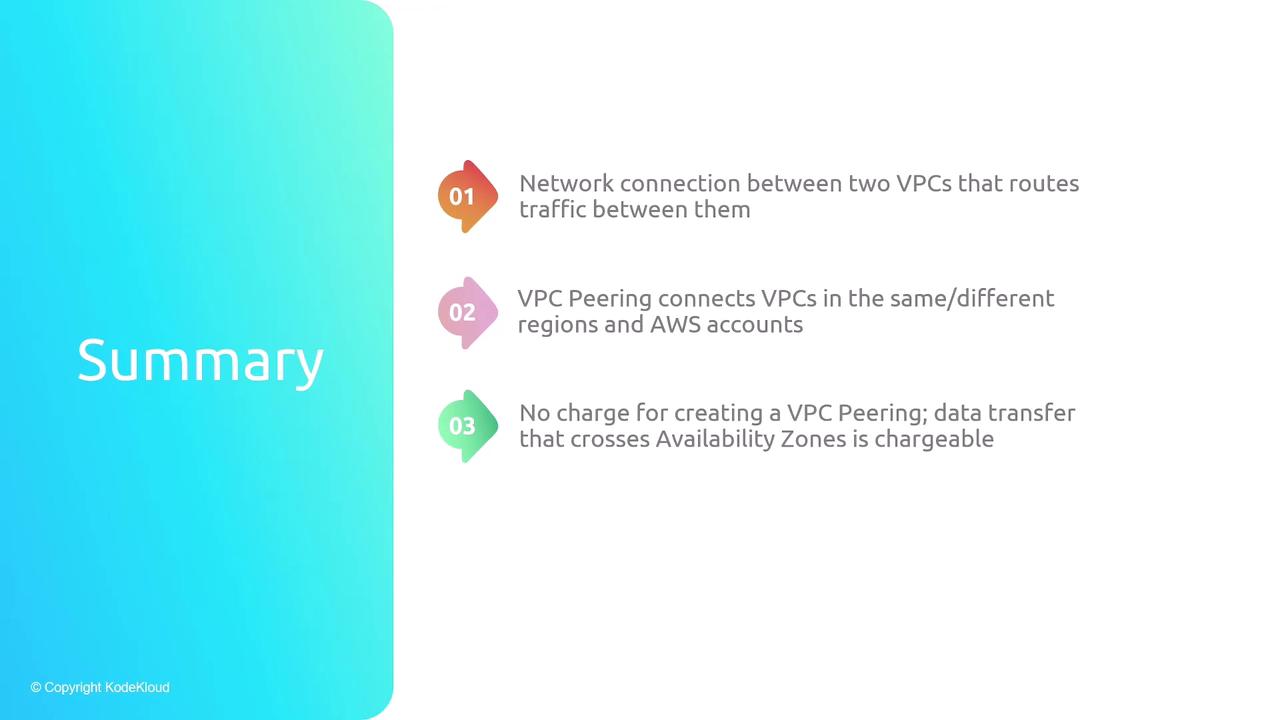
* VPC Peering connects two VPCs privately.
* Peerings can span regions and AWS accounts.
* No cost for the connection itself; data transfer pricing applies.
* Each VPC pair requires its own peering link—no transit routing.
## Links and References
* [AWS VPC Peering Guide](https://docs.aws.amazon.com/vpc/latest/peering/what-is-vpc-peering.html)
* [AWS Networking Fundamentals](https://aws.amazon.com/architecture/networking-and-content-delivery/)
* [AWS CLI Reference: create-vpc-peering-connection](https://docs.aws.amazon.com/cli/latest/reference/ec2/create-vpc-peering-connection.html)