> ## Documentation Index
> Fetch the complete documentation index at: https://notes.kodekloud.com/llms.txt
> Use this file to discover all available pages before exploring further.
# VPN
> This article explains how to securely connect on-premises networks to an Amazon VPC using VPN technology.
Virtual Private Networks (VPNs) create an encrypted tunnel over the public Internet, allowing secure communication between on-premises networks and resources within an Amazon Virtual Private Cloud (VPC). In AWS, you can use Site-to-Site VPN to bridge your data center with your VPC, extending your network securely.
## VPN Architecture
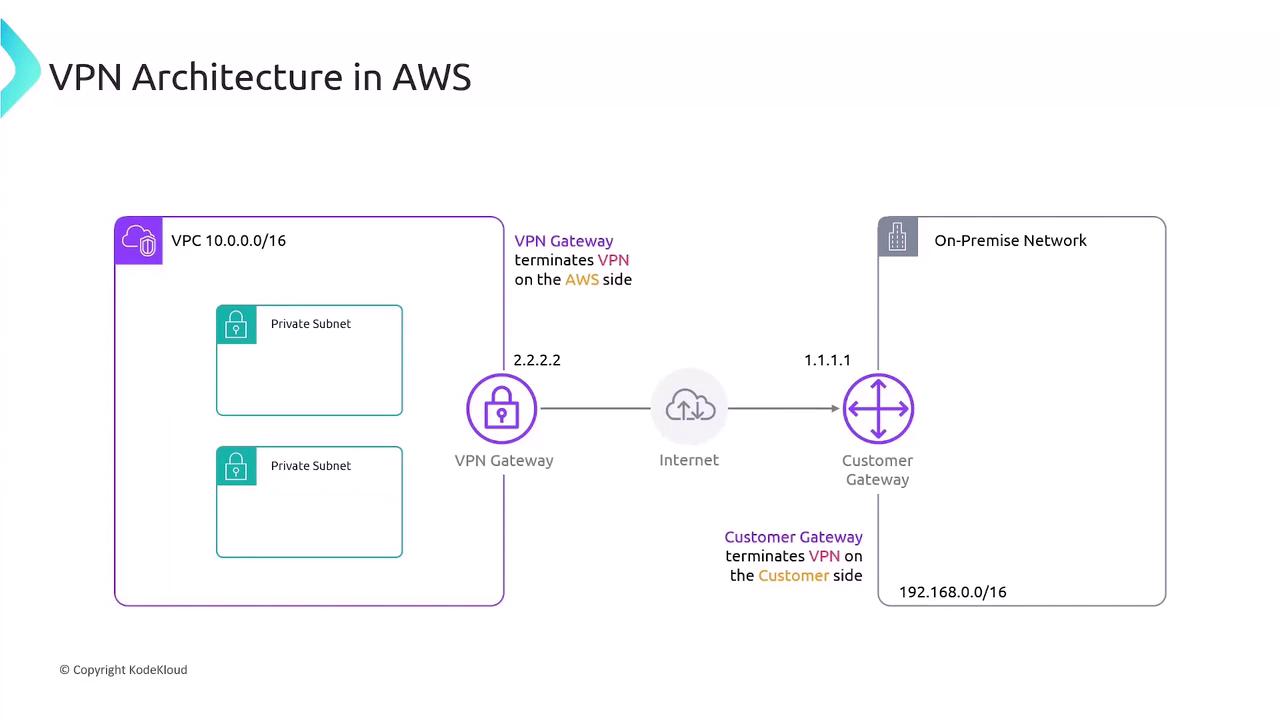
In this setup, your VPC uses the CIDR block `10.0.0.0/16` and contains private subnets without public IPs. To connect on-premises devices:
* AWS deploys a **Virtual Private Gateway (VGW)**, which terminates the IPsec tunnel on the VPC side.
* Your on-premises network uses a **Customer Gateway (CGW)** appliance with a public IP (e.g., `1.1.1.1`).
* AWS assigns a public IP (e.g., `2.2.2.2`) to the VGW.
* An IPsec tunnel encrypts traffic between the CGW and VGW over the Internet.
### Key Components
| Component | Role |
| ----------------------- | --------------------------------------------------------- |
| Virtual Private Gateway | AWS-side VPN endpoint attached to your VPC |
| Customer Gateway | On-premises VPN endpoint with a public IP |
| IPsec Tunnel | Encrypts data between CGW (`1.1.1.1`) and VGW (`2.2.2.2`) |
## Routing Options
You can route traffic between `10.0.0.0/16` (VPC) and `192.168.0.0/16` (on-premises) in two ways:
### 1. Static Routing
Manually add routes to your VPC route table.
```none theme={null}
Destination: 192.168.0.0/16
Target: vgwy-xxxxxxxx
```
### 2. Dynamic Routing (BGP)
Use the Border Gateway Protocol (BGP) to exchange and propagate routes automatically between the Customer Gateway and the VPN Gateway.
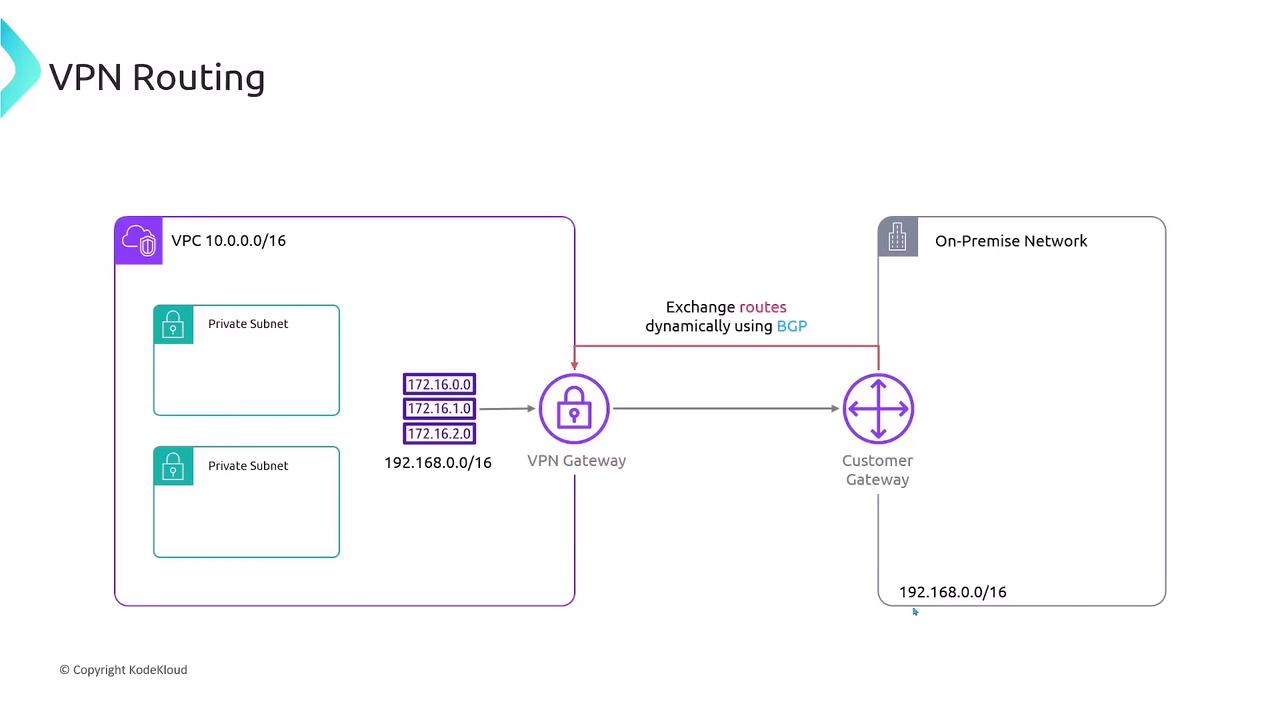
Dynamic routing via BGP adds complexity. Ensure your on-premises router supports BGP and proper autonomous system (AS) configuration.
## Pricing
AWS Site-to-Site VPN pricing includes two main components:
| Billing Dimension | Description |
| ----------------- | ---------------------------------------------------------------------------- |
| Connection Hours | Charged per hour while each VPN connection is available |
| Data Transfer Out | Standard Amazon EC2 data transfer rates for outbound traffic to the Internet |
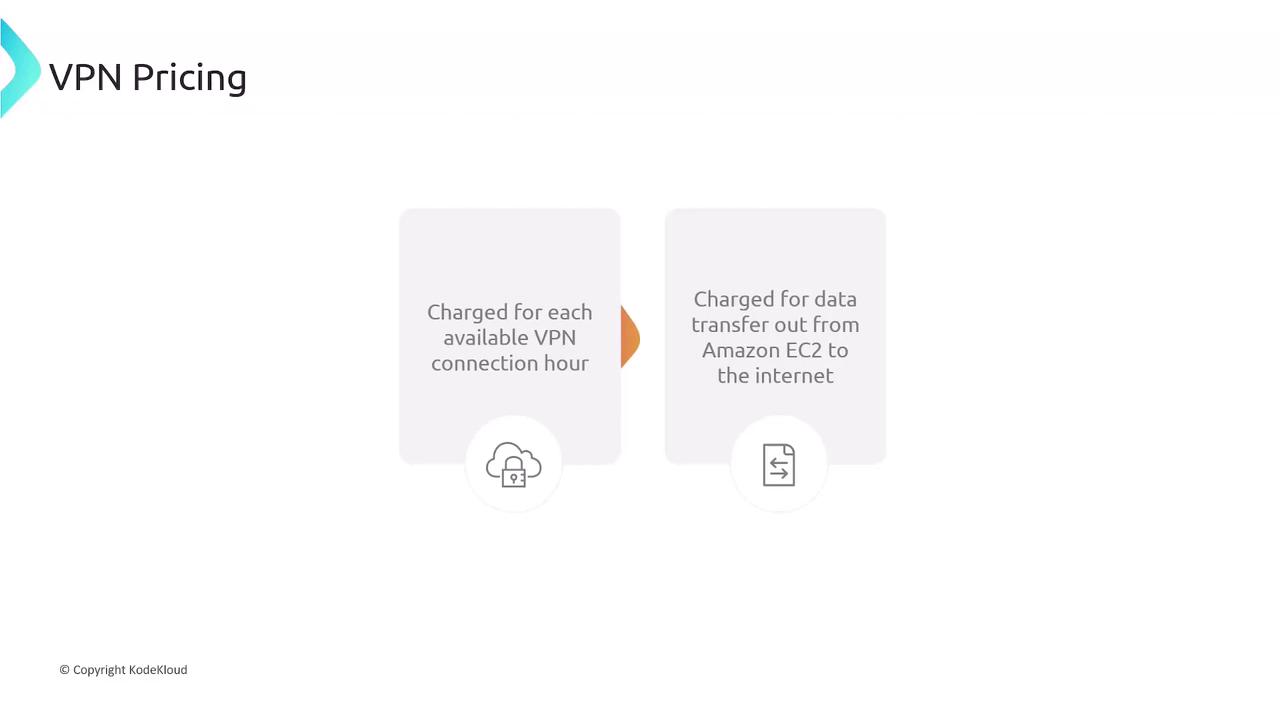
Data transferred into AWS over the VPN is free; only outbound data is charged.
## VPN Gateway Limits
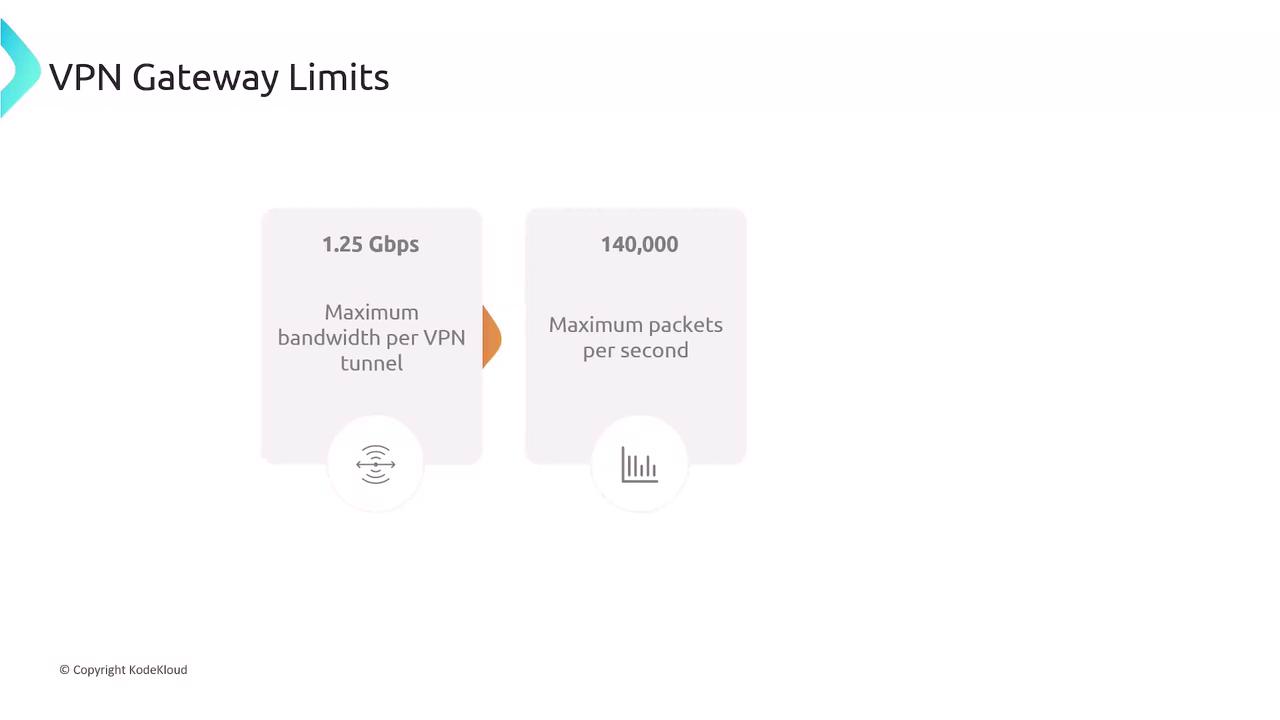
Each AWS-managed VPN tunnel supports:
| Limit | Value |
| ----------------------- | ----------- |
| Maximum Bandwidth | 1.25 Gbps |
| Maximum Packets per Sec | 140,000 pps |
| Path MTU | 1466 bytes |
To increase throughput, you can deploy multiple tunnels and use Equal-Cost Multi-Path (ECMP) routing.
## Summary
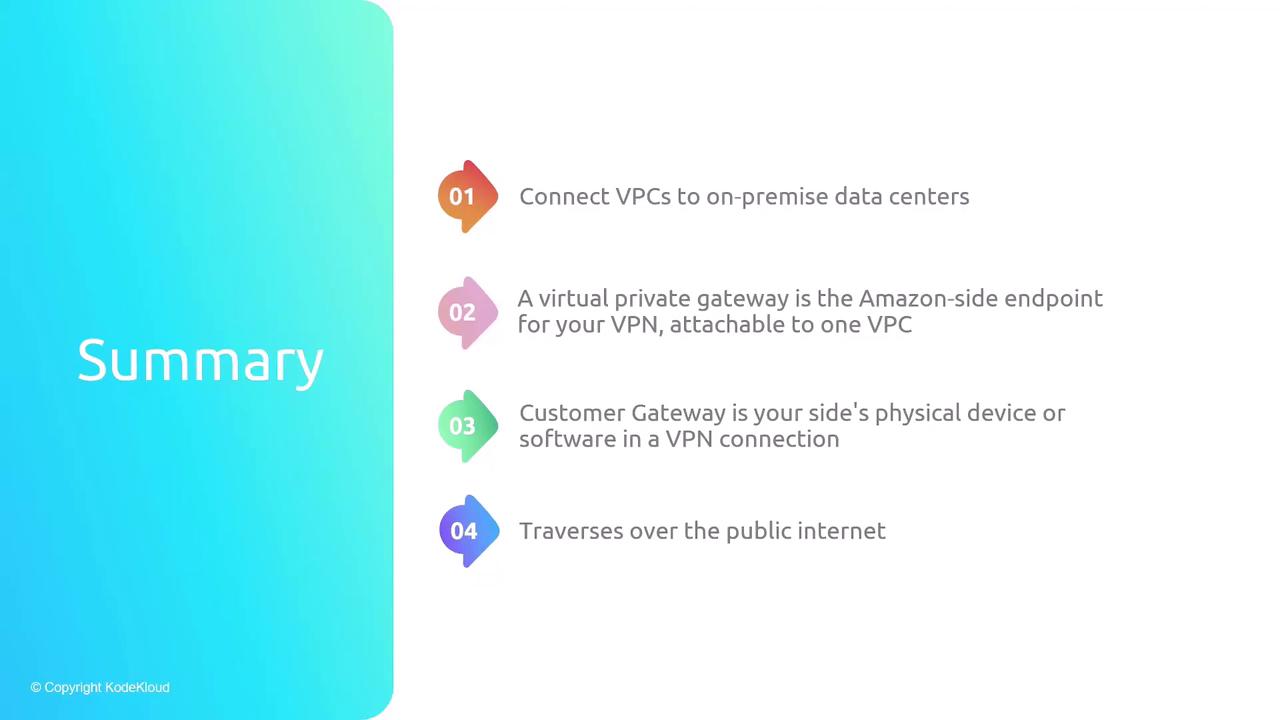
Connecting your on-premises network to an AWS VPC using VPN delivers secure, encrypted traffic flow:
* **Virtual Private Gateway (VGW):** AWS-side endpoint attached to your VPC.
* **Customer Gateway (CGW):** On-premises endpoint with a public IP.
* **IPsec Tunnel:** Secures data in transit over the public Internet.
* **Routing:** Static routes for simplicity or BGP for automation.
* **Pricing:** Charged by VPN connection hours and outbound data.
* **Limits:** 1.25 Gbps per tunnel, 140,000 pps, 1466 byte MTU.
## References
* [AWS Site-to-Site VPN](https://docs.aws.amazon.com/vpn/latest/s2svpn/VPC_VPN.html)
* [Amazon VPC Documentation](https://docs.aws.amazon.com/vpc/)
* [Border Gateway Protocol (BGP)](https://en.wikipedia.org/wiki/Border_Gateway_Protocol)