> ## Documentation Index
> Fetch the complete documentation index at: https://notes.kodekloud.com/llms.txt
> Use this file to discover all available pages before exploring further.
# Conclusion
> Overview of provisioning, securing, monitoring, and scaling Amazon RDS managed databases with practical exercises and guidance on high availability and read replicas.
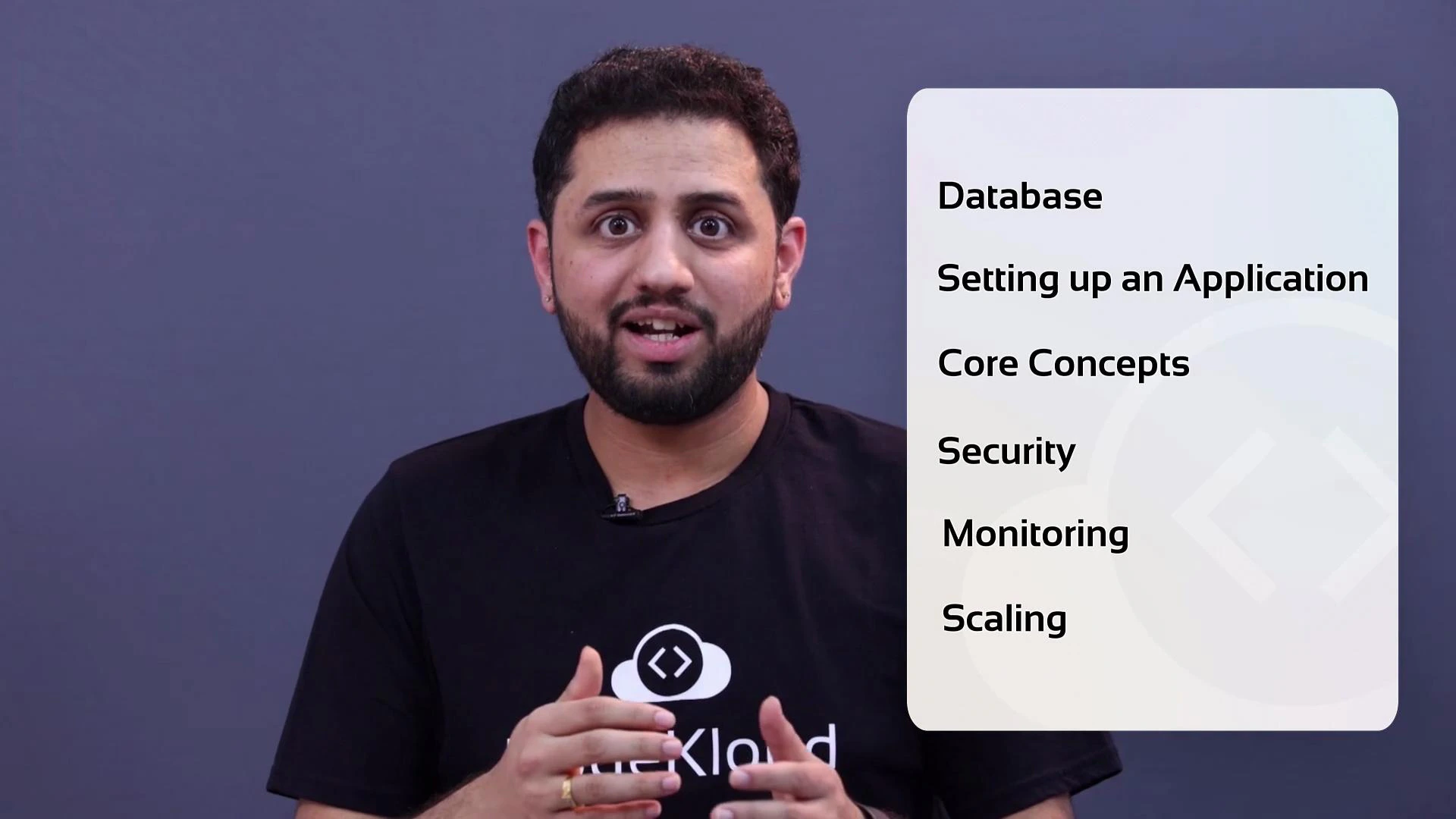
Welcome back — and well done. In this lesson we built a practical foundation for working with managed databases on AWS and connected that knowledge to a real application. By the end you should understand how to provision, secure, monitor, and scale databases using Amazon RDS, and when to consider other AWS database services.
What we covered
* Set up an application and connected it to an RDS database instance.
* Explored core RDS concepts: database engines, instance classes, parameter groups, automated backups, snapshots, Multi-AZ high availability, and read replicas.
* Reviewed security best practices: running RDS inside a VPC, subnet placement, security groups, IAM policies, and encryption (at rest and in transit).
* Looked at monitoring and observability: CloudWatch metrics, Enhanced Monitoring, and Performance Insights for diagnosing bottlenecks and slow queries.
* Discussed scaling approaches: vertical scaling (instance class changes), read scaling with replicas, and storage autoscaling — plus guidance on choosing RDS versus other managed or self-managed databases.
Summary table
| Topic | Key takeaways | Next action/example |
| ----------------- | ------------------------------------------------------------------------------ | ----------------------------------------------------------------------- |
| Provisioning | Choose engine and instance class; configure parameter groups and subnet groups | Launch an RDS instance with automated backups enabled |
| High availability | Multi-AZ for failover; read replicas for offloading reads | Create a read replica and test read-only failover behavior |
| Security | Use private subnets, security groups, IAM roles, and encryption | Restrict DB access to application subnets and enable encryption at rest |
| Monitoring | Use CloudWatch, Enhanced Monitoring, Performance Insights | Enable Performance Insights and review top SQL by latency |
| Scaling | Vertical (instance size) and horizontal (replicas); storage autoscaling | Scale instance class in a maintenance window; add a read replica |
 Next steps and practical exercises
* Deploy a small web app (e.g., a simple Node.js or Django app) connected to an RDS instance to practice connection strings, credentials, and security group rules.
* Enable Performance Insights, generate load, and identify the top queries affecting latency.
* Add a read replica and simulate read traffic to observe scaling behavior.
* Test Multi-AZ failover by performing a planned failover or simulating an outage (in a safe test environment).
* Experiment with parameter group tuning for engine-specific settings and monitor the impact.
References and further reading
* [Amazon RDS Documentation](https://docs.aws.amazon.com/rds/)
* [Amazon CloudWatch](https://docs.aws.amazon.com/cloudwatch/)
* [Amazon RDS Performance Insights](https://docs.aws.amazon.com/AmazonRDS/latest/UserGuide/USER_PerfInsights.html)
* [Introduction to AWS databases (Aurora, DynamoDB)](https://learn.kodekloud.com/user/courses/introduction-to-aws-databases)
If you want to practice, try deploying a small app connected to an RDS instance, enable Performance Insights, and experiment with read replicas and Multi-AZ to see failover and read-scaling behavior firsthand.
This lesson is a foundation — there’s more to explore (engine-specific tuning, cross-region replication, managed database alternatives like Amazon Aurora or DynamoDB, cost-optimization patterns, and operational runbooks). Join our community for ongoing updates, Q\&A, and real-world troubleshooting tips.
I hope you enjoyed this lesson. That’s it for this lesson — good luck, and happy building.
Next steps and practical exercises
* Deploy a small web app (e.g., a simple Node.js or Django app) connected to an RDS instance to practice connection strings, credentials, and security group rules.
* Enable Performance Insights, generate load, and identify the top queries affecting latency.
* Add a read replica and simulate read traffic to observe scaling behavior.
* Test Multi-AZ failover by performing a planned failover or simulating an outage (in a safe test environment).
* Experiment with parameter group tuning for engine-specific settings and monitor the impact.
References and further reading
* [Amazon RDS Documentation](https://docs.aws.amazon.com/rds/)
* [Amazon CloudWatch](https://docs.aws.amazon.com/cloudwatch/)
* [Amazon RDS Performance Insights](https://docs.aws.amazon.com/AmazonRDS/latest/UserGuide/USER_PerfInsights.html)
* [Introduction to AWS databases (Aurora, DynamoDB)](https://learn.kodekloud.com/user/courses/introduction-to-aws-databases)
If you want to practice, try deploying a small app connected to an RDS instance, enable Performance Insights, and experiment with read replicas and Multi-AZ to see failover and read-scaling behavior firsthand.
This lesson is a foundation — there’s more to explore (engine-specific tuning, cross-region replication, managed database alternatives like Amazon Aurora or DynamoDB, cost-optimization patterns, and operational runbooks). Join our community for ongoing updates, Q\&A, and real-world troubleshooting tips.
I hope you enjoyed this lesson. That’s it for this lesson — good luck, and happy building.