> ## Documentation Index
> Fetch the complete documentation index at: https://notes.kodekloud.com/llms.txt
> Use this file to discover all available pages before exploring further.
# Summary of RDS architecture and core concepts
> Compact guide to AWS RDS architecture, covering connectivity, instance and storage choices, scaling patterns, availability, security, monitoring, and operational best practices for production databases
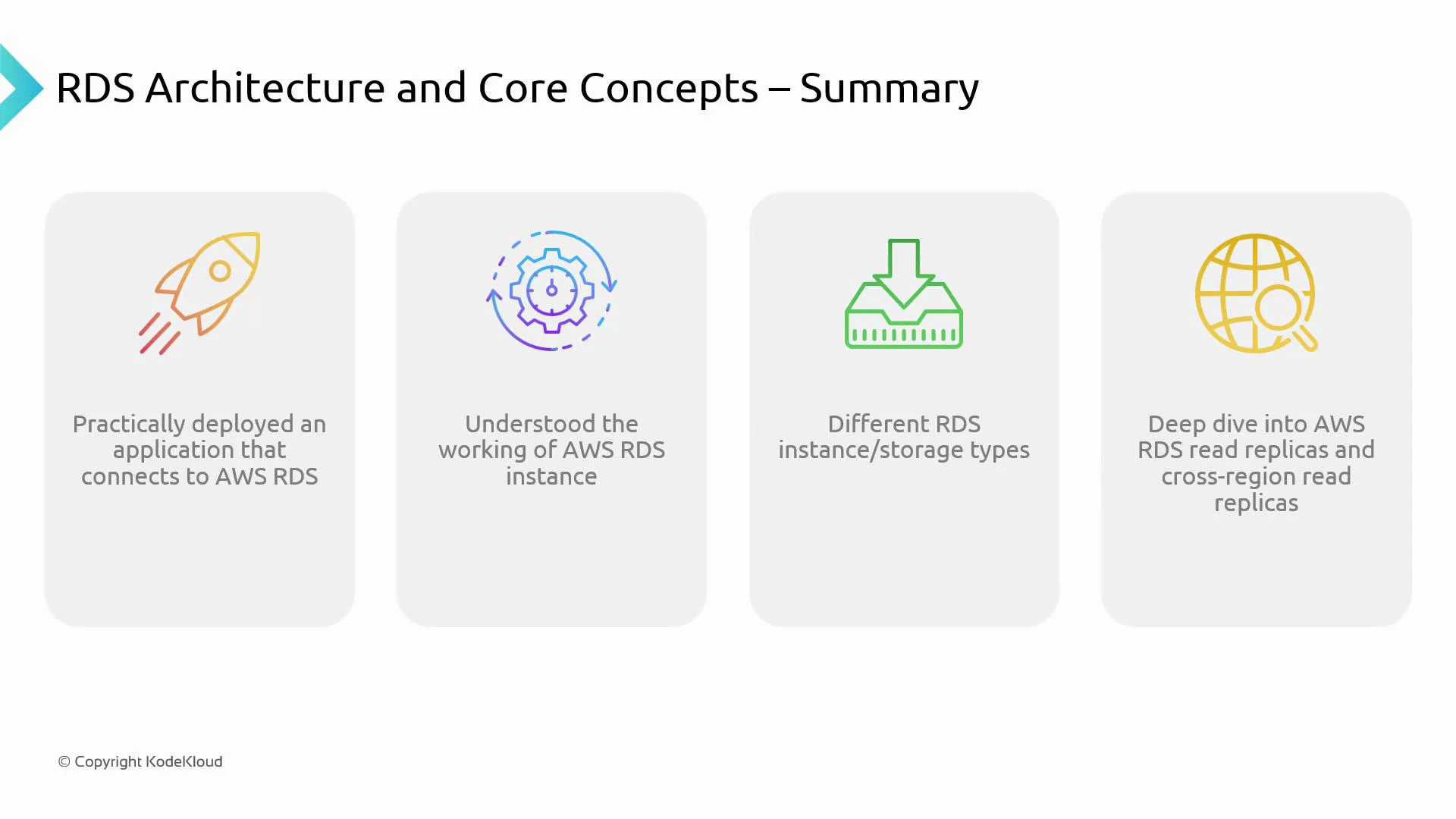
In this lesson we summarize AWS Relational Database Service (RDS) architecture and the key concepts covered: how applications connect to RDS, instance and storage choices, scaling patterns, and the operational controls needed to run production databases on AWS. The goal is to give you a compact reference that helps design, deploy, and operate RDS-backed applications.
 ## Key points to remember
### Application connectivity
* Applications connect to RDS using the database endpoint and port provided by the instance/cluster.
* Network access is controlled by VPC configuration, DB subnet groups, and security groups (ingress/egress rules).
* Ensure your DB subnet group and security group rules explicitly allow traffic from the application tier on the database port (e.g., 5432 for PostgreSQL, 3306 for MySQL).
### RDS instance fundamentals
* An RDS instance is a managed database server for a specific engine (MySQL, PostgreSQL, MariaDB, Oracle, SQL Server, or Amazon Aurora).
* Instance class determines vCPU and memory. Choose based on workload requirements (CPU-bound vs memory-bound).
* Use parameter groups to tune database engine settings and option groups to enable engine-specific features or extensions.
### Storage types and when to use them
Choose storage based on IOPS needs, latency, and cost:
| Storage Type | Best for | Notes |
| ------------------------------- | ------------------------------- | ------------------------------------------------------------------------------- |
| General Purpose SSD (gp2 / gp3) | Most general workloads | Balanced cost and performance; suitable for small-to-medium OLTP |
| Provisioned IOPS (io1 / io2) | High I/O, low-latency workloads | Use for demanding OLTP and heavy write/read workloads requiring consistent IOPS |
| Magnetic (standard) | Legacy / archival use only | Older generation — not recommended for new production deployments |
Consider throughput, burst behavior (gp2), and predictable IOPS (io1/io2) when selecting storage.
### Scalability options
* Read Replicas: Scale reads horizontally by creating read-only replicas. Ideal for read-heavy traffic and analytical offloads.
* Cross-Region Read Replicas: Replicate to another AWS region for regional read locality and part of a disaster recovery plan.
* Vertical scaling: Resize instance class (more CPU/memory) to handle increased workload; requires downtime or a restart depending on the engine and configuration.
Quick comparison:
| Scaling Pattern | Use Case | Impact |
| --------------------- | ------------------------- | ---------------------------------------------------------------------- |
| Read Replicas | Offload read traffic | Improves read throughput; replica lag must be considered |
| Cross-Region Replicas | Regional read access / DR | Higher latency for replication; useful for geo-read locality & backups |
| Vertical scaling | Sudden CPU/memory needs | Easier to implement but not as elastic as horizontal scaling |
### Availability and durability
* Multi-AZ deployments provide synchronous replication to a standby instance in another Availability Zone and automatic failover — recommended for production-critical databases.
* Automated backups enable point-in-time recovery (PITR) within the retention window; manual snapshots are useful for long-term retention or cloning.
* Use encryption at rest (AWS KMS) and in transit (TLS) to protect data.
### Operational aspects
* Monitoring: Use Amazon CloudWatch for key metrics (CPU, storage, disk I/O, connections). Enable RDS Enhanced Monitoring for OS-level metrics and performance insights for deeper query analysis.
* Maintenance: RDS performs engine patches and minor upgrades during a configured maintenance window. Test upgrades in staging before production.
* Security: Enforce least privilege with IAM for API access, configure network isolation (private subnets), enable encryption (KMS), and rotate credentials via AWS Secrets Manager.
### Practical experience
* Hands-on practice with the AWS Management Console (or CLI/SDK/CloudFormation/Terraform) helps you understand how networking, security, storage, and instance configuration interact.
* Practice common operational tasks: creating read replicas, triggering failovers (for Multi-AZ), restoring from snapshots, and validating backup/restores.
Best practices: use Multi-AZ for production-critical databases, choose Provisioned IOPS for high-IOPS workloads, and use Read Replicas to handle read-heavy traffic. Regularly test failover and backup/restore procedures as part of your operational runbook.
## Resources and references
* Amazon RDS documentation: [https://docs.aws.amazon.com/rds/](https://docs.aws.amazon.com/rds/)
* Amazon RDS Read Replicas: [https://docs.aws.amazon.com/AmazonRDS/latest/UserGuide/USER\_ReadRepl.html](https://docs.aws.amazon.com/AmazonRDS/latest/UserGuide/USER_ReadRepl.html)
* Multi-AZ deployments: [https://docs.aws.amazon.com/AmazonRDS/latest/UserGuide/Concepts.MultiAZ.html](https://docs.aws.amazon.com/AmazonRDS/latest/UserGuide/Concepts.MultiAZ.html)
* Amazon CloudWatch: [https://docs.aws.amazon.com/cloudwatch/](https://docs.aws.amazon.com/cloudwatch/)
* AWS IAM: [https://docs.aws.amazon.com/iam/](https://docs.aws.amazon.com/iam/)
* AWS KMS (Encryption): [https://docs.aws.amazon.com/kms/](https://docs.aws.amazon.com/kms/)
With these foundations you should be able to design and operate resilient, performant RDS-backed applications—selecting appropriate instance classes, storage types, and scaling strategies while following operational best practices.
## Key points to remember
### Application connectivity
* Applications connect to RDS using the database endpoint and port provided by the instance/cluster.
* Network access is controlled by VPC configuration, DB subnet groups, and security groups (ingress/egress rules).
* Ensure your DB subnet group and security group rules explicitly allow traffic from the application tier on the database port (e.g., 5432 for PostgreSQL, 3306 for MySQL).
### RDS instance fundamentals
* An RDS instance is a managed database server for a specific engine (MySQL, PostgreSQL, MariaDB, Oracle, SQL Server, or Amazon Aurora).
* Instance class determines vCPU and memory. Choose based on workload requirements (CPU-bound vs memory-bound).
* Use parameter groups to tune database engine settings and option groups to enable engine-specific features or extensions.
### Storage types and when to use them
Choose storage based on IOPS needs, latency, and cost:
| Storage Type | Best for | Notes |
| ------------------------------- | ------------------------------- | ------------------------------------------------------------------------------- |
| General Purpose SSD (gp2 / gp3) | Most general workloads | Balanced cost and performance; suitable for small-to-medium OLTP |
| Provisioned IOPS (io1 / io2) | High I/O, low-latency workloads | Use for demanding OLTP and heavy write/read workloads requiring consistent IOPS |
| Magnetic (standard) | Legacy / archival use only | Older generation — not recommended for new production deployments |
Consider throughput, burst behavior (gp2), and predictable IOPS (io1/io2) when selecting storage.
### Scalability options
* Read Replicas: Scale reads horizontally by creating read-only replicas. Ideal for read-heavy traffic and analytical offloads.
* Cross-Region Read Replicas: Replicate to another AWS region for regional read locality and part of a disaster recovery plan.
* Vertical scaling: Resize instance class (more CPU/memory) to handle increased workload; requires downtime or a restart depending on the engine and configuration.
Quick comparison:
| Scaling Pattern | Use Case | Impact |
| --------------------- | ------------------------- | ---------------------------------------------------------------------- |
| Read Replicas | Offload read traffic | Improves read throughput; replica lag must be considered |
| Cross-Region Replicas | Regional read access / DR | Higher latency for replication; useful for geo-read locality & backups |
| Vertical scaling | Sudden CPU/memory needs | Easier to implement but not as elastic as horizontal scaling |
### Availability and durability
* Multi-AZ deployments provide synchronous replication to a standby instance in another Availability Zone and automatic failover — recommended for production-critical databases.
* Automated backups enable point-in-time recovery (PITR) within the retention window; manual snapshots are useful for long-term retention or cloning.
* Use encryption at rest (AWS KMS) and in transit (TLS) to protect data.
### Operational aspects
* Monitoring: Use Amazon CloudWatch for key metrics (CPU, storage, disk I/O, connections). Enable RDS Enhanced Monitoring for OS-level metrics and performance insights for deeper query analysis.
* Maintenance: RDS performs engine patches and minor upgrades during a configured maintenance window. Test upgrades in staging before production.
* Security: Enforce least privilege with IAM for API access, configure network isolation (private subnets), enable encryption (KMS), and rotate credentials via AWS Secrets Manager.
### Practical experience
* Hands-on practice with the AWS Management Console (or CLI/SDK/CloudFormation/Terraform) helps you understand how networking, security, storage, and instance configuration interact.
* Practice common operational tasks: creating read replicas, triggering failovers (for Multi-AZ), restoring from snapshots, and validating backup/restores.
Best practices: use Multi-AZ for production-critical databases, choose Provisioned IOPS for high-IOPS workloads, and use Read Replicas to handle read-heavy traffic. Regularly test failover and backup/restore procedures as part of your operational runbook.
## Resources and references
* Amazon RDS documentation: [https://docs.aws.amazon.com/rds/](https://docs.aws.amazon.com/rds/)
* Amazon RDS Read Replicas: [https://docs.aws.amazon.com/AmazonRDS/latest/UserGuide/USER\_ReadRepl.html](https://docs.aws.amazon.com/AmazonRDS/latest/UserGuide/USER_ReadRepl.html)
* Multi-AZ deployments: [https://docs.aws.amazon.com/AmazonRDS/latest/UserGuide/Concepts.MultiAZ.html](https://docs.aws.amazon.com/AmazonRDS/latest/UserGuide/Concepts.MultiAZ.html)
* Amazon CloudWatch: [https://docs.aws.amazon.com/cloudwatch/](https://docs.aws.amazon.com/cloudwatch/)
* AWS IAM: [https://docs.aws.amazon.com/iam/](https://docs.aws.amazon.com/iam/)
* AWS KMS (Encryption): [https://docs.aws.amazon.com/kms/](https://docs.aws.amazon.com/kms/)
With these foundations you should be able to design and operate resilient, performant RDS-backed applications—selecting appropriate instance classes, storage types, and scaling strategies while following operational best practices.