> ## Documentation Index
> Fetch the complete documentation index at: https://notes.kodekloud.com/llms.txt
> Use this file to discover all available pages before exploring further.
# Security Best Practices for Amazon RDS
> Security best practices for Amazon RDS focusing on IAM identities, least privilege, IAM roles, credential rotation, Secrets Manager usage, logging, and auditability
Welcome back. This lesson summarizes recommended AWS guidelines for securing Amazon RDS. These recommendations reduce risk, simplify administration, and help meet compliance requirements when multiple people or services access your databases.
Why this matters
* Databases hold sensitive data and credentials; misconfiguration or shared credentials increases attack surface.
* Applying least privilege, enforcing strong identity controls, and automating secret rotation minimize the window of exposure and simplify audits.
Key recommendations
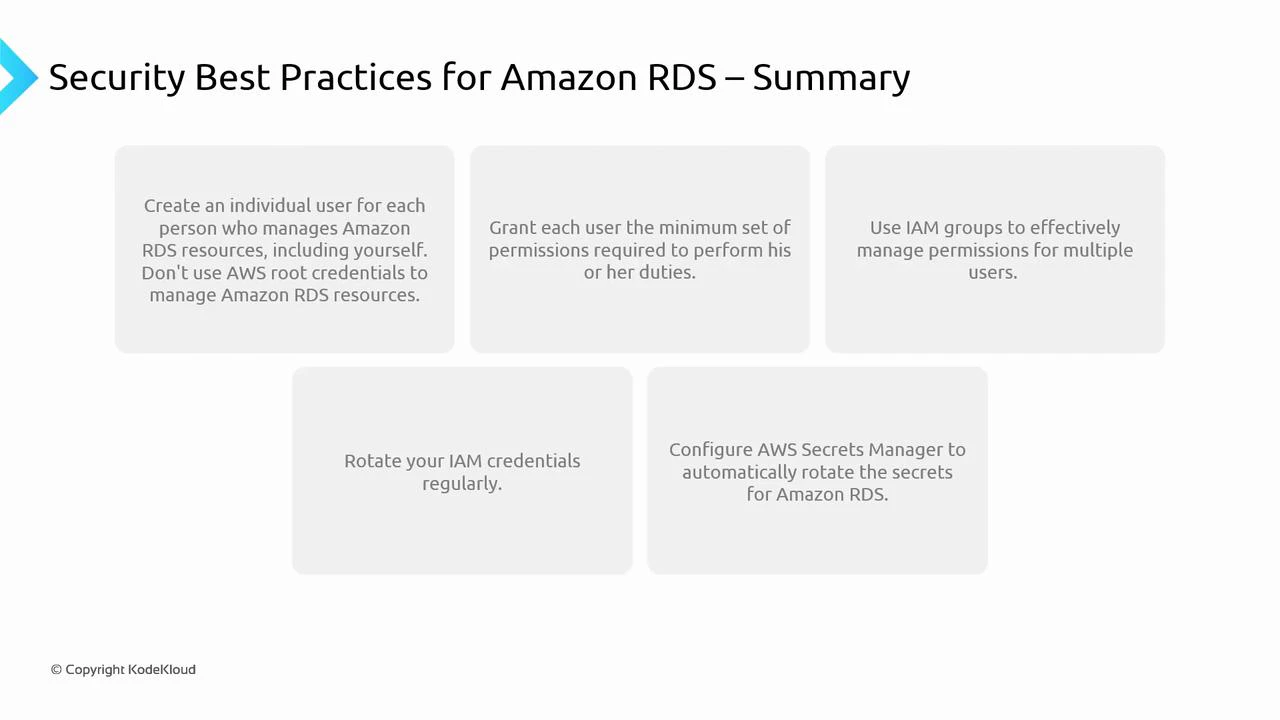
* Create individual identities: Give each team member their own IAM user or role. Never share credentials. Individual identities provide an audit trail and enable per-user access control.
* Avoid using the root account: Reserve the AWS account root user for account-level tasks (billing, account settings). Protect it with a strong password and MFA.
* Apply least privilege: Grant only the permissions required — e.g., read-only SELECT rather than CREATE/ALTER where appropriate. Use tightly scoped IAM policies for actions and resources.
* Use IAM groups and roles: Manage permissions by grouping users and attaching policies to those groups. For services, prefer IAM roles (EC2 instance roles, ECS task roles, Lambda execution roles) that issue temporary credentials via STS.
* Rotate credentials regularly: Rotate IAM keys and database passwords on a schedule. Automated rotation reduces exposure from leaked credentials.
* Use AWS Secrets Manager or Systems Manager Parameter Store: Store database credentials and secrets centrally and securely. Configure automatic rotation where supported so applications retrieve updated credentials without downtime.
Quick summary table
| Recommendation | Purpose | Example / Where to start |
| ---------------------: | -------------------------------------------- | ----------------------------------------------- |
| Individual identities | Auditability & per-user controls | Create IAM users and roles; enable CloudTrail |
| Root user protection | Minimize high-privilege exposure | Enable MFA on root; avoid routine use |
| Least privilege | Limit blast radius | Use resource-scoped IAM policies (`rds:db:arn`) |
| IAM roles for services | Temporary credentials, no long-lived secrets | Use EC2/ECS/Lambda execution roles |
| Automated rotation | Reduce credential exposure | Use Secrets Manager rotation for RDS |
| Central secret store | Secure, auditable secret access | AWS Secrets Manager / Parameter Store |
Managing service credentials and rotation
* Prefer IAM roles and instance/task roles for services that access RDS. Roles produce temporary credentials rotated by AWS and eliminate long-lived IAM user keys.
* If your app requires database usernames/passwords, use AWS Secrets Manager to manage and auto-rotate those credentials. Applications can retrieve secrets via the Secrets Manager SDK or the AWS SDK integration.
* Ensure all rotation policies are consistently applied across environments (dev, staging, prod) and include monitoring for rotation failures.
Operational practices
* Enforce strong password policies and require MFA for interactive access where possible.
* Regularly review IAM policies, group memberships, and role assumptions to remove unnecessary privileges.
* Enable and review CloudTrail for control-plane events, and enable RDS logging (e.g., general logs, audit logs, enhanced monitoring) for data-plane activity.
* Integrate logging and alerts into your SIEM or monitoring stack to respond to suspicious activity quickly.
Practical checklist
* [ ] Create per-user IAM identities and enable CloudTrail
* [ ] Enable MFA for root and privileged users
* [ ] Replace long-lived credentials with IAM roles for services
* [ ] Move DB credentials to Secrets Manager with auto-rotation
* [ ] Audit IAM policies quarterly and remove unused roles
* [ ] Enable RDS and OS-level logging and forward logs to your monitoring system
References and further reading
* [AWS IAM Best Practices](https://docs.aws.amazon.com/IAM/latest/UserGuide/best-practices.html)
* [Amazon RDS Security Overview](https://docs.aws.amazon.com/AmazonRDS/latest/UserGuide/Overview.Security.html)
* [AWS Secrets Manager](https://docs.aws.amazon.com/secretsmanager/latest/userguide/intro.html)
* [AWS CloudTrail User Guide](https://docs.aws.amazon.com/awscloudtrail/latest/userguide/cloudtrail-user-guide.html)
 Follow the principle of least privilege and automate secret rotation wherever possible. Prefer IAM roles and temporary credentials for services, and use Secrets Manager for application-facing secrets to minimize operational risk.