> ## Documentation Index
> Fetch the complete documentation index at: https://notes.kodekloud.com/llms.txt
> Use this file to discover all available pages before exploring further.
# Overview of RDS and its benefits
> Overview of AWS RDS and its benefits, covering managed relational databases, fast provisioning, high availability, disaster recovery, scaling, security, and reduced operational overhead.
Hello and welcome back.
In previous lessons we discussed why applications need databases and the cloud options for running them. This lesson introduces AWS RDS — Amazon's managed Relational Database Service — and explains why many teams choose RDS instead of running databases on-premises.
At a high level, AWS RDS provides a managed environment for relational databases so you can focus on your application rather than day-to-day database operations. RDS delivers fast provisioning, flexible scaling, automated maintenance, and built-in resiliency. It supports multiple database engines out of the box, including MySQL, PostgreSQL, MariaDB, Oracle, Microsoft SQL Server, and Amazon Aurora.
Key benefits
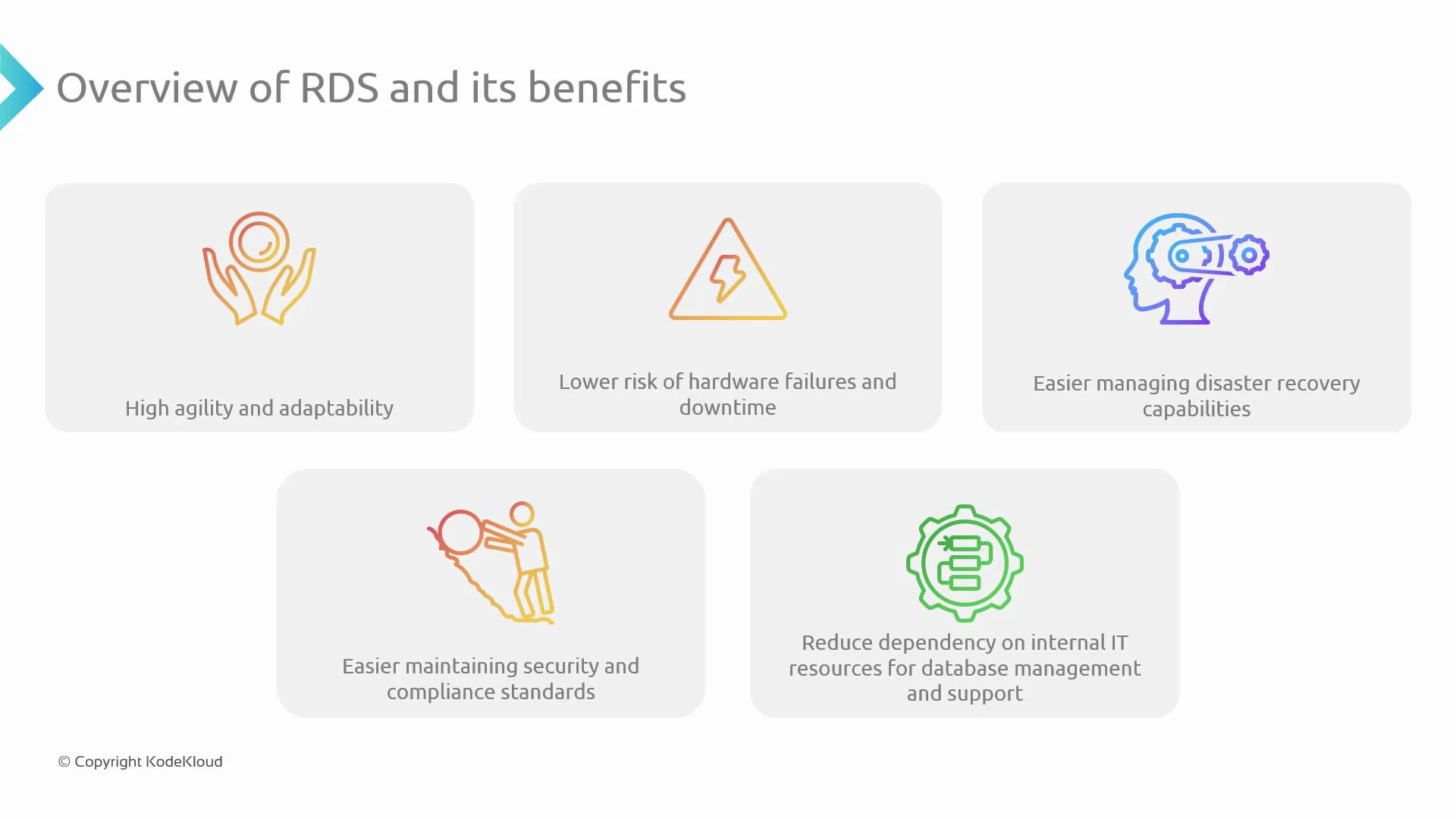
* Fast provisioning and agility\
Launch new database instances quickly and iterate faster. RDS automates provisioning and common operational tasks so development cycles accelerate.
* Reduced hardware risk and less downtime\
AWS manages the underlying infrastructure. Features such as automated backups, storage-level redundancy, and Multi-AZ deployments minimize the impact of hardware failures.
* Simplified disaster recovery\
Built-in features like automated backups, point-in-time recovery, cross-region read replicas, and Multi-AZ failover make recovery straightforward and predictable.
* Strong security and compliance controls\
RDS integrates with AWS Identity and Access Management (IAM), supports encryption at rest (AWS KMS) and in transit (TLS), and provides audit logging to help meet regulatory requirements.
* Lower operational overhead for DB administration\
Routine tasks—OS and engine patching, backup orchestration, monitoring, and snapshot management—are handled by AWS, freeing internal teams to focus on application logic and business features.
Summary of benefits and relevant RDS features
| Benefit | RDS features | Example |
| --------------------------: | ----------------------------------------------------------- | ----------------------------------------------- |
| Fast provisioning & agility | Managed instance types, parameter groups, automated backups | `CreateDBInstance` or Console launch in minutes |
| Lower hardware risk | Multi-AZ deployments, storage redundancy | Automated failover to standby instance |
| Disaster recovery | Automated backups, point-in-time recovery, read replicas | Promote cross-region read replica for DR |
| Security & compliance | IAM integration, KMS encryption, VPC, audit logs | Enable encryption-at-rest with KMS |
| Reduced ops overhead | Automated patching, snapshots, monitoring | Use Performance Insights and CloudWatch metrics |
 What we'll explore
We will walk through the specific RDS capabilities that deliver the benefits above:
* High availability and durability\
Multi-AZ deployments, automated backups, storage redundancy, and failover behavior.
* Scaling strategies\
Vertical scaling (changing instance class) and horizontal scaling with read replicas (including cross-region replicas and Amazon Aurora replicas).
* Backup and recovery options\
Automated backups, manual snapshots, and point-in-time restore workflows.
* Security controls and compliance features\
Network isolation (VPC), IAM authentication and authorization, encryption with AWS KMS, and audit logging.
* Operational tooling and monitoring\
Amazon CloudWatch for metrics and alarms, Performance Insights for query analysis, and automated engine patching.
When planning RDS for production, consider both availability and cost: Multi-AZ improves resilience but increases cost; read replicas improve read scalability while leaving writes on the primary. Choose the DB engine and instance sizing based on workload patterns, replication needs, and backup/restore RTO/RPO goals.
That is it for this lesson. In later lessons we'll dive deeper into Multi-AZ architecture, read replica strategies, backup and restore procedures, and the security controls that protect your RDS instances.
Links and references
* [AWS RDS product page](https://aws.amazon.com/rds/)
* [AWS Identity and Access Management (IAM)](https://docs.aws.amazon.com/iam/)
* [AWS Key Management Service (KMS)](https://aws.amazon.com/kms/)
* [Amazon CloudWatch](https://docs.aws.amazon.com/cloudwatch/)
* [Amazon RDS documentation](https://docs.aws.amazon.com/rds/)
What we'll explore
We will walk through the specific RDS capabilities that deliver the benefits above:
* High availability and durability\
Multi-AZ deployments, automated backups, storage redundancy, and failover behavior.
* Scaling strategies\
Vertical scaling (changing instance class) and horizontal scaling with read replicas (including cross-region replicas and Amazon Aurora replicas).
* Backup and recovery options\
Automated backups, manual snapshots, and point-in-time restore workflows.
* Security controls and compliance features\
Network isolation (VPC), IAM authentication and authorization, encryption with AWS KMS, and audit logging.
* Operational tooling and monitoring\
Amazon CloudWatch for metrics and alarms, Performance Insights for query analysis, and automated engine patching.
When planning RDS for production, consider both availability and cost: Multi-AZ improves resilience but increases cost; read replicas improve read scalability while leaving writes on the primary. Choose the DB engine and instance sizing based on workload patterns, replication needs, and backup/restore RTO/RPO goals.
That is it for this lesson. In later lessons we'll dive deeper into Multi-AZ architecture, read replica strategies, backup and restore procedures, and the security controls that protect your RDS instances.
Links and references
* [AWS RDS product page](https://aws.amazon.com/rds/)
* [AWS Identity and Access Management (IAM)](https://docs.aws.amazon.com/iam/)
* [AWS Key Management Service (KMS)](https://aws.amazon.com/kms/)
* [Amazon CloudWatch](https://docs.aws.amazon.com/cloudwatch/)
* [Amazon RDS documentation](https://docs.aws.amazon.com/rds/)