> ## Documentation Index
> Fetch the complete documentation index at: https://notes.kodekloud.com/llms.txt
> Use this file to discover all available pages before exploring further.
# Course Introduction
> Introductory course teaching practical AWS SageMaker workflows including data preparation, training, model registry, deployment and monitoring with notebooks and the SageMaker Python SDK
Welcome — in this lesson we'll introduce the course, explain common challenges and realizations when learning AWS SageMaker, outline the topics we'll cover, and finish with the key takeaways that will prepare you for the remaining lessons.
Let’s begin with the common challenges learners face and some important realizations.
 ## Challenges & key realizations
When you first explore AWS, it’s common to use the Management Console interactively. Services such as EC2 reveal clear concepts (instances, start/stop), and the console alone gives you useful feedback. SageMaker is different: it’s a set of developer-focused tools intended for code-first workflows. The console exposes models, training and processing jobs, endpoints, and more — but many entries are empty until you understand the underlying sequence of steps and code required to build and deploy a model.
## Challenges & key realizations
When you first explore AWS, it’s common to use the Management Console interactively. Services such as EC2 reveal clear concepts (instances, start/stop), and the console alone gives you useful feedback. SageMaker is different: it’s a set of developer-focused tools intended for code-first workflows. The console exposes models, training and processing jobs, endpoints, and more — but many entries are empty until you understand the underlying sequence of steps and code required to build and deploy a model.
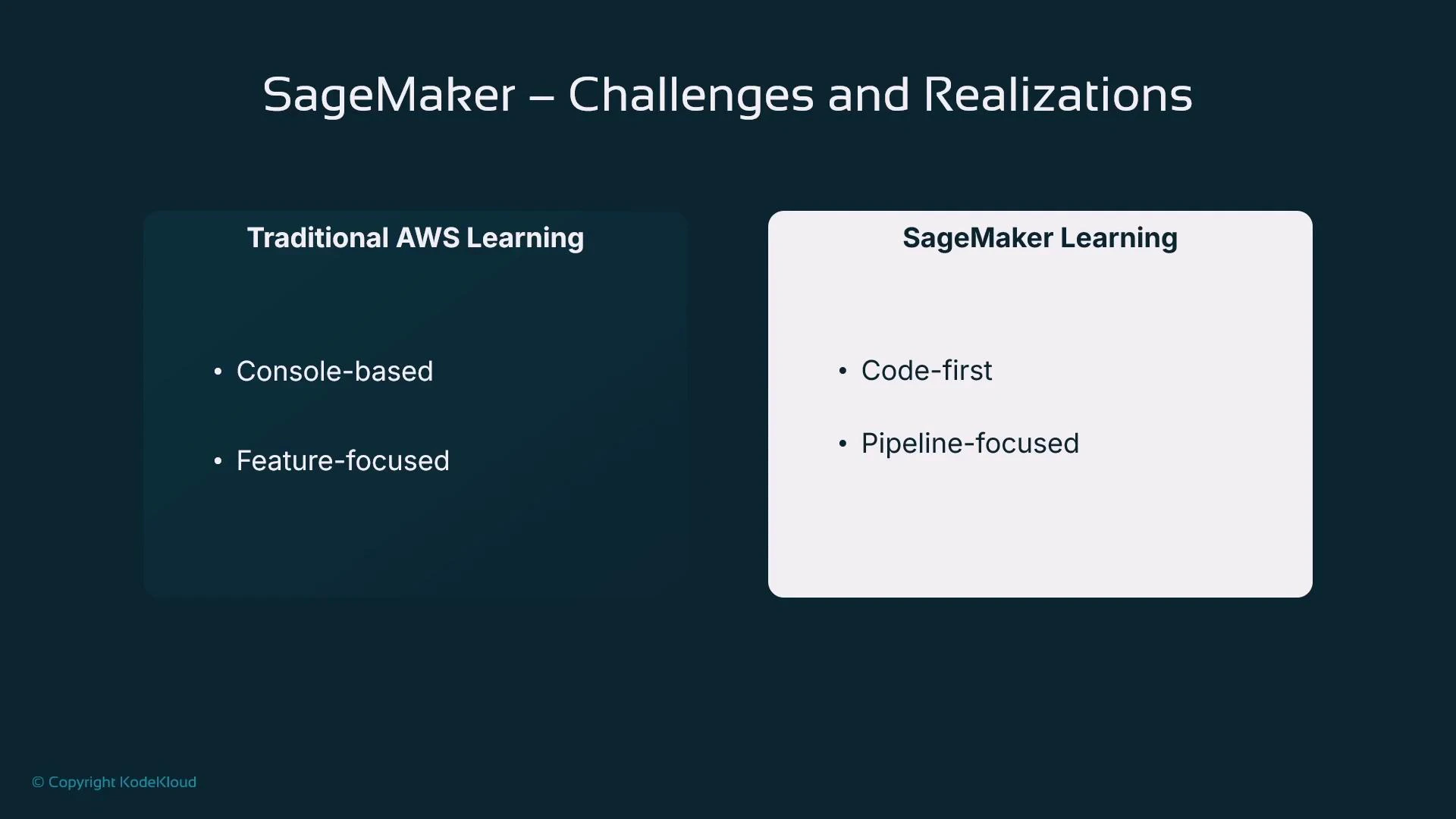 SageMaker is best learned as a pipeline: data preparation → training → evaluation → deployment → monitoring. The console helps manage resources, but you’ll usually interact through notebooks or Python code (the SageMaker SDK) to run reproducible workflows.
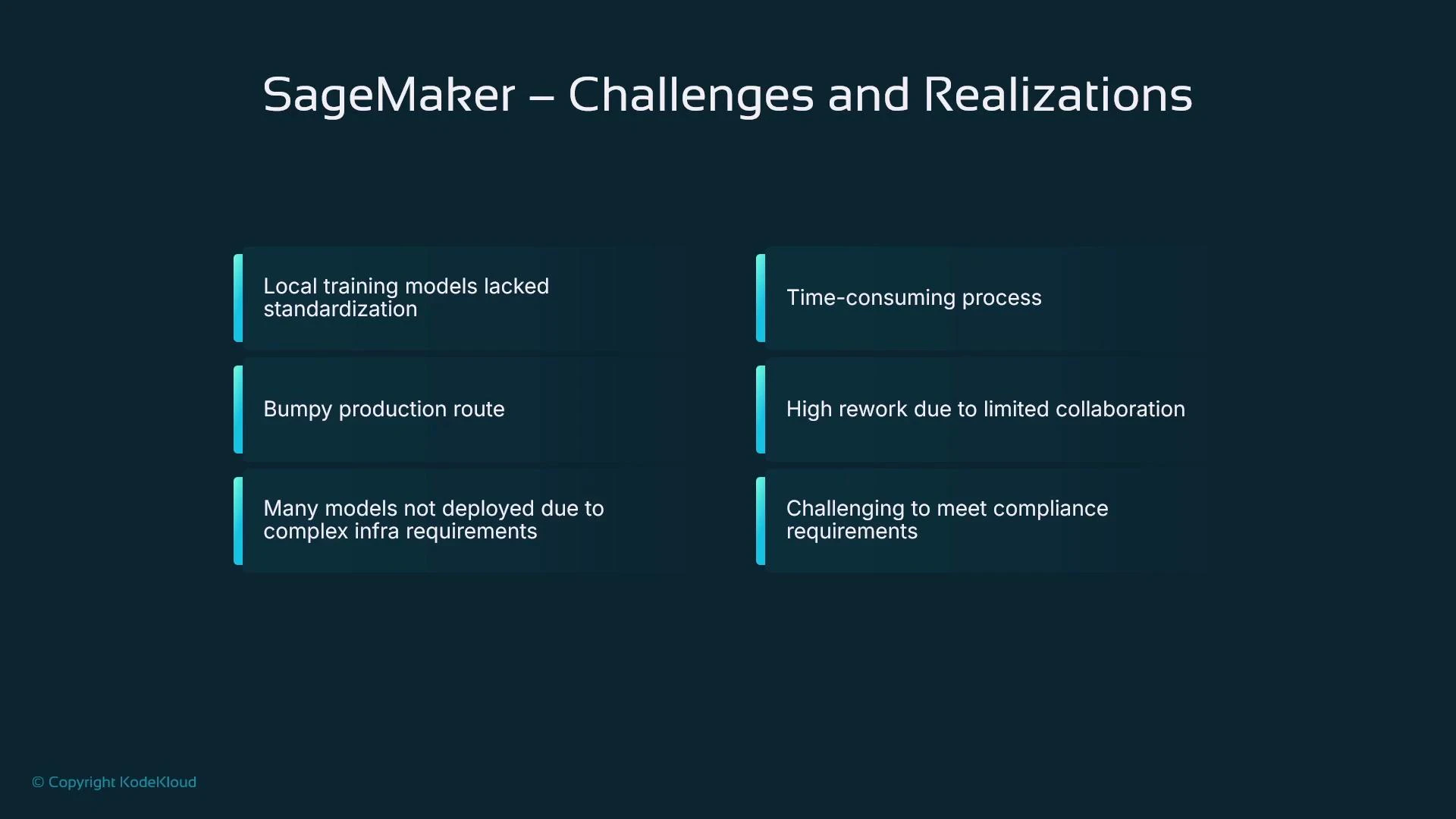
SageMaker’s apparent complexity often reflects real-world challenges of taking data to a production-ready model. In large organizations, inconsistent local setups (different IDEs, frameworks, and toolchains) create duplicated effort and many models that never reach production. The root cause is typically a lack of standardized, governed processes and reproducible tooling — not SageMaker itself.
A properly governed ML platform like SageMaker helps teams standardize workflows, encourage reuse, and reduce the friction between prototype and production. The so-called “last-mile problem” (moving a model from a developer laptop to a compliant, monitored production environment) is where many projects stall, because production introduces requirements that are often unfamiliar to pure research workflows: enterprise security, auditability, explainability, bias detection, data leakage prevention, and ongoing monitoring.
SageMaker is best learned as a pipeline: data preparation → training → evaluation → deployment → monitoring. The console helps manage resources, but you’ll usually interact through notebooks or Python code (the SageMaker SDK) to run reproducible workflows.
SageMaker’s apparent complexity often reflects real-world challenges of taking data to a production-ready model. In large organizations, inconsistent local setups (different IDEs, frameworks, and toolchains) create duplicated effort and many models that never reach production. The root cause is typically a lack of standardized, governed processes and reproducible tooling — not SageMaker itself.
A properly governed ML platform like SageMaker helps teams standardize workflows, encourage reuse, and reduce the friction between prototype and production. The so-called “last-mile problem” (moving a model from a developer laptop to a compliant, monitored production environment) is where many projects stall, because production introduces requirements that are often unfamiliar to pure research workflows: enterprise security, auditability, explainability, bias detection, data leakage prevention, and ongoing monitoring.
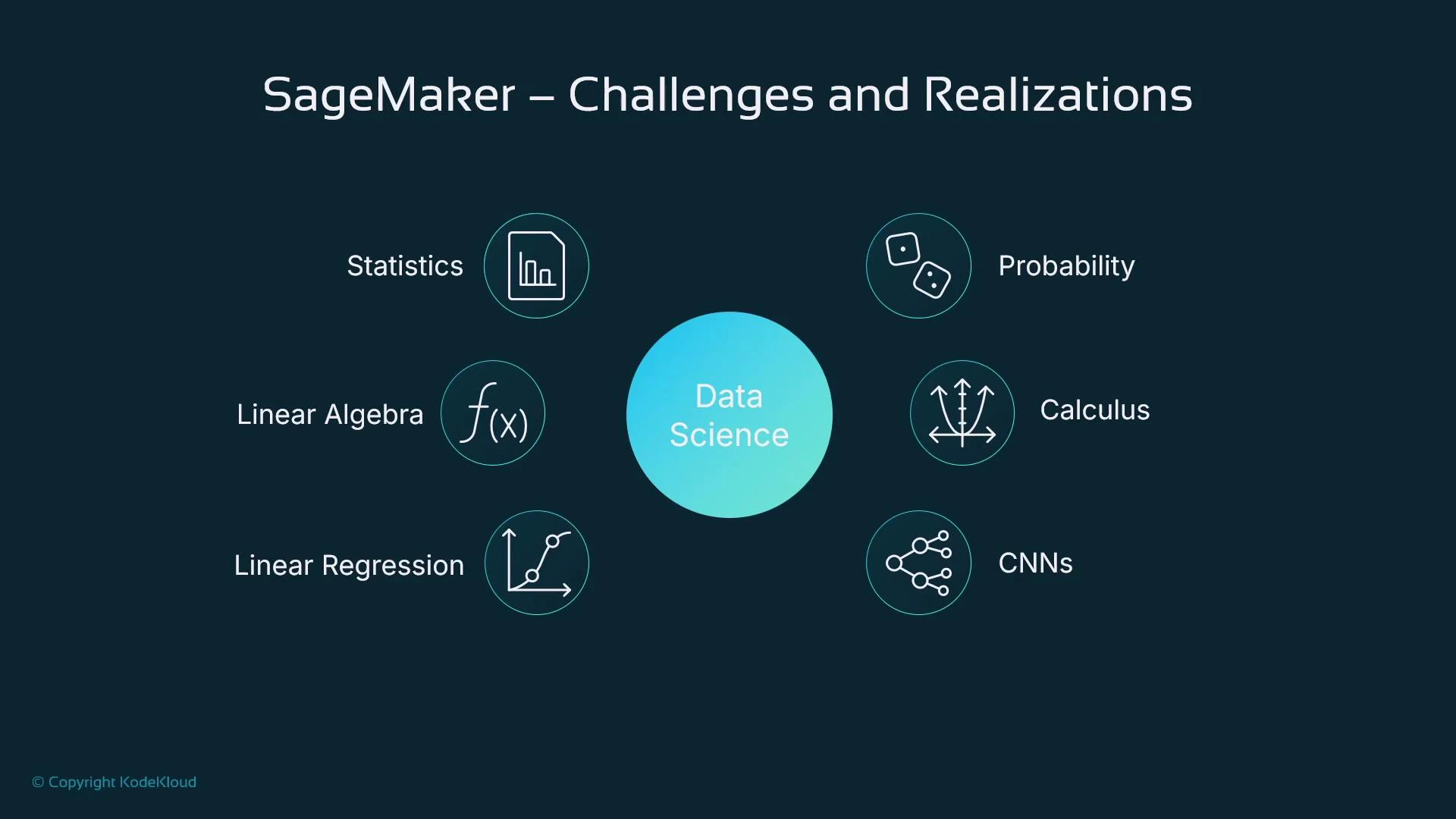
 You do not need a PhD to be productive with SageMaker. This course focuses on practical, applied skills — “just enough” statistics and linear algebra to understand model training and evaluation so you can build, deploy, and monitor simple models in a reproducible way. If you later decide to study deeper theoretical topics, you’ll have the practical foundation to apply them.
 ### Intuition: a simple example
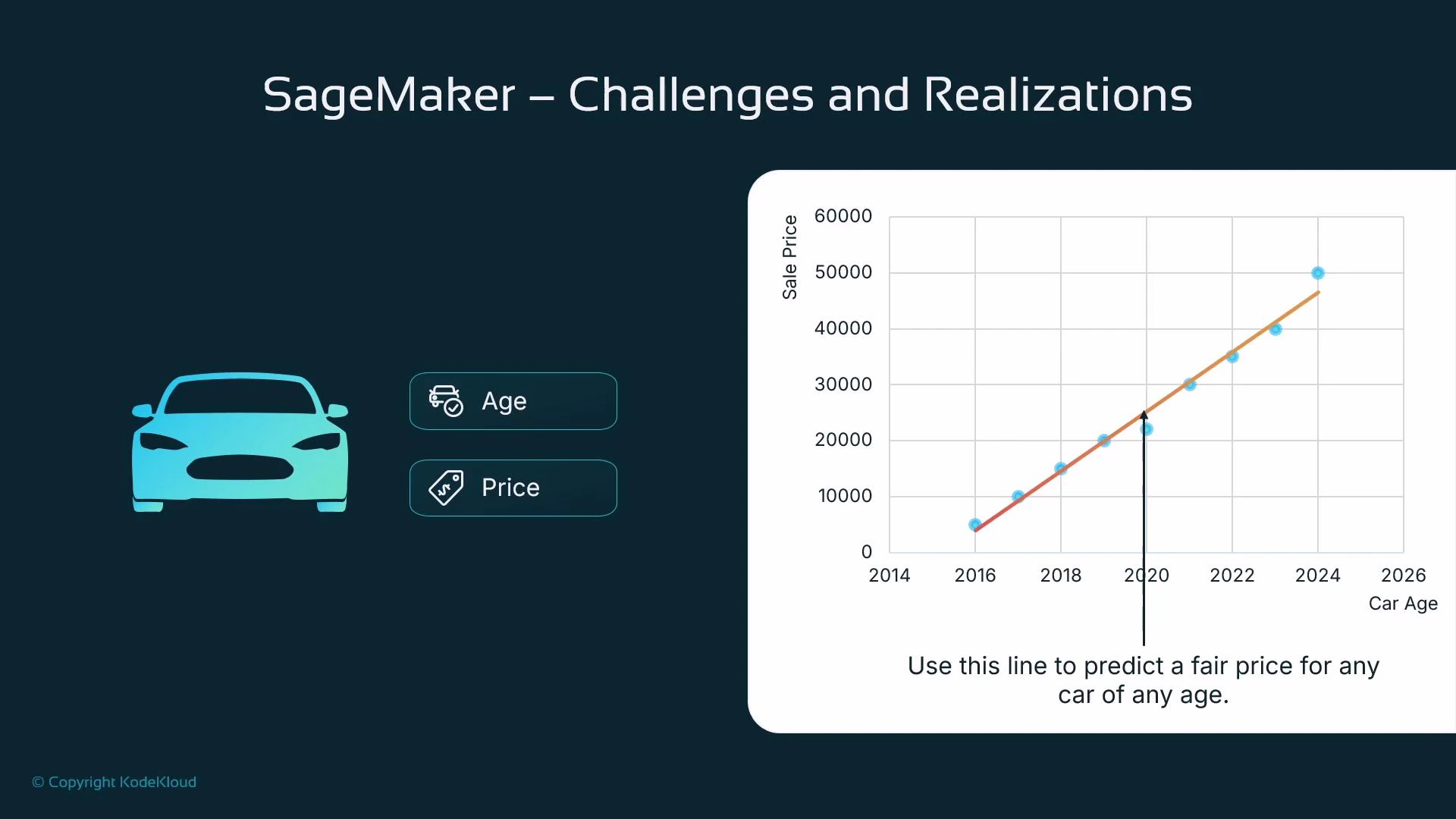
Imagine trying to predict the price of a used car. A single feature like car age often correlates with price: older cars tend to be cheaper. If you plot price vs. age and fit a line, you can use that line to predict price for any age — this is linear regression in a nutshell.
### Intuition: a simple example
Imagine trying to predict the price of a used car. A single feature like car age often correlates with price: older cars tend to be cheaper. If you plot price vs. age and fit a line, you can use that line to predict price for any age — this is linear regression in a nutshell.
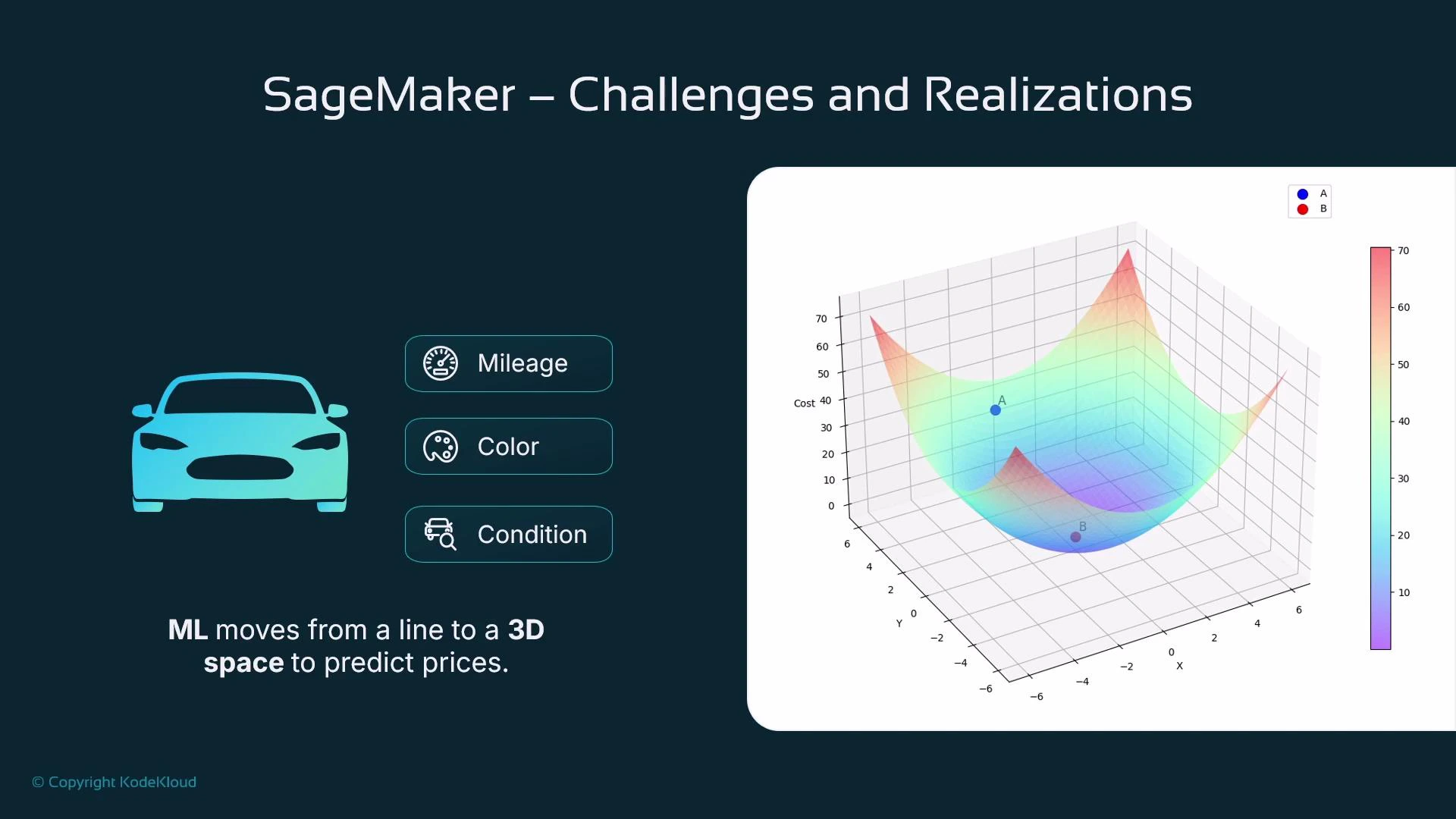
 Add more features — mileage, color, condition — and the model becomes multi-dimensional. Two features give you a surface (a hyperplane in 3D); many features produce a high-dimensional surface that linear algebra and optimization methods can still fit. Training a model means finding that best-fit surface across all features.
 ## The ML pipeline (conceptual sequence)
When we say “pipeline” here, we mean the sequence of steps that takes raw data to a hosted model:
* Collect data (e.g., scraped car listings with prices)
* Prepare and shape data (cleansing, feature engineering)
* Train the model (fit parameters to minimize loss)
* Evaluate the model (measure generalization on held-out data)
* Deploy the model (host for online or batch inference)
* Monitor the model in production (performance, drift, fairness, and alerts)
SageMaker provides tools for many of these steps, but you need a specific use case to make the tooling meaningful.
## The ML pipeline (conceptual sequence)
When we say “pipeline” here, we mean the sequence of steps that takes raw data to a hosted model:
* Collect data (e.g., scraped car listings with prices)
* Prepare and shape data (cleansing, feature engineering)
* Train the model (fit parameters to minimize loss)
* Evaluate the model (measure generalization on held-out data)
* Deploy the model (host for online or batch inference)
* Monitor the model in production (performance, drift, fairness, and alerts)
SageMaker provides tools for many of these steps, but you need a specific use case to make the tooling meaningful.
 ## Roles & responsibilities
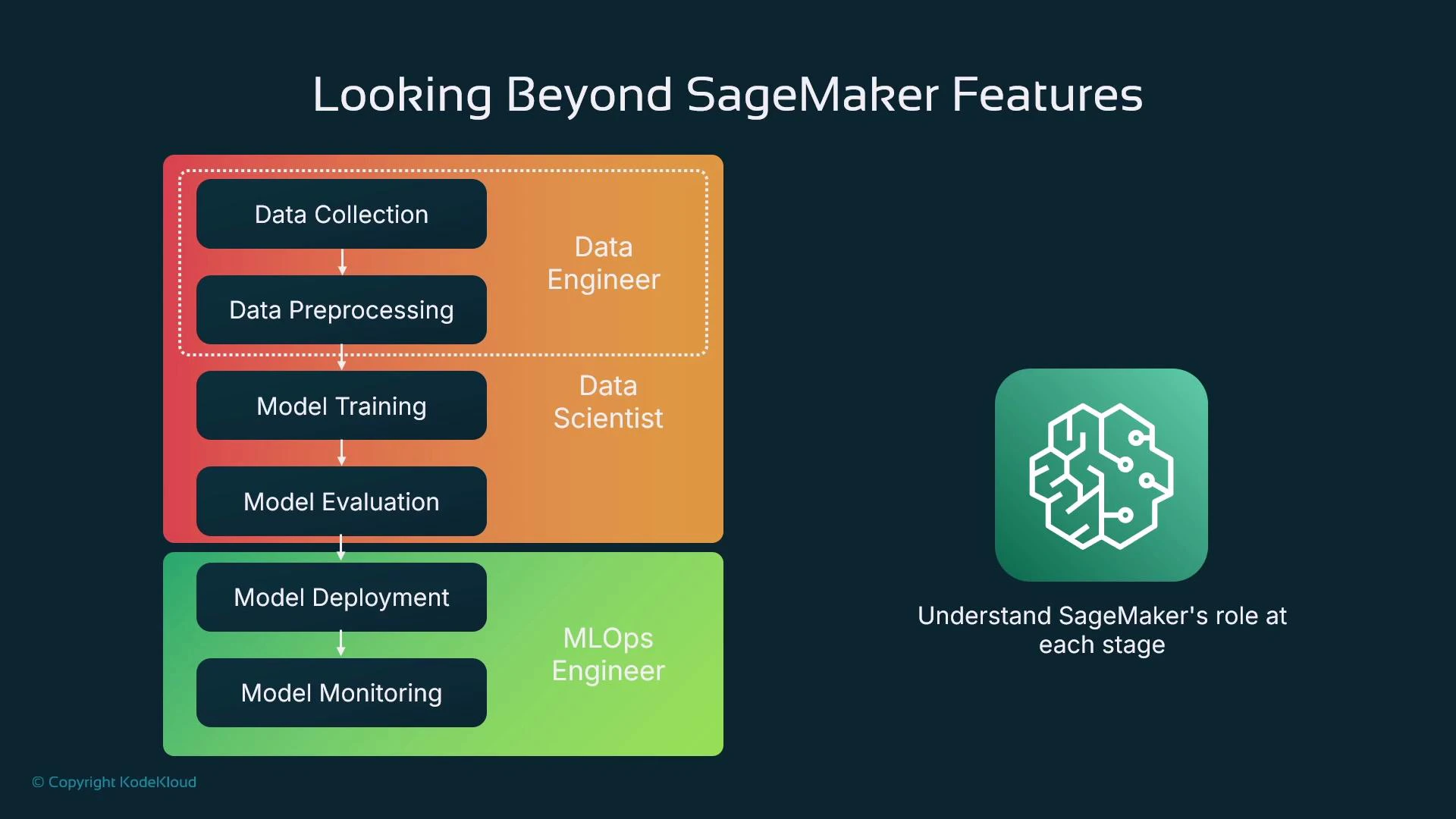
When teams scale, responsibilities typically split as follows:
| Role | Primary responsibilities | Typical tools |
| -------------- | --------------------------------------------------------------------------------- | ------------------------------------------------------ |
| Data engineer | Ingests data, builds ETL pipelines, ensures dataset quality and scale | AWS Glue, S3, Spark |
| Data scientist | Explores data, engineers features, selects and trains models | Jupyter, SageMaker SDK, scikit-learn, TensorFlow |
| MLOps engineer | Packages models, automates deployment, manages inference endpoints and monitoring | SageMaker endpoints, CI/CD, CloudWatch, Model Registry |
In this course you’ll often act as a solo practitioner wearing multiple hats, but understanding the division of work helps when you move to team-based MLOps.
## Roles & responsibilities
When teams scale, responsibilities typically split as follows:
| Role | Primary responsibilities | Typical tools |
| -------------- | --------------------------------------------------------------------------------- | ------------------------------------------------------ |
| Data engineer | Ingests data, builds ETL pipelines, ensures dataset quality and scale | AWS Glue, S3, Spark |
| Data scientist | Explores data, engineers features, selects and trains models | Jupyter, SageMaker SDK, scikit-learn, TensorFlow |
| MLOps engineer | Packages models, automates deployment, manages inference endpoints and monitoring | SageMaker endpoints, CI/CD, CloudWatch, Model Registry |
In this course you’ll often act as a solo practitioner wearing multiple hats, but understanding the division of work helps when you move to team-based MLOps.
 ## Scope and topics (what we'll cover)
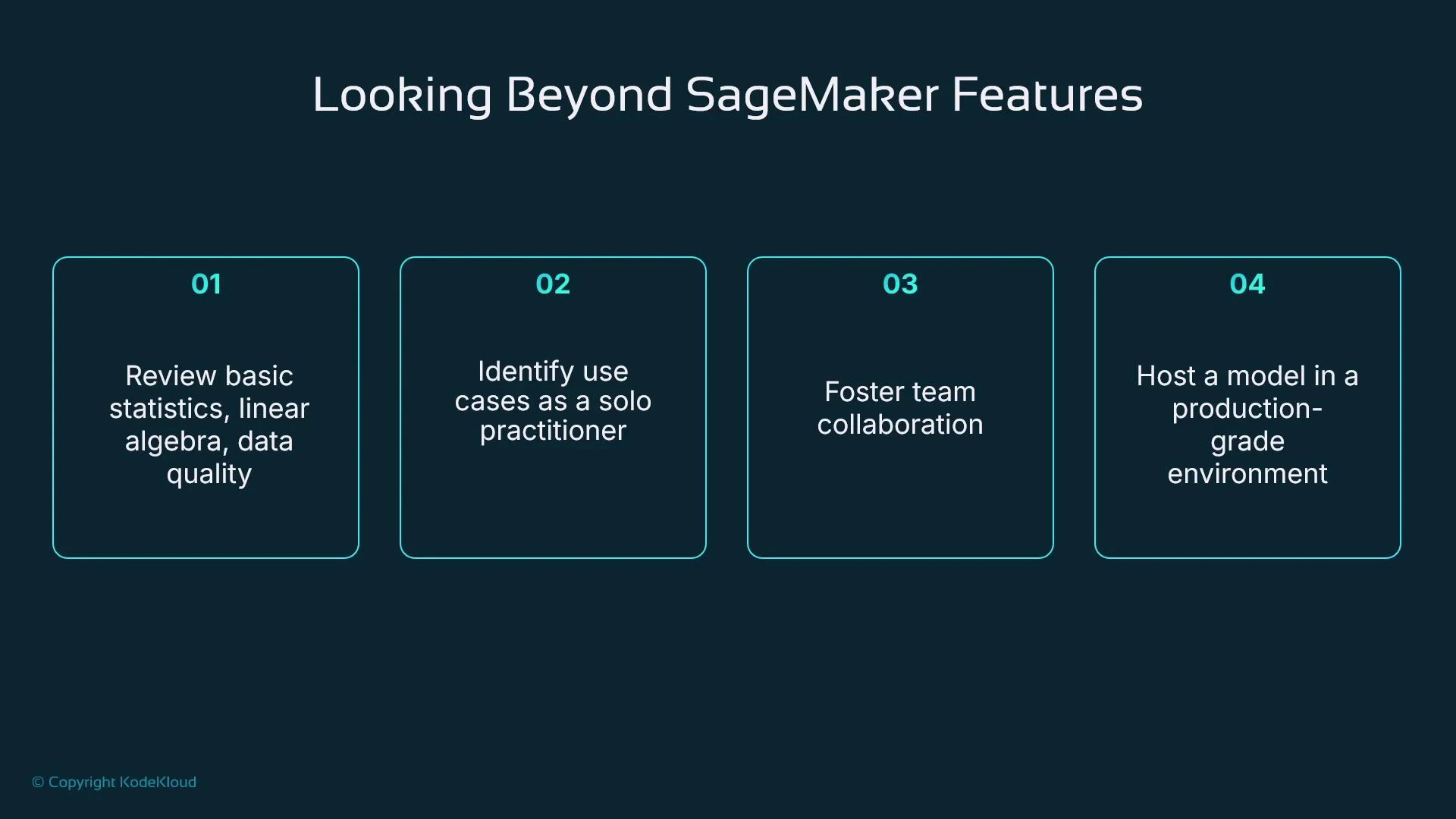
We focus on core, practical topics that get you productive with SageMaker and ML engineering:
| Topic area | Description |
| ---------------------------------- | ------------------------------------------------------------------- |
| Statistics & linear algebra | Basic measures (mean, std), vectors and matrices for training |
| Data quality & feature engineering | Cleaning, transforming, and preparing tabular data |
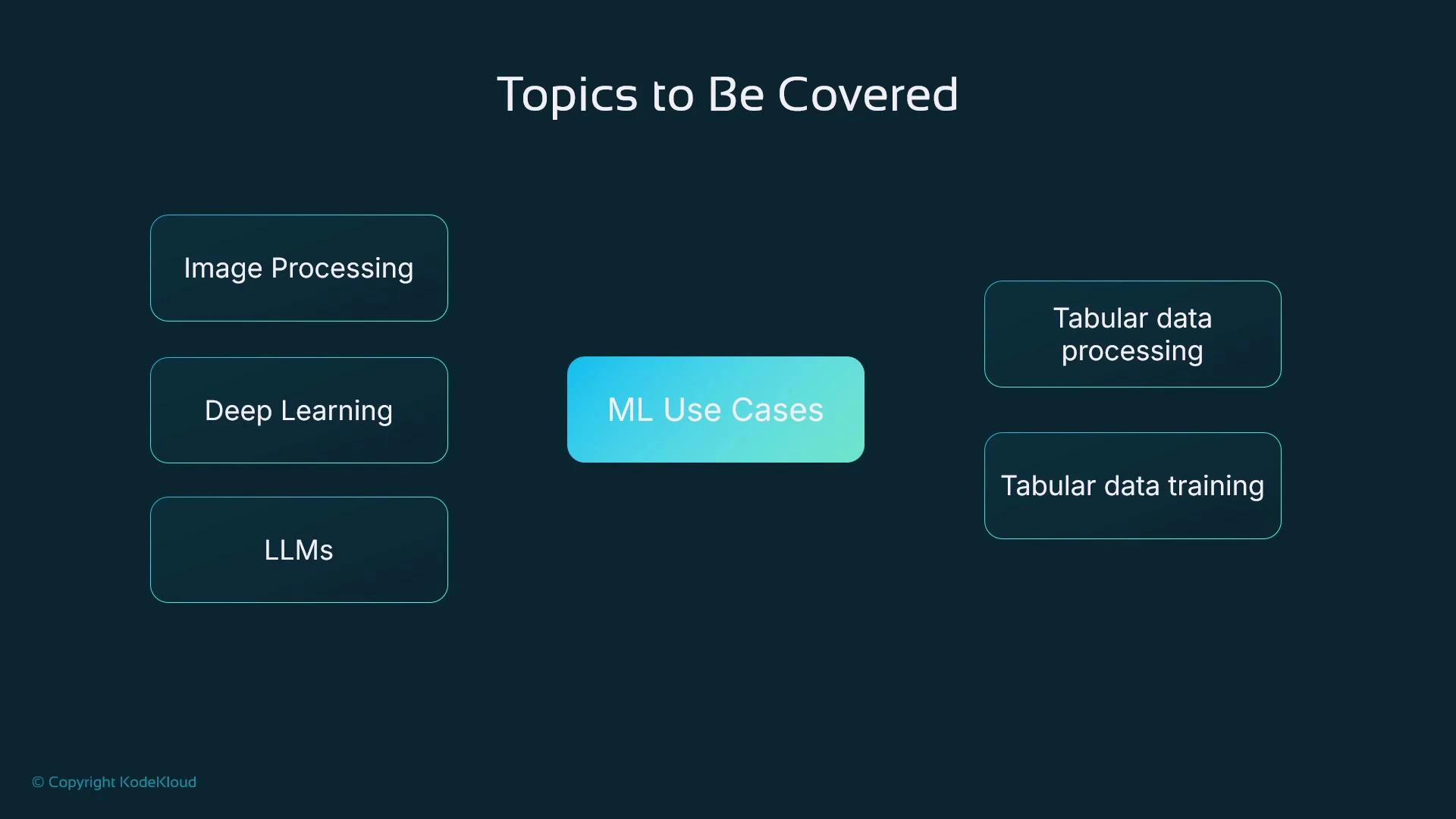
| ML use cases | Tabular data (primary focus), image processing, deep learning, LLMs |
| SageMaker product focus | Notebooks, Studio, SDK for Python, model registry, endpoints |
## Scope and topics (what we'll cover)
We focus on core, practical topics that get you productive with SageMaker and ML engineering:
| Topic area | Description |
| ---------------------------------- | ------------------------------------------------------------------- |
| Statistics & linear algebra | Basic measures (mean, std), vectors and matrices for training |
| Data quality & feature engineering | Cleaning, transforming, and preparing tabular data |
| ML use cases | Tabular data (primary focus), image processing, deep learning, LLMs |
| SageMaker product focus | Notebooks, Studio, SDK for Python, model registry, endpoints |
 ### Our running example: house price prediction
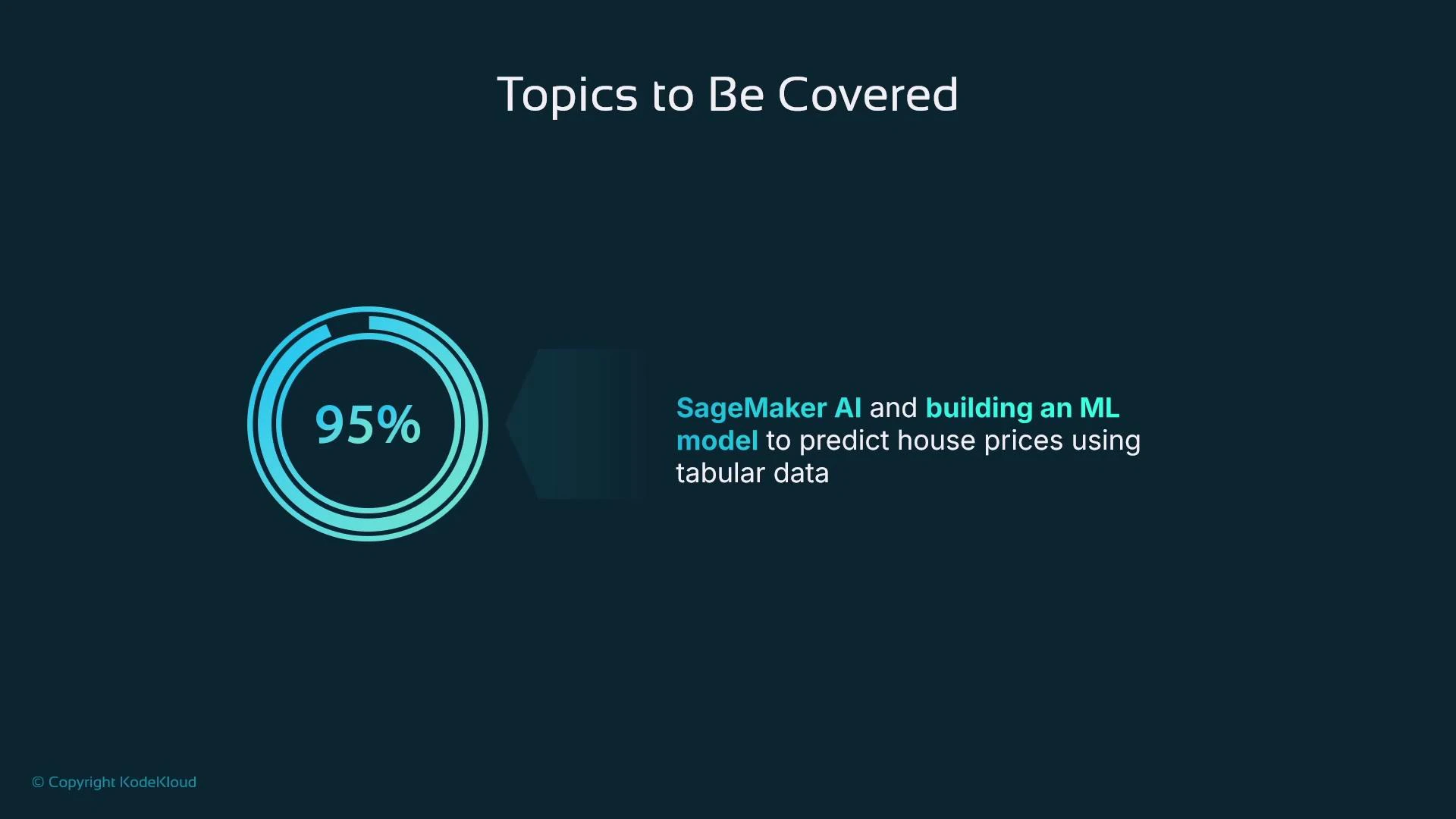
Throughout the course we’ll use a single, practical example — predicting house prices using a tabular dataset (available on Kaggle). The dataset has postcode, bedroom count, square footage, sale price, and other features. It’s ideal for demonstrating data preparation, feature engineering, model training, evaluation, and deployment end-to-end.
### Our running example: house price prediction
Throughout the course we’ll use a single, practical example — predicting house prices using a tabular dataset (available on Kaggle). The dataset has postcode, bedroom count, square footage, sale price, and other features. It’s ideal for demonstrating data preparation, feature engineering, model training, evaluation, and deployment end-to-end.
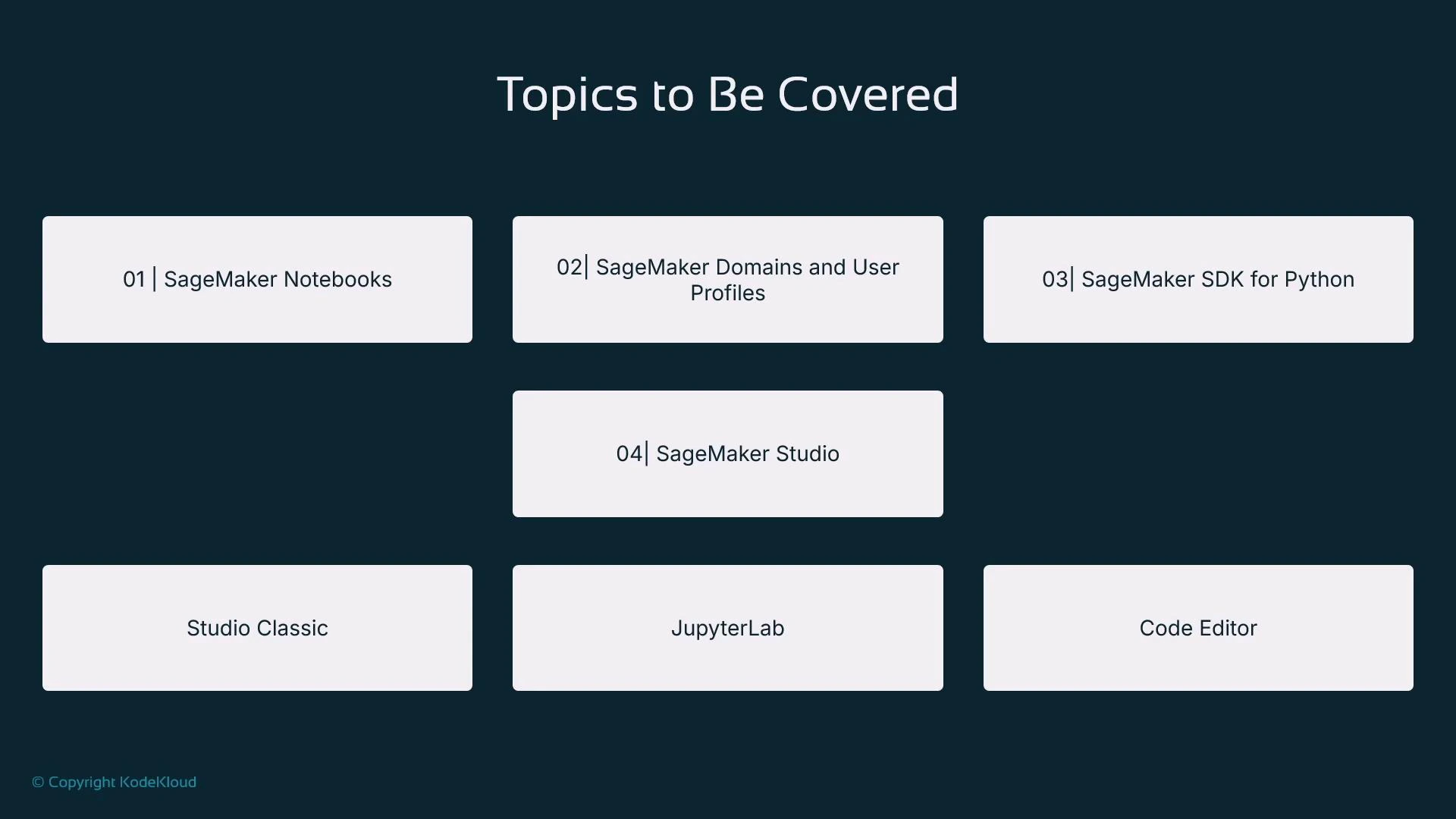
 We will walk through concrete SageMaker features and workflows, including:
* SageMaker notebooks and SageMaker Studio (JupyterLab and hosted VS Code)
* The SageMaker Python SDK to automate training and hosting from code
* Model registries for artifact versioning and traceability
* Deploying models to SageMaker endpoints for online inference
We will walk through concrete SageMaker features and workflows, including:
* SageMaker notebooks and SageMaker Studio (JupyterLab and hosted VS Code)
* The SageMaker Python SDK to automate training and hosting from code
* Model registries for artifact versioning and traceability
* Deploying models to SageMaker endpoints for online inference
 ## What you'll be able to do
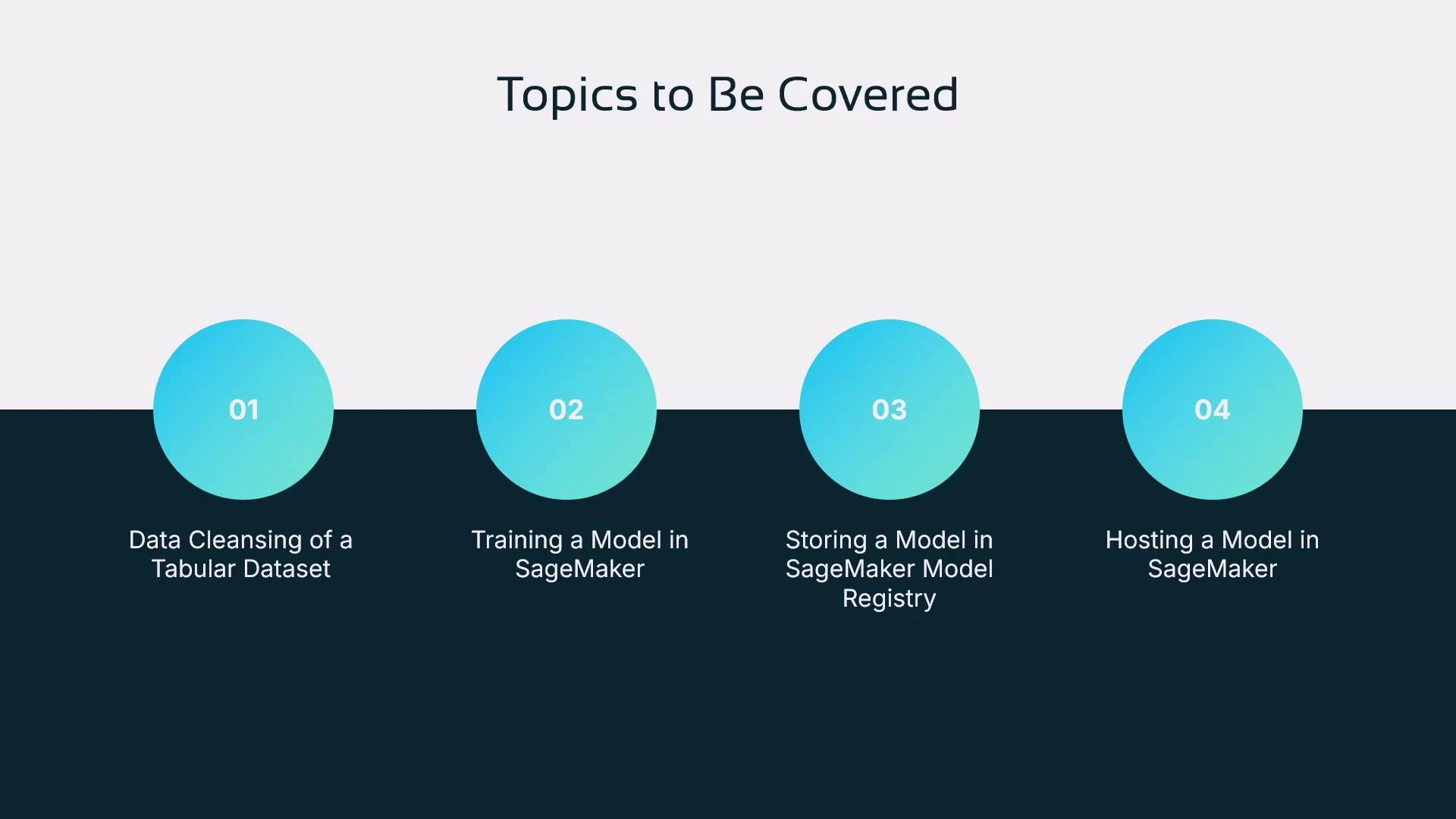
By the end of the course you will:
* Prepare and cleanse a tabular dataset (house price dataset)
* Train a model in SageMaker using the SageMaker Python SDK from a Jupyter notebook
* Store and version models in a SageMaker model registry
* Deploy a model to a SageMaker endpoint and make inference requests
## What you'll be able to do
By the end of the course you will:
* Prepare and cleanse a tabular dataset (house price dataset)
* Train a model in SageMaker using the SageMaker Python SDK from a Jupyter notebook
* Store and version models in a SageMaker model registry
* Deploy a model to a SageMaker endpoint and make inference requests
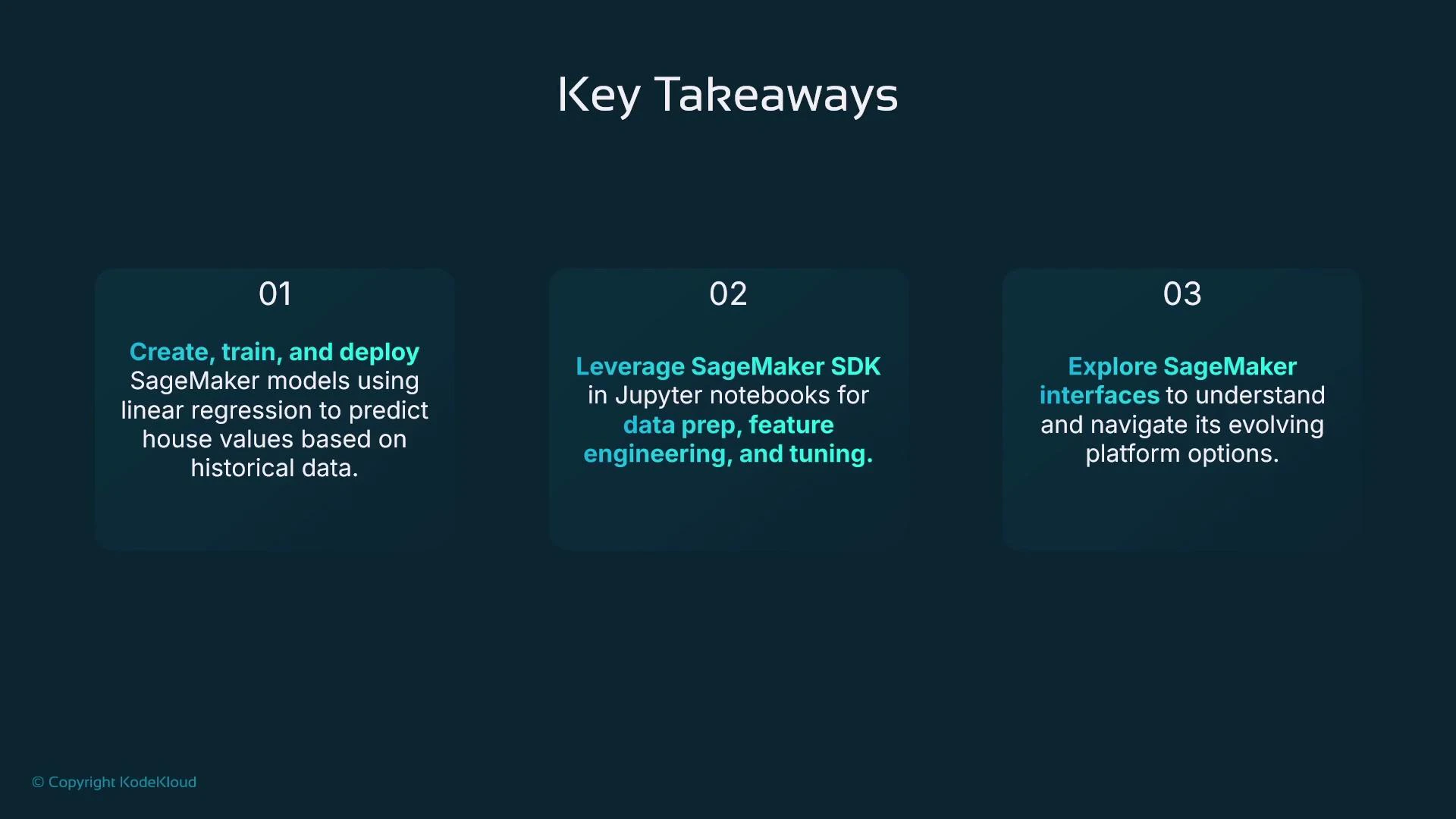
 ## Key takeaways
* You’ll learn how to build, train, and deploy models using tabular data (house price example).
* You’ll use the SageMaker SDK within Jupyter notebooks for reproducible data preparation, feature engineering, and hyperparameter tuning.
* You’ll become familiar with SageMaker interfaces: the SageMaker console, SageMaker Studio (JupyterLab and hosted VS Code), and JupyterLab itself.
* You’ll understand the ML pipeline as a conceptual sequence of activities — and who typically performs each activity on a team.
## Key takeaways
* You’ll learn how to build, train, and deploy models using tabular data (house price example).
* You’ll use the SageMaker SDK within Jupyter notebooks for reproducible data preparation, feature engineering, and hyperparameter tuning.
* You’ll become familiar with SageMaker interfaces: the SageMaker console, SageMaker Studio (JupyterLab and hosted VS Code), and JupyterLab itself.
* You’ll understand the ML pipeline as a conceptual sequence of activities — and who typically performs each activity on a team.
 Productionizing models introduces new responsibilities: security, governance, explainability, and monitoring. Plan for these non-functional requirements early in your development workflow to avoid last-mile delays.
We’ll build progressively: exploratory data analysis in Jupyter, dataset preparation, model training with the SageMaker SDK, registering model artifacts, and hosting the trained model for inference. Keep in mind the ML pipeline is a conceptual progression of activities rather than a single console button — knowing the sequence and participants will help you adopt SageMaker effectively.
So that wraps up our introduction — you should now have a clear view of what this course covers, the challenges you’ll encounter, and the practical skills you’ll gain to use SageMaker for production-capable machine learning.
## Links and references
* House price dataset (Kaggle): [https://www.kaggle.com](https://www.kaggle.com)
* SageMaker documentation: [https://docs.aws.amazon.com/sagemaker/latest/dg/](https://docs.aws.amazon.com/sagemaker/latest/dg/)
* Git basics (recommended): [https://learn.kodekloud.com/user/courses/git-for-beginners](https://learn.kodekloud.com/user/courses/git-for-beginners)
* EC2 fundamentals (context): [https://learn.kodekloud.com/user/courses/amazon-elastic-compute-cloud-ec2](https://learn.kodekloud.com/user/courses/amazon-elastic-compute-cloud-ec2)
Productionizing models introduces new responsibilities: security, governance, explainability, and monitoring. Plan for these non-functional requirements early in your development workflow to avoid last-mile delays.
We’ll build progressively: exploratory data analysis in Jupyter, dataset preparation, model training with the SageMaker SDK, registering model artifacts, and hosting the trained model for inference. Keep in mind the ML pipeline is a conceptual progression of activities rather than a single console button — knowing the sequence and participants will help you adopt SageMaker effectively.
So that wraps up our introduction — you should now have a clear view of what this course covers, the challenges you’ll encounter, and the practical skills you’ll gain to use SageMaker for production-capable machine learning.
## Links and references
* House price dataset (Kaggle): [https://www.kaggle.com](https://www.kaggle.com)
* SageMaker documentation: [https://docs.aws.amazon.com/sagemaker/latest/dg/](https://docs.aws.amazon.com/sagemaker/latest/dg/)
* Git basics (recommended): [https://learn.kodekloud.com/user/courses/git-for-beginners](https://learn.kodekloud.com/user/courses/git-for-beginners)
* EC2 fundamentals (context): [https://learn.kodekloud.com/user/courses/amazon-elastic-compute-cloud-ec2](https://learn.kodekloud.com/user/courses/amazon-elastic-compute-cloud-ec2)