> ## Documentation Index
> Fetch the complete documentation index at: https://notes.kodekloud.com/llms.txt
> Use this file to discover all available pages before exploring further.
# Optimizing the Training Process with Automation
> How to use Amazon SageMaker Autopilot to automate preprocessing, model selection, hyperparameter tuning, and deployment for faster prototyping and cost controlled iterative tabular model training
In this lesson we show how to use automation in Amazon SageMaker to speed up model development and reduce the cost of iterative training experiments. We'll explain the manual pain points, how SageMaker AutoML (Autopilot) addresses them, and how to run Autopilot programmatically with the SageMaker SDK.
What we'll cover:
* Why manual model training can be costly and slow.
* What SageMaker AutoML / Autopilot automates.
* How to run Autopilot from the SageMaker SDK, inspect candidates, and deploy the best model.
* Best practices and when to use Autopilot vs. custom training.
Why manual model training gets expensive
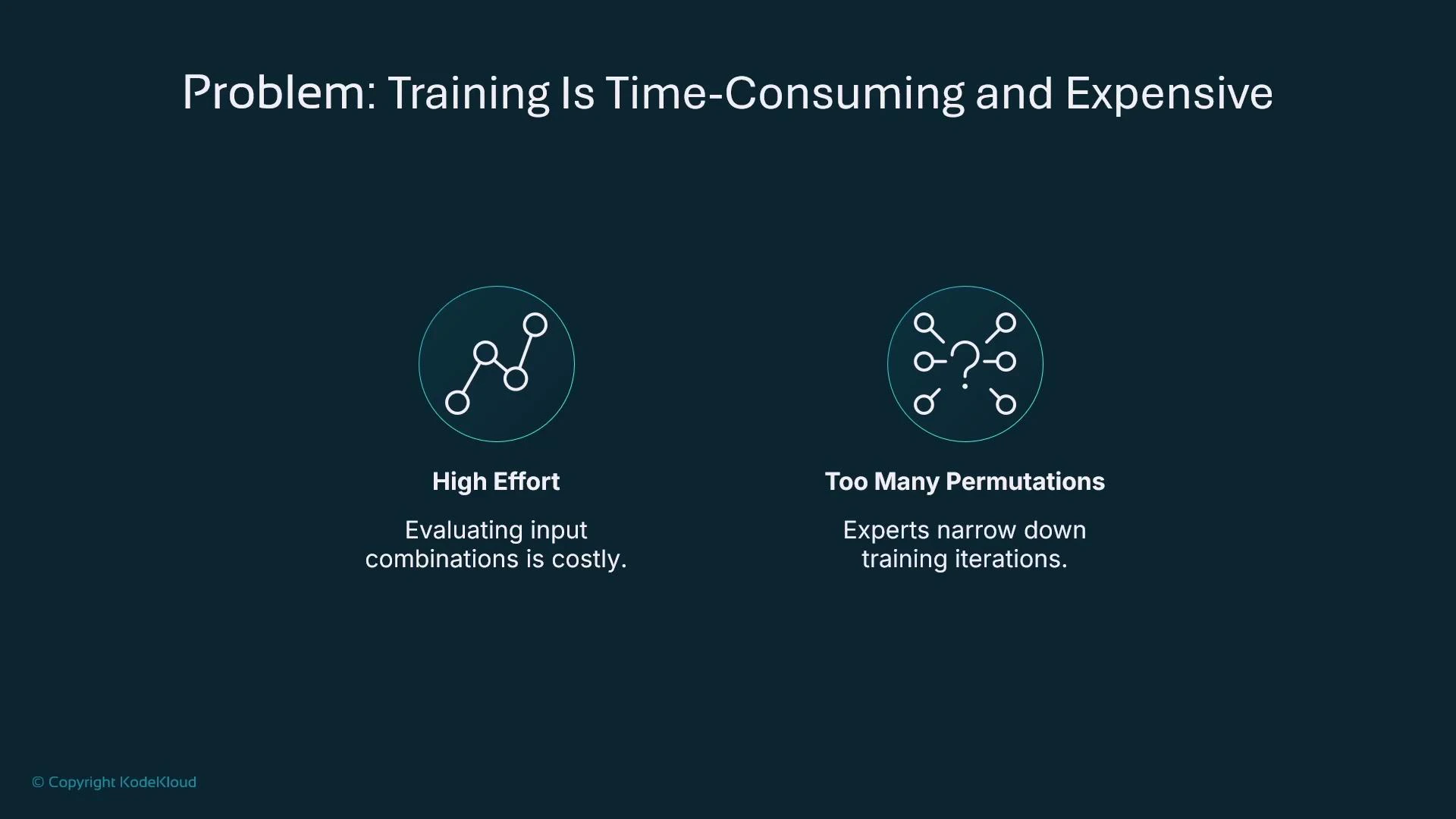
* Managing dataset versions, feature processing, algorithm selection, and hyperparameter permutations creates a large combinatorial search space.
* Running every permutation is time-consuming and costly even with experiment tracking.
* Data scientists often reduce the search space using domain knowledge, but that still requires many training runs.
Example (illustrative) hyperparameter trials you might run manually:
```python theme={null}
# Example hyperparameter trials (illustrative)
# Trial 1
learning_rate = 0.01
mini_batch_size = 32
epochs = 10
# Trial 2
learning_rate = 0.01
mini_batch_size = 64
epochs = 10
# Trial 3
learning_rate = 0.1
mini_batch_size = 64
epochs = 20
```
 What AutoML / Autopilot solves
* Automates preprocessing and feature engineering.
* Selects algorithms suited to your tabular problem.
* Trains multiple candidate models and tunes hyperparameters.
* Produces a ranked leaderboard so you can pick the best candidate quickly.
* Exposes model artifacts and notebooks for inspection and further customization.
What AutoML / Autopilot solves
* Automates preprocessing and feature engineering.
* Selects algorithms suited to your tabular problem.
* Trains multiple candidate models and tunes hyperparameters.
* Produces a ranked leaderboard so you can pick the best candidate quickly.
* Exposes model artifacts and notebooks for inspection and further customization.
 Why use the SageMaker SDK with Autopilot
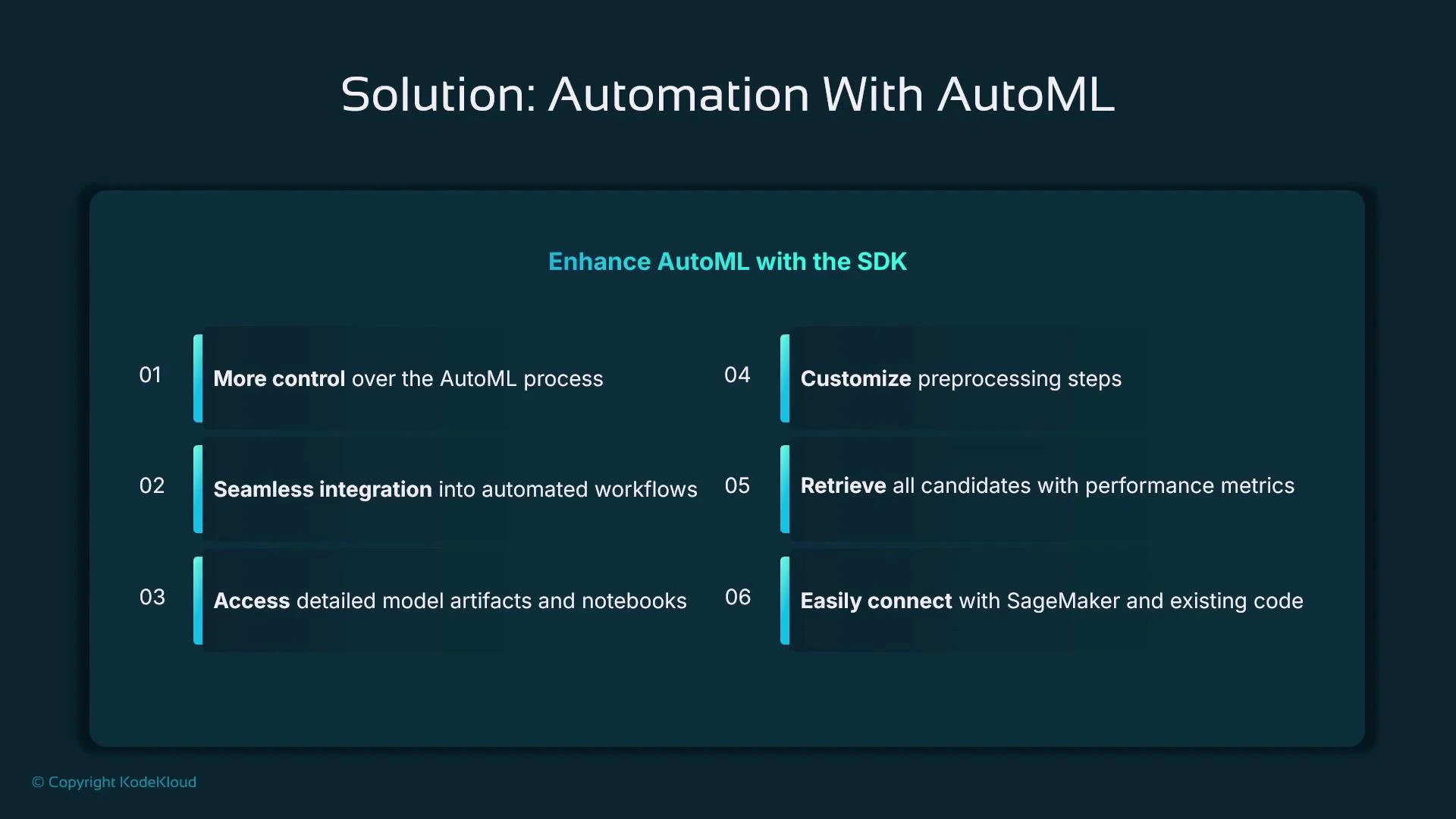
* Programmatic control: integrate Autopilot into CI/CD pipelines and automated workflows.
* Access to artifacts: notebooks, model artifacts, and details about candidate models.
* Customization: you can set guardrails (max candidates, runtime) and then inspect and refine outputs manually.
* Seamless deployment: take the best candidate and create a SageMaker Model/endpoint.
Why use the SageMaker SDK with Autopilot
* Programmatic control: integrate Autopilot into CI/CD pipelines and automated workflows.
* Access to artifacts: notebooks, model artifacts, and details about candidate models.
* Customization: you can set guardrails (max candidates, runtime) and then inspect and refine outputs manually.
* Seamless deployment: take the best candidate and create a SageMaker Model/endpoint.
 Autopilot pipeline (tabular data)
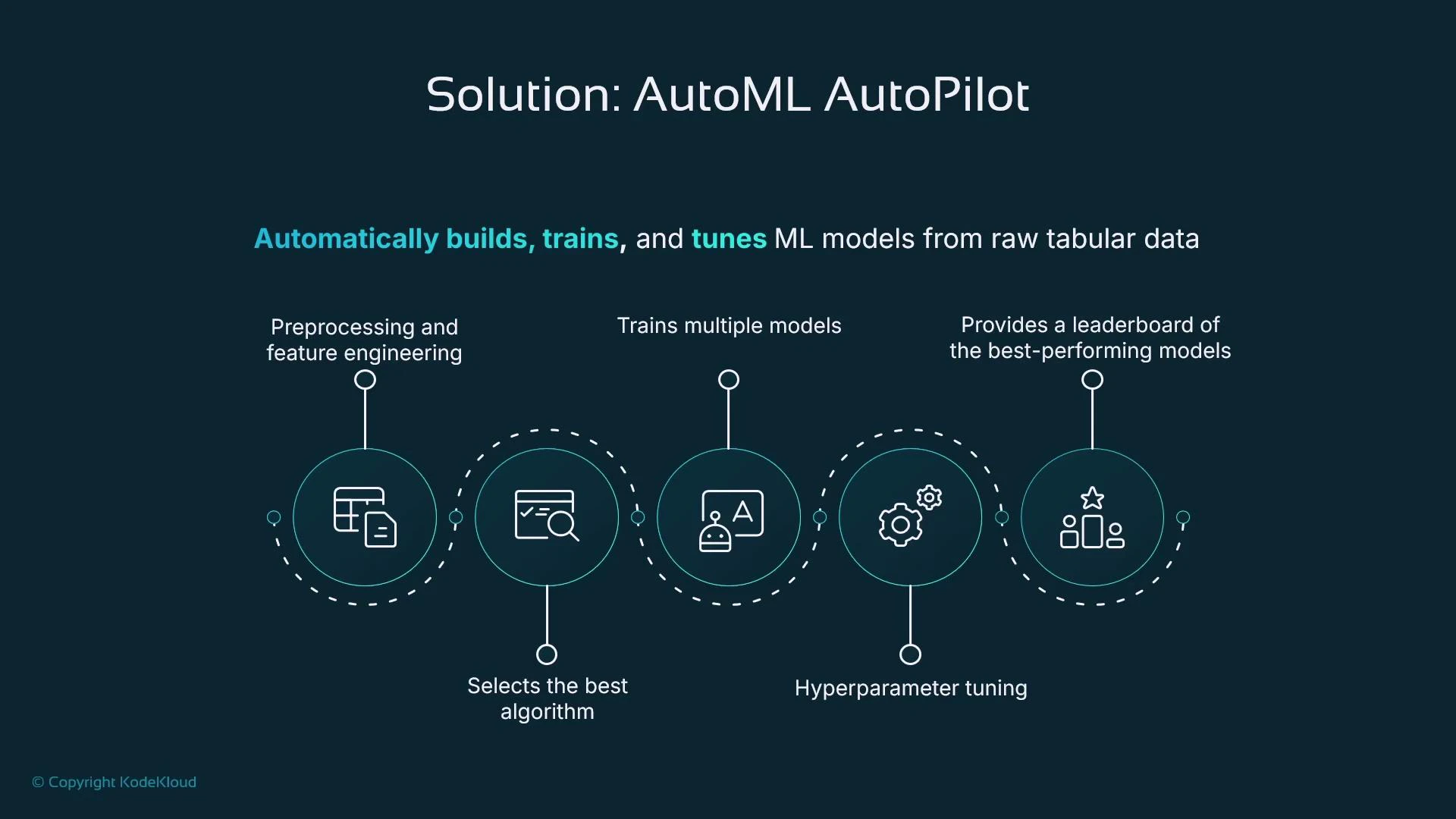
* Preprocessing and feature engineering
* Algorithm selection
* Training multiple candidate models
* Hyperparameter tuning
* Leaderboard of top candidates
This automation is ideal for rapid prototyping and proving whether your data contains predictive signal before investing in heavy engineering.
Autopilot pipeline (tabular data)
* Preprocessing and feature engineering
* Algorithm selection
* Training multiple candidate models
* Hyperparameter tuning
* Leaderboard of top candidates
This automation is ideal for rapid prototyping and proving whether your data contains predictive signal before investing in heavy engineering.
 Terminology
* AutoML (general): automation techniques applied to machine learning workflows.
* Autopilot (specific): Amazon SageMaker’s AutoML implementation for tabular data.
* In the SageMaker SDK you may see both “AutoML” and “Autopilot” references; the module is typically sagemaker.automl.
Autopilot is excellent for rapid prototyping and automating many training details, but if you require fine-grained control over feature engineering or model internals you should extract the candidate artifacts and continue development manually.
When to use Autopilot vs custom training
| Use case | Autopilot (Autopilot / AutoML) | Custom training |
| ------------------------------------------------------------- | -------------------------------------- | ---------------------------------- |
| Rapid prototyping / proof of concept | Ideal — minimal code, fast results | Overkill |
| Tabular datasets with clear target column | Best fit | Possible but slower |
| Need full control over feature engineering or model internals | Not ideal — more limited customization | Preferred |
| Want quick candidate models and leaderboard to iterate from | Yes | Manual selection required |
| Integration into automated pipelines | Yes, via SageMaker SDK | Yes, but more manual orchestration |
Quick reference: common Autopilot parameters
| Parameter | Purpose | Example |
| -------------------------------- | ------------------------------------------------------------------------- | ----------------------- |
| target\_attribute\_name | Label column name in your dataset | "target\_column" |
| problem\_type | Problem type (BinaryClassification, Regression, MulticlassClassification) | "BinaryClassification" |
| max\_candidates | Max number of candidate models to explore | 10 |
| max\_runtime\_per\_training\_job | Timeout per training job in seconds | 3600 |
| output\_path | S3 path for model artifacts and outputs | s3://your-bucket/output |
Example: run an Autopilot job with the SageMaker SDK
* Best practice: import the AutoML class explicitly from the submodule to make intent clear.
```python theme={null}
import sagemaker
from sagemaker.automl import AutoML
# Initialize the AutoML (Autopilot) job
auto_ml = AutoML(
role=sagemaker.get_execution_role(),
target_attribute_name="target_column", # Label column in your CSV
output_path="s3://your-bucket/output", # Where model artifacts will be stored
problem_type="BinaryClassification", # e.g., "BinaryClassification", "Regression"
max_candidates=10, # Max number of candidate models to explore
max_runtime_per_training_job=3600, # Timeout per training job (seconds)
sagemaker_session=sagemaker.Session()
)
# Start the Autopilot job asynchronously (wait=False)
auto_ml.fit(
inputs="s3://your-bucket/training-data.csv",
job_name="my-first-automl-job",
wait=False
)
```
Inspecting Autopilot progress and candidates
* After starting the job, you can describe the Autopilot job, list candidates, and pick the best candidate programmatically.
```python theme={null}
# Introspection (method names may vary by SDK version)
# Describe the job status
desc = auto_ml.describe_auto_ml_job()
print("Status:", desc.get("AutoMLJobStatus"))
# List candidates (example)
candidates = auto_ml.list_candidates()
print("Candidates:", [c["CandidateName"] for c in candidates])
# Get the best candidate (highest-ranked by objective)
best = auto_ml.best_candidate()
print("Best candidate:", best["CandidateName"])
print("Objective metric:", best.get("FinalAutoMLJobObjectiveMetric"))
```
Deploying the best candidate
* Extract the model artifact and container image from the best candidate and create a SageMaker Model, then deploy to an endpoint.
```python theme={null}
from sagemaker.model import Model
# Model artifact and inference container (from best candidate)
model_artifact = best["ModelArtifacts"]["S3ModelArtifacts"]
image_uri = best["InferenceContainers"][0]["Image"]
# Create a SageMaker Model object
model = Model(
model_data=model_artifact,
role="your-sagemaker-execution-role",
image_uri=image_uri
)
# Deploy the model (creates a real-time endpoint)
predictor = model.deploy(initial_instance_count=1, instance_type="ml.m5.large")
```
Best practices and tips
* Explicit imports: import exact classes/functions you use for clarity and to avoid accidental submodule side effects.
* Use guardrails: set max\_candidates and runtime limits to control cost.
* Inspect artifacts and notebooks produced by Autopilot to learn what preprocessing and features were used.
* Use Autopilot outputs as a starting point — you can register models in the [SageMaker Model Registry](https://docs.aws.amazon.com/sagemaker/latest/dg/model-registry.html) and iterate further.
Small import example (clarity):
```python theme={null}
# Less explicit
import os
os.path.join("a", "b")
# More explicit
from os.path import join
join("a", "b")
```
Autopilot automates many steps but is not a silver bullet. It can reduce time-to-insight for tabular problems, but you should still validate candidate models, check fairness/robustness, and apply custom feature engineering for production-ready models.
What Autopilot gives you
* An end-to-end automated pipeline from raw tabular data to trained and evaluated candidate models.
* A leaderboard of ranked candidates and metrics.
* Programmatic access to model artifacts so you can register, deploy, or refine models further.
Terminology
* AutoML (general): automation techniques applied to machine learning workflows.
* Autopilot (specific): Amazon SageMaker’s AutoML implementation for tabular data.
* In the SageMaker SDK you may see both “AutoML” and “Autopilot” references; the module is typically sagemaker.automl.
Autopilot is excellent for rapid prototyping and automating many training details, but if you require fine-grained control over feature engineering or model internals you should extract the candidate artifacts and continue development manually.
When to use Autopilot vs custom training
| Use case | Autopilot (Autopilot / AutoML) | Custom training |
| ------------------------------------------------------------- | -------------------------------------- | ---------------------------------- |
| Rapid prototyping / proof of concept | Ideal — minimal code, fast results | Overkill |
| Tabular datasets with clear target column | Best fit | Possible but slower |
| Need full control over feature engineering or model internals | Not ideal — more limited customization | Preferred |
| Want quick candidate models and leaderboard to iterate from | Yes | Manual selection required |
| Integration into automated pipelines | Yes, via SageMaker SDK | Yes, but more manual orchestration |
Quick reference: common Autopilot parameters
| Parameter | Purpose | Example |
| -------------------------------- | ------------------------------------------------------------------------- | ----------------------- |
| target\_attribute\_name | Label column name in your dataset | "target\_column" |
| problem\_type | Problem type (BinaryClassification, Regression, MulticlassClassification) | "BinaryClassification" |
| max\_candidates | Max number of candidate models to explore | 10 |
| max\_runtime\_per\_training\_job | Timeout per training job in seconds | 3600 |
| output\_path | S3 path for model artifacts and outputs | s3://your-bucket/output |
Example: run an Autopilot job with the SageMaker SDK
* Best practice: import the AutoML class explicitly from the submodule to make intent clear.
```python theme={null}
import sagemaker
from sagemaker.automl import AutoML
# Initialize the AutoML (Autopilot) job
auto_ml = AutoML(
role=sagemaker.get_execution_role(),
target_attribute_name="target_column", # Label column in your CSV
output_path="s3://your-bucket/output", # Where model artifacts will be stored
problem_type="BinaryClassification", # e.g., "BinaryClassification", "Regression"
max_candidates=10, # Max number of candidate models to explore
max_runtime_per_training_job=3600, # Timeout per training job (seconds)
sagemaker_session=sagemaker.Session()
)
# Start the Autopilot job asynchronously (wait=False)
auto_ml.fit(
inputs="s3://your-bucket/training-data.csv",
job_name="my-first-automl-job",
wait=False
)
```
Inspecting Autopilot progress and candidates
* After starting the job, you can describe the Autopilot job, list candidates, and pick the best candidate programmatically.
```python theme={null}
# Introspection (method names may vary by SDK version)
# Describe the job status
desc = auto_ml.describe_auto_ml_job()
print("Status:", desc.get("AutoMLJobStatus"))
# List candidates (example)
candidates = auto_ml.list_candidates()
print("Candidates:", [c["CandidateName"] for c in candidates])
# Get the best candidate (highest-ranked by objective)
best = auto_ml.best_candidate()
print("Best candidate:", best["CandidateName"])
print("Objective metric:", best.get("FinalAutoMLJobObjectiveMetric"))
```
Deploying the best candidate
* Extract the model artifact and container image from the best candidate and create a SageMaker Model, then deploy to an endpoint.
```python theme={null}
from sagemaker.model import Model
# Model artifact and inference container (from best candidate)
model_artifact = best["ModelArtifacts"]["S3ModelArtifacts"]
image_uri = best["InferenceContainers"][0]["Image"]
# Create a SageMaker Model object
model = Model(
model_data=model_artifact,
role="your-sagemaker-execution-role",
image_uri=image_uri
)
# Deploy the model (creates a real-time endpoint)
predictor = model.deploy(initial_instance_count=1, instance_type="ml.m5.large")
```
Best practices and tips
* Explicit imports: import exact classes/functions you use for clarity and to avoid accidental submodule side effects.
* Use guardrails: set max\_candidates and runtime limits to control cost.
* Inspect artifacts and notebooks produced by Autopilot to learn what preprocessing and features were used.
* Use Autopilot outputs as a starting point — you can register models in the [SageMaker Model Registry](https://docs.aws.amazon.com/sagemaker/latest/dg/model-registry.html) and iterate further.
Small import example (clarity):
```python theme={null}
# Less explicit
import os
os.path.join("a", "b")
# More explicit
from os.path import join
join("a", "b")
```
Autopilot automates many steps but is not a silver bullet. It can reduce time-to-insight for tabular problems, but you should still validate candidate models, check fairness/robustness, and apply custom feature engineering for production-ready models.
What Autopilot gives you
* An end-to-end automated pipeline from raw tabular data to trained and evaluated candidate models.
* A leaderboard of ranked candidates and metrics.
* Programmatic access to model artifacts so you can register, deploy, or refine models further.
 Summary
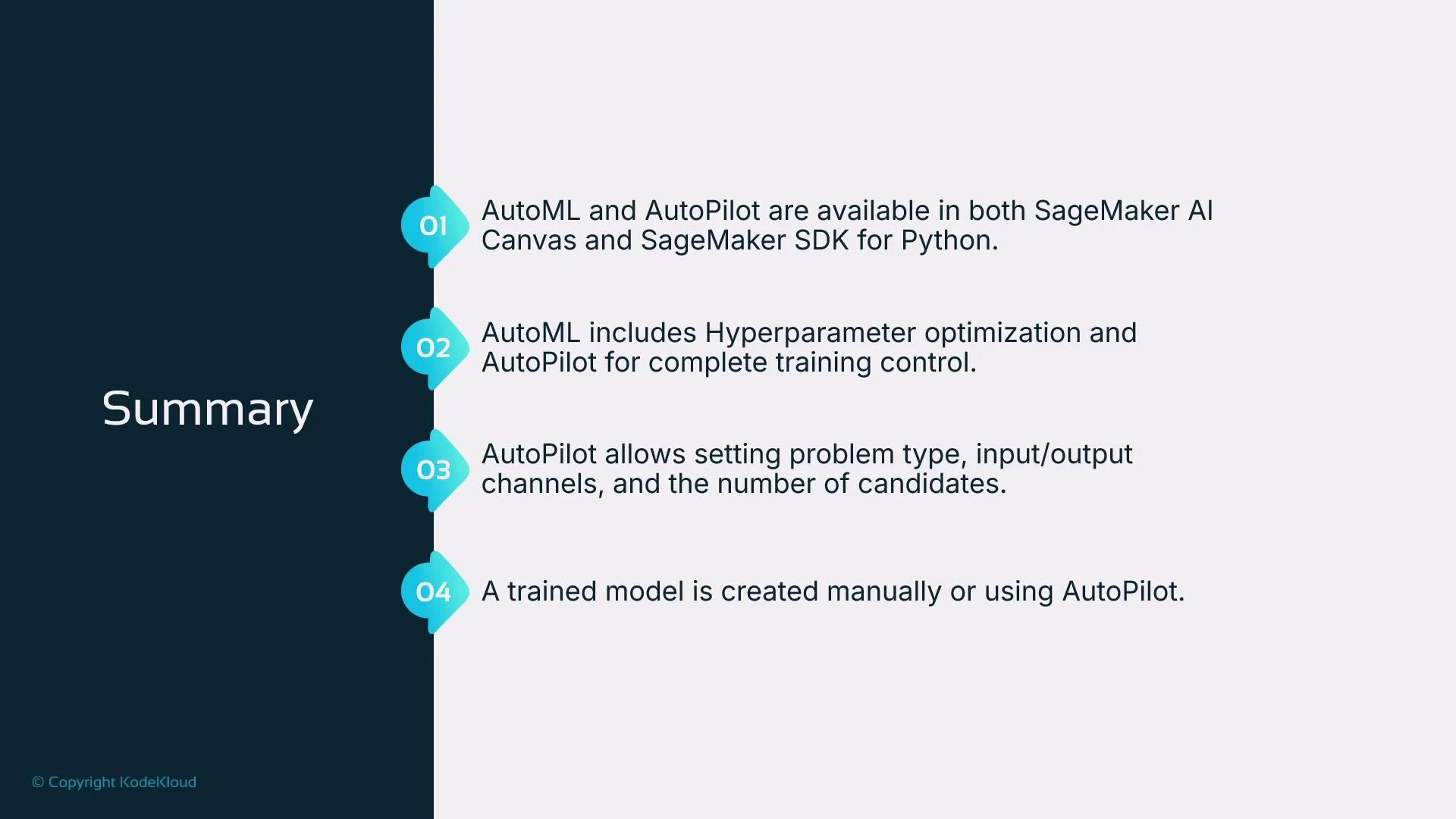
* AutoML is the general concept of automating machine learning tasks; Autopilot is SageMaker’s AutoML for tabular data.
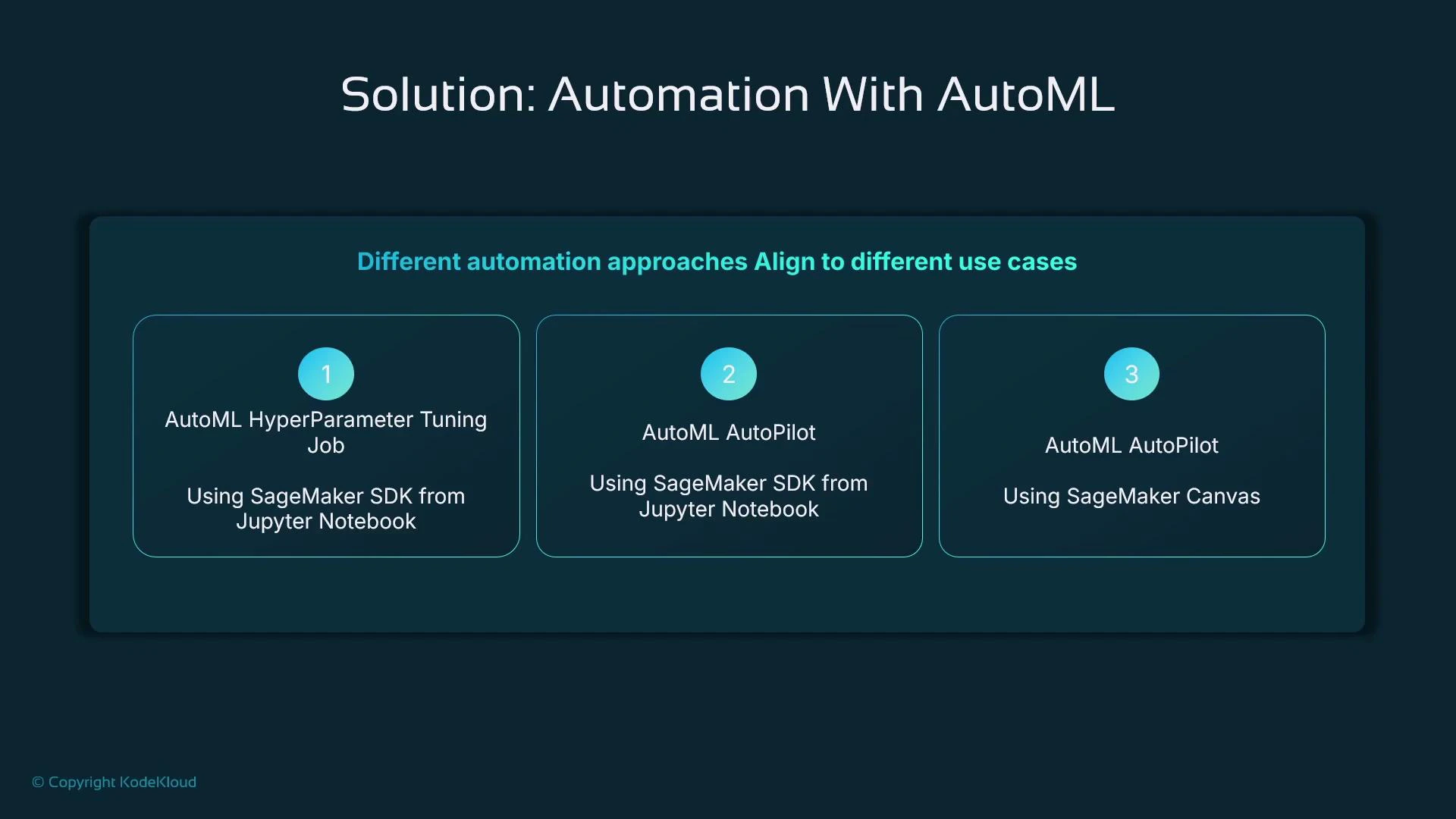
* You can use Autopilot through SageMaker Canvas (low-code) or programmatically through the SageMaker SDK.
* Autopilot handles preprocessing, feature engineering, algorithm selection, hyperparameter tuning, and candidate ranking.
* Control inputs like problem type, input data location, output path, and constraints such as max candidates and runtime to manage cost and runtime.
* Use Autopilot for speed and prototyping; refine the best candidate with custom data science work when you need production-grade control.
Links and references
* SageMaker Autopilot (AutoML): [https://docs.aws.amazon.com/sagemaker/latest/dg/autopilot-what-is.html](https://docs.aws.amazon.com/sagemaker/latest/dg/autopilot-what-is.html)
* SageMaker SDK documentation: [https://sagemaker.readthedocs.io/](https://sagemaker.readthedocs.io/)
* SageMaker Canvas: [https://aws.amazon.com/sagemaker/canvas/](https://aws.amazon.com/sagemaker/canvas/)
* SageMaker Model Registry: [https://docs.aws.amazon.com/sagemaker/latest/dg/model-registry.html](https://docs.aws.amazon.com/sagemaker/latest/dg/model-registry.html)
You may also want to explore the SageMaker model registry and why model metadata and lineage matter for production workflows.
Summary
* AutoML is the general concept of automating machine learning tasks; Autopilot is SageMaker’s AutoML for tabular data.
* You can use Autopilot through SageMaker Canvas (low-code) or programmatically through the SageMaker SDK.
* Autopilot handles preprocessing, feature engineering, algorithm selection, hyperparameter tuning, and candidate ranking.
* Control inputs like problem type, input data location, output path, and constraints such as max candidates and runtime to manage cost and runtime.
* Use Autopilot for speed and prototyping; refine the best candidate with custom data science work when you need production-grade control.
Links and references
* SageMaker Autopilot (AutoML): [https://docs.aws.amazon.com/sagemaker/latest/dg/autopilot-what-is.html](https://docs.aws.amazon.com/sagemaker/latest/dg/autopilot-what-is.html)
* SageMaker SDK documentation: [https://sagemaker.readthedocs.io/](https://sagemaker.readthedocs.io/)
* SageMaker Canvas: [https://aws.amazon.com/sagemaker/canvas/](https://aws.amazon.com/sagemaker/canvas/)
* SageMaker Model Registry: [https://docs.aws.amazon.com/sagemaker/latest/dg/model-registry.html](https://docs.aws.amazon.com/sagemaker/latest/dg/model-registry.html)
You may also want to explore the SageMaker model registry and why model metadata and lineage matter for production workflows.