> ## Documentation Index
> Fetch the complete documentation index at: https://notes.kodekloud.com/llms.txt
> Use this file to discover all available pages before exploring further.
# Direct Connect
> This article explores Direct Connect, a service providing a dedicated connection to AWS for high-speed, reliable network access.
In this lesson, we explore Direct Connect—a service that provides a dedicated physical connection to AWS. By bypassing the public internet, Direct Connect delivers a high-speed, stable, and reliable connection, eliminating the latency and potential instability of VPN and IPSec tunnels.
## What is Direct Connect?
Direct Connect enables a direct connection between your on-premise network and AWS through a dedicated link. This connection is available in various speeds, such as 1 Gbps, 10 Gbps, or even 100 Gbps, making it ideal for organizations that require high throughput, low latency, and enhanced reliability.
## How Direct Connect Works
Direct Connect's architecture involves three primary components:
1. **Your On-Premise Network:**\
This can be a data center, corporate office, or any facility with a dedicated edge router or firewall. The router used here may serve both your internet connection and Direct Connect, or it can be exclusively dedicated to Direct Connect.
2. **Direct Connect Location:**\
Typically a regional data center where AWS installs its routers. This is not a full AWS data center but rather a location where the physical connection is established.
3. **AWS's Direct Connect Router:**\
This router is located on the AWS side of the connection. When you purchase Direct Connect, you lease a port on the AWS router. Your on-premise router then forms a "cross connect" with AWS’s router at the Direct Connect location.
Below is a diagram illustrating the overall Direct Connect architecture:
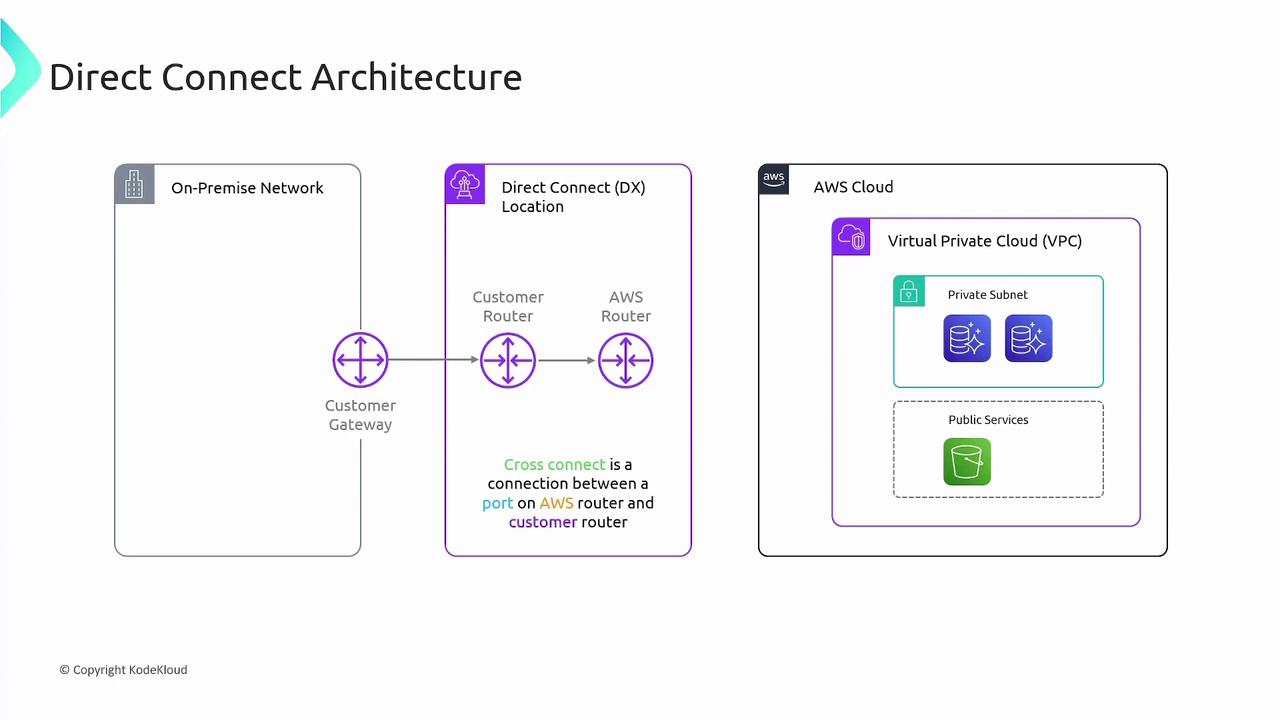
The connection flow is as follows:
* Your on-premise network connects to your customer gateway.
* The customer gateway interfaces with the customer router at the Direct Connect location.
* A cross connect at the Direct Connect location links the customer router to the AWS Direct Connect router.
* From the AWS router, traffic is routed directly to AWS, allowing access to private resources (via a VPN Gateway) or public services such as Amazon S3.
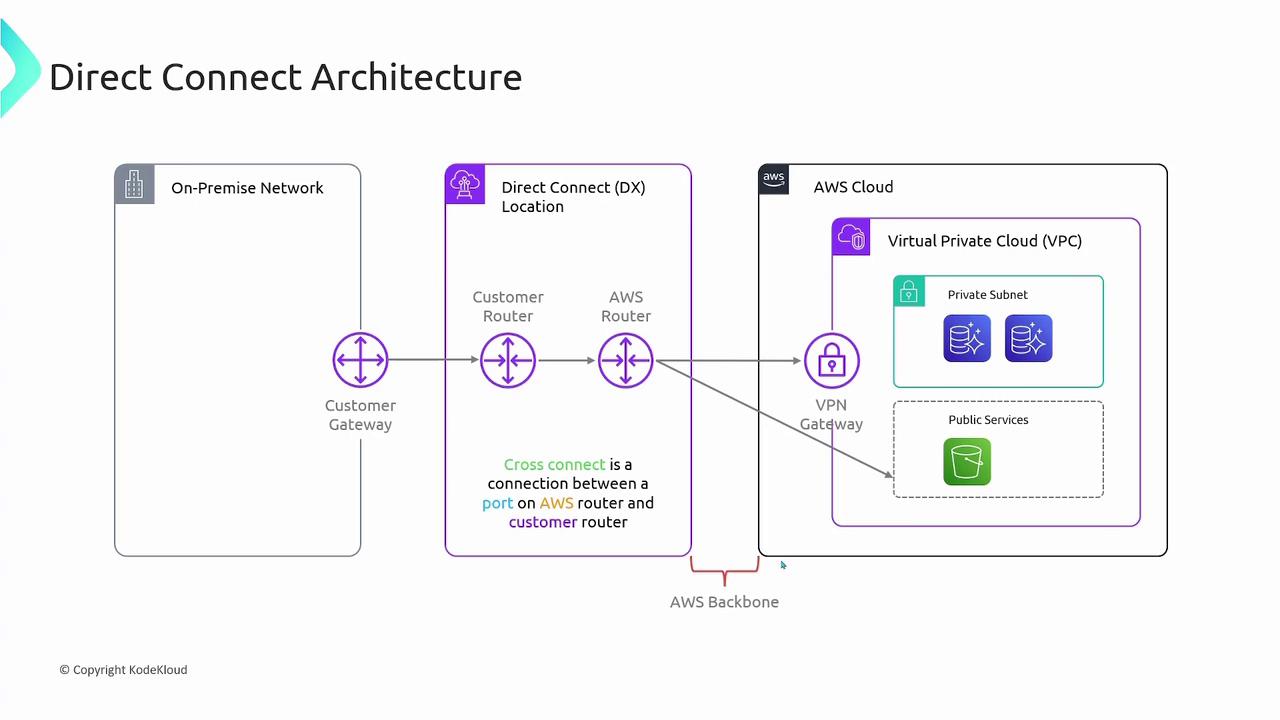
If you need to connect to private VPC resources, configure a VPN Gateway and establish a connection between the cross connect and the VPN Gateway. For public services, traffic is routed directly through the AWS router, leveraging the AWS backbone network for improved performance.
The following diagram offers additional insight into the connection from your on-premise network to AWS:
## Direct Connect Pricing
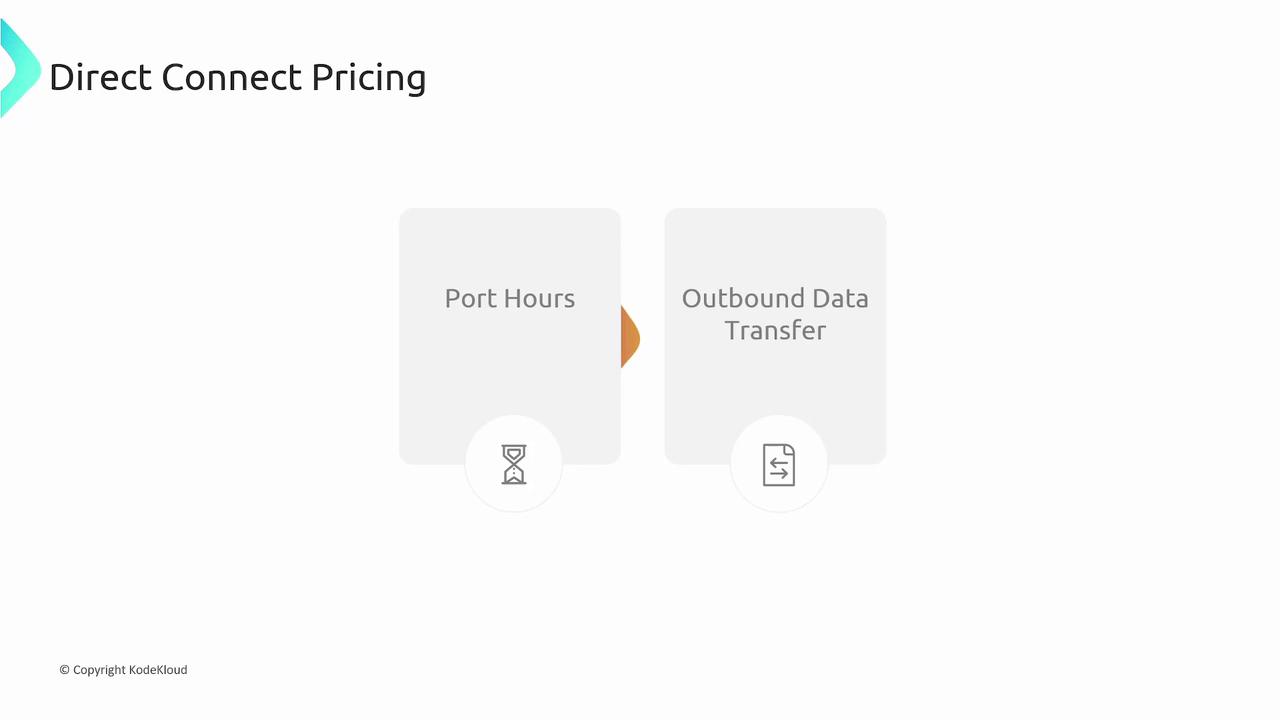
Direct Connect pricing is determined by two main factors:
1. **Port Hours:**\
You are charged based on the number of hours the port is active.
2. **Outbound Data Transfer:**\
Charges apply for the data transferred out of AWS.
This pricing model ensures that you only pay for the actual resources you use while enjoying a dedicated, high-speed, secure connection to AWS.
The diagram below summarizes the pricing structure for Direct Connect:
## Summary
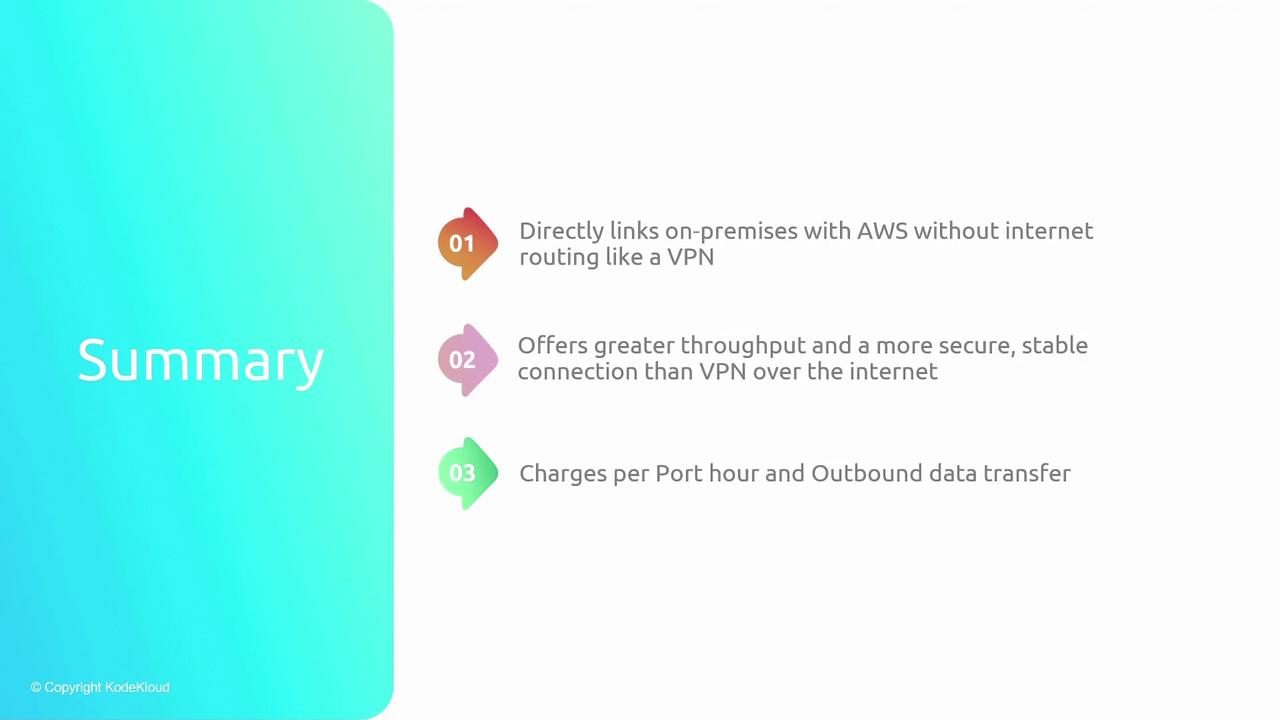
Direct Connect provides a robust and reliable alternative to traditional VPN solutions by offering a dedicated physical connection from your on-premise network to AWS. This results in:
* Greater throughput and improved performance
* Enhanced security by bypassing the public internet
* Reduced latency and increased reliability
With a straightforward pricing model based on port hours and outbound data transfer, Direct Connect is an excellent choice for organizations that demand a high-performance, secure network connection to AWS.