> ## Documentation Index
> Fetch the complete documentation index at: https://notes.kodekloud.com/llms.txt
> Use this file to discover all available pages before exploring further.
# Choosing a Message Queue Solution
> This article compares Azure Service Bus and Storage Queues for cloud messaging, highlighting their unique features and ideal use cases.
In this article, we compare two popular Azure queue-based messaging services—Service Bus and Storage Queues. While both efficiently handle cloud messaging, each is tailored for different requirements, performance levels, and functionalities.
## Service Bus Queues
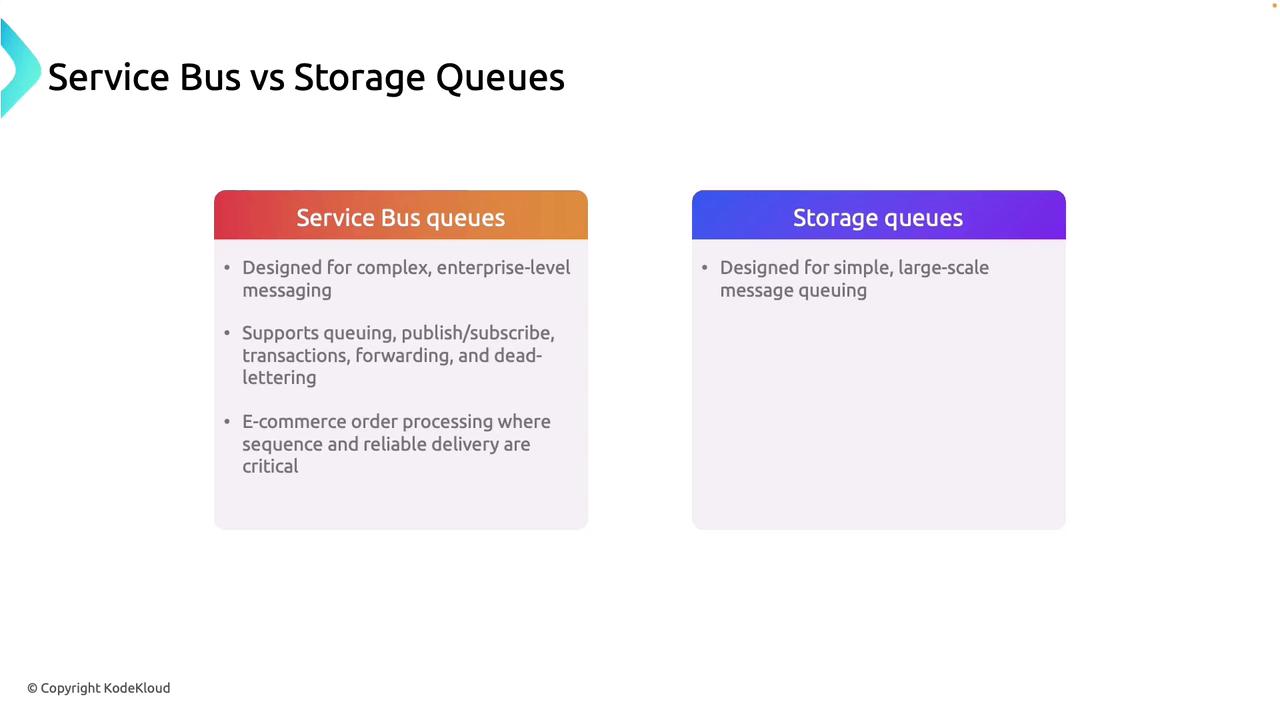
Service Bus is ideal for enterprise-level messaging scenarios that require advanced features. If your application relies on robust messaging patterns such as request-response, publish-subscribe, or transactional messaging, Service Bus is the right choice. Its advanced features ensure messages are delivered in order and with high reliability, even in complex distributed systems.
For example, consider an e-commerce platform where a customer order must flow through inventory checks, payment processing, and shipping. In such cases, maintaining the correct sequence of operations is crucial. Service Bus guarantees message ordering and dependable delivery, making it indispensable for complex workflows and critical business logic.
Select Service Bus Queues if your application needs advanced messaging patterns, reliable message delivery, and transactional consistency.
## Azure Storage Queues
Azure Storage Queues are best suited for simpler applications with basic messaging needs and high message volumes. They are optimized to handle large quantities of messages without the overhead of advanced processing features like transactional messaging, dead-lettering, or publish-subscribe support.
For instance, in a photo-sharing app where users upload hundreds of images, Storage Queues can efficiently manage asynchronous image processing tasks without the need for advanced sequencing or transactional consistency.
Opt for Storage Queues for high-volume, straightforward messaging tasks without the need for complex processing requirements.
## Key Considerations for Service Bus Queues
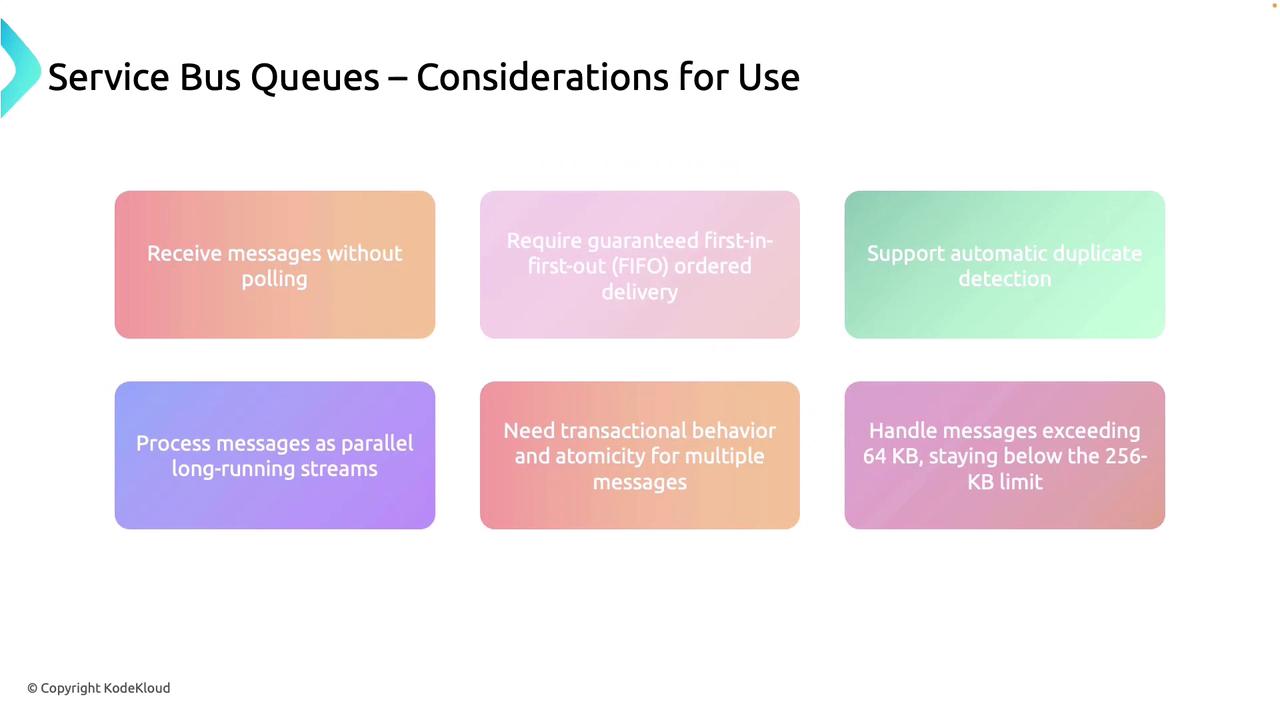
Service Bus queues offer several advanced features that make them well-suited for high-demand and intricate messaging scenarios:
1. **Long Polling/Push-Based Delivery**\
Service Bus supports long polling, allowing applications to receive messages immediately upon arrival. This push-based mechanism minimizes resource use by eliminating constant polling.
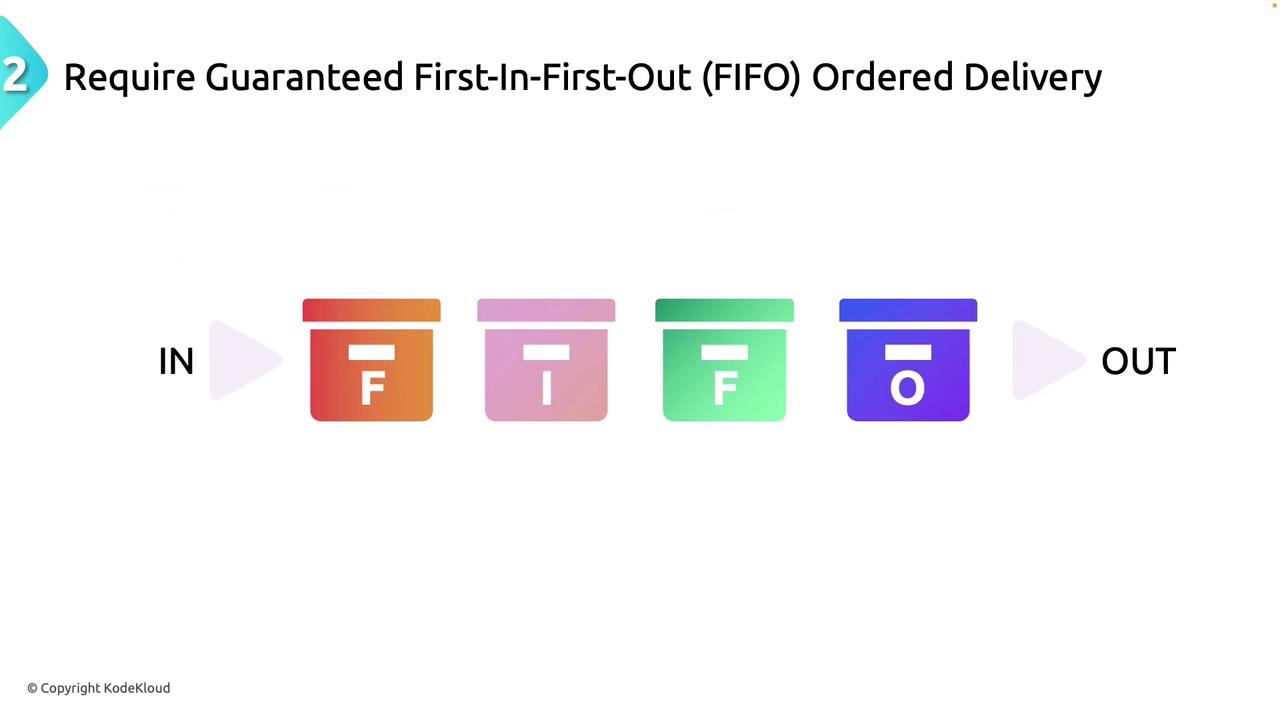
2. **FIFO Delivery**\
Messages are processed in a strict First-In-First-Out (FIFO) order—critical for applications demanding sequential operations, such as financial transactions.
3. **Automatic Duplicate Detection**\
Duplicate messages are automatically identified and managed, ensuring each message is processed only once. This feature is particularly useful when accuracy is paramount, such as in inventory management systems.
4. **Parallel Processing**\
Service Bus supports parallel processing across multiple receivers, akin to several checkout counters operating simultaneously. This dramatically speeds up message handling.
5. **Transactional Operations**\
It supports processing multiple messages as a single transaction. This means that either all operations succeed or none do, similar to atomic transactions in banking systems.
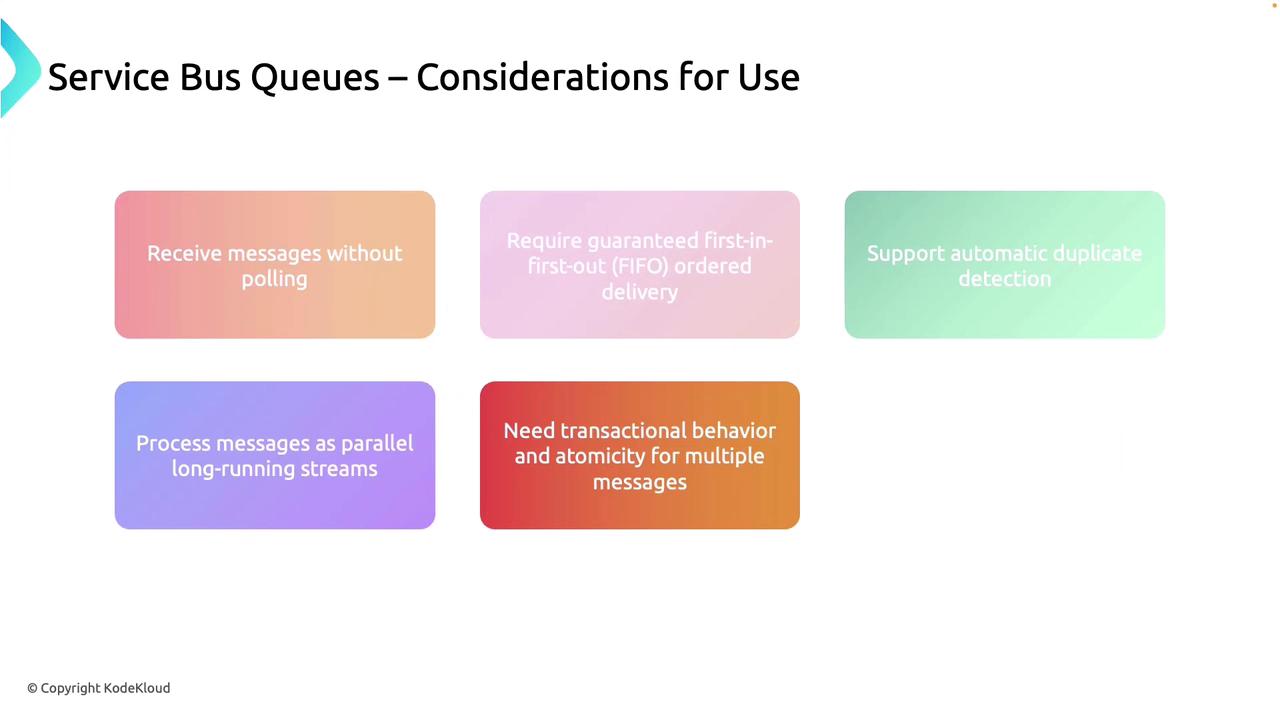

6. **Handling Larger Messages**\
With an ability to handle messages up to 256 KB (and in some cases, exceeding 64 KB), Service Bus queues are well-equipped for larger payloads.
## Key Considerations for Azure Storage Queues
Azure Storage Queues are optimized for high-volume and simpler processing tasks. Here are some of their main advantages:
1. **High Volume Storage**\
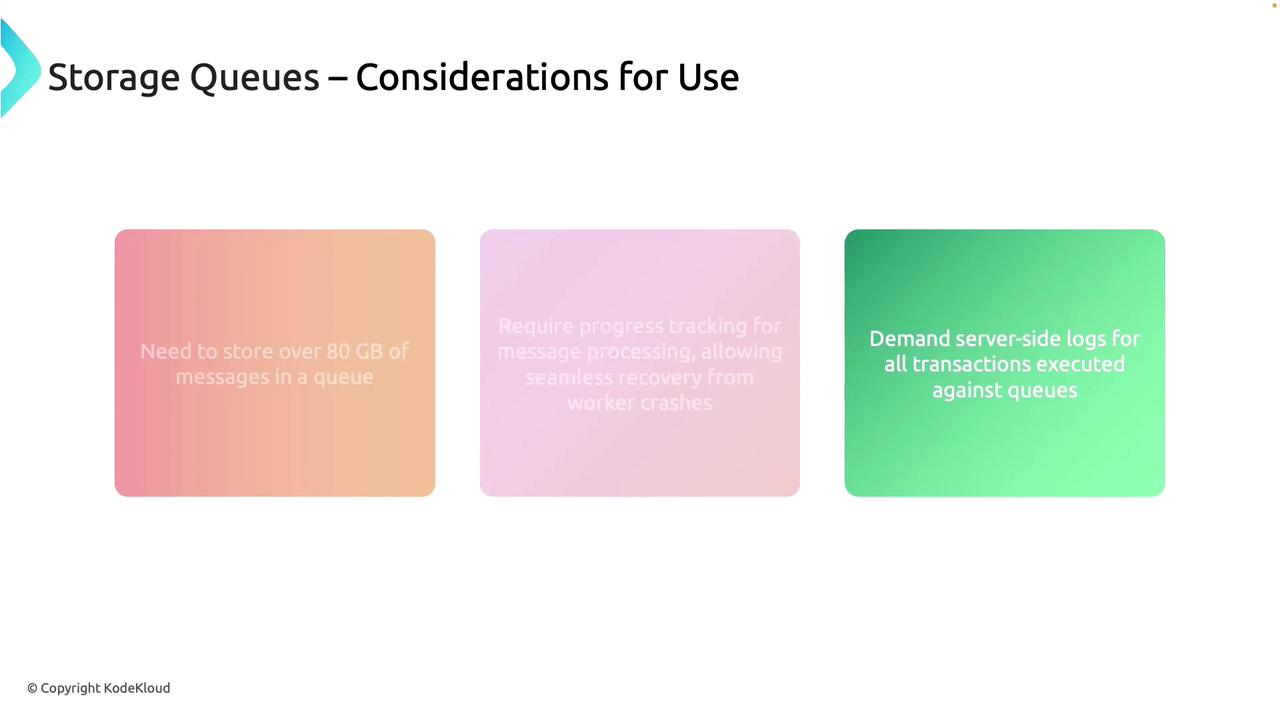
The service can store over 80 GB of messages, making it excellent for applications with extensive logging or data processing needs.
2. **Progress Tracking**\
Storage Queues provide progress tracking for message processing. This is particularly important for recovering from failures or ensuring that worker crashes do not disrupt the overall process.
3. **Server-Side Logging**\
Detailed server-side logs are maintained for all queue transactions, which is invaluable for auditing, compliance, and security monitoring.
## Azure Service Bus Tiers: Basic, Standard, and Premium
Understanding the differences between Service Bus tiers is essential to match the right level of service to your application needs.
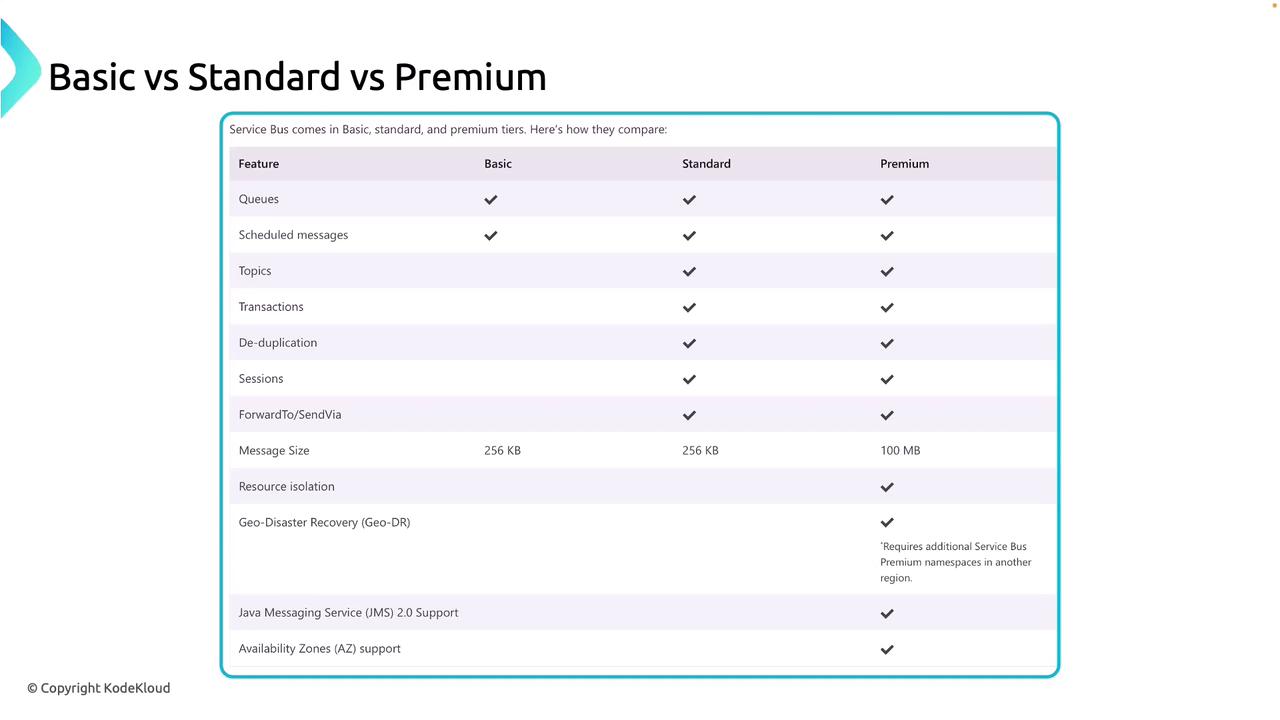
| Tier | Key Features | Use Case |
| ------------- | ----------------------------------------------------------------------------------------------------------------------------------- | --------------------------------------------------------------------------------------------------------------- |
| Basic Tier | Simple queues, scheduled messages, supports messages up to 256 KB | Small applications with minimal complexity and basic messaging needs |
| Standard Tier | Includes topics and subscriptions, transactional processing, session-based grouping, deduplication, up to 256 KB per message | Moderately complex applications requiring advanced messaging without resource isolation |
| Premium Tier | Complete resource isolation, larger message sizes (up to 100 MB), enhanced disaster recovery (GDR), availability zones, JMS support | Enterprise-level applications needing high performance, enhanced security, and guaranteed resource independence |
### Tier Breakdown
* **Basic Tier:**\
A cost-effective option for simple, straightforward messaging. It supports scheduled messages but lacks advanced features like topics or transactions.
* **Standard Tier:**\
Offers advanced messaging, including a publish-subscribe model, transactional messaging, and deduplication. It’s ideal for applications with moderate complexity.
* **Premium Tier:**\
Best suited for high-demand enterprise scenarios. This tier provides full resource isolation, supports very large messages, and offers enhanced disaster recovery features.
Consider the complexity of your workflows and performance requirements when selecting a tier for your Service Bus implementation.
***
An exploration of Service Bus Queues, Topics, and Subscriptions can further illuminate how these components integrate into a robust messaging strategy. For more detailed insights on Azure messaging services, refer to the [Azure documentation](https://docs.microsoft.com/azure/service-bus-messaging/).
Happy messaging!