> ## Documentation Index
> Fetch the complete documentation index at: https://notes.kodekloud.com/llms.txt
> Use this file to discover all available pages before exploring further.
# Introduction
> This article provides an in-depth look at Azure Event Grid, its features, integration, event delivery, error handling, and routing custom events.
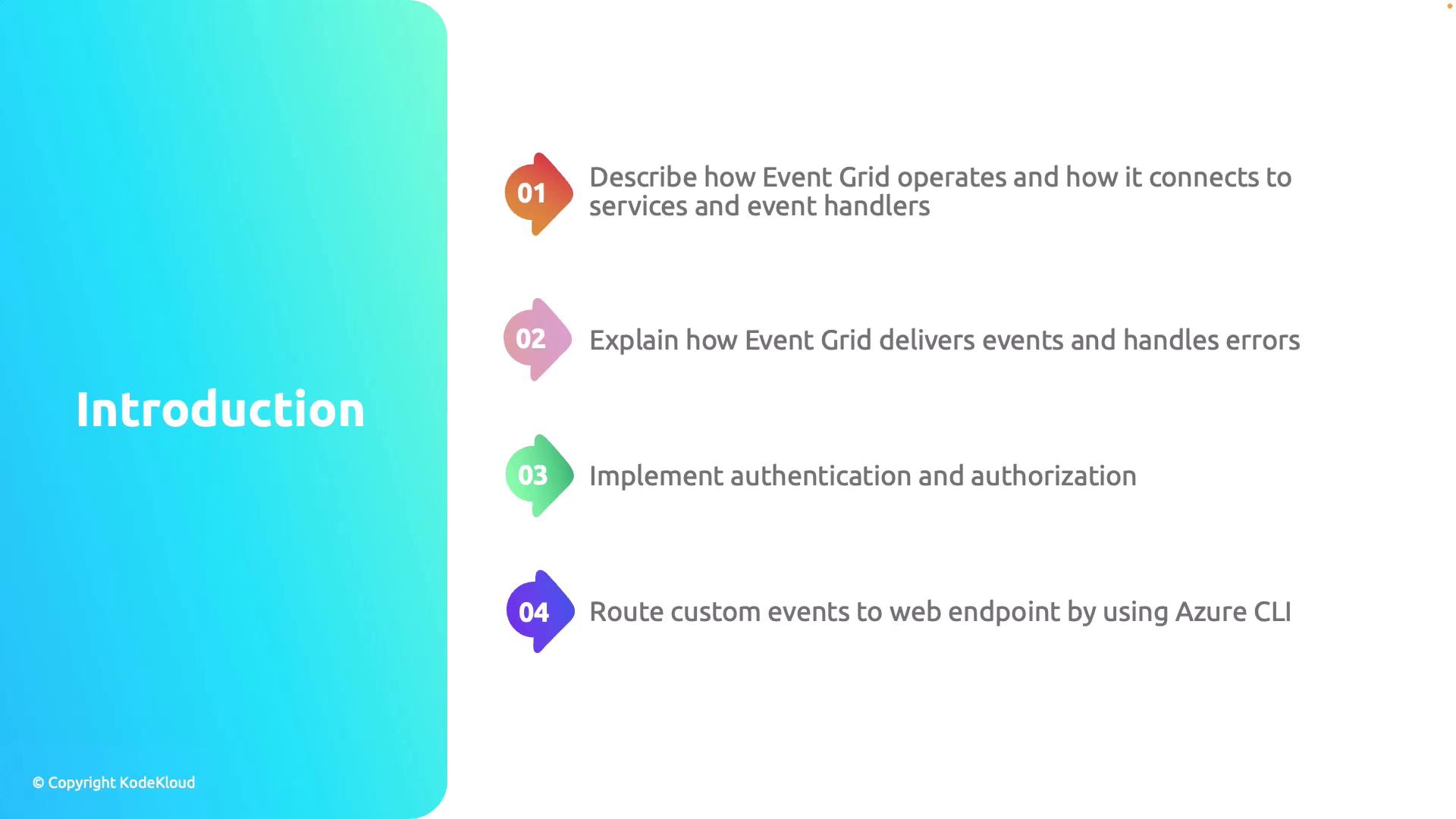
Azure Event Grid is a fully managed event routing service that simplifies building event-based architectures. This article provides an in-depth look at Event Grid, explaining its core features and outlining how it integrates with various services and event handlers. We will focus on these essential aspects:
1. Operation and integration with event handlers.
2. Event delivery and error handling mechanisms.
3. Implementation of authentication and authorization.
4. Routing custom events to web endpoints using Azure CLI.
Let's begin with a detailed overview of Azure Event Grid's fundamental components and functionality.
Azure Event Grid enhances your application’s scalability and responsiveness by efficiently routing events from various sources to event handlers. This makes real-time event processing simpler and more reliable.