> ## Documentation Index
> Fetch the complete documentation index at: https://notes.kodekloud.com/llms.txt
> Use this file to discover all available pages before exploring further.
# Interrogate logs using basic Kusto Query Language KQL queries
> Learn to use Kusto Query Language (KQL) for analyzing logs in Azure Log Analytics efficiently.
In this guide, you’ll learn how to use Kusto Query Language (KQL) to analyze logs in Azure Log Analytics. Whether you’re preparing for the AZ-400 exam or managing production environments, mastering KQL lets you filter, aggregate, and visualize log data efficiently.
## Accessing Azure Log Analytics
1. Sign in to the [Azure portal](https://portal.azure.com/).
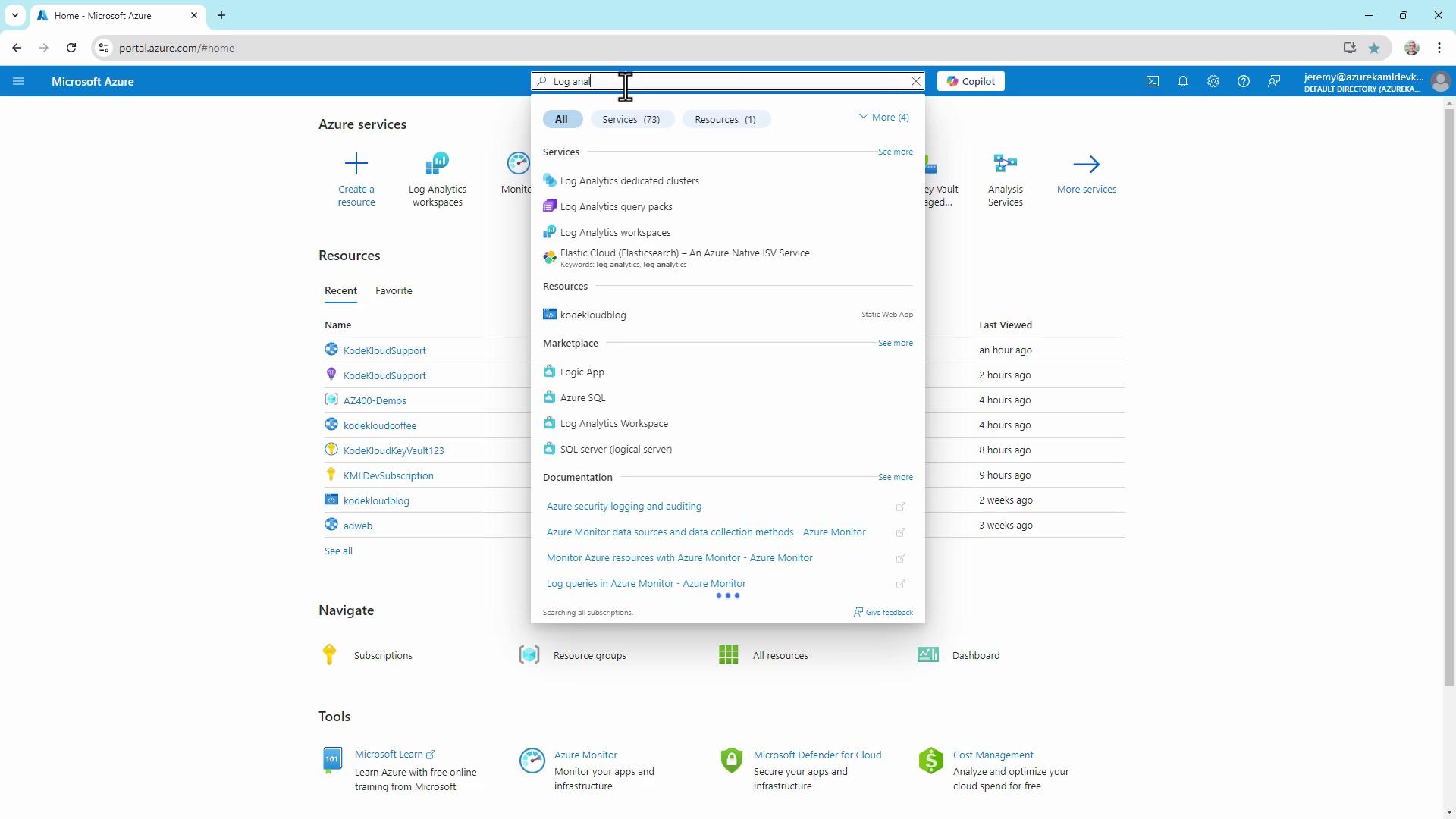
2. In the search bar, type **Log Analytics** and select the service.
3. Choose your workspace and click **Logs** to launch the query interface.
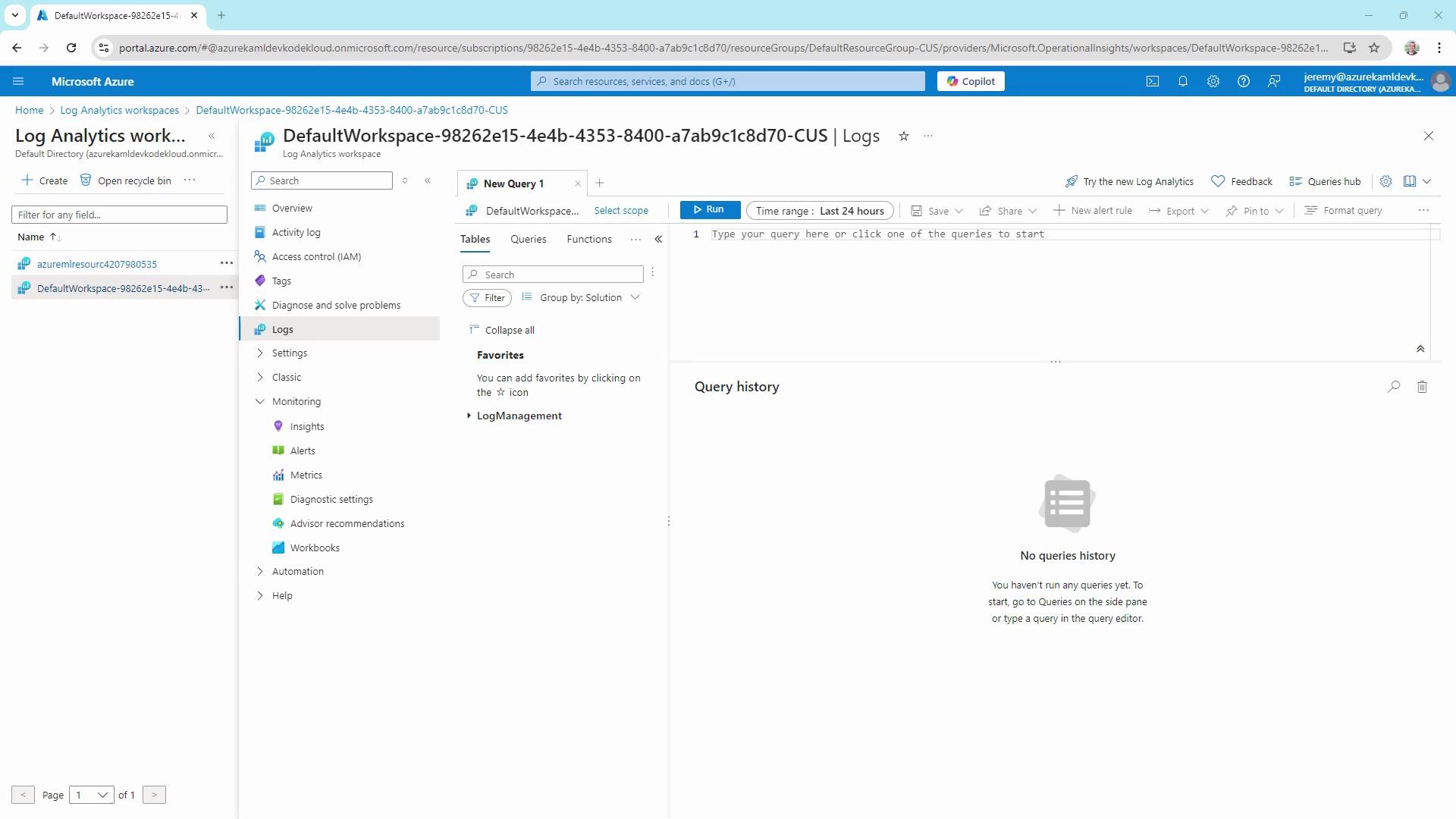
All queries run from this **Logs** hub using KQL.
## 1. Filtering Security Log Data
Filtering is the foundation of any log investigation. Below are examples querying the `SecurityEvent` table.
Retrieve the last 24 hours of security events (limit to 10 records):
```kusto theme={null}
SecurityEvent
| where TimeGenerated > ago(1d)
| project TimeGenerated, Account, EventID, IpAddress, Computer
| take 10
```
Filter for failed logon attempts (EventID 4625) over the last 30 days:
```kusto theme={null}
SecurityEvent
| where TimeGenerated > ago(30d)
| where EventID == 4625
| project TimeGenerated, Account, EventID, IpAddress, Computer
| take 10
```
EventID 4625 indicates an account failed to log on. Use [Microsoft’s official Event ID reference](https://docs.microsoft.com/windows/security/threat-protection/auditing/event-4625) to explore other security events.
## 2. Summarizing Failed Logins by Account
To identify which accounts are targeted most frequently, aggregate and sort failed login counts:
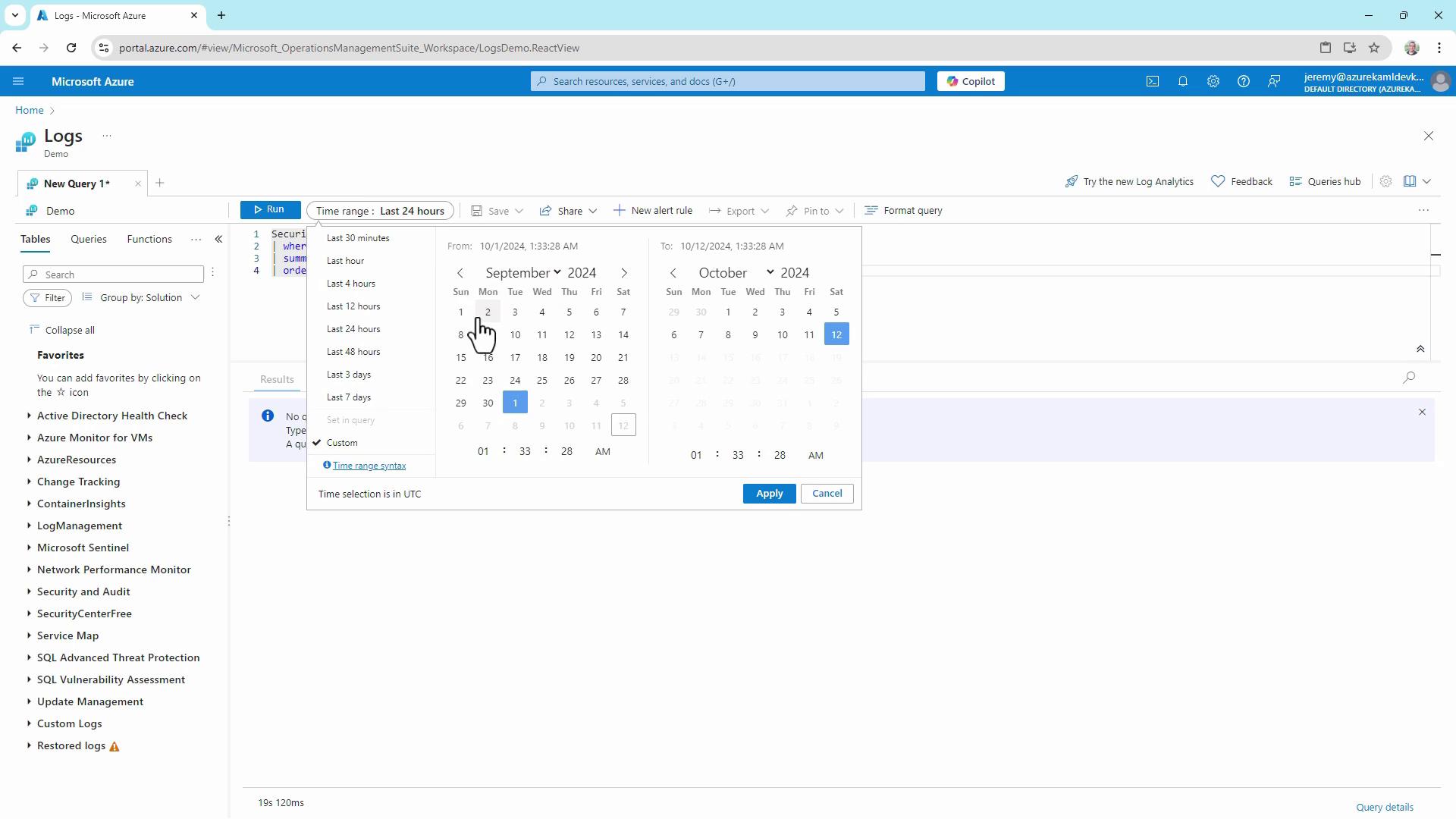
```kusto theme={null}
SecurityEvent
| where TimeGenerated > ago(30d)
| where EventID == 4625
| summarize FailedLogins = count() by Account
| order by FailedLogins desc
```
### Key KQL Functions
| Function | Description | Example |
| --------- | -------------------------------- | -------------------------------------- |
| ago() | Filters records by relative time | `where TimeGenerated > ago(7d)` |
| project | Selects specific columns | `project TimeGenerated, ResourceGroup` |
| summarize | Aggregates rows | `summarize count() by OperationName` |
| order by | Sorts the output | `order by count_ desc` |
## 3. Querying Azure Resource Logs
Azure resource logs, including activity and diagnostic data, are stored in the `AzureDiagnostics` table.
Fetch the last 7 days of resource operations:
```kusto theme={null}
AzureDiagnostics
| where TimeGenerated > ago(7d)
| project TimeGenerated, Resource, ResourceGroup, OperationName, ResultType
| take 10
```
Filter to only failed operations:
```kusto theme={null}
AzureDiagnostics
| where TimeGenerated > ago(7d)
| where ResultType == "Failed"
| project TimeGenerated, Resource, ResourceGroup, OperationName, ResultType
| take 10
```
## 4. Switching Between UI and KQL Modes
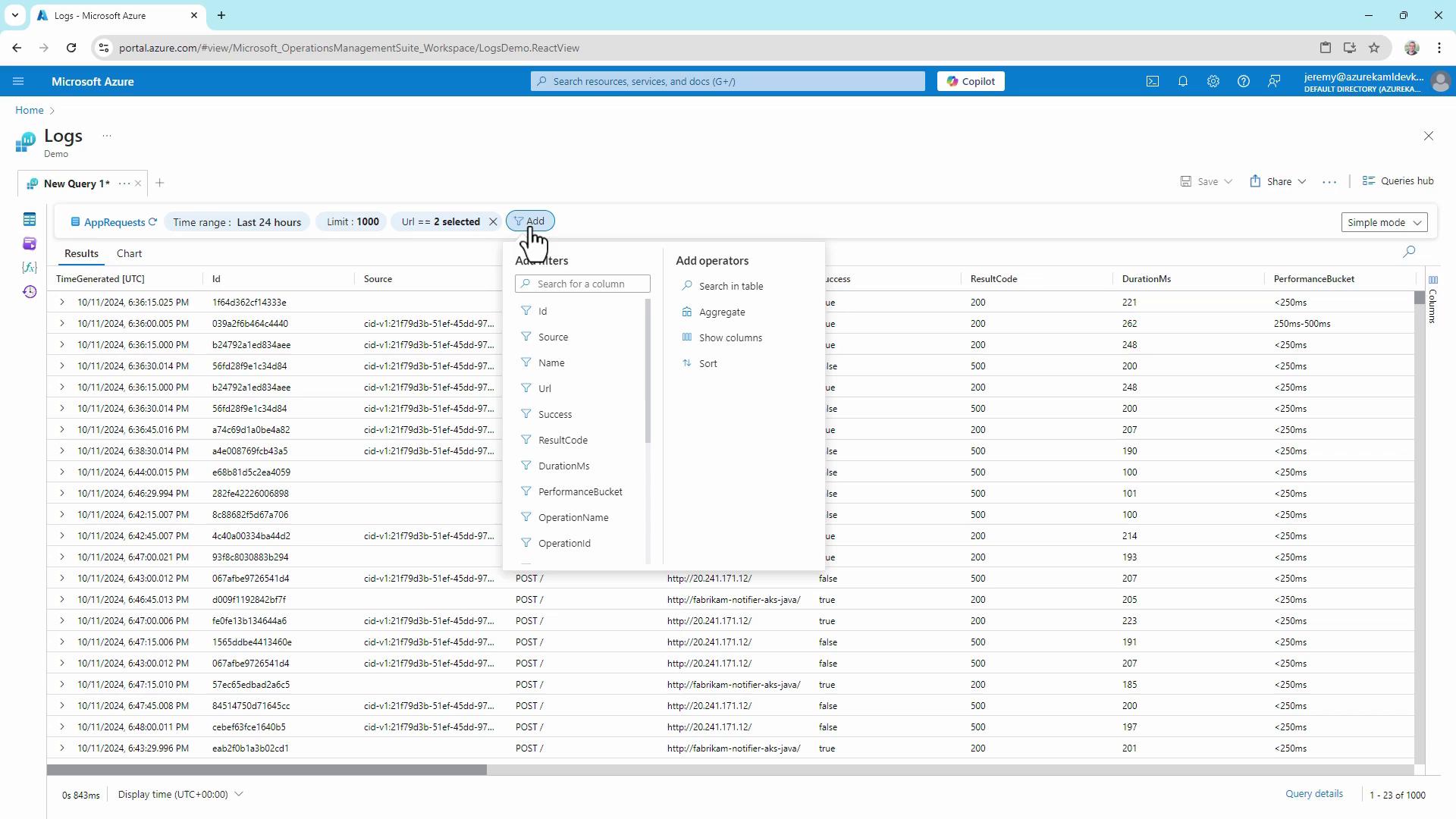
Azure Log Analytics now offers two query experiences:
* **Simple Mode**: Drag-and-drop interface to select tables, apply filters, and set limits without writing code.
* **KQL Mode**: Full control to write custom queries.
Toggle modes via **More analytics settings** in the Logs pane.
## 5. Sharing and Exporting Results
Once your query returns data, you can:
* Copy a secure link to share the query
* Export results to CSV (all rows or displayed columns)
* Copy results to the clipboard
Be cautious when sharing or exporting sensitive log data. Always follow your organization’s data governance policies.
***
With these techniques, you can:
* Filter and project security events
* Aggregate and rank failed logins
* Query Azure resource diagnostics
* Navigate both UI-driven and code-driven analysis
* Securely share or export log data
## Links and References
* [Azure Log Analytics Overview](https://docs.microsoft.com/azure/azure-monitor/logs/log-analytics-overview)
* [Kusto Query Language (KQL) Documentation](https://docs.microsoft.com/azure/data-explorer/kusto/query/)
* [AzureDiagnostics Table Schema](https://docs.microsoft.com/azure/azure-monitor/platform/log-analytics-diagnostics)